



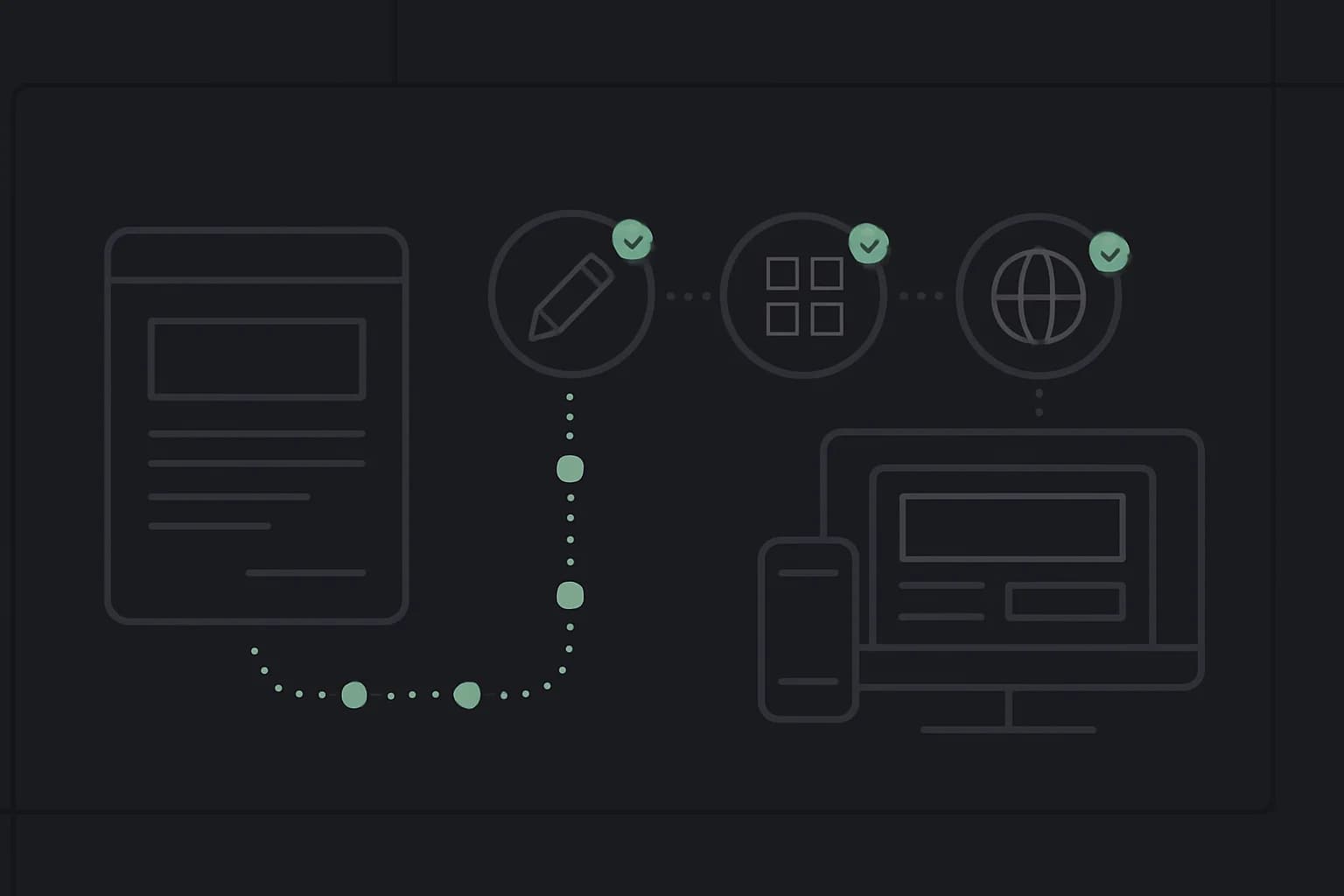
Claude Code for product managers is valuable for a simple reason: a product brief can now become a working, testable artifact before it competes for an engineering sprint. Founders can test an idea, marketers can build campaign utilities, and product managers can walk into a handoff with an interaction people have already used.
That does not make software engineering disappear. It moves the first bottleneck from syntax to problem definition, feedback, and verification. Anthropic reports that its own product design team kept Figma and Claude Code open 80% of the time, saw some visual and state-management work move 2–3x faster, and compressed certain week-long coordination loops into two 30-minute calls. The same official case study also says non-developers benefited from engineering help during initial setup. Both parts matter.
TL;DR: where Claude Code helps each role
| Question | Direct answer |
|---|---|
| What can a product manager build? | Clickable feature flows, internal dashboards, onboarding experiments, and prototypes engineers can inspect |
| What can a founder build? | An idea-validation landing page, a narrow MVP, a customer demo, or a personal operations tool |
| What can a marketer build? | Campaign pages, calculators, content utilities, lead-routing prototypes, and analytics-aware experiments |
| Do I need to know code? | You can start without syntax fluency, but you need core concepts and help installing Node.js or Python when a project requires them |
| What should stay out of the first build? | Payments, production customer data, broad admin access, and anything whose failure creates legal or financial harm |
| What makes the workflow reliable? | Plan first, work in a dedicated folder, define acceptance checks, review the diff, and test in the browser |
Why this is different from asking a chatbot for code
A chat response gives you a code block. Claude Code works against a project: it can inspect files, make edits, run commands, read errors, and try again. That write → run → inspect → fix loop is why it can produce a working prototype rather than a pile of snippets you still have to assemble.
The trade-off is equally important. A tool that can run commands and change files needs a clear boundary. Anthropic's security documentation says Claude Code uses read-only permissions by default, asks before sensitive actions, limits writes to the working directory unless permission is granted, and provides sandbox controls. It also says the user is responsible for reviewing commands and code.
For a first project, create a dedicated folder and start there. Do not open Claude Code in a directory containing unrelated client files, credentials, or personal documents.
mkdir product-prototype
cd product-prototype
claude
If terminal setup is unfamiliar, use the Claude Desktop Code tab or get a developer to guide the first installation. Anthropic's Desktop quickstart says the Code tab starts in an ask-before-changes mode and requires a supported Claude subscription. The point is to lower the entry barrier, not to pretend the computer has no operating model.
The prototype workflow: brief, plan, build, verify
The strongest Claude Code workflow for a non-developer has four stages. It is the same pattern behind good context engineering, expressed as a product loop.
1. Write the decision, not a feature wishlist
Start with the question the prototype must answer:
We need to learn whether first-time users understand how to create a campaign
without a sales call.

Build a mobile-responsive prototype with:
- a three-step campaign setup flow
- realistic sample data, never production data
- a review screen before submission
- clear empty, loading, success, and error states

Success means five test users can complete the flow without instructions.
Do not add authentication, payments, or a database in this version.
This prompt is useful because it names the decision, the scope, the states, and the definition of done. “Build my startup” names none of them.
2. Use plan mode before edits
Anthropic's best-practices guide recommends exploring and planning before implementation when the task is unfamiliar or touches multiple files. Plan mode is read-only: Claude can inspect the project and propose an approach without editing it.
/plan

Turn the brief above into a small HTML, CSS, and JavaScript prototype.
Explain the file structure and the user flow in plain language.
List what you are deliberately leaving out.
Do not edit files until I approve the plan.
This is useful for a product manager because it exposes hidden assumptions early. If Claude proposes a database for a fake-data usability test, remove it. If it skips an error state, add it before implementation.
3. Build in small, reviewable slices
Do not ask for twenty features in one turn. Ask for the shell, preview it, then add one interaction at a time:
Implement only the first campaign setup screen.
Use semantic HTML and plain CSS. Make it work at 390px and 1440px widths.
After editing, start a local preview and tell me the URL.
Then:
Add the review screen. Keep the entered values when the user goes back.
Test the complete flow and list every issue you found before fixing it.
Small slices make mistakes visible. They also teach the shape of the system: page, state, event, validation, and output.
4. Give Claude something it can verify
Anthropic calls verification the highest-leverage part of working with Claude Code. A model performs better when it can run tests, compare screenshots, or check exact outputs instead of deciding that its own work “looks right.”
For a prototype, write acceptance checks in product language:
- The primary action is visible without scrolling on a common laptop viewport.
- Keyboard users can complete every form field.
- Invalid email input shows a specific inline message.
- Refreshing the page does not expose a secret or stack trace.
- The mobile layout has no horizontal overflow.
- All sample data is obviously fictional.
Ask Claude to check each item and show evidence. This is the same principle as human-in-the-loop AI: delegate execution, keep judgment attached to consequences.
How do you turn a wireframe into a working product?
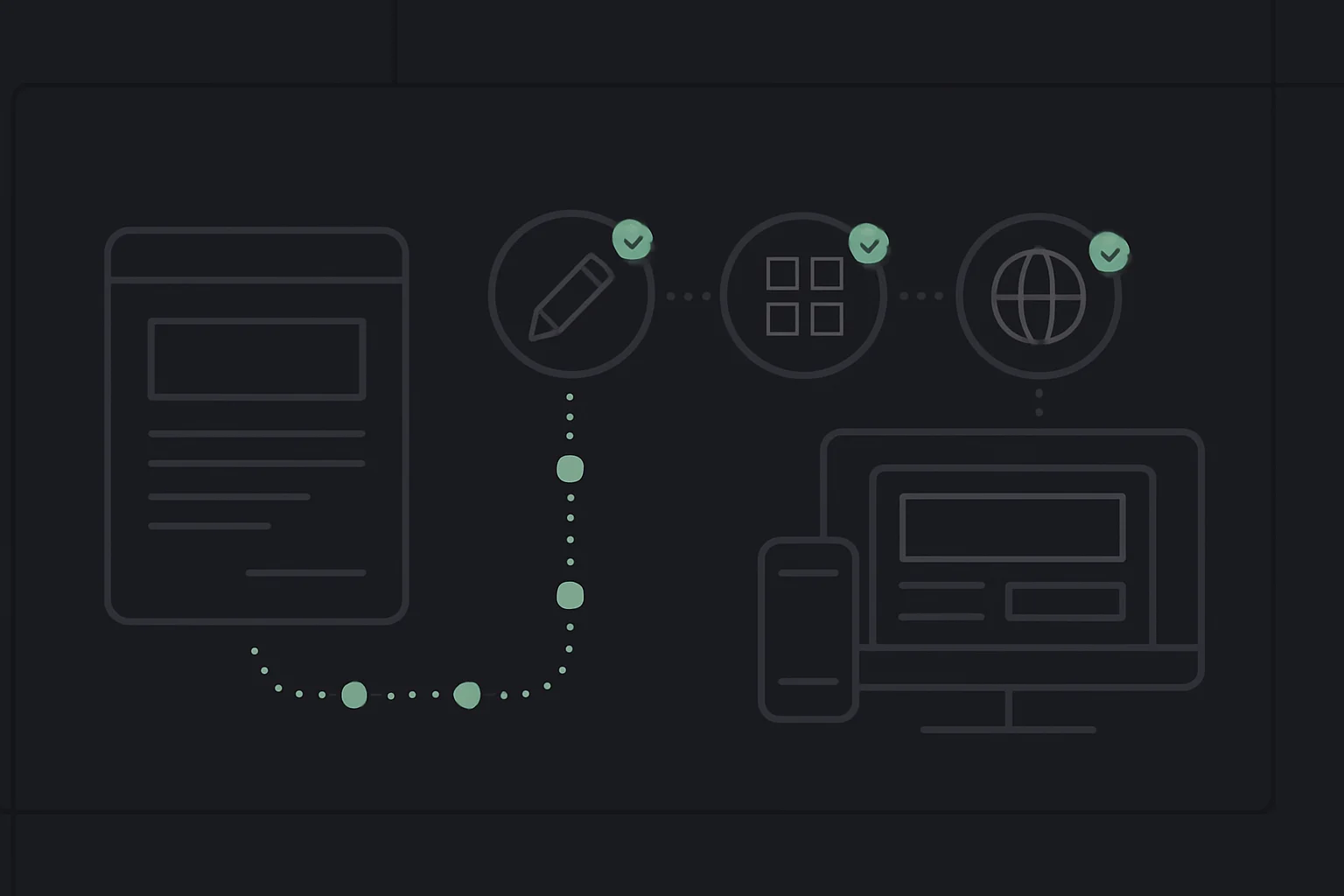
A wireframe is most useful when it communicates behavior, not only rectangles. Start on paper, in a design tool, or with a simple image. Annotate what happens after a click, what data appears, which states are empty or loading, and what a mobile user sees.
Anthropic's Claude Design announcement describes the same handoff: product managers can sketch feature flows and pass them to Claude Code for implementation. Anthropic's product-design team also reports pasting mockup images into Claude Code to create functional prototypes engineers can inspect and iterate on.
Use a two-pass prompt instead of “copy this design”:
Inspect the attached wireframe without editing files.
List every visible component, interaction, missing state, and ambiguity.
For each ambiguity, ask one product question.
Then propose a semantic HTML structure and a mobile interaction plan.
After resolving those questions:
Implement this one screen using the approved plan.
Treat the wireframe as layout intent, not production copy.
Include default, loading, empty, error, and success states.
Run the local preview, capture the result, compare it with the reference,
and list the differences before changing anything else.
The output is now more than a clickable picture. It has real browser behavior, responsive rules, and states a developer can inspect. Keep a short decisions.md beside the prototype recording what the wireframe did not show: validation, data source, permissions, and deliberately deferred work. That file prevents visual polish from being mistaken for product completeness.
What should product managers build first?
The best first project is a behavioral prototype, not a design-system rewrite. Pick a flow whose uncertainty is about what users understand or do.
| Project | What it teaches | Useful success check |
|---|---|---|
| Onboarding flow | Page state, validation, copy, sequencing | A new user completes it without coaching |
| Pricing calculator | Inputs, formulas, edge cases | Known examples produce exact totals |
| Internal triage board | Data shape, filters, status changes | A teammate can find the next action quickly |
| Feedback classifier demo | API boundary, structured output, evaluation | The same examples are classified consistently |
| Portfolio site | HTML, responsive CSS, deployment | It loads on mobile and has a shareable URL |
A personal portfolio is especially useful because it has a real audience, low data risk, and a clear finish line. The existing website-with-Claude-Code guide covers the page-building path; this guide focuses on the product judgment around it.
What should founders build first?
Founders should build the smallest thing that changes a decision. A good prototype may help you decide whether to pursue the idea, which workflow customers value, or what an engineer actually needs to productionize.
Good starting points:
- A landing page with one real call to action and analytics
- A concierge workflow where the difficult step is completed manually
- A dashboard powered by static or sanitized sample data
- A narrow internal tool that removes one repeated spreadsheet task
- A demo that shows the core interaction without billing
Avoid adding Stripe because a checkout makes the demo feel “real.” Billing introduces webhooks, tax, refunds, permissions, and financial consequences. Prove the user value first. When you are ready to build a real application, the full-stack Claude guide explains the larger architecture.
What should marketers build first?
Marketers benefit when the project is too custom for a page builder but too small to win engineering priority:
- A campaign calculator using a transparent formula
- A lead magnet that produces a useful downloadable result
- A content repurposing interface using approved source material
- A landing-page variant that uses the existing site's components
- A UTM builder or naming validator for a campaign team
The brief should include analytics before the visual polish:
Track these events only:
- calculator_started
- calculator_completed
- result_copied
- consultation_clicked

Do not capture names, email addresses, free-text inputs, or calculation values.
Create a short event dictionary explaining when each event fires.
That avoids a common prototype failure: a polished experience that cannot answer whether anyone used it. For agent-led campaign workflows rather than simple tools, see the AI marketing agents guide.
The core tech concepts you need, without memorizing syntax
Comfort with technology is not the same as memorizing JavaScript. Learn the boundaries:
| Concept | Plain-language model | Question to ask Claude |
|---|---|---|
| HTML | Structure and meaning of a page | Is this a button, link, heading, or form? |
| CSS | Layout and visual rules | What changes between mobile and desktop? |
| JavaScript | Behavior in the browser | What event changes this state? |
| Framework | Conventions for organizing an app | Why does this project need Next.js instead of plain HTML? |
| API | A contract between systems | What data enters and what exact shape returns? |
| Database | Durable structured records | Do we need persistence yet, and what is sensitive? |
| Authentication | Proving who a user is | What happens when a session expires? |
| Authorization | Deciding what that user may do | Can one user access another user's record? |
| Environment variable | Configuration or secret outside source code | Which values must never reach the browser? |
| Git | History and collaboration for files | What changed, and how can we safely undo it? |
| Deployment | Moving tested files to a hosted environment | What differs between local and production? |
The broader 50 tech concepts for AI builders is a useful reference when Claude mentions something unfamiliar. Ask for an explanation at the boundary you are changing, then return to the project. Do not pause for a computer-science degree before testing an idea.
Where non-developer prototyping becomes unsafe
Stop and bring in an experienced developer when the build involves:
- Production identity, permissions, or customer records
- Health, legal, employment, or financial decisions
- Payments, refunds, taxes, or subscription state
- Destructive file operations or migrations
- Third-party credentials with broad access
- Scraped personal data or terms-of-service uncertainty
- A public launch where abuse has not been modeled
Claude Code checkpoints can reverse file edits, but Anthropic's how-it-works documentation notes that checkpoints do not reverse external side effects such as database operations, API calls, or deployments. “Undo” is not a recovery plan for production data.
This is why the right claim is not “anyone can ship production software now.” It is: more people can create useful evidence and collaborate with engineering at a higher resolution.
A two-week path from idea to portfolio project
If you want a structured on-ramp, the AI Builder Workshop is designed for product managers, founders, marketers, and developers who want to build with AI. It begins with guided Claude Code setup and turning a wireframe into a working HTML project, moves through Python productivity scripts and agent workflows, then reaches a full-stack AI chat application with authentication and deployment.
The capstone is a personal portfolio built over two weeks, with an optional submission in week three. That sequence is deliberate: first learn how web files fit together, then automate work, then build agents, then ship a full-stack application. Claude Code remains the tool; your mental model gets stronger project by project.
The live workshop is Claude Code-first so the cohort shares one setup and debugging language. If your team already works in Cursor, the product briefs, acceptance checks, normal project files, and reusable SKILL.md workflows transfer; the Cursor prototyping guide shows the equivalent wireframe-to-working-product loop.
The takeaway
Claude Code gives product managers, founders, and marketers a new kind of literacy: the ability to turn an idea into a working artifact, inspect what the system is doing, and collaborate around evidence instead of a slide.
Start with one safe prototype. State the decision, enter plan mode, build in small slices, and define checks Claude can run. If the project touches real money, identities, sensitive data, or irreversible systems, bring in engineering before the demo becomes production.
Related on explainx.ai
- Claude for Startups: what building on Claude actually looks like — Sept 2026; credits, eligibility, and Anthropic's founder-event circuit
- Cursor for product managers: build AI prototypes
- 5 practical Python automation projects with Claude Code
- Build useful AI agents: financial briefing and job search
- Build a full-stack AI chat app with auth
- How to build a website with Claude Code
- Build full-stack websites with Claude
- Claude Projects setup by role
- Claude Code for Python automation
- 50 tech concepts for AI builders
- Context engineering vs prompt engineering
- Human in the loop: when to let an agent run
- Anthropic: how its teams use Claude Code
- Claude Code best practices
- Claude Code security
Claude Code interfaces, permission modes, installation requirements, and documentation links are accurate as of August 22, 2026. Anthropic updates Claude Code frequently, so verify version-specific behavior against the official documentation.