



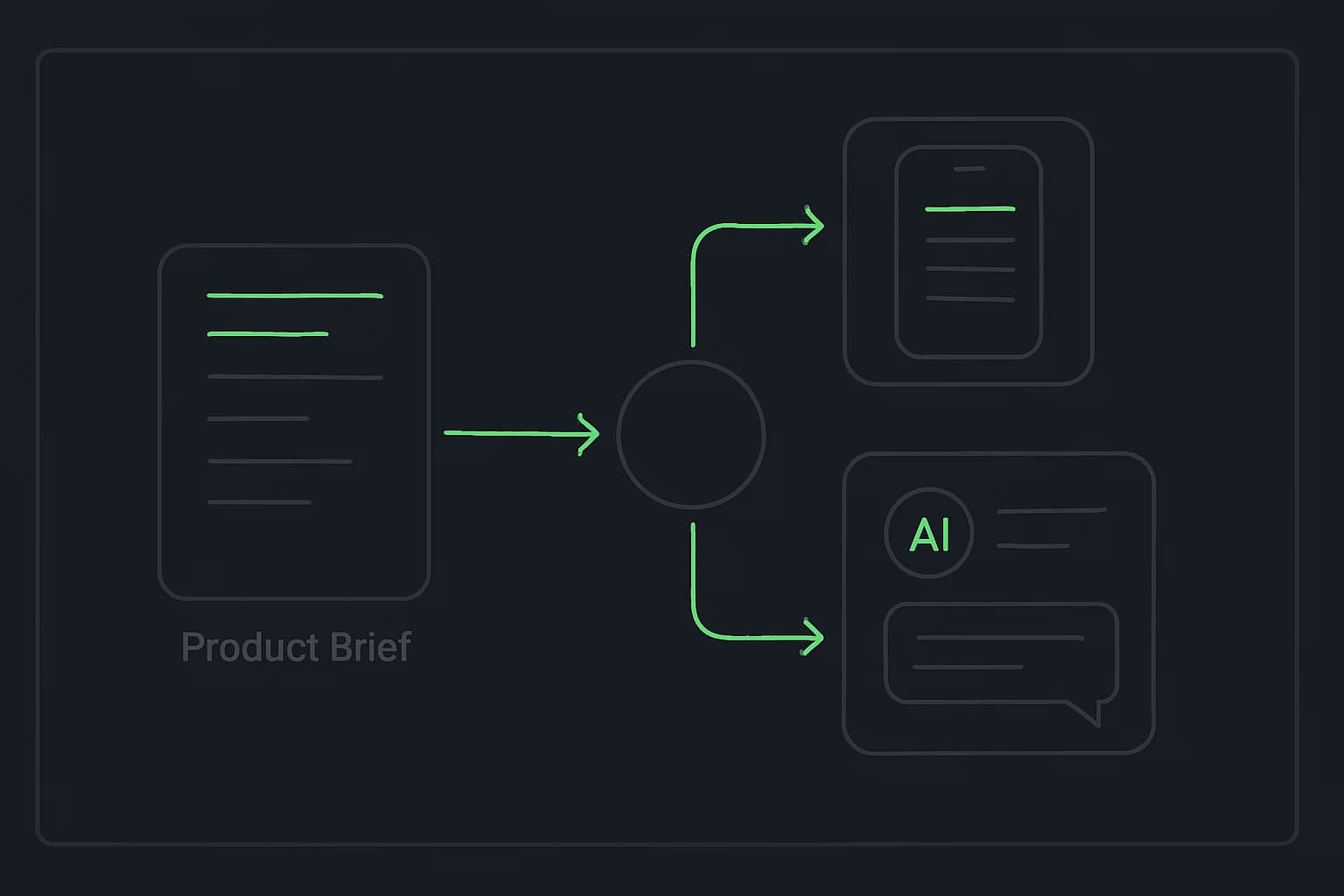
Cursor for product managers is useful when a written brief is no longer enough, but waiting for a full engineering sprint would slow down the next decision. A PM can turn one uncertain flow into something users can click. A founder can make a narrow customer demo. A marketer can build a calculator or campaign utility that behaves like the idea instead of merely describing it.
That does not mean “anyone can ship anything.” Cursor's official Agent overview says Agent can search files, edit code, run shell commands, and use a browser. Those capabilities make it a serious build environment, not a magic safety layer. The useful mindset is: prototype faster, review more deliberately.
TL;DR: what people are asking before they build
| Question | Direct answer |
|---|---|
| Can a non-developer build with Cursor? | Yes, especially for low-risk prototypes with a clear scope and sample data. |
| What makes a good first project? | One interaction that answers one product or customer question. |
| Should the first prototype include auth and a database? | Usually no. Add infrastructure only when the question cannot be tested without it. |
| Can developers use the same workflow? | Yes. Developers can take it further with architecture, tests, integrations, and production review. |
| Does a Claude Code workflow transfer to Cursor? | The briefs, verification checks, AGENTS.md, and standard SKILL.md packages do. Tool-specific commands may not. |
| Which tool does the workshop teach live? | The AI Builder Workshop is Claude Code-first so every participant follows one supported setup. |
Can product managers really build an AI prototype in Cursor?
Yes, if “build” means producing a working artifact that tests a decision. No, if it means replacing every engineering judgment needed to operate software safely for real users.
Cursor's official quickstart begins with a deliberately small change: open a folder, ask Agent to explain the codebase, make one safe edit, inspect the diff, and run the project's existing checks. That sequence is a better model for product prototyping than a giant “build my startup” prompt.
The boundary is practical:
| Prototype responsibility | Who owns it? |
|---|---|
| Problem, audience, and success condition | Product manager, founder, or marketer |
| File edits and first implementation | Cursor Agent, under review |
| Whether the interaction answers the product question | The person running the test |
| Authentication, permissions, data handling, and production architecture | A qualified technical owner |
| Final deployment decision | The team accountable for the product |
This extends the wider AI workflow for product managers: summaries save reading time, while a prototype changes what the team can validate before it commits engineering capacity.
What should you build first?
Choose a project whose feedback arrives quickly and whose mistakes have a small blast radius.
For product managers
Build a clickable onboarding or feature flow with realistic but fictional data. Ask five people to complete one task without coaching. The output is not “the UI is finished”; it is evidence about where users hesitate, misunderstand, or abandon the flow.
If the idea already exists as a sketch or Figma export, turn that wireframe into the first working interaction rather than rewriting it as a long specification. The next section shows the exact handoff.
For founders
Build the narrowest demo that tests willingness to use the core behavior. A searchable mock knowledge base, one-purpose scheduling assistant, or internal lead triage tool is better than a sprawling MVP with billing. The software-for-one pattern is a useful first step because one known user gives immediate feedback without forcing premature generality.
For marketers
Build a campaign calculator, brief generator, UTM naming checker, or content approval prototype. Define the inputs, exact output, and privacy boundary before asking for visual polish. Do not send free-text customer data to a new prototype simply because the interface works.
For developers building with AI
Use the same product brief, then add the engineering layer: architecture decisions, types, tests, observability, failure handling, and deployment. A developer may move directly from prototype to a full-stack AI chat application, but should still build one verified slice before adding every service.
Can Cursor turn a wireframe into a working product?
Yes, but split visual interpretation from product behavior. Cursor's Agent overview says Agent can read image files, including PNG, JPG, GIF, WebP, and SVG, and its browser tool can navigate an application, interact with elements, and capture screenshots. That supports a useful wireframe → interface → interaction → verification loop.
1. Put the reference inside the project
Export a frame or take a screenshot, then save it with a descriptive name:
references/
  campaign-onboarding-mobile.png
Do not begin by asking Cursor to “make it identical.” First ask it to separate what the image proves from what it cannot know:
Inspect references/campaign-onboarding-mobile.png.

Before writing code:
- describe the visual hierarchy, spacing, components, and visible states
- list interactions the static image does not define
- identify accessibility or responsive questions I must answer
- propose a component tree using this project's existing components

Do not edit any files yet.
A screenshot can show placement. It cannot tell the agent whether “Continue” saves a draft, whether the back button preserves state, what validation message appears, or who can see the submitted data. Those decisions still belong in the brief.
2. Build the static shell before the behavior
After resolving the questions, ask for one responsive screen with sample content:
Implement only the static onboarding screen from the approved plan.
Use fictional data and the existing design tokens.
Match the reference at 390px, then create a sensible 1440px layout.
Do not add APIs, authentication, persistence, or new dependencies.
Run it in the browser and compare screenshots at the specified widths. Ask Cursor to name visible differences instead of declaring that the page “matches.” This keeps wireframing focused on layout and hierarchy before application state makes debugging harder.
3. Add one end-to-end interaction
Once the shell is accepted, wire the smallest behavior that makes it a product prototype: input, validation, state transition, review, and success or error feedback.
Make the primary action work end to end with local sample data.
Preserve entered values when the user moves back.
Add explicit empty, validation, loading, success, and failure states.
Test the flow with keyboard navigation and at 390px width.
Report what differs from the reference and why.
This is the moment a wireframe becomes a working product hypothesis. The design gives the agent a visual target; the product brief supplies behavior and exclusions; verification decides whether it is credible enough to test. The AI Builder Workshop teaches this same design-to-working-build progression in Claude Code, with the resulting files, acceptance checks, and skills reusable in Cursor.
A repeatable Cursor prototype workflow
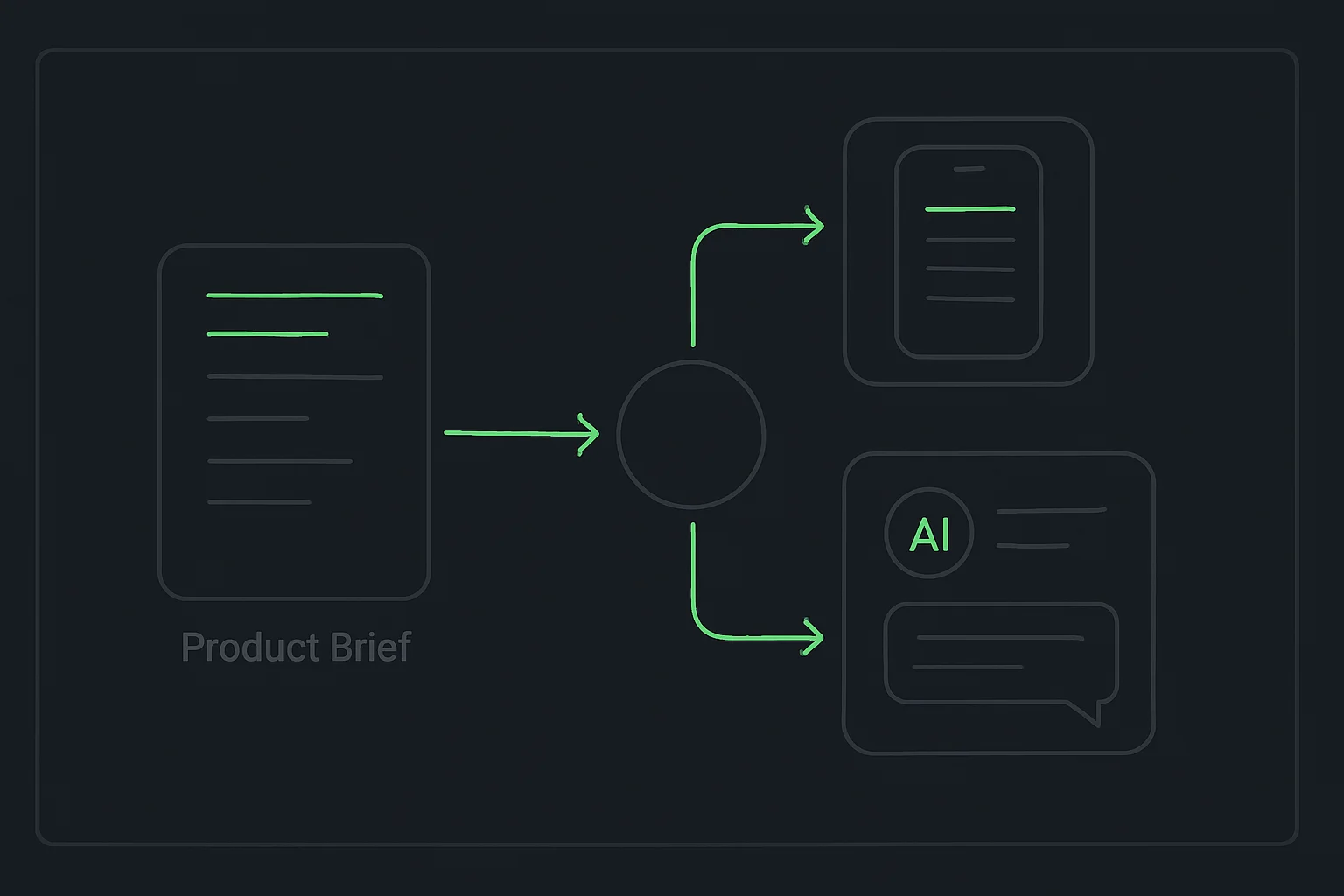
The strongest workflow is brief → plan → build one slice → review → verify. Cursor's docs describe each tool; the value comes from placing them in an order that makes product mistakes visible early.
1. Write the decision before the feature list
Start with what the prototype must teach you:
We need to learn whether first-time users understand how to create a campaign
without a sales call.

Build a mobile-responsive prototype with:
- a three-step campaign setup flow
- fictional sample data only
- a review screen before submission
- clear empty, loading, validation, success, and error states

Success means five test users can complete the flow without instructions.
Do not add authentication, payments, a database, or external APIs.
This prompt fixes the audience, decision, states, success condition, and exclusions. It gives the agent a finish line that can be checked rather than a mood it can only imitate.
2. Use Plan Mode for anything larger than one edit
Cursor's quickstart says Plan Mode researches the codebase, asks clarifying questions, produces an implementation plan, and waits for approval. Toggle it with Shift+Tab in the Agent input, then ask:
Plan the smallest implementation of the brief above.
Explain the file structure and user flow in plain language.
List every assumption and everything deliberately excluded.
Do not edit files until I approve the plan.
Reviewing the plan teaches technical concepts while they matter. “State” is no longer an abstract definition; it is the reason a user's answers remain available when they move back one step.
3. Build one vertical slice
Ask for the first usable path, not every imagined feature:
Implement the first campaign setup screen and its validation.
Make it work at 390px and 1440px widths.
Use the project's existing components and styles where available.
Start the local preview and tell me how to verify this screen.
Then inspect it before adding the review screen. This is a small version of loop engineering: give the agent an observable result, let it act, and feed the evidence into the next iteration.
4. Review the diff, not just the browser preview
A polished page can still contain unnecessary packages, hard-coded secrets, broken validation, or edits outside the requested scope. Cursor's Diffs and Review documentation explains that Agent presents additions and deletions in a review interface and supports file-by-file or selective acceptance.
Use a plain-language review prompt:
Before I accept this change:
1. List every file you changed and why.
2. Flag any dependency you added.
3. Confirm that no secrets or real user data were introduced.
4. Run the relevant checks and report the exact result.
5. Tell me what still needs a human decision.
Do not treat the agent's answer as proof by itself. Read the changed files, use the interface, and ask a developer to review anything that touches credentials, permissions, production data, or public deployment.
5. Convert repeated corrections into instructions
If you repeatedly say “use our button component,” “never use real customer data,” or “run the mobile check,” move that guidance into a reusable project instruction. Cursor's Rules documentation supports version-controlled project rules and AGENTS.md, including nested instructions for specific subdirectories.
This is context engineering in practical form: the important constraints live beside the work instead of depending on what one chat happens to remember.
Can Claude Code skills work in Cursor?
Yes, when the skill uses the standard SKILL.md format and does not depend on commands available only in one tool.
Cursor's official Agent Skills documentation describes skills as portable, version-controlled packages containing instructions, scripts, templates, and references. Cursor discovers SKILL.md files in .agents/skills/ and .cursor/skills/, and also loads compatible skills from .claude/skills/ and .codex/skills/.
That means a reusable skill such as “turn a product brief into acceptance checks” can travel with the project:
.agents/
  skills/
    prototype-review/
      SKILL.md
      references/
        review-checklist.md
The portable part is the workflow. A skill that calls a Claude Code-only slash command, assumes a tool-specific permission model, or names an unavailable integration needs adaptation. The complete Agent Skills guide explains the difference between a reusable capability package and a one-off prompt.
Is the AI Builder Workshop taught in Cursor or Claude Code?
The AI Builder Workshop is Claude Code-first. The live walkthroughs, setup support, debugging language, and instructor screen all use Claude Code so a mixed cohort is not split across two interfaces while learning HTML, Python automation, AI agents, and Next.js deployment.
The learning is broader than one interface:
- Product briefs and acceptance criteria work in either tool.
AGENTS.mdproject guidance is supported by Cursor.- Standard
SKILL.mdpackages are discoverable in Cursor. - HTML, Python, JavaScript, Next.js, APIs, authentication, Git, and deployment concepts do not belong to one coding agent.
- A portfolio or prototype remains normal project files that another editor or agent can open.
If you already use Cursor, you do not need to discard it. Use Claude Code during the guided sessions, then bring the workshop's project folders and reusable skills into Cursor for your own workflow. For the tool-specific version of the same audience problem, read Claude Code for product managers, founders, and marketers.
Which technical concepts will you learn while building?
An AI coding agent is most useful when it helps you develop a mental model, not when it hides every technical decision behind “done.” A practical prototype exposes the core layers in context:
| Concept | The question it answers in your project |
|---|---|
| HTML and components | What appears on the page, and which pieces repeat? |
| CSS and responsive design | How does the interface adapt across mobile and desktop? |
| JavaScript and state | What changes after a click, input, loading event, or error? |
| Runtime and dependencies | What must be installed for this project to run? |
| API | How does the interface request work from another service? |
| Authentication and authorization | Who is the user, and what are they allowed to access? |
| Framework | Which conventions organize pages, data, and deployment? |
| Git and deployment | How are changes tracked, reviewed, and made available to users? |
Product managers and marketers do not need to memorize syntax for every layer. They should be able to identify which layer a proposed change touches, ask what could fail, and understand why a developer recommends a constraint. Founders need the same literacy to distinguish a product shortcut from an operational risk. Developers already know many of the concepts; their leverage comes from learning how to give an agent precise context and verification.
That is why the AI Builder Workshop progresses from simple HTML projects to Python automation, AI agents, and a full-stack Next.js application instead of jumping directly to a generated production codebase. Each project makes another layer visible while there is still a concrete result to test.
What should not go into your first Cursor prototype?
Keep the first build away from consequences it was not designed to handle:
- Real customer, employee, financial, or health data
- Payments and billing flows
- Admin access to production systems
- Unreviewed web scraping against sites whose terms or robots rules prohibit it
- Autonomous emails, job applications, purchases, or account changes
- Secrets pasted into prompts or committed into the repository
Cursor's security hardening guide recommends layered controls rather than relying on one guardrail. It specifically notes that .cursorignore is best-effort and does not cover every terminal or MCP path, so it should be paired with approvals and file permissions.
The rule is simple: the greater the consequence of a wrong action, the closer the human review gate should be. That is the same boundary used in explainx.ai's human-in-the-loop guide.
The real skill is not typing code
For a product manager, founder, or marketer, Cursor's advantage is not that it makes syntax irrelevant. It makes clear scope, product judgment, feedback, and verification more valuable because those inputs can now produce a working artifact quickly.
Start with one decision. Build one slice. Inspect the changes. Test with people. Keep production risk attached to someone qualified to own it. That is how a Cursor prototype becomes useful evidence instead of an impressive demo nobody should ship.
Related on explainx.ai
- Claude Code for product managers, founders, and marketers
- What is Cursor? Build your first HTML project
- How product managers use AI beyond meeting summaries
- Software for one: building personal apps with AI coding agents
- How to run loops in Cursor
- What are Agent Skills? Complete guide
- Build a full-stack AI chat app with authentication
- Human-in-the-loop AI: when to let an agent act
Official documentation: Cursor quickstart · Cursor Agent · Cursor Rules · Cursor Agent Skills · Cursor security hardening
Cursor capabilities and documentation references were checked on August 22, 2026. Product interfaces and shortcuts can change; verify current behavior in Cursor's official documentation before teaching or standardizing a team workflow.