



New — August 22, 2026: Claude Projects organizes ongoing knowledge work; Claude Code turns a product brief into running software. Use the Claude Code guide for product managers, founders, and marketers when the job is an interactive prototype rather than a document or prompt workflow.
Most people use Claude the same way they use a search engine.
They open a tab, type a question, read the answer, and close the tab. Next time they have a similar question, they open a new tab and start over. Claude has no idea who they are, what company they work for, what tone their brand uses, or what they tried last week. Every conversation begins from zero.
Note: This guide covers the original claude.ai chat Projects feature — custom instructions and reference documents for one topic. On September 17, 2026, Anthropic launched a differently-scoped, newer feature also called Projects, first in Claude Code: a coordinator conversation that starts and tracks parallel cloud-session threads doing real work with their own branches and pull requests, not a folder of chat context. See Claude Code Projects: one conversation coordinates parallel cloud threads for that one. Anthropic's rollout plan folds this older feature into the new one over time, but as of this beta they remain separate products under the same name.
This approach works for one-off lookups. It is nearly useless for the kind of ongoing, context-heavy work that actually fills a professional's day — writing brand-consistent content, drafting outreach that sounds human, building documents that follow your company's structure, researching topics that build on what you already know.
Claude Projects fixes this. Not by making Claude smarter about facts — it is already very capable there — but by giving you a persistent workspace that carries your context, your instructions, and your documents across every conversation. It is the difference between hiring a contractor who needs a full briefing every Monday and working with a colleague who already knows the backstory.
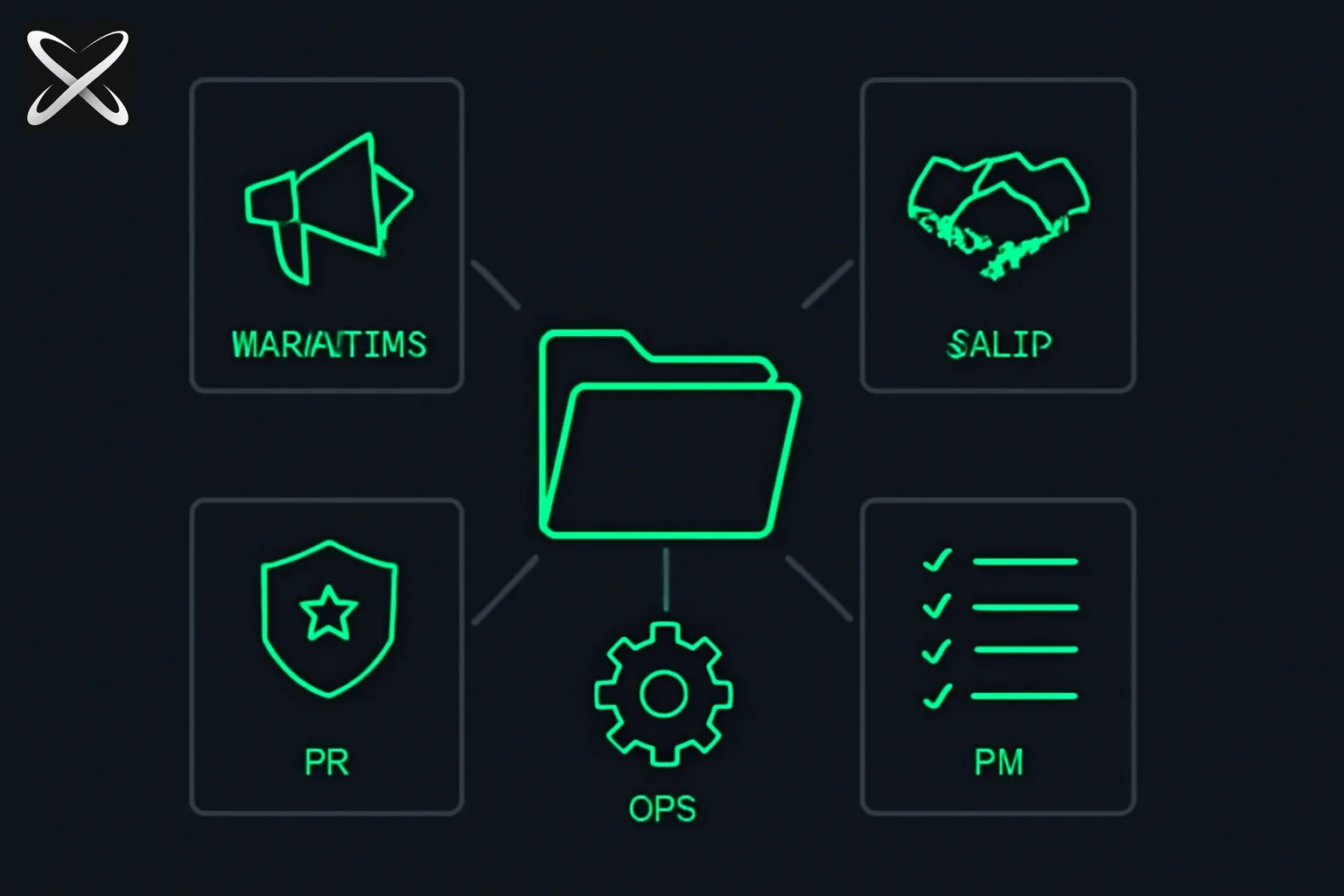
This guide walks you through how to set one up, starting with the universal building blocks and then going role by role — marketing, sales, HR, operations, and product management — with specific examples you can copy and adapt today.
What Claude Projects Actually Do
Before getting into setup, it helps to understand what a Project actually changes.
When you create a Claude Project, you are creating a dedicated workspace with three layers of persistent context.
Custom instructions are directives you write once that apply to every conversation inside that Project. They tell Claude who you are, how you want it to communicate, what format to use for outputs, and what standing rules apply to your work. Claude reads these instructions at the start of every conversation without you having to re-paste them.
Context documents are files you upload to the Project — your brand voice guide, your product one-pager, your SOP library, your email templates. Claude can reference these documents in any conversation. If you ask it to write a blog post and your brand voice doc is in the Project, it knows what "writing in our voice" actually means rather than guessing.
Memory across sessions means that unlike a regular chat, where each new conversation is isolated from all previous ones, a Project maintains its instructions and documents continuously. You can start a conversation today, come back tomorrow, and Claude still has full access to everything you have set up.
What Projects do not do: they do not automatically remember things you said in past conversations beyond what you explicitly saved as instructions or notes. If you want Claude to remember a specific decision you made in a previous chat, you need to save it somewhere in the Project — either in your instructions or in a Project Note.
The Universal Setup Checklist
Every role benefits from the same foundational setup before adding role-specific material. Work through this list once and you will save yourself hours of repeated briefing.
1. Name your Project clearly. Use a name that tells you exactly what it is for: "Marketing Content — Brand Voice" or "Sales Outreach — SMB Segment" rather than "My Work Project." You will likely have several Projects eventually, and clear names prevent the wrong context from bleeding into the wrong task.
2. Write your role header. Your custom instructions should open with a brief description of who you are. Something like: "I am a senior content marketer at a B2B SaaS company that sells project management software to mid-market operations teams. I write blog posts, email newsletters, LinkedIn content, and sales enablement materials." Claude uses this to calibrate everything from vocabulary level to the types of examples it chooses.
3. Set your output format preferences. Tell Claude exactly how you want it to respond by default. Do you want bullet points or prose? Short answers or comprehensive ones? Do you want it to offer multiple variants of a headline or just give you one strong recommendation? Do you want it to flag assumptions or just proceed? Making these preferences explicit eliminates the friction of reformatting outputs after the fact.
4. Define your tone requirements. This is particularly important if you have a specific brand voice or write in a particular register. "Write in clear, direct language. No jargon. No filler phrases like 'in today's fast-paced world' or 'at the end of the day.' Conversational but professional." If your company has a written brand voice guide, uploading it is even better than trying to describe it in instructions.
5. Upload your most-used reference documents. Start with two or three core documents rather than uploading everything. The most valuable documents to start with are whatever you re-explain most often: your company's value proposition, your product description, your standard template for the output type you produce most.
6. Add explicit "never do" rules. Every role has things that must never appear in outputs. Compliance disclaimers that need to be there. Competitor names you cannot mention. Claims you cannot make without legal review. Put these in your instructions as a short list so they are always in scope.
What not to put in a Project:
Do not upload documents containing passwords, API keys, or authentication credentials of any kind. Do not upload files with personally identifiable information about employees or customers — individual performance reviews, customer contact lists, HR files with personal details. Do not upload anything your company's data governance policy requires to stay out of AI systems. When in doubt, check with your IT or legal team before uploading sensitive business documents. Most of what you need for a useful context document (brand voice, templates, process steps, product information) contains nothing sensitive.
Setting Up Claude for Marketing
Marketing is one of the highest-leverage use cases for a Claude Project because so much marketing work is context-dependent. The difference between Claude generating a generic blog post and generating something that actually sounds like your brand comes entirely from what you have given it to work with.
Documents to upload:
Your brand voice guide is the single most important document for any marketing Project. If your company has written one, upload it. If you have not written one, spend 20 minutes creating a one-page version before you set up this Project — it will pay back that investment many times over. Also upload your most-used content templates (blog post structure, email newsletter format, LinkedIn post framework), a brief competitive positioning summary (what you are, what you are not, how you differ from the main alternatives), and your product or service description as it appears in your best existing content.
Custom instruction example:
"I am a content marketer for [Company Name], a [brief product description] company. Our audience is [specific audience description]. Always write in our brand voice as described in the uploaded brand voice document. When writing headlines, give me the primary headline plus three variants that test different angles. When writing body copy, flag any phrases that feel like clichés — 'game-changing,' 'revolutionary,' 'cutting-edge,' 'leverage' — and suggest alternatives. Default output length for blog posts is 1,200 to 1,500 words unless I specify otherwise. Always include a clear next step or call to action at the end of any standalone piece."
How to use it:
Open a conversation in your Marketing Project and work in the 3-prompt workflow described later in this guide. The orient prompt gives Claude the specific context for this task (what piece, what goal, what deadline). The explore prompt generates options. The finalize prompt tightens the best option. Because your brand voice and templates are already in the Project, the outputs from step one will already be much closer to publishable than they would be from a cold conversation.
Setting Up Claude for Sales
Sales professionals are often skeptical of AI writing assistance because so much AI-generated outreach sounds exactly like AI-generated outreach. The solution is not better prompts — it is better context. A Claude Project with your ICP description, your product one-pager, and your real objection handling language gives Claude what it needs to write outreach that sounds like you, not like a template.
Documents to upload:
Your ideal customer profile (ICP) document, including the specific job titles you target, the company characteristics that signal a good fit, and the pain points your product addresses for those buyers. Your product or service one-pager written for prospects (not internal documentation). A document of real objection responses — not polished marketing language, but the actual words that work in your sales conversations. If you have email sequences that have performed well historically, a sample of those is enormously useful context.
Custom instruction example:
"I am a sales representative at [Company Name]. We sell [product/service description] to [target customer description]. Our buyers care most about [top 2-3 pain points]. I use Claude to help me write outreach emails, follow-up sequences, and LinkedIn messages. Help me write outreach that sounds like a human wrote it for a specific person — not a template. Avoid opener clichés like 'Hope this finds you well' and 'I wanted to reach out.' Do not use more than three sentences per paragraph. When I give you a prospect's name and company, draft a first-touch outreach message using the ICP and product context in this Project. Ask me for any specific detail about the prospect that would make the message more personalized before drafting if the information seems insufficient."
How to use it:
Paste a prospect's LinkedIn URL summary or a brief description of who they are and what their company does. Claude uses your ICP and product context to write outreach calibrated to that specific prospect's likely pain points. Because the objection handling document is in the Project, Claude can also help you draft responses to common pushback without you having to re-explain your product each time.
Setting Up Claude for HR and People Operations
HR work requires a tone that is simultaneously professional, empathetic, and clear — and it often requires that same tone across dozens of different document types, from job descriptions to performance improvement plans to onboarding emails. A Claude Project reduces the cognitive overhead of context-switching between those document types while maintaining consistency.
Documents to upload:
Your company values document (the real one, with descriptions of what each value means in practice, not just a logo slide). Your job description template so every role description follows a consistent structure. Your onboarding checklist or new hire welcome sequence. If your company has a specific tone for internal communications versus external communications, a brief note describing the distinction. Any regulatory or compliance language that must appear in certain document types.
Custom instruction example:
"I work in people operations at [Company Name]. I use Claude to draft job descriptions, write offer letter language, create internal communications, develop onboarding materials, and handle sensitive employee communications. Default to plain English — avoid HR jargon like 'synergize,' 'bandwidth,' and 'circle back.' When drafting sensitive communications (performance issues, policy violations, difficult conversations), write in a tone that is direct and empathetic without being clinical or cold. Always flag any language that might create legal exposure and suggest a safer alternative. When drafting job descriptions, follow the template in the uploaded document."
How to use it:
The most valuable use of a People Ops Claude Project is drafting first versions of communications that would otherwise require significant time to calibrate in tone. A layoff communication, a performance conversation prep document, an offer letter — these all benefit from a strong starting draft that you then personalize and review rather than starting from a blank page under time pressure.
Setting Up Claude for Operations
Operations work is often underserved by AI tools because it is less about generating prose and more about structuring information, tracking process steps, and turning ambiguous situations into clear action plans. A Claude Project oriented toward operations should be built around structure and conciseness above all else.
Documents to upload:
Your most-referenced SOPs for recurring processes. Your vendor list with brief notes on each vendor relationship (what they do, who the contact is, any standing agreements). Your recurring meeting agendas so Claude can generate pre-read summaries or action item lists in the right format. If you manage projects with a specific tracking format, upload a blank template so Claude always structures outputs the same way you do.
Custom instruction example:
"I work in operations at [Company Name]. I manage process documentation, vendor relationships, cross-functional projects, and recurring operations meetings. Format all task outputs as numbered action lists unless I ask for something else. Be concise — I do not need explanations of why to do something unless I ask for them. When I describe a situation or problem, default to giving me a structured next-step list rather than analysis of the problem. When I ask for a meeting agenda, use the format in the uploaded agenda template. Flag any step that depends on input from a specific function or team member so I can identify dependencies early."
How to use it:
Operations benefits enormously from using Claude as a first-pass document drafter for process documentation. Describe a process in plain language — "our vendor onboarding process starts when legal signs a contract and ends when the vendor is set up in our payment system" — and ask Claude to draft it into SOP format using your uploaded template. The resulting document still needs your review and refinement, but the structural work is done in seconds rather than hours.
Setting Up Claude for Product Management
Product managers work at the intersection of user research, engineering constraints, business goals, and stakeholder communication — all of which require translating between different modes of thinking. A Claude Project for PMs should be built to support that translation work: turning vague stakeholder requests into crisp requirements, turning user research into insights, and turning roadmap decisions into clear communication.
Documents to upload:
Your PRD (Product Requirements Document) template. A summary of your current product areas and their purpose (what the product does, who uses each area, what problems they solve). Any user research summaries or persona documents you reference regularly. Your roadmap format and any standing prioritization framework your team uses (RICE, ICE, MoSCoW, or your own version).
Custom instruction example:
"I am a product manager at [Company Name]. I use Claude to help me draft PRDs, write tickets, prepare stakeholder communications, analyze user research, and think through product decisions. Think like a PM. When I bring you a vague requirement or feature request, push back and ask clarifying questions before drafting anything — I want you to identify missing information, not paper over it. When drafting PRDs, use the template in the uploaded document and flag any section where I have not given you enough information to fill it in. When I am preparing for a stakeholder conversation, help me anticipate objections and prepare responses. Default output format: structured document with headers, not prose paragraphs."
How to use it:
The most high-value use case is using Claude as a thinking partner on requirements. Paste a stakeholder's Slack message or meeting notes into the Project conversation and ask Claude to help you identify what is actually being asked for, what is ambiguous, what assumptions are embedded in the request, and what you need to clarify before writing a word of the PRD. This alone — having a first-pass critic before you commit to writing a spec — is worth the time investment in setting up the Project.
The 3-Prompt Workflow for Any Role
Regardless of your role, most Claude Project tasks work best when you approach them in three moves rather than one.
The orient prompt gives Claude the specific context for this particular task, even though it already has your general context from the Project. "I need to write a nurture email for prospects who attended our webinar last week but have not booked a demo. The webinar topic was [X]. The email will go out three days after the webinar. Goal is to get them to book a 20-minute demo call." The orient prompt transforms a generic session into a task-specific one.
The explore prompt generates options, drafts, or analysis rather than jumping straight to a final output. "Give me three different angles this email could take — one that leads with social proof, one that leads with a specific problem we covered in the webinar, and one that leads with a question." Exploring before finalizing prevents you from anchoring too quickly on the first thing Claude generates.
The finalize prompt takes the best material from exploration and sharpens it. "Take the second angle. Rewrite it at half the length. Sharpen the subject line. Make the call to action more specific." This is where you do your editing work in dialogue with Claude rather than wrestling with a draft alone.
This three-step structure works for a blog post, a job description, a sales email, a project brief, or a stakeholder update. The specifics change but the rhythm — orient, explore, finalize — stays the same.
Building a Reusable Prompt Library
One of the most underused features of Claude Projects is the Notes section, where you can save text directly inside the Project.
Every time you craft a prompt that produces a genuinely great output, save it. Copy the exact prompt text and paste it into a new Project Note. Give it a descriptive title: "Prompt: executive summary from meeting notes," "Prompt: LinkedIn post from blog section," "Prompt: objection response to pricing concern."
Over two to three weeks of regular use, you will accumulate a library of 10 to 20 prompts that represent your best thinking about how to get the most out of Claude for your specific work. These prompts already have your context baked in from the Project — they are not generic prompts you found on a list somewhere, they are prompts you personally verified work well in your specific context.
When someone on your team starts using Claude, you can share these prompts rather than having them discover them through trial and error. A shared prompt library is one of the highest-leverage ways to spread AI productivity across a team.
Common Mistakes That Kill the Claude Project Experience
Uploading documents and then never refining them. Your brand voice evolves. Your product changes. Your ICP shifts. A Claude Project built on six-month-old documents will produce increasingly misaligned outputs over time. Schedule a monthly 20-minute review where you check whether your uploaded documents and instructions still reflect how you actually work.
Writing custom instructions in one vague paragraph. "Help me with my marketing work and be helpful and professional" is not an instruction — it is a description of what you wish Claude would do without telling it how. Instructions that work are specific: they name formats, they define tone in concrete terms, they list actual standing rules.
Treating the first output as the final output. Claude Projects reduce the time it takes to get to a strong first draft. They do not eliminate the need for editing, judgment, and your own expertise. The best use of a Project is as a collaborative first-draft engine, not an autopilot.
Trying to make one Project do everything. A Project that serves your marketing content work and your financial planning work and your personal research interests will serve all of them poorly. Create separate Projects for fundamentally different contexts. The small overhead of switching Projects is much lower than the ongoing cost of context confusion.
Skipping the orient prompt. Even with a well-built Project, Claude performs much better when each conversation starts with a brief specific brief for that session. Do not assume the Project's general context is enough — a one-to-two sentence setup at the start of each conversation dramatically improves output quality.
Learn This Live: Claude for Work Workshop
Reading about Claude Projects and actually setting one up for your specific role are two different things. The gap between knowing the principles and having a fully functional Project with real instructions, real documents, and a working prompt library is where most people stall.
That is what the Claude for Work: Become an AI Power User workshop covers — hands-on, live, with a cohort of non-technical professionals doing the same work you do.
The workshop runs August 1 and 2, 2026, two sessions of two hours each. In those four hours, you will set up your Claude Project from scratch — custom instructions written for your actual role, context documents uploaded and tested, the 3-prompt workflow practiced on real work tasks you bring from your own job, and a prompt library started with prompts that already work for you before you leave.
The workshop is designed specifically for professionals who are not developers: marketers, salespeople, HR and people ops teams, operations managers, and product managers. No technical background required. The only prerequisite is a Claude account and work you actually need to do.
You can view dates, details, and registration at explainx.ai/workshops/claude-for-work.
If you have been getting mediocre results from Claude — generic outputs, having to re-explain yourself every session, not being sure if you are asking the right questions — the problem is almost certainly not Claude's capability. It is the missing context layer that a Project provides. The setup takes about two hours. The payoff starts the next time you open a conversation and Claude already knows who you are, what you do, and how you want to work.
Build the Project. Do the work differently. The tools are ready when you are.
Related on explainx.ai
- Claude Code for product managers, founders, and marketers — move from requirements and research into a working, testable prototype
- OpenAI ChatGPT for Work Academy vs live workshops
- How product managers are actually using AI in 2026 — the PM workflow above, extended to specs, research synthesis, and prototyping
- GEO for marketers: get cited by AI answer engines — a deeper dive on the marketing role section above
- Is Claude Pro worth it for work in 2026? — whether the paid plan this guide's setup requires is worth it for your usage pattern