



The best Python automation projects with Claude Code are not flashy. They remove a repeated annoyance, produce an output you can inspect, and fail without destroying the original data.
That makes file renaming, folder organization, tabular cleanup, permitted web collection, and recurring reports ideal first builds. Each project teaches a durable programming concept while Claude Code handles much of the syntax and the write-run-fix loop.
This is a project companion to explainx.ai's broader Claude Code Python automation guide. It focuses on what to build first and the safety checks that turn a demo into a tool you can use twice.
TL;DR: five useful automation projects
| Question | Direct answer |
|---|---|
| Best first project? | A bulk file renamer with --dry-run, collision checks, and an operation log |
| Best productivity project? | A folder organizer that copies or moves known file types into predictable destinations |
| Best data project? | A CSV cleanup pipeline with an untouched input, explicit schema, and rejected-row report |
| Can I build a scraper? | Build a narrow collector for public pages you are allowed to access; respect terms, robots.txt, rate limits, copyright, and privacy |
| Where should AI appear? | In language-heavy classification or summarization, not deterministic file and calculation steps |
| When is scheduling safe? | After repeated test runs, bounded scope, stable logs, failure alerts, and duplicate-safe behavior |
The automation rule: preview before mutation
Before the projects, adopt one non-negotiable pattern:
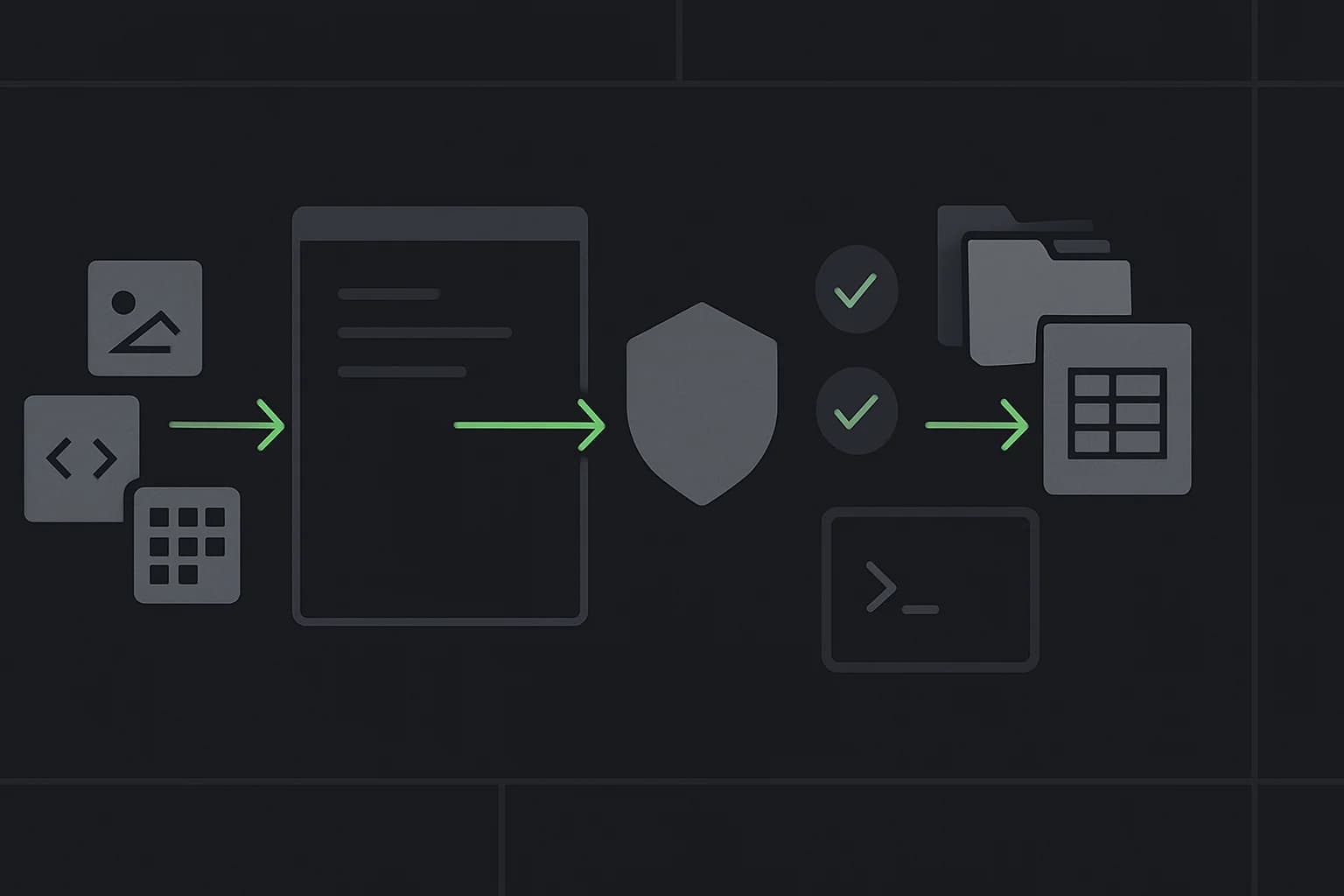
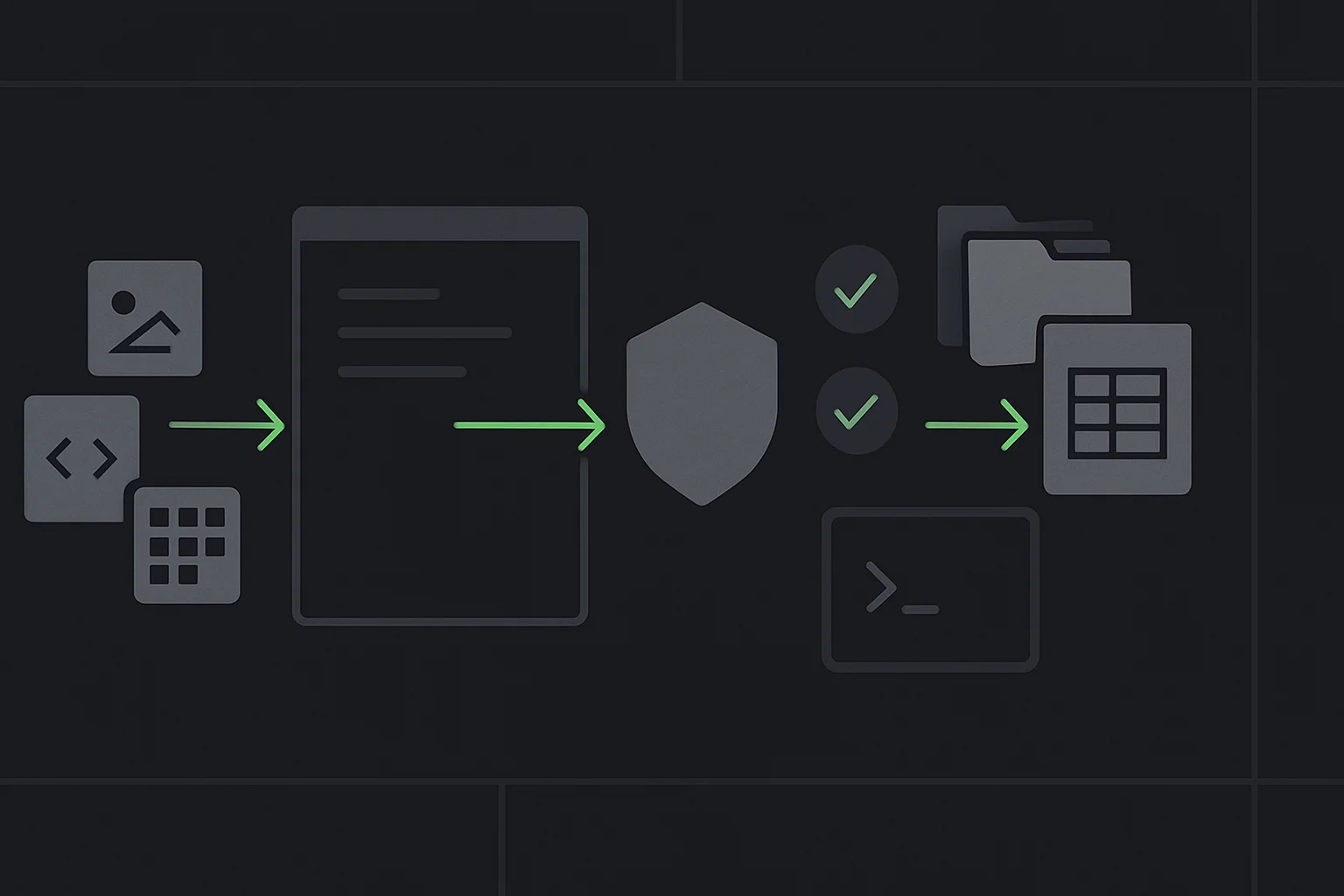
inspect input → propose operations → preview → confirm → execute → log → verify
The preview is not decorative. A script that will rename 2,000 files should first print or export the exact old path → new path mapping without changing a byte. A data cleaner should write a new output file, not overwrite the source. A collector should save raw responses separately from processed data.
Claude Code's own security guidance recommends reviewing proposed commands and treating external side effects carefully. Its checkpoints cover file edits made by Claude, not every effect of an arbitrary Python script. Your script needs its own safety design.
Use this starter prompt for every project:
Before writing code, create a failure-mode checklist for this automation.
The first implementation must:
- operate only inside ./sample-data
- have a --dry-run mode that is the default
- never delete files
- never overwrite an existing output
- log proposed and completed actions
- return a non-zero exit code on partial failure
- include tests for empty input, duplicate names, and unusual characters

Explain the plan in plain language and wait for my approval before editing.
That is human-in-the-loop automation in practical form: keep the confirmation gate where a mistake becomes expensive.
Project 1: a bulk file renamer that cannot silently overwrite files
Imagine a folder of event photos named IMG_4382.jpg, IMG_4383.jpg, and so on. You want ai-builder-workshop-001.jpg, but you do not want a collision to replace an existing file.
Python's pathlib provides object-oriented file paths and rename operations in the standard library. The important part is not calling rename(). It is building and validating the complete plan first.
from __future__ import annotations

import argparse
from pathlib import Path


def build_plan(folder: Path, prefix: str) -> list[tuple[Path, Path]]:
    sources = sorted(path for path in folder.iterdir() if path.is_file())
    width = max(3, len(str(len(sources))))
    plan: list[tuple[Path, Path]] = []

    for index, source in enumerate(sources, start=1):
        destination = folder / f"{prefix}-{index:0{width}d}{source.suffix.lower()}"
        plan.append((source, destination))

    destinations = [destination for _, destination in plan]
    if len(destinations) != len(set(destinations)):
        raise ValueError("The rename plan contains duplicate destinations")

    existing_collisions = [
        destination
        for source, destination in plan
        if destination.exists() and destination != source
    ]
    if existing_collisions:
        raise FileExistsError(f"Destination already exists: {existing_collisions[0]}")

    return plan


def main() -> None:
    parser = argparse.ArgumentParser()
    parser.add_argument("folder", type=Path)
    parser.add_argument("--prefix", required=True)
    parser.add_argument("--apply", action="store_true")
    args = parser.parse_args()

    plan = build_plan(args.folder.resolve(), args.prefix)
    for source, destination in plan:
        print(f"{source.name} -> {destination.name}")

    if not args.apply:
        print("Preview only. Re-run with --apply after reviewing every change.")
        return

    for source, destination in plan:
        source.rename(destination)


if __name__ == "__main__":
    main()
Run the preview against copied sample files:
python rename_files.py ./sample-data --prefix ai-builder-workshop
Only after reviewing the mapping:
python rename_files.py ./sample-data --prefix ai-builder-workshop --apply
Ask Claude to add tests for case-insensitive collisions, hidden files, names with spaces, and a partially completed previous run. Those edge cases teach more than another hundred lines of features.
Project 2: a folder organizer with a manifest and undo plan
A folder organizer maps known inputs to folders such as images/, documents/, and archives/. The beginner mistake is moving everything immediately based on its file extension.
Build this in three stages:
- Inventory: export filename, extension, size, and proposed category to CSV.
- Review: flag unknown extensions and duplicate destination names.
- Apply: copy files first; move only when verification passes.
Use a configuration object rather than burying categories inside conditional statements:
CATEGORIES = {
    ".jpg": "images",
    ".jpeg": "images",
    ".png": "images",
    ".pdf": "documents",
    ".docx": "documents",
    ".zip": "archives",
}
Useful acceptance checks:
- Unknown extensions remain untouched.
- Existing destination files are never overwritten.
- The manifest contains the original and final path.
- A second dry run proposes zero work after a successful run.
- The script never follows a symbolic link outside the chosen folder.
That last check introduces scope boundaries, one of the most important ideas in both automation and agent permissions.
Project 3: a CSV cleanup pipeline that preserves rejected rows
Spreadsheets often contain inconsistent dates, whitespace, duplicate records, and mixed capitalization. Python is useful here because the transformation can be repeatable and testable.
The safest shape is:
raw.csv
  → validate expected columns
  → normalize allowed fields
  → write clean.csv
  → write rejected.csv with reasons
  → print row counts and checksums
Do not ask Claude to “clean this data” without a schema. Give exact rules:
Build a Python script that reads sample-data/leads.csv.

Required columns: source, campaign, created_at, country.
Rules:
- trim outer whitespace
- lowercase source and campaign
- parse created_at only as ISO 8601; reject ambiguous dates
- convert blank country to null; do not infer it
- remove exact duplicate rows only
- write clean.csv and rejected.csv; never overwrite the input

Print input, accepted, rejected, and duplicate row counts.
Add tests whose expected counts are fixed.
The refusal to infer is important. Deterministic cleanup should not quietly turn guesses into data. If you later add an AI classification step, keep it in a separate column with provenance and a confidence/review status.
For a deeper explanation of APIs, schemas, and data flow, use the 50 tech concepts for AI builders as a reference while building.
Project 4: an ethical public-page collector
“Web scraping” covers very different behaviors. Downloading a few public pages from a site that permits automated access is not the same as bypassing authentication, defeating a CAPTCHA, or collecting personal profiles at scale.
Before writing a collector:
- Read the site's terms and published API options.
- Check
robots.txtand relevant crawl rules. - Identify copyright, privacy, and contractual limits.
- Use a descriptive user agent where appropriate.
- Rate-limit requests and cache responses.
- Stop on
403,429, authentication, or CAPTCHA challenges. - Collect only the fields needed for the stated purpose.
Python's official urllib.robotparser can read a site's robots.txt, answer whether a user agent may fetch a URL, and expose crawl-delay or request-rate directives when present. A robots rule is not a complete legal permission system, but ignoring it is an immediate warning sign.
Prompt Claude with boundaries first:
I have permission to collect the public event title, date, and canonical URL
from these five pages. Build a collector that:
- checks robots.txt before every new host
- sends at most one request every three seconds
- uses a 10-second timeout and no retries for 401, 403, or 429
- never follows links outside the supplied allowlist
- saves raw HTML and parsed CSV separately
- records fetched_at and source_url for provenance
- exits without attempting to bypass any access control

Use static sample HTML in tests. Do not contact a live website during tests.
If the page needs JavaScript to render, browser automation tools such as Playwright can control Chromium, Firefox, or WebKit. The official Playwright Python documentation also makes clear that browser binaries are a separate installation. A browser tool does not grant permission to collect content; it only changes how the page is rendered.
For a focused implementation path, see explainx.ai's Firecrawl web scraping guide, then apply the same data-minimization and source-provenance rules.
Project 5: a recurring productivity report with one optional AI step
The final project combines deterministic collection with a language-heavy summary. For example:
- Read completed tasks from a local CSV export.
- Calculate counts by project and status in Python.
- Identify overdue items using explicit date logic.
- Render a Markdown report.
- Optionally ask Claude to rewrite the calculated facts into a short narrative.
Keep the model away from arithmetic you can compute directly. Give it structured facts and require it not to add numbers:
Rewrite the JSON below as a five-bullet weekly summary.
Use only the supplied facts. Do not calculate, infer causes, or add names.
If a field is missing, omit it.
Claude Code's official programmatic usage guide documents claude -p for non-interactive calls and JSON or streamed JSON output. It also notes that programmatic usage has its own credit and cost behavior. Start interactively. Only automate the model call after the deterministic report is correct and you have a budget, timeout, output schema, and failure path.
claude --bare -p "Summarize report.json using the supplied schema" \
  --allowedTools "Read" \
  --output-format json \
  --max-turns 1
Do not pipe sensitive work records into a model without organizational approval. A local CSV export can still contain customer, employee, or financial data.
What Claude Code should verify for every script
Ask for evidence, not “done”:
| Check | Evidence to request |
|---|---|
| Scope | Print the resolved input and output directories |
| Preview | Show the complete proposed operation count and sample mapping |
| Idempotence | Run twice and show the second run creates no duplicates |
| Errors | Test missing files, malformed rows, and permission failures |
| Preservation | Compare input hashes or counts before and after |
| Logging | Show a timestamped log with successes and failures |
| Dependencies | List every external package and why it is needed |
| Secrets | Confirm no keys are committed or printed |
This is how a small script becomes a trustworthy productivity tool. It also prepares you for larger agent loops with retries and checkpoints, where hidden side effects and weak stop conditions become more expensive.
What needs to be installed before you start?
You need a current Python 3 installation to run the scripts and a working Claude Code setup to build alongside the agent. Node.js is also useful because the same learning path eventually reaches JavaScript and Next.js projects. Check what is already available before installing anything:
python3 --version
node --version
npm --version
claude --version
Do not treat four version strings as proof that the environment is ready. Ask Claude to create a tiny hello.py, run it, and explain which Python executable it used. Then create a virtual environment inside the project so future packages do not leak into the system installation:
python3 -m venv .venv
Activation differs by operating system and shell, so follow the official Python virtual-environment documentation or get guided help instead of copying a command for the wrong platform. Keep a requirements.txt or pyproject.toml once the project adds third-party packages, and ask Claude why each dependency is necessary before approving installation.
For the first two projects, the Python standard library is enough. That is a feature: fewer dependencies mean fewer installation failures and a smaller supply-chain surface while you learn paths, arguments, validation, and tests.
Learn these projects with guided setup
The AI Builder Workshop includes a two-hour Python automation session built for product managers, founders, marketers, and developers building with AI. Installation of Python and Node.js is hand-guided, and the projects include practical productivity scripts, bulk file renaming, and responsible web collection.
The sequence continues into useful AI agents and a full-stack AI chat application, so the Python session is not isolated syntax practice. It establishes the input → process → output → verify mental model that every later agent needs.
The takeaway
Use Claude Code to reduce syntax friction, not to remove your responsibility for the result. Start with copied sample data, preview every change, keep source files untouched, and ask the script to prove what it did.
The best automation is often boring: it runs twice, produces the same correct result, and tells you clearly when it cannot.
Related on explainx.ai
- Claude Code for Python automation: complete guide
- Claude Code for product managers, founders, and marketers
- Build useful AI agents: financial briefing and job search
- Build a full-stack AI chat app with auth
- 50 tech concepts for AI builders
- Human in the loop: when to let an agent run
- Claude Code permission modes explained
- AI agent loop architecture: triggers, retries, checkpoints
- Firecrawl web scraping for AI agents
- Claude Code programmatic usage
- Python pathlib documentation
- Python robots.txt parser documentation
Python, Claude Code, and Playwright commands and documentation links are accurate as of August 22, 2026. Review current site terms, data policies, and official documentation before running an automation against live systems.