



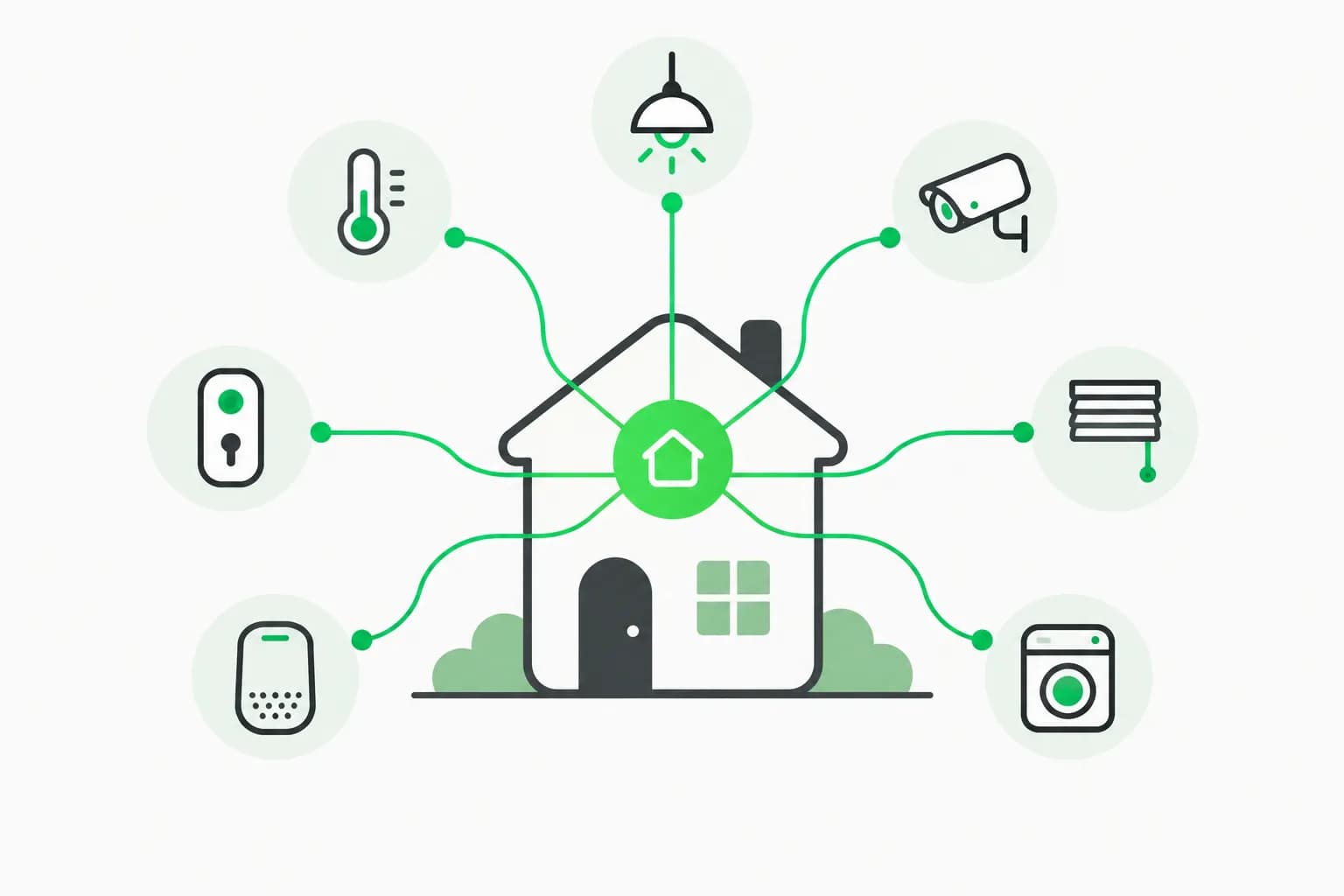
tv-vibehack is a new open-source GitHub repo that turns a coding agent into a TV technician: you paste one prompt into Claude Code, and it connects to your Android TV over Wi-Fi, disables the manufacturer's ads and telemetry, and installs a clean launcher styled after Apple TV. The repo, by Gathin23, was created on October 17, 2026 and had passed 1,900 stars within about two days, which is why it showed up on the trending lists. The author says it started with fixing their parents' Mi TV, which showed an advert before they could reach Netflix.
This post explains how the project works, what it actually changes on the TV, where the risks are, and how it fits with other agents given shell access to real hardware. Everything below comes from the tv-vibehack README and its PROMPT.md, read on October 19, 2026. We have not run it on a TV ourselves, so treat claims about results as the author's and contributors' reports.
TL;DR: what readers ask first
| Question | Answer (per the README) |
|---|---|
| What does it do? | Disables bloatware over ADB and installs a custom tvOS-style launcher |
| Is it free? | Yes, MIT licence; the Outfit font is under the SIL Open Font License |
| Do I need Claude Code? | No. "Claude Code, or anything similar" with shell access, or run the scripts by hand |
| Root or flashing needed? | No. Nothing is rooted, flashed or uninstalled |
| Can I undo it? | Yes, tools/restore.sh re-enables packages and restores the stock launcher |
| Which TVs? | Android TV and Google TV; not Samsung Tizen, LG webOS or Fire TV |
| How long does it take? | About an afternoon the first time; people report about fifteen minutes with the repo as context |
| Prebuilt APK? | No. You build the launcher yourself in about a minute |
How does tv-vibehack work?
Android TVs expose the same debug bridge as Android phones. After you switch on USB debugging in the TV's developer options, the TV listens on your network and asks you once to allow your computer. From there the flow, as the README describes it, has three steps.
- Back up. The agent saves the package list, disabled-package list, system properties and settings, and writes a restore script before changing anything.
- Disable, not uninstall. Manufacturer telemetry, ad services, content rows and preloaded apps are turned off with
pm disable-user --user 0. Because this lives in the user profile, not the system image, the firmware is untouched. - Replace the home screen. A small native launcher (about 1.6 MB, plain Java with AndroidX RecyclerView) is installed and set as the default home.
The interesting design choice is that the bloat list is not hard-coded. Bloat differs by brand, so the prompt tells the assistant to discover it on your TV, check what each package does with dumpsys package, and ask you before touching anything you might use, such as streaming apps, the voice assistant, Chromecast or the update service.
The prompt is the product
Most of the repo is guardrails written as instructions. The prompt tells the agent to work on the real device, verify every step with screenshots pulled from the TV, never disable what the TV needs to work (the TV app, input services for HDMI and the tuner, remote and Bluetooth services, the keyboard, Play Store and Play Services), and run pm commands one per shell call because chained commands may silently stop after the first. It also says to disable the stock launcher only after the new one is installed, or the Home button can land on a factory test app.
That pattern, a prompt plus a few small tools and a written-down list of failure modes, is the same one behind many Claude Code skills. If you have not seen how these packages are structured, the official plugin directory guide is a good companion.
What do you get on the screen?
The README lists the following, designed for sets with as little as 1 GB of RAM (no blur, no video, no network, no background services):
| Element | Behaviour |
|---|---|
| Background | Pitch black |
| Dock | Four favourite apps in a lighter rounded band at the bottom, like Apple TV |
| Top shelf | Focused app's name in large type with an ambient glow taken from the app's artwork |
| App grid | Slides up when you press Down |
| Focus | One floating glass highlight that springs between tiles |
| Buttons | Inputs (HDMI, AV, Live TV), Wi-Fi, Settings |
| Extras | Greeting, thin clock and date; optional drifting Clock screensaver |
Dock order, hidden apps, the Live TV package and column count are set in a config.xml file. Navigation is deliberately strict: Up and Down move exactly one row, and the last focused app is remembered.
Quick start
On the TV: Settings, Device Preferences, About, press OK on Build seven times, then Developer options and turn on USB debugging. On your computer, open your coding assistant on the same Wi-Fi, paste the prompt from PROMPT.md with your TV model filled in, and accept the "Allow USB debugging?" prompt when it appears.
To do it by hand, the repo ships a pure-Python ADB client that needs only Python 3:
python3 -m venv tools/venv && tools/venv/bin/pip install -r tools/requirements.txt
export TV_HOST=192.168.1.50
tools/venv/bin/python -I tools/tv.py --probe
tools/disable.sh examples/xiaomi-mi-tv-4a/debloat.txt
tools/restore.sh examples/xiaomi-mi-tv-4a/debloat.txt
Building the launcher needs JDK 17 and Android SDK platform 34 with build-tools 34.0.0, then TV_HOST=192.168.1.50 launcher/build-and-install.sh. PowerShell equivalents exist for Windows.
Supported TVs and what contributors have tested
The README lists five tested sets in its examples/ folder:
| TV | OS |
|---|---|
| Xiaomi Mi TV 4A (MiTV-MOOQ1) | Android TV 10 |
| Xiaomi MiTV-AXSO0 | Android TV 9 |
| TCL 55 inch 4K Google TV (2023, G10) | Google TV 12 |
| SANYO ATV R2 | Android TV 9 |
| OnePlus TV (D00) | Google TV 14 |
Samsung, LG and Fire TV are out: they run other systems or will not let a third-party launcher take over Home. If your model is missing, the prompt still discovers the bloat itself, and the maintainers ask contributors to submit their lists afterwards.
What goes wrong? The troubleshooting list is the useful part
Real hardware is messy, and the README's troubleshooting section records what bit the author and contributors. Some highlights:
- macOS blocks the stock adb. Recent macOS can treat Google's signed
adbas an app under Local Network privacy and silently block it ("No route to host" with the port open).tools/tv.pyavoids the binary entirely. - Large file pushes hang through the Python client, so APKs go over as base64 chunks with a checksum (
tools/b64push.py). - Screenshots come out empty while Live TV or an HDMI input is showing (seen on TCL). Press Home first.
- No on-screen keyboard after switching launchers on a Xiaomi, because the default input method pointed to a Baidu keyboard that was not installed. The fix is a one-line
ime setcommand. - Windows PowerShell 5.1 adds a byte-order mark that garbled the first batch command; the client now strips it.
If you have used agents on physical devices before, this will look familiar: the model is rarely the bottleneck, the environment's quirks are. Our write-up on pointing agents at things on screen covers a similar gap between what an agent can plan and what a machine will let it do.
Is it safe? What the README says, and what to weigh
 A hand pressing a green stop button, illustrating the restore and undo path when you debloat Android TV with an agent
The README's own answer is "No" to bricking: nothing is flashed, rooted or deleted, and even without the tools you can re-enable apps from the TV's settings. On firmware updates, it says most lists disable the manufacturer's update service, so updates arrive only when you re-enable it deliberately, and the worst case is a package coming back enabled so you re-run the script.
Our own checklist before you run any agent against a device on your network:
- Read the plan before it executes. The prompt asks the agent to ask before touching apps you may use. Make it show the disable list first.
- Keep the backup folder. It is your restore path. Copy it off the machine the agent ran on.
- Know the trade-off of disabling the update service. You stop getting manufacturer security patches too, and the Play Store updating apps does not replace firmware fixes.
- Turn USB debugging off afterwards. The README notes the launcher keeps working without it, and an open ADB port on 5555 is an unnecessary surface on a home network.
- Build the launcher yourself. The author does not publish prebuilt binaries, which is the right default when software becomes your TV's home screen.
- Sandbox the agent if the machine matters. Giving a model shell access has its own risks, covered in our look at running coding agents in a VM sandbox. For credential and tool-misuse risks with agents more broadly, AgentBeam is the agent security platform from the explainx.ai team that stops AI agents before they take dangerous actions.
Disabling ad and recommendation services may also conflict with a manufacturer's terms of use or warranty on some sets. The README does not address that, so check yours.
Why this repo is getting attention
Three things stand out. First, it is a concrete consumer problem (ads on a TV you paid for) solved with an agent in an afternoon. Second, it ships the prompt as an artifact: PROMPT.md is the reusable part, and the author invites contributors to improve its wording. Third, it is a clear example of the "built with Claude Code, here is the prompt" repo style that has been climbing GitHub trending, like the AI job-search framework we covered earlier. The same pattern also shows up in other vibe-coded software, where the speed of the build is part of the pitch.
The caveat is the usual one for trending repos: 1,900 stars in two days measures interest, not reliability. It has five tested TVs, and the author's launcher is a personal project. Evaluate it like any tool that gets root-adjacent access to your hardware.
What to do next
- If you own an Android TV or Google TV with ads, read the README and
PROMPT.mdfirst, then decide whether to use the agent path or the manual scripts. - If you contribute, the most useful thing is your model's debloat list in
examples/. - If you build agent tooling, copy the structure: backup first, ask before changing preferences, verify with screenshots, write the restore script before the first change.
Details reflect the tv-vibehack repository as of October 19, 2026; the project is new and changes quickly.
Related reading
- Claude Code reverse-engineers hardware and writes a Linux driver
- What are agent skills? A complete guide
- Claude Code commands: complete reference
- The official Claude plugin directory, explained
- Running coding agents in a VM sandbox with Capsem
- AI Job Search: a local Claude Code framework
- BigArrow: agents that point at your screen
- Official: tv-vibehack on GitHub and Android Debug Bridge docs