



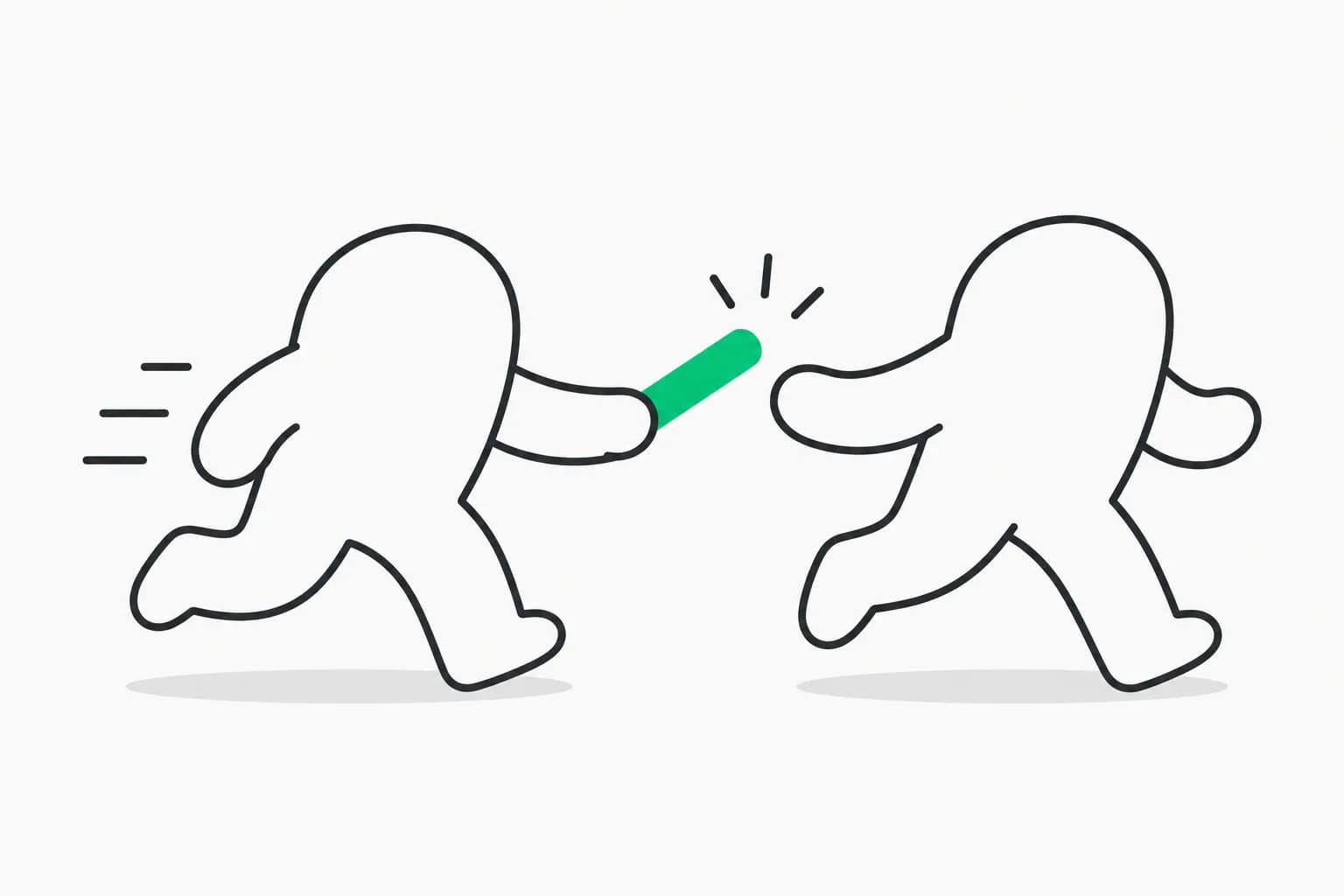
Franz Enzenhofer's big-arrow-on-the-screen (command name bigarrow) is a small macOS command-line tool that lets an AI agent paint a large arrow, box or text sign on your screen to point at something you need to do yourself. It is MIT licensed, ships with a skill for Claude Code and Codex, and it showed up on Hacker News this week. The pitch fits in one line from its README: your agent can refactor a monorepo, but when it needs you to click one button it prints "please click Allow" into a terminal you are not looking at, and bigarrow gives it a finger.
It is a tiny tool, and we want to be straightforward about that: it had about 52 stars when we checked on October 9, 2026. But it solves a real, recurring friction in agent work, the human-only step, and the way it is built is a good template for how agent tooling should treat consent.
TL;DR: what bigarrow is and is not
| Question | Answer |
|---|---|
| What does it do? | Draws a click-through arrow, ring or box with a sign on top of everything, then removes it |
| Does it click for the agent? | No. It never clicks, types or captures anything |
| Is there AI inside? | No, per the README |
| Cost and license | Free, MIT |
| Platform | macOS 14 or newer; building from source needs Xcode 16 or newer |
| Install | brew install franzenzenhofer/tap/bigarrow, then bigarrow install-skill |
| Works with | Claude Code and Codex through one SKILL.md in Agent Skills format |
| Maturity | Early: roughly 52 stars, 76 commits, no forks on October 9, 2026 |
What problem does it solve?
Autonomous agents keep hitting the same wall: steps they must not or cannot perform. The README lists the typical cases.
- Permission prompts. macOS privacy dialogs, OAuth consent screens and "Open with" dialogs. The agent can find the button but should not press it for you.
- Your turn steps. Two-factor codes, CAPTCHAs, passkeys, payment confirmations, signatures and legal checkboxes.
- Which window? With 14 browser windows open, the agent can target one with
--window "Google Chrome:Pull request"and even a specific tab. - You are away from the screen. The
--sayflag reads the sign aloud, so the Mac effectively calls you back to your desk. - Guided setup and demos. Walk someone through a settings pane step by step, or render the arrow into a PNG for documentation.
This matters because the current alternatives are poor. Either the agent asks in text you may miss, or it is given blanket permission to click through dialogs, which defeats the point of having a prompt. Pointing is a middle path: it is clear about what is needed and leaves the decision with you. We discuss the wider design question in when to let an agent run without a human in the loop.
How do you install and use it?
Installation is two commands:
brew install franzenzenhofer/tap/bigarrow
bigarrow install-skill
The second command teaches Claude Code (under the home skills folder) and Codex. Building from source requires swift build -c release.
An agent needs three commands, all taken from the README:
bigarrow point --element "Allow" --app "System Settings" --text "Franz, click Allow"
bigarrow point --at 760,500 --text "Franz, click HERE"
bigarrow start --window "Safari:Inbox" --text "This window" && bigarrow stop
The first points by accessibility label, the second by screen coordinate, and the third keeps a sign up until stopped. Targets also include --rect, --mouse, and --peekaboo ID --snapshot see.json, which reads output from the Peekaboo screen-automation tool. Every command accepts --json, and exit codes are meaningful: 0 for success, 2 for bad input, 3 when the target is not found, and 4 when a permission is missing. That makes it easy for an agent to decide what to ask you for.
If you are new to agent skills in general, our walkthrough of a SwiftUI skill for Claude Code and Codex shows the same SKILL.md packaging in practice.
How does it clean up after itself?
This is the design detail we like most. An arrow that stays forever is a bug, so bigarrow ends in several ways:
| Mechanism | Behavior |
|---|---|
| Time limit | Default 8 seconds for point, 300 for start, and --duration 0 for no limit |
| Explicit stop | bigarrow stop or stop --all |
| Agent exits | The arrow ends when the agent process that drew it exits, via the Claude Code PID or an owner PID variable |
| Human answers | bigarrow stop --hook as a Claude Code UserPromptSubmit hook clears that session's arrows when you reply |
| Human closes it | An opt-in --close-button adds a clickable X |
You can also make the arrow follow a window (--follow) or end when you click the target (--until-click). Clicks pass through everywhere except the sign and shaft, and the arrow never takes focus. The author calls the focus issue the hardest bug in the project, because the macOS run loop quietly activates a process without a terminal, so the tool pumps events itself and tests check the frontmost app never changes.
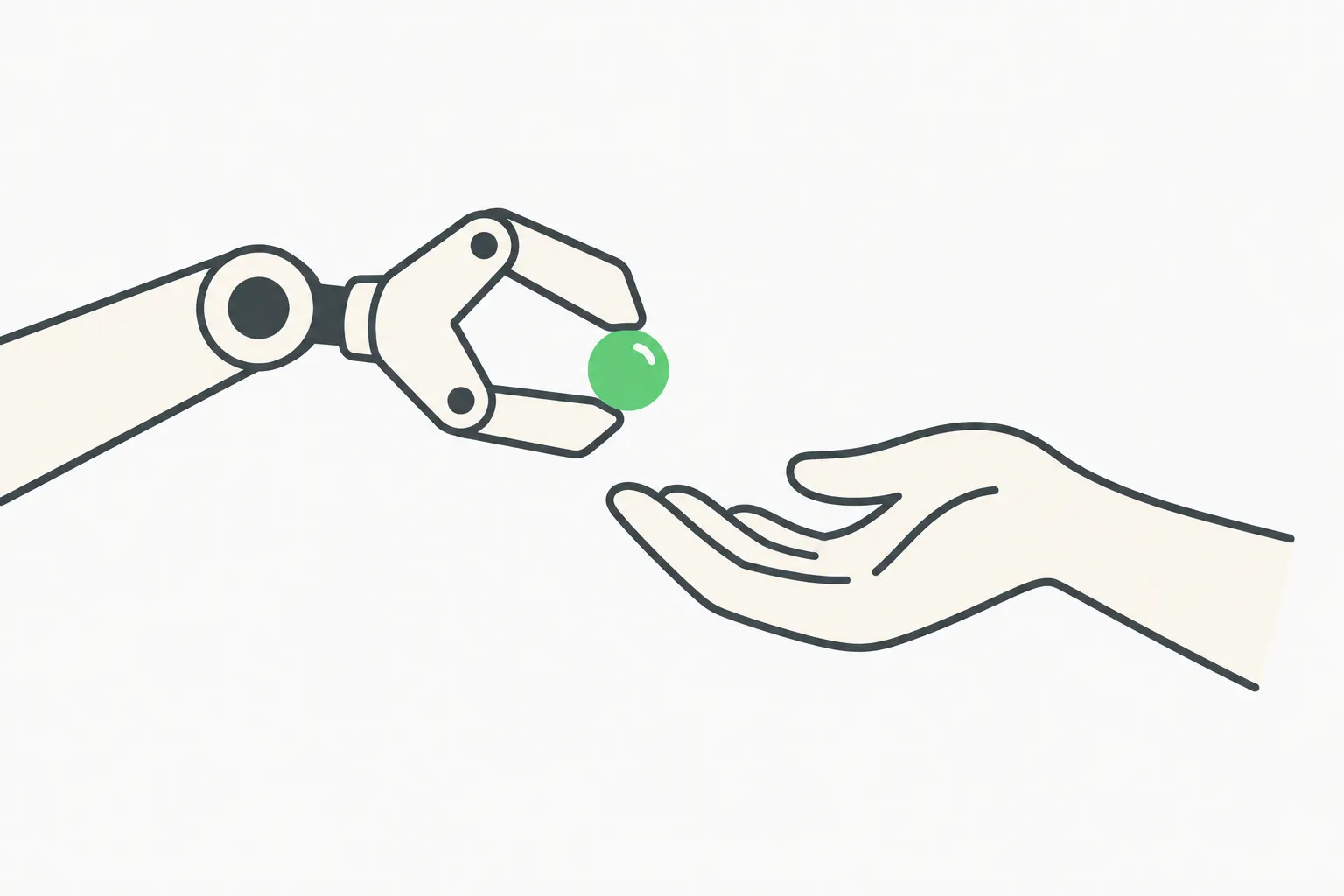 A cream mechanical gripper offering a green bead to a human hand, illustrating an agent asking a person to confirm an action
What permissions does it need?
Drawing needs neither Accessibility nor Screen Recording. Finding an element by label, --until-click, and raising a window use Accessibility, which macOS grants to the app running your shell (Terminal, iTerm2, Ghostty, VS Code and so on), never to bigarrow itself. Window titles on macOS 26 need Screen Recording, while a window by app name alone does not. The bigarrow doctor command reports permissions, who owns them, and your displays.
Chrome is a known gotcha. The README says label-based matching inside web pages works in Electron apps, but in Chrome only when it runs with --force-renderer-accessibility or VoiceOver is on, verified on Chrome in October 2026. Otherwise point at page coordinates, which the skill explains.
How good is the evidence that it works?
The author reports 87 automated tests, covering geometry, placement, a golden image, recorded window-server and Peekaboo fixtures, and tests against the real window server for window level, click pass-through and focus. CI runs on macOS 15, and the tests passed on macOS 26 and 27. A separate workflow runs 17 behavior checks on a clean runner, including real clicks, full-screen apps, Stage Manager, a Space switch, a second display and unplugging a display mid-arrow. CPU use for a pulsing arrow is reported at 1.4 percent on a CI runner.
These are the author's own claims in the README, not independent audits, and the project is weeks old. Our read: the testing effort is unusually thorough for a small tool, which is a good sign, but you should try it on your own machine before relying on it in demos.
How is it different from Peekaboo and similar tools?
Peekaboo, from the OpenClaw project, is a screen-automation tool that can see and act, and its visualizer showed the overlay recipe bigarrow builds on. bigarrow credits both Peekaboo's visualizer and Peter Steinberger's Nameplate for the overlay window technique and skill packaging, and says neither draws a pointing arrow with a label. It reads Peekaboo's see --json as an optional target source. The key difference is philosophical: automation tools act on your behalf, while bigarrow only points. For more on agents that do control the Mac, see our post on the macOS harness for browser and Mac control.
Where does it fit in a permission-aware agent setup?
Pointing is not a security control, and it should not be treated as one. It is a communication layer that sits alongside real controls such as Claude Code's permission modes and sandboxing. The useful pattern is:
- Let the agent do everything it is safely allowed to do.
- When it reaches a human-only step, have it point and, if you may be away, speak.
- Wait for the human to act, then continue.
That mirrors the human-approval loop explored in our AI agent approval game data, which found that people's approvals depend heavily on how the request is presented. A clear sign on the exact button reduces the chance of rubber-stamping the wrong prompt. If you run several agents side by side, AgentPlane covers the control-plane side.
Honest limitations
- macOS only. There is no Windows or Linux support.
- Young project. About 52 stars, no forks and a single maintainer as of October 9, 2026.
- Accessibility-dependent. Label matching works only where apps expose accessibility trees, which is patchy in browsers.
- Not a safeguard. It cannot stop an agent from clicking; it only shows you where to click.
- Skill quality varies by agent. The author's own test had a fresh agent find a Chrome Reload button by label, and it also surfaced a bug that became a test, but your agent may behave differently.
Prompt you can try today
After installing the skill, ask your agent:
Open System Settings and go to Privacy and Security. When you reach a step I must do myself, use bigarrow to point at the control with a full sentence on the sign, add --say if I might not be looking, and stop the arrow after I respond.
The skill instructs the agent to write a full sentence on the sign, to add --say when you are probably not looking, and to stop once you have acted.
Bottom line
bigarrow is a modest tool with a sharp idea: the best thing an agent can do at a consent boundary is make the boundary obvious. It is free, small and easy to remove, so the cost of trying it is a brew install. Just remember the star count, keep your real permission controls in place, and treat the arrow as a courtesy, not a control.
Details reflect the repository README as of October 9, 2026 and may change as the project evolves.