




"Learn AI" is not a plan. It has no order, no finish line and no way to tell whether you are improving. A roadmap fixes that by turning the topic into stages, with one project at the end of each.
This is the six-month roadmap we give people who ask where to start in 2027. It works for professionals, career switchers and students (students should also read the student roadmap). The skills are chosen to survive tool changes, so you will not need to redo the plan when a product launches next quarter.
TL;DR: the 6-month AI learning roadmap
| Stage | Months | Skill focus | Project to finish |
|---|---|---|---|
| 1. Daily use | 1 | One assistant, real tasks | Rebuild one weekly deliverable |
| 2. Workflows | 2 to 3 | Projects, skills, templates | A saved workflow a colleague can run |
| 3. Connect and verify | 4 to 5 | Connectors, checks, data safety | A connected workflow with a checklist |
| 4. Ship | 6 | Build and show | One small project with a write-up |
The top AI skills to master in 2027
Before the plan, the skills. These seven hold their value across tools.
- Task decomposition. Break a job into steps and decide which steps an AI should do. This is the root skill, and it needs no software.
- Context setting. Give the model the role, the files, the examples and the limits. Most poor outputs come from poor context.
- Reusable workflows. Save what works as a Project, template or agent skill so you stop starting from zero.
- Verification. Check numbers, sources and changes before you rely on output. This is the skill that separates safe users from risky ones.
- Tool connection. Connect AI to documents and systems with care, using standards such as MCP.
- Data judgement. Know what may and may not be entered into which tool.
- Shipping. Finish something small and share it. A finished small project beats a large unfinished one.
If you want the Claude-specific version, see Claude skills to master in 2027.
Stage 1 (month 1): use one assistant every day
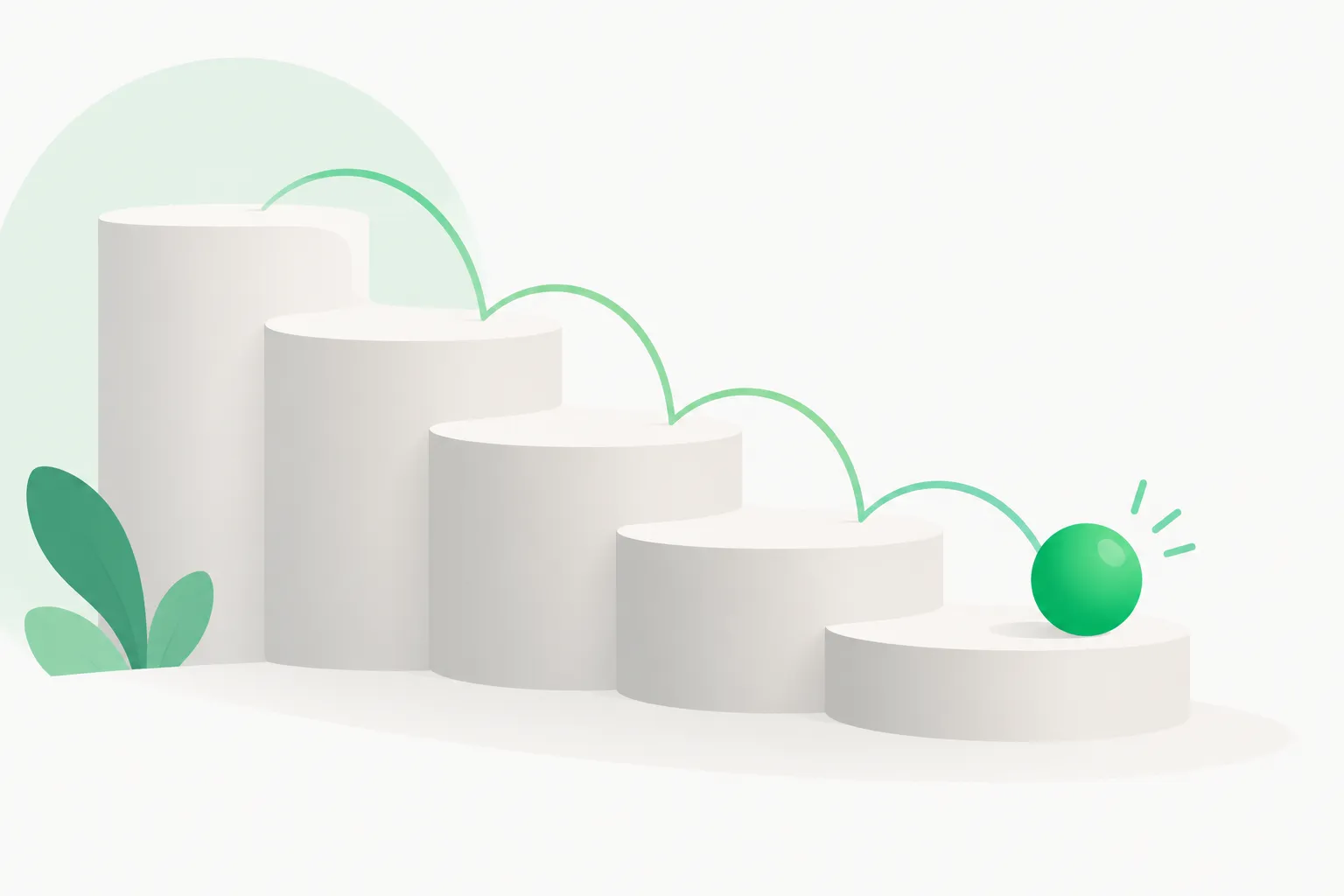 Staircase of steps leading to a green ball, the first stage of an AI learning roadmap
Goal: make AI a daily habit on real work, not experiments.
Weekly plan:
- Week 1: pick one assistant, ideally the one your company already pays for. Use it for three tasks a day.
- Week 2: keep a log of tasks, what worked and the time saved.
- Week 3: improve your three best prompts by adding context and an example.
- Week 4: rebuild one weekly deliverable end to end.
Project: a before and after of one deliverable, with minutes saved.
Ready to move on when: you reach for the assistant without deciding to, and you can name three tasks where it fails.
Not sure which assistant? Read top AI tools to learn in 2027.
Stage 2 (months 2 and 3): turn prompts into workflows
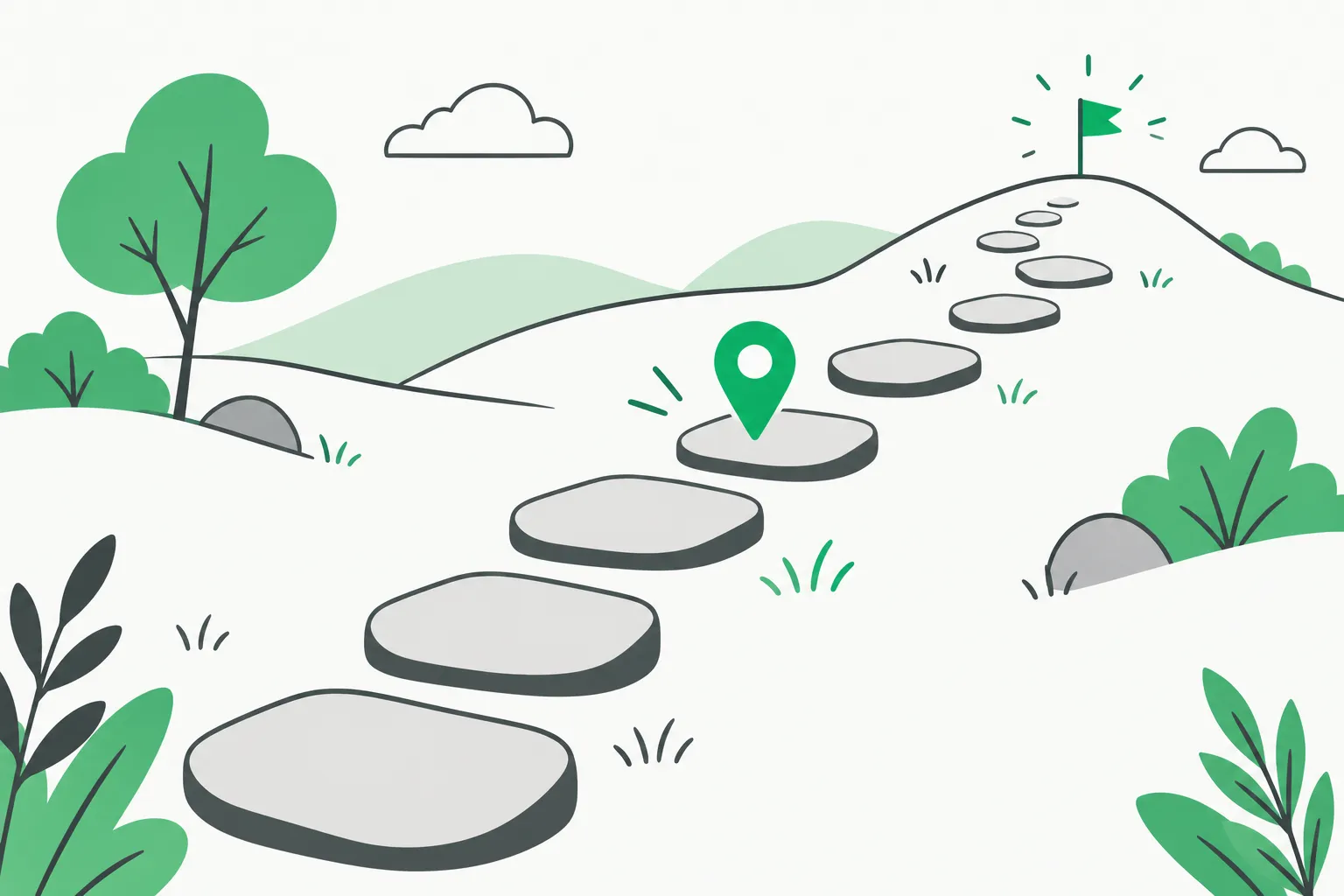 Winding learning trail representing stage two of the 2027 AI learning roadmap
Goal: stop retyping. Save what works so others can use it too.
Weekly plan:
- Create a Project (or equivalent) for each of your two main topics.
- Write one skill for a task you repeat weekly.
- Test the skill on three real inputs and fix each point where it guessed.
- Share it with one colleague and watch them use it without help.
Project: a saved workflow that a colleague can run on their first attempt.
Ready to move on when: your workflow produces a usable first draft without you rewriting more than a third of it.
A live workshop is a strong accelerator here, because the first two stages compress into a weekend with feedback. Our Claude for Work and Microsoft Copilot workshops are built for this stage, and AI workshops in 2027 explains how to compare options.
Stage 3 (months 4 and 5): connect tools and verify
Goal: make AI useful on your real data, safely.
Weekly plan:
- Connect one read-only source, such as a notes folder, and ask for answers that cite files.
- Write a five-line verification checklist and use it on every important output.
- Write a one-page data rule: what goes into which tool.
- Review what each connected tool can access, and remove anything unneeded.
Project: a connected workflow plus the checklist and data rule.
Ready to move on when: you can explain, in one minute, why you trust a specific output, and what you did to check it.
Teams reach this stage through policy and training together. See corporate AI training and the ChatGPT for Work curriculum for how a rollout with data policy is structured.
Stage 4 (month 6): ship one project
Goal: finish something you can show.
Weekly plan:
- Week 1: choose a project small enough to finish in three weeks.
- Week 2: build the first working version, even if rough.
- Week 3: test with two real users and fix the top three issues.
- Week 4: write a one-page summary: problem, approach, result, what you learned.
Project ideas: an internal tool built with a coding agent, an automated weekly report, a customer FAQ assistant, or a research brief template.
Ready to finish when: someone other than you uses it and keeps using it.
The Build with Claude Code workshop supports this stage, with sessions in January 2027 that move from idea to working prototype, and the Claude Code course guide lists the free and paid routes.
Common roadmap mistakes
- Collecting courses. Three courses and no artifact is a hobby. Pick one course per stage.
- Skipping verification. Speed without checks produces confident errors.
- Learning five tools at once. Depth in one beats breadth in five.
- Never sharing. A workflow no one else uses stays a habit, not a skill.
- Waiting for the perfect tool. Tools change monthly. Habits last.
How to show these skills to an employer
Keep a one-page portfolio: three workflows with before and after times, one project with a short write-up, and your verification checklist. This is stronger than any badge, and it is the same evidence we describe in your job in 2027. If a vendor credential helps your path, see the Claude Certified Architect guide.
What people are asking about AI roadmaps
Can I do this in three months? Yes, if you can spend ten hours a week. Compress stages one and two into one month and stages three and four into two.
What if my company blocks AI tools? Learn the concepts on non-sensitive tasks with an approved tool, and raise a proposal for a sanctioned pilot using our pitch templates.
Is the roadmap different for managers? The stages are the same. Managers add a stage-3 focus on policy and team rollout, and a stage-4 project that measures team time saved.
Compare learning formats in AI courses in 2027.
A worked example: six months for a marketing manager
To see how the stages fit a real job, follow a marketing manager who starts in January with no structured AI practice.
In month one, they use their company's approved assistant three times a day: drafting campaign briefs, summarising competitor pages and cleaning up meeting notes. They log the time saved and notice that summaries are strong while market-size claims are unreliable. In months two and three, they create a Project holding the brand voice guide and two example briefs, and write a skill for the weekly campaign report. A colleague runs the skill on the first attempt, and the report time drops from ninety minutes to thirty.
In months four and five, they connect a read-only folder of campaign data, add a five-line checklist and write a one-page rule on which customer data may never be pasted into a public tool. During month six, they build a small internal tool with a coding agent that turns raw campaign exports into a clean weekly dashboard, test it with two teammates and write a one-page summary.
By July, they hold three artifacts: a saved workflow, a connected report with a checklist, and a small tool with a write-up. That is a stronger case for a promotion or a new role than any certificate, and every part of it is built on their own work.
How to keep going after month six
The roadmap does not end at a project. Choose one direction for the next six months. Depth in a tool means learning advanced features of the assistant you already use. Depth in building means taking on a larger project and learning basic testing. Depth in leadership means rolling your workflows out to a team, writing the policy and measuring time saved. Whichever you choose, keep the weekly habit: one task per week that you do with AI, check carefully, and record in your log.
Related reading
- AI courses in 2027: free, paid and live compared
- AI workshops in 2027
- Top AI tools to learn in 2027
- Claude skills to master in 2027
- AI skills for college students in 2027
- Your job in 2027
- What are agent skills?
Stages and timelines are a guide, not a guarantee. Tool details are accurate as of November 29, 2026.