



Mistral shipped Vibe Desktop for macOS and Windows on November 17, 2026, folding Vibe Work, local coding on your checkout, and cloud sandbox sessions into one native app. The release notes mark the build generally available and Mistral-hosted, with Linux listed as coming soon. For developers already juggling a browser tab, a CLI, and an IDE, the pitch is simple: parallel agent tasks, Git worktrees, background commands, and pull request diffs stay in the same window.
Mistral renamed Le Chat to Vibe earlier in the year; Desktop is the first native shell that matches what Cursor, Claude Code, and OpenAI Codex users expect from a coding agent harness, without giving up Mistral Work connectors. See our Mistral Studio managed agents post for the enterprise control plane this app feeds.
TL;DR for builders
| Question | Answer (Mistral docs, Nov 17, 2026) |
|---|---|
| Platforms | macOS and Windows GA; Linux soon |
| Local vs cloud | Local repo or managed cloud sandbox per session |
| CLI required? | No separate Vibe CLI install for Desktop local sessions |
| Parallelism | Sub-sessions plus Git worktrees for isolated edits |
| Review | Unified or split diffs, PR metadata in-app |
| Download | mistral.ai/products/vibe/ |
What changed on November 17
Until this release, Mistral offered Vibe through web, mobile, CLI, and IDE extensions. Desktop is the integration layer: it combines local development affordances from the Vibe CLI ecosystem with cloud session workflow from Vibe Code Web, per the Desktop overview.
Key capabilities Mistral lists:
- Integrated terminal and background commands so dev servers and watchers keep running while agents edit files.
- Integrated browser for docs and dashboards, with handoff to an external browser when needed.
- Projects, pins, archives, and a command palette for conversation navigation.
- Native OS notifications when long tasks complete.
Mistral's X announcement the same day tied Vibe Desktop to Le Chonk model marketing and a limited Europe offer for three months of Vibe Pro with code LECHONK. Terms live on Mistral's site; explainx.ai did not verify eligibility rules beyond the public thread.
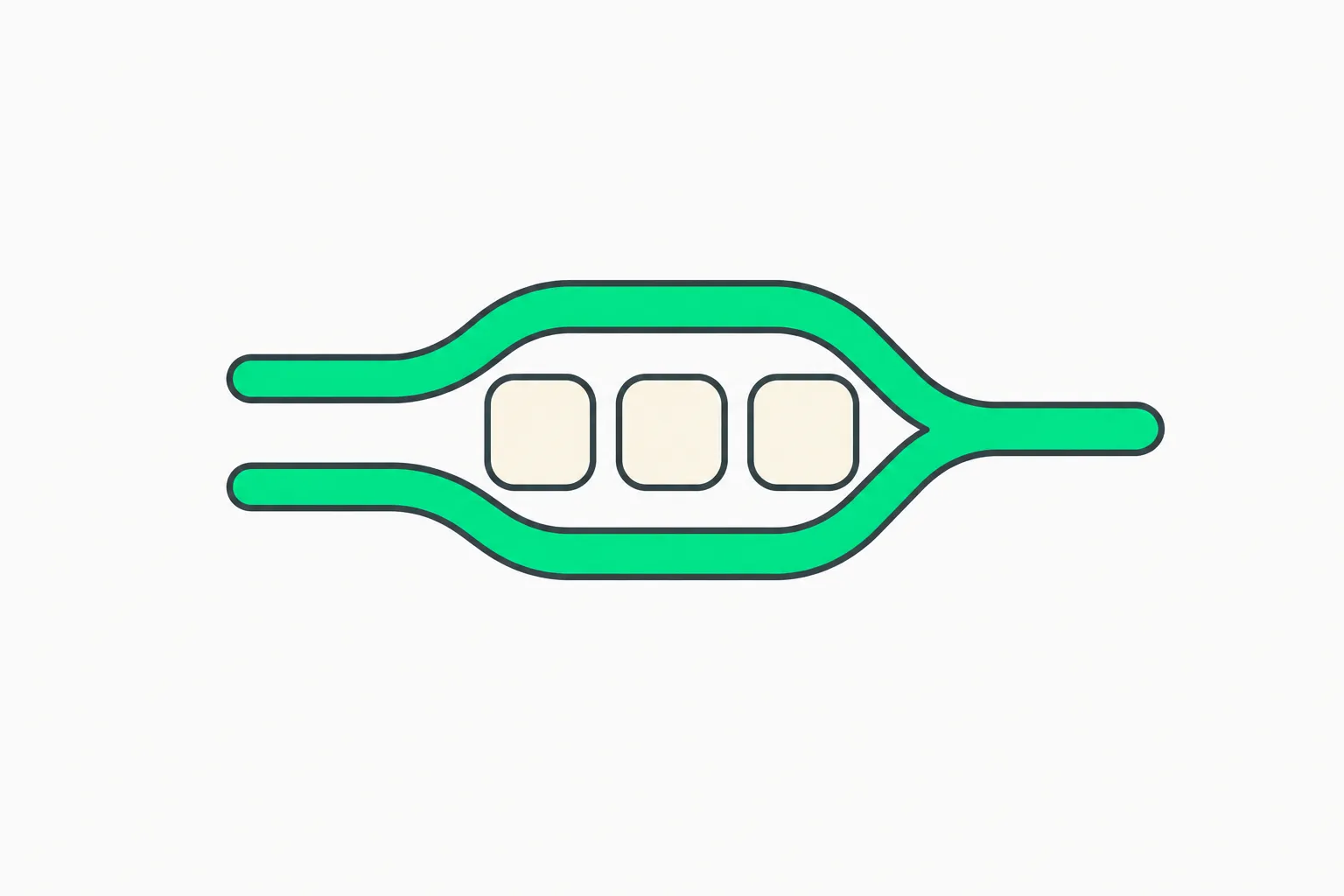 Mistral Vibe Desktop parallel coding branches on a local repository
Local sessions versus cloud sandboxes
A session is a conversation opened against a repository. Mistral forces an explicit choice:
- Local — you already have a checkout, local services, or private dependencies that cannot run in a remote sandbox.
- Cloud — Mistral hosts a managed sandbox when you want isolation or you are on a machine without the full stack.
Local sessions share the CLI's core agent engine and session logs, but Desktop does not embed the CLI binary. Tools, implementations, and prompts can differ between interfaces, which matters when you reproduce a Desktop bug on CLI — check both changelogs.
Git worktrees are the parallel-task story: multiple agent-driven changes in one repo without constant stash gymnastics, similar in spirit to Claude Code worktree flows and external sandboxes patterns, but inside Mistral's UI.
Work mode plus local folders
Vibe Work already connected email, calendar, Slack, GitHub, Jira, and MCP tools in Mistral's stack. Desktop adds local folders beside those connectors so long-horizon research and coding share context.
That blurs the line between Cowork-style products we tracked in SWE-Cowork benchmarks and pure codegen. Mistral is betting practitioners want one account and one notification surface, not another single-purpose tab.
Pricing on the product page still lists Free, Pro at $14.99 per month, Team at $24.99 per user per month, and Enterprise contact sales, subject to fair use and terms. Desktop does not change those tiers; it changes where you run sessions.
How Vibe Desktop fits the harness market
| Harness | Desktop-native? | Local repo? | Notes |
|---|---|---|---|
| Mistral Vibe Desktop | Yes (Nov 17 GA) | Yes | Cloud sandbox optional |
| Claude Code | CLI and IDE | Yes | See mobile and IDE coverage |
| Cursor | Yes | Yes | Proprietary editor shell |
| OpenAI Codex | App and cloud | Mixed | Revolut fincrime story shows enterprise deploy |
Mistral is late to a dedicated desktop shell relative to Cursor and Anthropic's harness push, but GA on two desktop OSes still matters for European teams standardized on Mistral models and Le Chonk routing.
What to try first after download
- Sign in with your existing Vibe account; conversations from Le Chat should carry over per Mistral rename FAQ.
- Open a local Code session on a throwaway branch or worktree before you let agents touch main.
- Run one cloud sandbox task to compare latency and tool allow-lists against local.
- If you use MCP, audit connectors the same way we recommend in MCP misbinding — Desktop does not remove prompt injection risk.
- Compare token spend against open-weight routing if you mirror models outside Mistral-hosted endpoints.
Licensing and data residency reminders
Enterprise customers can still pursue on-premises or private cloud deployments with data residency, per Mistral's FAQ. Desktop GA does not replace Forge fine-tuning or Studio managed agents; it is the daily driver UI.
Fine print on fair usage and tax-inclusive pricing varies by region on the product page. Teams billing Pro seats should align Work connectors with corporate OAuth policies, the same way Microsoft Copilot agent rollout teams gate Frontier features.
What people ask before installing Vibe Desktop
Search traffic clusters around Vibe versus CLI, pricing, and whether Le Chat history transfers. Mistral’s FAQ on the product page says Le Chat became Vibe with settings and conversations carrying over — Desktop is another client, not a new account system.
Developers also ask how Vibe Desktop compares to Claude Code or Cursor. Mistral’s answer is model plus harness: Desktop is Mistral-hosted routing to Le Chonk and related models, with Work connectors and MCP, while Cursor is an editor shell and Claude Code is Anthropic’s terminal harness. None of those facts guarantee feature parity on computer use or IDE languages; test your language server and monorepo scripts on day one.
Europe’s LECHONK promo is time-boxed on Mistral’s X thread; check mistral.ai/products/vibe/ for whether three months of Pro still applies in your country before you plan sprints.
Honest limits
- Linux is not shipping yet; WSL-only developers wait or use web and CLI.
- Computer use or full OS automation is not claimed in official docs; this is developer-centric, not a rival to OpenAI Operator-style demos.
- Tool parity with CLI is not guaranteed; test critical workflows on both.
Security and governance on a desktop agent
Desktop agents run with your OS user permissions. Vibe Work connectors can reach email, Slack, and GitHub — the same surfaces coinbase scam agents attackers mimic. Enable Mistral enterprise controls if your CISO requires SSO, audit logs, and data residency.
Local folders in Work mode mean path traversal and prompt injection via repo files remain live risks. Follow GTIG backdoor patterns hygiene: review .cursor, .claude, and hidden skill files before you open a trusted customer repo.
Parallel sub-sessions multiply token spend. Track usage dashboards the way Agent 365 analytics teams track Frontier agents — one runaway loop across four worktrees can burn daily quota before standup ends.
Step-by-step first session checklist
- Install from mistral.ai/products/vibe/ and sign in with your Mistral account.
- Create a Code session on a non-production repository branch.
- Add local folder context in Work only after you review connector scopes.
- Run a five-line bugfix before you delegate a multi-file refactor.
- Open split diff view and confirm worktree paths before merge.
- Archive the session and note token usage for finance.
This mirrors loop engineering discipline: short loops, verified diffs, human merge.
Integration with Mistral Studio and MCP
Studio managed agents target deployable agents with skills, hooks, and OTel. Vibe Desktop is where practitioners author those assets before one-command deploy in Studio.
MCP servers you already run for Claude may work with Vibe if OAuth and tool schemas match. Test read-only tools first; write tools need extra guardrails when prompt injection arrives via issue trackers.
Download, updates, and IT packaging
IT departments will ask whether Vibe Desktop supports MDM deployment and silent updates. Mistral’s public docs on November 17 focus on individual download flows. Enterprise buyers should open contact sales for MDM manifests, offline installers, and proxy allow-lists before a 500-seat pilot.
Auto-update channels matter when agent harnesses patch tool permissions weekly. Pin versions during regulated engagements the same way you pin model weights in finance environments.
For AR creators using agents in other harnesses, see explainx.ai's Snap Easy Lens CLI for Claude Code and Cursor (November 18, 2026).
Related reading
- Mistral Studio managed agents
- Hugging Face OpenRouter routing
- Claude Code command reference
- External sandboxes for coding agents
- MCP explainer
- SWE-Cowork benchmark
- PhoneBox Android desk panel
European promo and pricing footnotes
Mistral’s launch-day thread advertised LECHONK for three months of Vibe Pro in Europe. Fair use limits and tax-inclusive pricing still apply on the product page. Finance teams should not budget $0 beyond the promo window without reading Terms.
Team seats at $24.99 per user compete with Copilot Frontier bundles inside Microsoft 365 — procurement comparisons belong in TCO spreadsheets, not hero demos.
Availability and pricing follow Mistral documentation as of November 17, 2026.