



Ideogram has launched its first vector model. In an announcement on X, Ideogram said Vector 1.0 can "generate clean, editable SVGs with smooth gradients and sharp typography from a text prompt, or turn any image into a detailed, scalable vector." It arrived on October 22, 2026, and fal said the same day that the model is live on its platform. This is a launch with a concrete claim and thin documentation so far, so this post separates what we could verify from what is only claimed.
For readers new to the area, we covered the competing approach earlier this fall in QuiverAI Arrow 2, and Ideogram's open-weight image model in Ideogram 4.0.
TL;DR table
| Question | Answer |
|---|---|
| What launched | Ideogram Vector 1.0, the company's first dedicated vector model |
| What it does (per Ideogram) | Editable SVGs from a text prompt, or image-to-vector conversion |
| Where | Ideogram platform and API; fal lists a model page called ideogram/vector |
| Price | Not confirmed by us; one outlet says per-output API prices are listed on Ideogram's product page |
| Open weights | No sign of it |
| Official docs | Not found in the API overview we read |
| Biggest open question | Quality on real logos, icons and typography versus tracing and rival vector models |
What is confirmed
- The announcement exists on Ideogram's official X account. The post describes both text-to-vector and image-to-vector, and mentions smooth gradients and sharp typography.
- fal has a model page. The path fal-ai/ideogram/vector on fal.ai exists. When we opened it the playground was a sign-in-gated form, so we could not see the schema or price. fal's own post said Ideogram Vector is now live there; coverage of that post says it supports reference images to guide generation, which we did not see in a schema.
- Ideogram's help docs say SVG exists as an app-specific export. The FAQ states that ordinary downloads offer raster formats like JPEG, PNG and WebP, and that if an app creates an SVG asset, that asset has its own SVG download. Choosing PNG, or writing "vector" in a prompt, does not convert a raster image into vector paths. That fits a launch built as a separate model or app.
What we could not confirm
- The price. RuntimeWire says Ideogram's product page lists endpoints for both workflows and per-output API prices, without quoting a figure. We could not load such a page. Ideogram's API overview, as we read it, lists Ideogram 4.5 and 4.0 generation, remix, inpaint, upscale, background and video endpoints, but no vector endpoints. That may simply mean the docs lag the launch.
- Quality claims. "Clean" and "sharp typography" are the company's words. No public benchmark or side-by-side comparison with other vector tools was available at publication time.
- Model details. Architecture, training data, SVG complexity limits and license are unpublished in what we found.
- Plan access. Which Ideogram subscription tiers get the vector app is not stated in the sources we read.
In short, the launch claims are specific enough to test but thin on documentation, so treat the announcement as a starting point for your own evaluation rather than as a verified product specification. Until endpoints, pricing and limits are published, plan any production use around what you can confirm yourself.
Why vector output is hard for image models
Most image generators, including Ideogram's earlier models, produce raster images: grids of pixels. A vector file is the opposite, a list of shapes, paths, colors and text with coordinates. Turning one into the other is where things break.
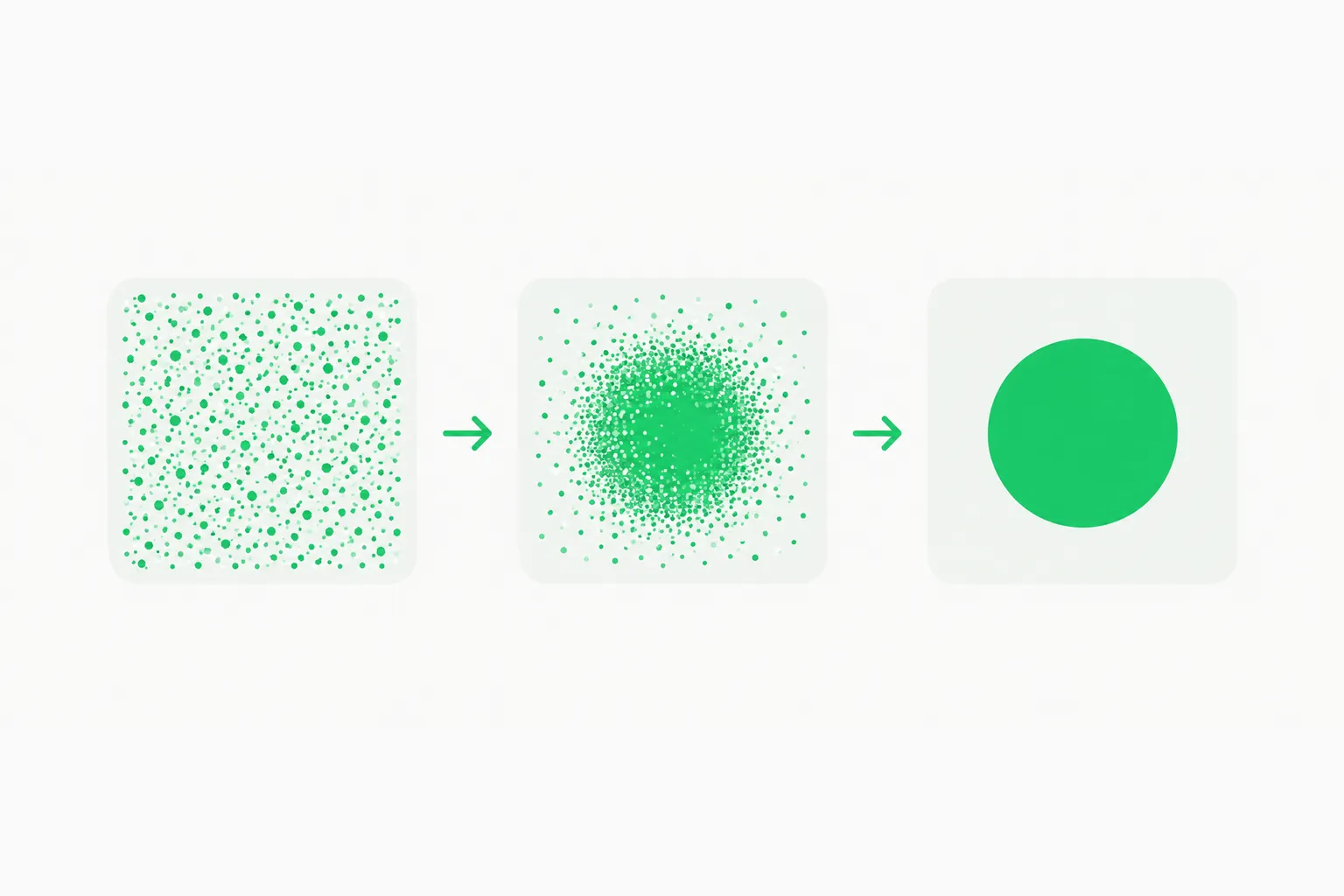 Panels where speckles resolve into a clean shape, showing how raster diffusion models generate images
- Tracing a raster (the old method) produces many small paths, jagged curves and heavy files, and loses real text structure.
- Generating SVG code directly with a language model can produce tidy paths but struggles with gradients and complex scenes.
- A model trained for vector output tries to learn the shape vocabulary designers actually use: few clean paths, grouped layers, true text.
Ideogram's reputation is typography, so "sharp typography" is the claim to test hardest: does the output contain live text objects you can retype, or text converted to outlines? The announcement does not say.
Where Vector 1.0 fits in Ideogram's lineup
Reading Ideogram's own documentation shows a company that has been broadening from a text-in-images specialist into a full creative toolset. The developer overview describes Ideogram 4.5 as its most precise edit model, with a Precise Edit mode that copies untouched pixels exactly and accepts up to four reference images, alongside Ideogram 4.0 generation known for prompt fidelity and crisp typography, background removal, upscaling and video generation through partner models. The help center lists Ideogram 3.0 for style presets and color palettes, an MCP server so assistants such as Claude, ChatGPT or Cursor can make and edit images, and plans from a free tier with 30 credits a week to Plus at 20 dollars a month and Pro at 60 dollars a month.
Against that backdrop a vector model is a logical missing piece. Designers who generate a logo or icon in Ideogram today get a raster file and then need a separate tracing step to use it in print, web or app design. A native vector output removes the step, if the quality holds. It also gives Ideogram a response to competitors that already treat editable output as the product. The company's API platform serves what it calls thousands of API customers and millions of images a day, so any vector endpoint will be judged by how it behaves in automated pipelines, not just in the app.
One practical note from the FAQ: because SVG downloads are tied to specific apps, do not assume every Ideogram model can export vectors. Look for the vector app or model in your picker, and remember that the docs say available models and apps can vary by account and workspace. If you cannot see it yet, a staged rollout is a likelier explanation than a missing subscription.
How to test it in ten minutes
- Prepare three jobs: a simple logo with a wordmark, an icon set of four related icons, and a gradient-heavy illustration.
- Run text-to-vector and image-to-vector on each, using the same source image for the conversion test.
- Open the SVGs in a vector editor or a code editor. Count paths, check for groups, and see whether text is selectable or outlined.
- Scale to a billboard size and a favicon size to check detail and edge quality.
- Recolor one brand color and see if the file stays clean.
- Record cost per usable file, not per generation, including retries.
If you use the API on fal, remember the playground requires sign-in and that the schema, not just the model name, determines parameters.
Where it sits in the field
| Option | Type | Source for the claim |
|---|---|---|
| Ideogram Vector 1.0 | Prompt-to-SVG and image-to-SVG | Ideogram's X announcement |
| QuiverAI Arrow 2 | Vector graphics generation | Our earlier coverage |
| Recraft | Vector-capable generation | Third-party guides cite per-SVG prices; verify on Recraft's own pages |
| Adobe Firefly text-to-vector | Partner models, including Ideogram 3.0 | Adobe's help documentation |
| Classic auto-tracing | Raster-to-vector conversion | Long-standing design-tool feature |
We have not compared outputs, and we list these for orientation only; any ranking would need real tests. Some of the new generation of tools also generate editable slides as code, showing the broader drive toward editable rather than flat AI output, and several recent Claude demos produce motion graphics from code rather than diffusion.
 Chip with a rising price tag, used to illustrate checking per-output API pricing for vector generation
What this means for designers and developers
- For designers: a vector model could shorten the path from a rough idea to an editable logo or icon, but only if the output is genuinely clean. Judge by editability, not by how it looks in a preview.
- For developers: SVG output is code. It can be generated in an API pipeline, versioned in git, and styled with CSS, which is attractive for icon systems and generated UI assets. Wait for documented endpoints and a stable schema.
- For agencies and brands: check the license and commercial terms in Ideogram's Terms of Service before using generated logos, and run trademark checks like any other logo work.
- For everyone: treat any single-source price as provisional until you see it in your own billing page.
What to watch next
Watch for Ideogram's documentation adding vector endpoints, an official price list, example outputs and any statement about text handling. If those arrive, we will update this post. Until then, the accurate summary is that Ideogram has announced a vector model, fal hosts it, and the hard numbers behind the claims are not yet public.
Related reading
- QuiverAI Arrow 2: AI that generates editable vector graphics
- Ideogram 4.0: open-weight image generation and how to run it
- PPT Master: editable PowerPoint skill
- How Opus 5.5 viral videos are made: code, not diffusion
- Gamma 5: agent-driven presentations
- Anatomy of a Claude Code skill: isometric interactive figures
Details reflect Ideogram's October 22, 2026 announcement and pages we could open that day; features and pricing may change.