



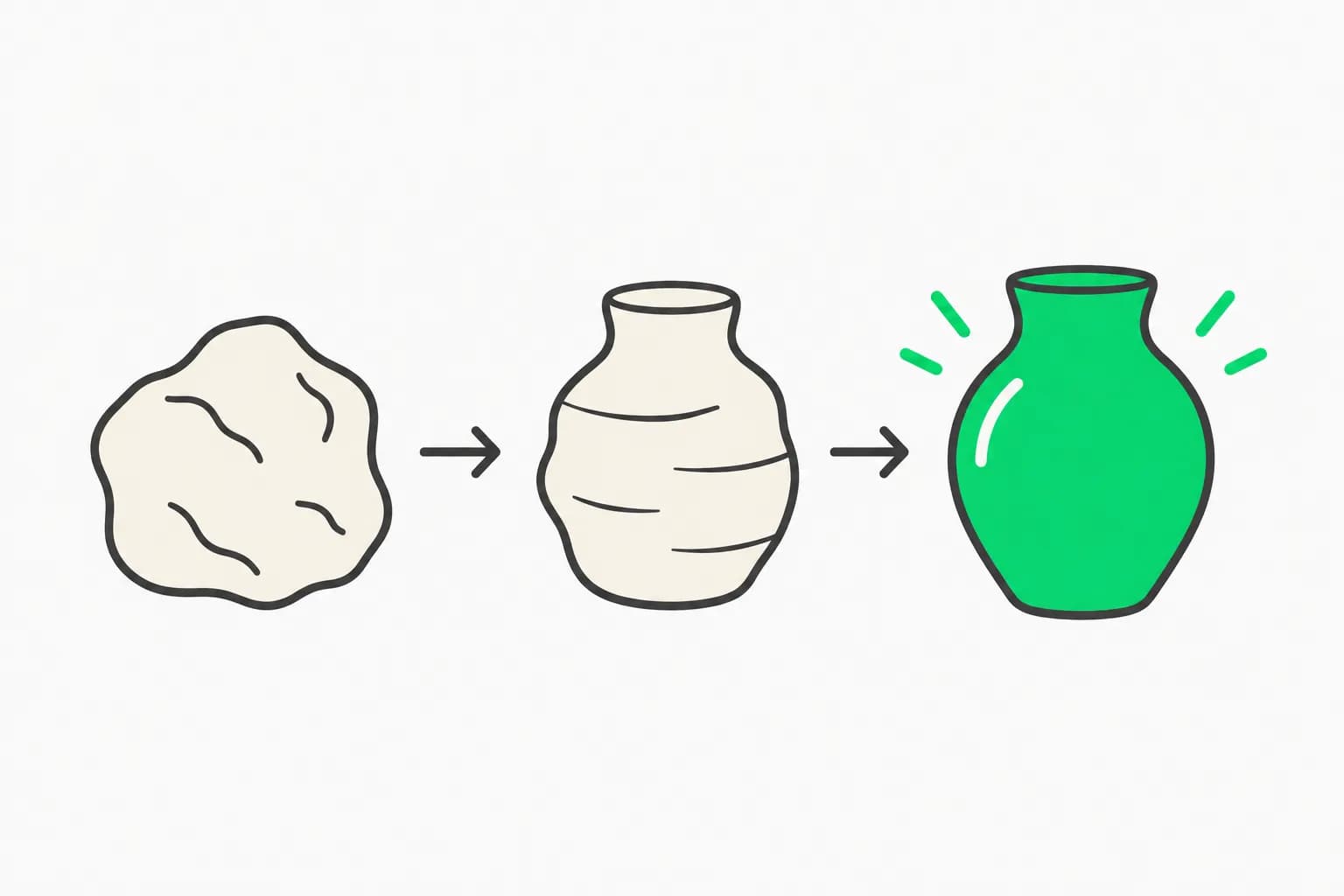
AI presentation tools made decks fast. They also made decks look the same. Gamma, one of the biggest names in the category, says it has heard more complaints about that sameness since early 2026. Its co-founder and chief product officer Jon Noronha calls it "AI smell," and on October 6, 2026, Gamma launched Gamma 5 as the answer: a rebuilt platform, centered on an agent, meant to produce decks that do not look machine-made.
This post covers what Gamma 5 changes, what the launch coverage supports and does not, and a quick way to evaluate it against your current workflow. We reviewed the launch coverage and press materials, not a hands-on build, so treat the capabilities as claims until you try them.
TL;DR: the questions people are asking
| Question | Short answer |
|---|---|
| What launched? | Gamma 5: new editor, more capable agent, expanded styles. |
| Main pitch? | Remove the "AI smell," the repetitive look of AI-made decks. |
| How do you create? | Start a conversation, answer a few questions, the agent builds end to end. |
| Models? | 20-plus, including Anthropic, OpenAI and Google, plus image generators. |
| Connectors? | About 20, including Salesforce, Slack and meeting-transcript tools. |
| Import? | PowerPoint and PDFs, with claimed 97% visual accuracy. |
| Price? | Not disclosed in launch coverage. |
| Biggest unknown? | Whether decks actually look less generic in practice. |
What "AI smell" is, and why it is a real problem
Open ten AI-generated decks and you will notice the pattern: the same card layouts, the same three-column feature rows, the same glossy-but-generic stock imagery, the same rhythm of headline and bullets. That sameness is a signal to an audience, and it reads as low effort. Gamma's own framing, in Noronha's words as reported, is that the tools have a distinctive tell and users wish they could make AI content where "it's not clear they made it with AI."
The cause is structural. Tools pick from a small set of templates and fill them with model output. Models trained on the same slide corpora favor the same layouts. The result is competent and forgettable. We have seen the same dynamic in frontend design, where tools such as Impeccable exist to detect and remove the common tells in AI-generated interfaces.
What Gamma 5 changes
Based on the launch coverage, the rebuild has four parts.
1. An agent-first workflow. Creation starts with a conversation, in text or voice. You say what you are making, answer a few clarifying questions, and the agent builds the whole thing. This replaces the earlier flow of choosing a template and filling it.
2. A more capable agent with a sandbox. Rather than only placing text in templates, the agent can write custom code, draw shapes, arrange elements on the canvas, generate images, manipulate files, do web research and review its own work. Reported automatic checks include text spilling out of boxes and cropped images, two classic failures of generated decks.
3. A freeform editor. A redesigned editor gives more creative freedom and lets you revise individual elements, which addresses the old complaint that AI output is hard to tweak without breaking the layout.
4. A bigger style library. Thousands of templates, built with a mix of human design and AI. Gamma says it leaned toward illustrations over AI-generated photos to avoid photorealism problems such as uncanny faces.
Also reported: about 20 connectors, including Salesforce, Slack and meeting-transcript services such as Granola, Fireflies.ai and Fathom, with a capability to flag sensitive material. Brand preferences, custom instructions and workspace templates persist across projects. Gamma plans to extend into graphic design, video generation and auto-updating sales presentations.
The numbers Gamma gave
| Item | Reported figure |
|---|---|
| Free-tier sign-ups | About 110 million |
| Time saved | From 8 to 10 hours to about 30 minutes (per a user-reported example) |
| PowerPoint and PDF import accuracy | 97% visual |
| Models in use | 20-plus |
| Connectors | About 20 |
| Funding to date | $90 million, including Andreessen Horowitz and Accel |
| Founded | 2020 |
Active users and subscriber counts were not disclosed, and the time-saving figure is an anecdote about a type of task, not a measured average. A sign-up count of 110 million shows reach, not usage.
What the launch does not tell you
Because this is a product launch, several important questions are open.
- Is the output actually less generic? This is the central claim and the hardest to verify from a press release. Only side-by-side decks on your own topics will answer it.
- How consistent is it? An agent that writes custom code per slide can produce striking results and also unpredictable ones. Variance matters when you present tomorrow.
- Cost and limits. Agentic generation with 20-plus models is not cheap, and the launch coverage did not state how it counts against plan limits.
- Editing fidelity. A freeform editor helps, but check what happens when you edit an agent-built slide and then ask the agent to revise the whole deck.
- Export. If your audience uses PowerPoint or Google Slides, test export of your real decks, including fonts and charts.
- Data handling. Connectors to Salesforce, Slack and meeting transcripts pull sensitive information into a tool. Review permissions, retention and the sensitive-material flagging before connecting company accounts.
How to evaluate Gamma 5 in an afternoon
- Pick a real deck you already made, one where you know what good looks like.
- Recreate the brief in Gamma 5 using the conversational flow. Give the same audience and goal.
- Compare the two on structure, visual variety, factual accuracy and how much editing the Gamma version needs.
- Stress the editor. Change a slide's layout by hand, then ask the agent to rework the next three slides. See whether it respects your edits.
- Test the import. Bring in an existing PowerPoint and check fonts, charts and alignment.
- Try a connector with test data, not production data, and see what it fetches.
- Export to your target format and open it on a different machine.
- Time everything, including your corrections. Minutes to a presentable deck is the number that matters.
How it compares with other deck workflows
Gamma is one of several approaches to AI-made slides. Some people generate editable PowerPoint files directly, as with Kimi Slides. Others work through a chat assistant with built-in office integrations, as described in our coverage of ChatGPT's Google Docs, Sheets and Slides integration and the Claude Cowork docs and slides merge. Gamma's bet is that a dedicated, agent-driven canvas with its own style library produces better design than a general assistant exporting to a file. Whether that holds depends on the evaluation above.
Practical tips if you try it
A few habits improve results with any agent-driven deck tool. Write the audience and purpose before the topic: "a 10-minute update for finance leaders deciding whether to renew" yields a different structure than "a deck about our product." Provide real data and quotes, since agents fill gaps with plausible filler. Ask for a specific number of slides and a single narrative arc, then read the speaker notes, because a generic story is easier to spot in text than in layout.
Review every statistic and claim. Agentic research can cite sources confidently and still misstate a figure, and a polished slide makes a wrong number look authoritative. Finally, keep a plain fallback: if the deck must be edited by colleagues in another tool, export early and check that your fonts, charts and animations survive. The best test of "AI smell" is whether a colleague asks who designed it, not whether they guess a tool made it. Run that test on a small audience before you rely on the tool for an important presentation.
What this means for what you build or pay
If you make decks regularly, the practical question is not whether Gamma 5 is impressive but whether it saves net time after corrections and whether the output survives contact with an audience that has seen a lot of AI slides. If you build products in this space, the lesson is the same one design tools keep relearning: speed commoditizes quickly, and distinctiveness becomes the product. Gamma's move toward agents that write code and draw, rather than only fill templates, is a bet that the next differentiator is control and variety, not generation speed.
For teams, treat connectors as a security decision. A tool that reads CRM records and meeting transcripts to build a deck has access that deserves the same review as any other integration.
Related reading
- Kimi Slides: editable PowerPoint generation
- ChatGPT's Google Docs, Sheets and Slides integration
- Claude Cowork: chat, docs, slides and design
- Impeccable 4.5: removing AI tells from generated UI
- DESIGN.md templates for AI-built interfaces
- What is AI slop? Content quality explained
Primary: Gamma's launch announcement for Gamma 5 (October 6, 2026) · SiliconANGLE and Fast Company coverage of Gamma
Details are accurate as of October 6, 2026 and come from launch coverage, not hands-on testing. Pricing, limits and features may change; verify in the product before standardizing on it.