



Canva has released its first image generation model. Canva Craft, announced on October 22, 2026, is built by Canva's own research team and, according to TechCrunch, trained on human-designed templates rather than photographs. It is open to every Canva user from the Dream Lab tab and through the Canva API, and Canva says support for third-party chatbots such as ChatGPT and Gemini is coming via its MCP server.
That is the whole confirmed story so far: a launch, a design claim, and a roadmap. There are no published benchmarks, no leaderboard placement and no pricing in the coverage we could find. This post lays out what Craft does, why the "trained on templates" detail matters, how it fits Canva's earlier AI moves, and what to test before you rely on it.
TL;DR: Canva Craft at a glance
| Question | Answer |
|---|---|
| What is it? | Canva's first in-house image generation model |
| Who can use it? | All Canva users, from the Dream Lab tab |
| Developer access? | Yes, through the Canva API |
| Resolution and shapes | Up to 2K, up to 30 aspect ratios |
| What was it trained on? | Human-designed templates from Canva's library (posters, social posts, presentations, infographics, menus, text-heavy layouts), not photographs |
| Is there a benchmark or rank? | None in TechCrunch's launch report. Social posts attributed to Canva and DesignArena reportedly claim a #4 debut (Elo 1340) on DesignArena, which we could not confirm on the live leaderboard |
| What does it cost? | Not stated |
| What is coming? | Craftfast and Craft-ultrafast variants, and image generation inside ChatGPT and Gemini via Canva's MCP |
How does Canva Craft work?
Per TechCrunch's description, Craft runs in two stages. The first stage interprets the prompt and plans layout details: spatial relationships between objects, relative scale, visual hierarchy and the exact text that should appear. The second stage generates the picture from that plan.
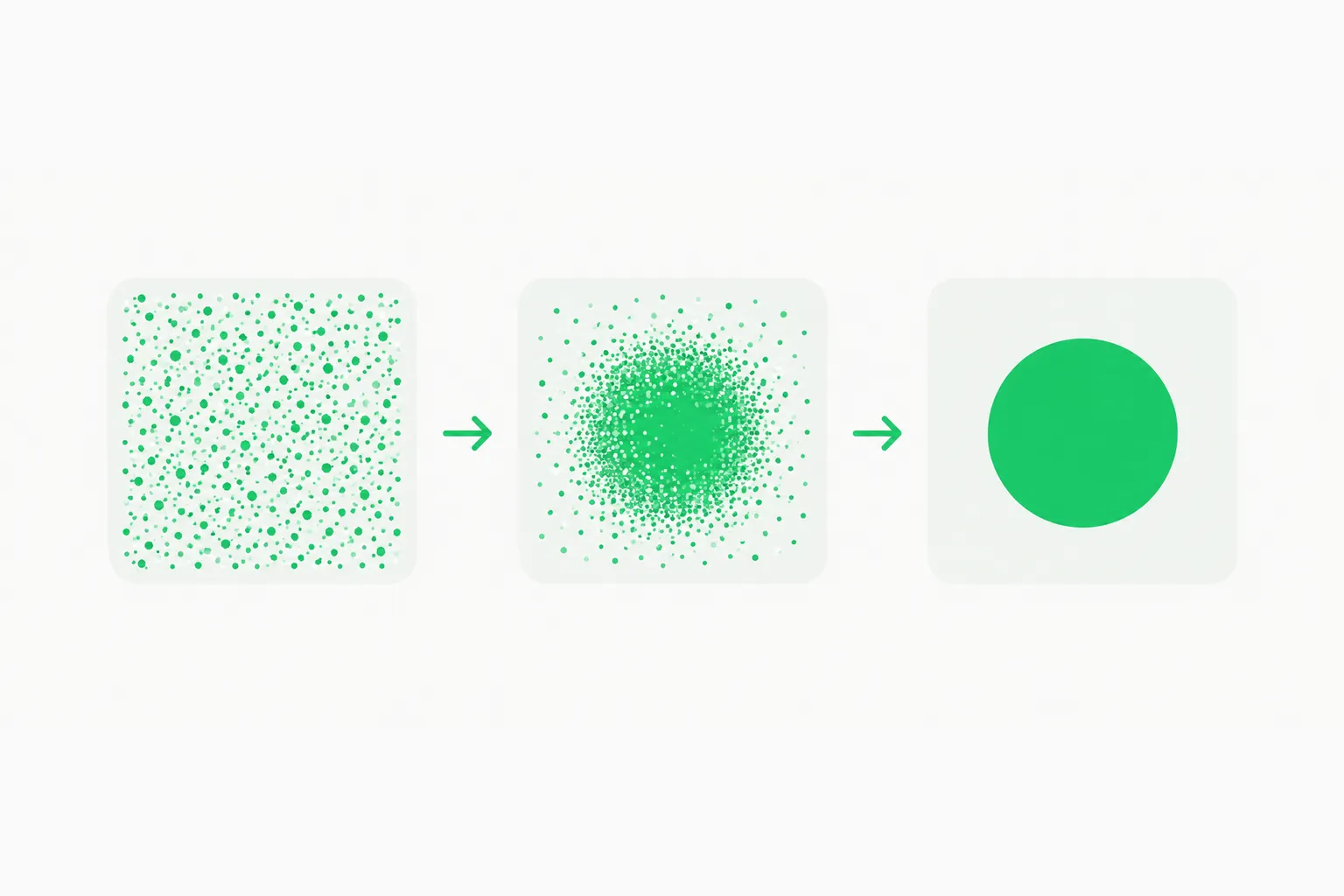 Noise resolving into a finished picture, illustrating the generation stage of an image generation model like Canva Craft
Splitting planning from rendering is a familiar idea in image models, and it targets the two classic failure modes: text that is garbled and objects that land in the wrong place. A planner that commits to "headline top left, product centered at one third scale, price bottom right" before any pixels exist gives the renderer a much easier job than a single pass from a sentence.
Canva lists three strengths: accurate object details, legible text, and precise edits that leave the rest of an image unchanged. All three are vendor claims. Edit locality in particular is hard to verify without side-by-side tests, because a model can look precise on a curated demo and still drift on a messy real prompt.
Why does training on templates matter?
Most general image models learn from photographs, illustrations and scraped web images. Craft learned from Canva's own library of designer-made templates. That choice has predictable consequences.
Likely strengths. Templates are full of the exact content businesses ask for: menus, event posters, social posts, infographics. They encode real conventions about margins, type size, contrast and grouping. A model trained on them should produce layouts that look intentional and put readable words where a designer would.
Likely weaknesses. A template corpus has far fewer photorealistic scenes, unusual art styles or cinematic compositions. Expect Craft to be a design-first model, not a rival to the best general-purpose generators for portraits or concept art. That is a guess from the training data Canva described, not a measured result.
Rights and provenance. Training on your own licensed library is a cleaner story than scraping, although template contributors and the people whose work inspired them may still have views. Canva's launch coverage did not discuss contributor terms, so that remains an open question.
For readers following this niche, the same "design-aware" theme runs through other recent releases. Ideogram's Vector 1 targets editable SVG output, OpenMOSS's open image model emphasizes layout control and text rendering, and QuiverAI's Arrow 2 focuses on vector graphics. Craft is Canva's entry in that group, with the advantage of living inside the editor where people already finish their designs.
Where can you use it, and what is next?
 An outpainted picture frame extending beyond its edge, illustrating image editing inside Dream Lab with Canva Craft
Three access paths are reported:
- Dream Lab. The in-app image generation tab, now open to all users per TechCrunch.
- Canva API. Developers can call Craft from their own products. Pricing and rate limits were not reported.
- Chatbots via MCP. Canva plans to expose image generation to assistants such as ChatGPT and Gemini through its Model Context Protocol server. If you have not met the protocol, our MCP explainer covers the basics. No release date was given.
Canva also said images can be converted into layered, editable designs using Canva Magic, its image-to-design tool. That matters more than it sounds: a flat generated image is a dead end for most business work, while an editable layered file can be corrected by a human in minutes. Canva introduced its own design foundation model for layered output in October 2025, and Craft slots underneath as the pure image engine.
Two cheaper, faster variants, Craftfast and Craft-ultrafast, are in development and "will be released soon," according to the same report. Expect them to trade some quality for latency and cost, which is the pattern every image model family follows.
What changes for Canva's business?
Canva's AI features have been expensive to run. We covered the company's cut to its 2026 growth forecast after AI compute costs rose. TechCrunch notes that Canva says Craft should lower its API costs and give it better control over quality and speed, though no figures were provided. Owning the model means Canva no longer pays a third party for every generated image, and it can tune the cost curve with smaller variants like Craftfast.
There is a team angle too. Researchers from Leonardo.ai, which Canva acquired in 2024, contributed to the model. Canva previously leaned on Leonardo's Phoenix model for Dream Lab, and in April 2026 TechCrunch reported that its AI assistant could call a range of tools to make designs. Craft consolidates that stack under Canva's own roof.
Competitively, Canva is stepping into a field that includes Google, OpenAI, ByteDance and Meta. It also overlaps with design-agent products like Claude Design and Google's Pics image editing in Workspace. Canva's edge is distribution: millions of people already make posters and slides in its editor.
Claimed versus verified
| Claim | Source | Status |
|---|---|---|
| First in-house Canva image model | Canva, via TechCrunch | Reported by one outlet; no second independent report found |
| Trained on human-designed templates | Canva, via TechCrunch | Company statement, not audited |
| Up to 2K, up to 30 aspect ratios | Canva, via TechCrunch | Testable in Dream Lab |
| Legible text and precise edits | Canva | Unverified; no benchmark published |
| Lower API costs for Canva | Canva | No figures given |
| ChatGPT and Gemini support via MCP | Canva | Plan only, no date |
How to test Craft yourself
Do not trust the demo reel. A fifteen-minute test will tell you whether Craft earns a place in your workflow.
- Text stress test. Ask for a menu with eight items and prices, a poster with a long date line, and a slide with a paragraph of body text. Count wrong characters.
- Edit locality. Generate an image, then ask for one change such as "make the mug blue." Compare the untouched areas pixel by pixel.
- Aspect ratio sweep. Request the same prompt at 1:1, 9:16 and 21:9 and check whether the layout adapts or just crops.
- Round trip to editable. Send the result through Canva Magic and see how many layers come out usable.
- Style range. Ask for something outside templates, like a photoreal street scene, to find the edges of the training data.
- Cost and speed. Time each generation and note any credits consumed, since pricing was not published.
If you are building on the API, log prompts and outputs so you can rerun the same set when Craftfast arrives and compare quality per dollar.
What to watch next
- Independent evaluations. The first side-by-side text-rendering and edit tests will show whether the template training pays off.
- Pricing. API rates and any Dream Lab credit limits will decide whether developers adopt it.
- The MCP release. Image generation inside ChatGPT and Gemini would put Canva's model in front of users who never open Canva.
- Craftfast timing. The cheaper variants are where most real volume will go.
- Training-data questions. Contributor terms for templates used in training are the open governance issue.
The takeaway: Craft is a sensible, narrow bet. Canva is not trying to beat every model at every picture, it is trying to make the images people actually need for work, with correct words in the right places, cheaper to produce inside its own product. Whether it succeeds depends on tests nobody has published yet. Details here reflect launch reporting as of October 22, 2026 and may change as Canva publishes documentation.
Related reading
- Canva cuts its 2026 growth forecast after AI compute costs
- Ideogram Vector 1: editable SVG, claimed vs verified
- OpenMOSS image model with layout control and text rendering
- QuiverAI Arrow 2 vector graphics model
- Google Pics: AI image editing in Workspace
- Claude Design from Anthropic Labs
- What is MCP? The Model Context Protocol guide