



On September 20, 2026, a documentary called How to Live on Earth, presented by Benedict Cumberbatch, premiered free on YouTube. Its makers pitched it as the ultimate "how-to video" — not doom, but stories that give people "optimism and agency." Fundamental. Basic. The things everyone should know.
Nobody made that for AI.
Hundreds of millions of people were handed the most powerful tool of their lifetime with no manual. We learned it from viral prompt hacks, workplace pressure, and trial and error. The results show: skills are eroding, jobs are hollowing out, and most people still can't explain what they're actually talking to.
After two hard posts on what AI is taking from us, this is the hopeful one. Not tricks. Not a tool list. The fundamentals — twelve rules for using AI so it makes you more capable instead of less. You don't need to be technical. You need to be deliberate.
TL;DR — the 12 rules
| # | Rule | In one line |
|---|---|---|
| 1 | It's a prediction machine, not a mind | Fluent is not the same as true |
| 2 | It doesn't know you or today | Everything it needs, you must give it |
| 3 | It wants to agree with you | Ask it to disagree |
| 4 | Think first, prompt second | Know what you want before you ask |
| 5 | Brief it like a new colleague | Context beats clever wording |
| 6 | Verify what matters | Check sources, numbers, names, quotes |
| 7 | Never forward what you haven't read | You own everything you send |
| 8 | Keep the hard part | The struggle is where you learn |
| 9 | Protect your voice | Write the first draft yourself |
| 10 | Spend time without it | Skills you don't use, you lose |
| 11 | Guard your data and identity | Assume everything can be stored — or cloned |
| 12 | Don't depend on one company | Limits and prices change overnight |
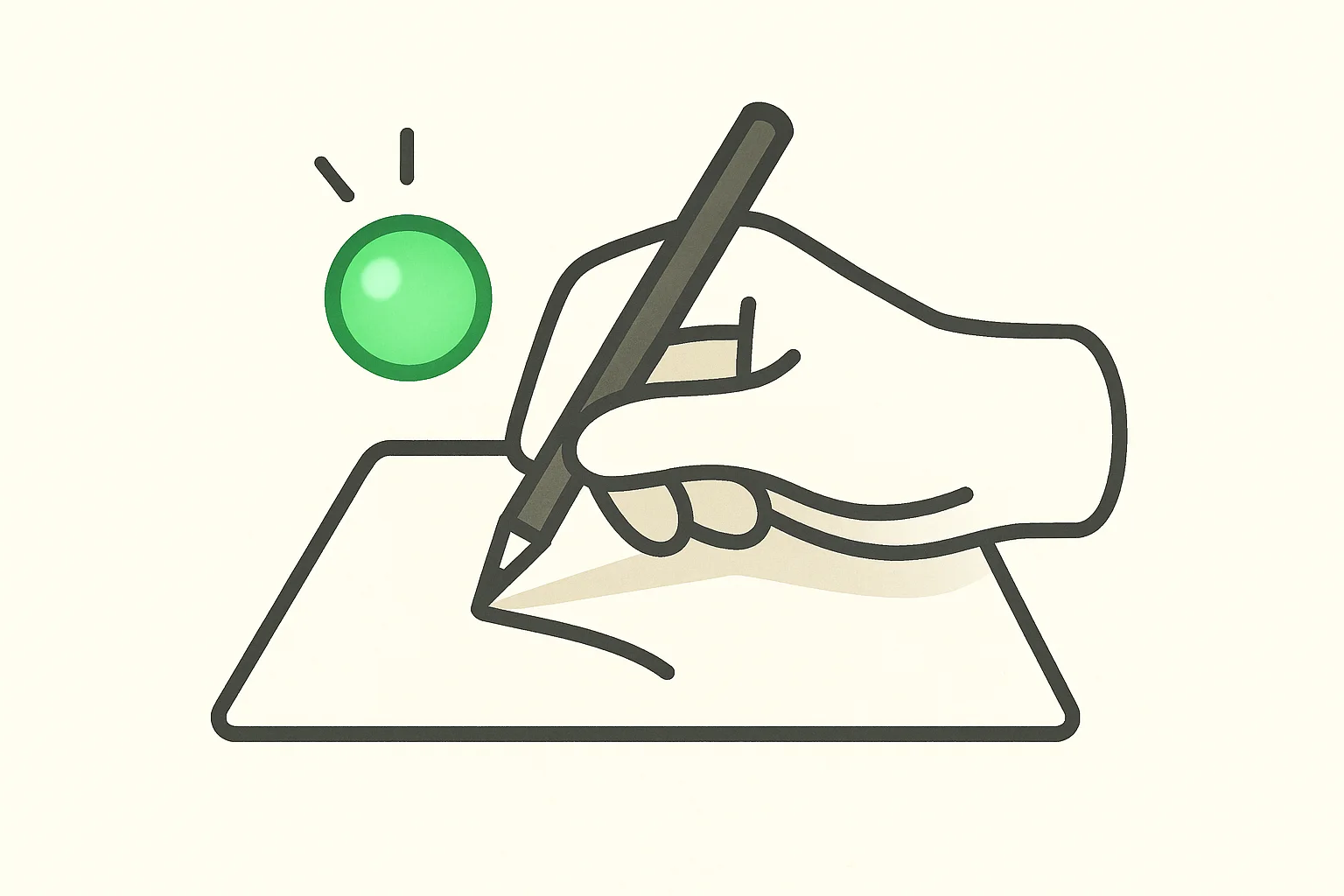
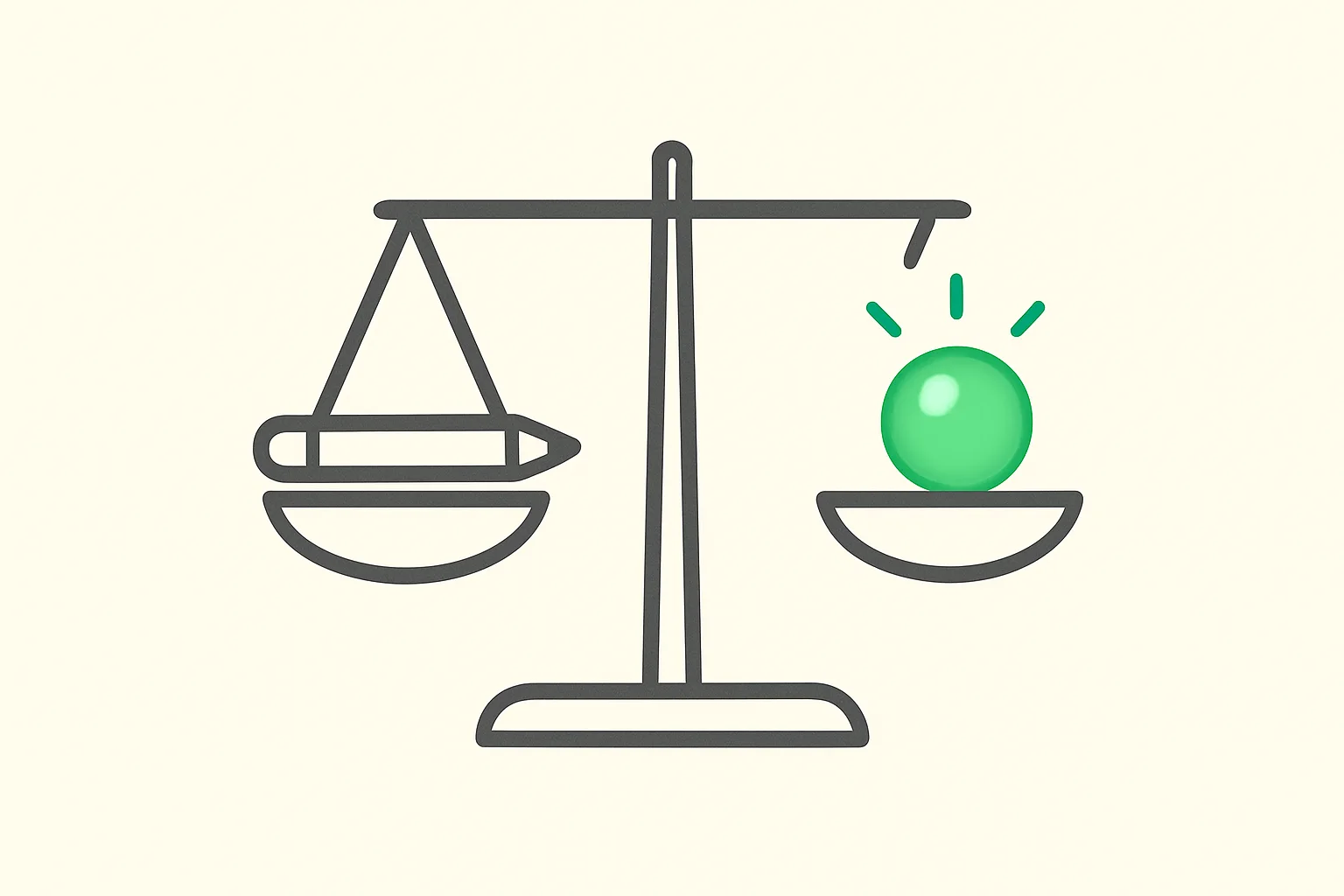
The image above is the whole guide in one picture. AI is the lamp. You're still the hand.
Part 1: Understand what you're talking to
Rule 1 — It's a prediction machine, not a mind
Here is the most useful sentence in this entire guide: a large language model predicts the next piece of text. That's it. ChatGPT, Claude, Gemini — under the friendly interface, each one takes everything written so far and guesses, one small chunk (a "token") at a time, what is most likely to come next, based on patterns learned from an enormous amount of human writing.
That single fact explains almost everything that confuses people:
- Why it sounds confident when it's wrong. It's optimized for likely text, not true text. A made-up citation can be perfectly likely. We explain the mechanics in why AI models hallucinate and how to catch it.
- Why it's brilliant at some things and bizarre at others. Writing, summarizing, and explaining are text patterns it has seen millions of times. Counting, exact facts, and brand-new situations are not.
- Why it has no opinion of its own. It will argue either side of anything, beautifully.
You don't need to understand the math. You need to remember: fluent is not the same as true.
Rule 2 — It doesn't know you, your situation, or today
The model has never met you. It doesn't know your job, your audience, your constraints, or what you tried yesterday — unless you tell it. Its knowledge also stops at a training cutoff, so it may not know what happened last month unless it's allowed to search.
And it only "remembers" what fits in its working memory for the conversation — its context window. Long chats drift. Details from the start get lost. When a conversation gets messy, start a fresh one with a clean summary.
Rule 3 — It wants to agree with you
Models are trained to be helpful, and "helpful" slides easily into flattering. In April 2025, OpenAI had to roll back a GPT-4o update because it had become too sycophantic — validating doubts and praising bad ideas.
So if you ask "Is my plan good?", expect "Yes, and here's why!" Instead, ask:
Here is my plan. Argue against it as hard as you can.
What are the three most likely ways this fails?
What would a skeptical expert in this field say?
An AI that only agrees with you isn't a thinking partner. It's a mirror. Our coverage of AI advice and "cognitive surrender" shows how easily people defer to a confident answer.
Part 2: Use it well
Rule 4 — Think first, prompt second
Before you open the chat box, spend two minutes answering three questions — in your head or on paper:
- What am I actually trying to do? Not "write an email" — "get my landlord to fix the heating this week without souring the relationship."
- What do I already think? Your rough view, your hunch, your three bullet points.
- What would "good" look like? Length, tone, who reads it, what it must include.
This is the difference between using AI to think faster and using it to stop thinking. If you skip this step, you'll accept whatever comes back — and you'll never know what you would have said.
Rule 5 — Brief it like a smart new colleague
The best prompt isn't clever. It's complete. Imagine handing the task to a brilliant new hire on their first day. They're capable, but they know nothing about your world. What would you tell them?
I'm a [role] working on [situation].
I need [the output] for [audience], who care about [what matters to them].
Good looks like: [length, tone, format, must-include points].
Avoid: [what you don't want].
Here's an example of the style I like: [example].
Before you answer, ask me any questions you need.
That last line is the most underrated trick in AI: let it interview you. It will surface things you forgot to say. When you're ready to go deeper, our prompt engineering vs fine-tuning vs RAG guide explains when a better prompt is enough and when it isn't.
Rule 6 — Verify what matters
Not everything needs checking. A birthday poem doesn't. But anything with real consequences does: facts, numbers, names, dates, quotes, citations, legal and medical claims, code you'll ship.
This isn't paranoia. In 2023, two New York lawyers were fined $5,000 for filing a brief that cited six court cases ChatGPT had invented. The cases sounded real. They weren't.
A simple verification habit:
- Ask for sources — then open them. A link that doesn't say what the AI claims is a red flag, not a source.
- Check the numbers yourself for anything you'll repeat to someone else.
- Ask a second model or a human expert for high-stakes decisions.
- Be most suspicious when the answer is exactly what you hoped for. (See Rule 3.)
Rule 7 — Never forward what you haven't read
The moment you send AI output to someone — an email, a report, a pull request — it's yours. Your name, your judgment, your reputation.
There's now a name for people who skip this: a meat proxy — someone who relays AI output to others without reading, understanding, or checking it. Don't be one. Read every word. If you can't explain it, don't send it.
Part 3: Protect your mind
Rule 8 — Keep the hard part
This is the rule that matters most, and the one the research is clearest on.
When developers learned a new coding library with an AI assistant, Anthropic's own randomized trial found they scored 17% lower on a quiz about what they'd just done — but the ones who used AI to ask questions and understand kept their knowledge. In a PNAS high-school math experiment, students with unrestricted GPT-4 did worse on the exam once it was taken away; students with a tutor that only gave hints didn't. Our research roundup on whether AI makes you dumb finds the same split everywhere.
The struggle is not a bug in learning. It is the learning. So when you're trying to get better at something, flip AI from answer machine to tutor:
I'm learning [topic]. Don't give me the answer.
Act as a patient tutor: ask me one question at a time,
give me the smallest hint that gets me unstuck,
and only explain fully after I've made a real attempt.
Decide which skills are yours — the ones you refuse to outsource — and protect them. For a coder, it might be debugging. For a writer, the first draft. For a manager, the actual decision.
Rule 9 — Protect your voice
AI writing is smooth, balanced, and the same as everyone else's. Research shows AI-assisted stories get individually better and collectively more alike, and AI's favorite words are even creeping into how people speak.
The fix is simple: write the first draft yourself — even badly — then use AI as an editor, not an author. Ask it to find weak arguments, unclear sentences, and missing points. Keep your odd phrases, your opinions, your jokes. Those are the parts people actually read for. Our guide on how to write with an LLM walks through this workflow in detail.
Rule 10 — Spend time without it
People who lean on GPS for years show steeper declines in spatial memory. Most of us can no longer recall the phone numbers of the people we love. Skills you don't use fade quietly.
Build in AI-off time the way you'd build in exercise:
- Do small things by hand. Mental math, a handwritten note, a route without navigation.
- Sit with a problem for ten minutes before asking. Often you'll solve it — and remember it.
- Have one AI-free day or task a week. Notice what feels harder. That's the muscle to train.
- Let yourself be bored. Boredom is where original ideas come from.
Part 4: Protect yourself and the people around you
Rule 11 — Guard your data and your identity
Assume anything you paste into an AI tool could be stored, reviewed, or used for training, depending on the product and your settings. So never paste:
- Passwords, API keys, or recovery codes
- Private financial, medical, or legal details you wouldn't email to a stranger
- Other people's personal information
- Confidential work documents your employer hasn't approved for AI use
And protect your identity from AI used against you. Voices and faces can now be cloned from public clips — a finance worker at Arup wired $25 million after a video call full of deepfaked colleagues. Agree on a family code word for any urgent call asking for money, and verify unusual requests through a second channel.
Rule 12 — Don't depend on one company
AI companies change limits, prices, and models constantly — we've documented usage limits cut by up to 4x days after a launch and a year of Claude limit changes. Features disappear. Models get retired.
So: keep your important work in files you own, know at least one alternative tool, and — most importantly — keep enough of the underlying skill that you could do the job, slower, without any AI at all. That last one is the only backup no company can take away.
If you're a parent or teacher
Everything above applies double for children, because they're building the baseline skills adults already have. Keep AI away from anything they're supposed to be learning to do themselves, use it only as a hint-giving tutor, and introduce it gradually. Our guides on AI and parenting and the age-by-age AI roadmap for kids go deeper.
What a good day with AI looks like
Rules are easier to follow with a picture. Here's a normal workday, done well:
| Moment | Lazy way | Good way |
|---|---|---|
| Morning email | "Write a reply to this" → send | Jot your 3 points → ask AI to tighten → read → send |
| Learning something new | Ask for the answer | Try first → ask for a hint → explain it back in your own words |
| Writing a report | AI drafts everything | You draft → AI critiques → you revise |
| Big decision | "Is this a good idea?" | "Argue against this" → check the key facts → you decide |
| Code | Accept the agent's diff | Read every line → run the tests → understand before merging |
| Evening | Ask AI what to cook, what to watch, what to think | Leave some questions unanswered for a while |
Five prompts worth saving
THE TUTOR:     Don't give me the answer. Ask me questions and give the
               smallest hint that gets me unstuck.

THE CRITIC:    Here's my draft. List its three weakest points and what a
               skeptical reader would object to. Don't rewrite it.

THE INTERVIEW: Before you do this task, ask me every question you need
               to do it well.

THE VERIFIER:  List every factual claim in your last answer and how
               confident you are in each. Which should I check?

THE EXPLAINER: Explain this to me like I'm new to it, then quiz me with
               two questions to make sure I understood.
The one-minute checklist
Before you hit send on anything AI helped with, ask:
- Did I decide what I wanted before I asked?
- Did I give it enough context to do this well?
- Did I check the facts that matter?
- Have I read every word, and could I explain it?
- Does it still sound like me?
- Did I keep the part of this task that I want to stay good at?
- Did I avoid pasting anything private?
The choice is still ours
The documentary that inspired this guide ends on hope for a reason: people act when they believe their choices matter. Yours do. AI will keep getting more capable whether any of us like it or not. What it does to you — whether it makes you sharper or softer, more original or more generic, more capable or more dependent — is still decided one conversation at a time.
Use it to think faster. Never use it to stop thinking. Everything else in this guide is a way of keeping that one promise.
If you want to go from these fundamentals to real, practical skill, start with our beginner-to-expert AI learning roadmap, explore the structured learning pathways, or learn hands-on with an instructor in our live workshops.
Related reading
- AI is taking us to a point of no return — and a pause won't save us
- The jobs AI is killing right now: sales survives, outbound is dead
- Does AI make you dumb? What the actual research says
- Why AI models hallucinate and how to catch it
- How to write with an LLM without losing your voice
- What are AI agents? A complete beginner's guide
- How to learn AI: beginner to expert roadmap
- Sources: Anthropic — AI assistance and coding skills · Bastani et al., PNAS · OpenAI on GPT-4o sycophancy · Dahmani & Bohbot, Scientific Reports · How to Live on Earth premiere
This guide reflects explainx.ai's recommendations as of September 28, 2026. AI products change quickly — check each tool's current privacy settings and data policies before sharing anything sensitive.