



Update — October 2, 2026: Background on the test Tavus says it passed: What is the video Turing test?.
Hours after OpenAI put GPT-Live-1 in the API, HeyGen shipped the missing product shape: a real-time avatar that talks and draws on screen. On September 10, 2026, HeyGen announced it had worked with OpenAI on an open-source framework stacking GPT-Live-1, LiveAvatar, and HyperFrames — and published the starter at heygen-com/liveavatar-gpt-live-demos (~46 stars at publish time, MIT).
This post is not a rehash of the API launch. It is the companion piece: how the three layers fit, what the demos actually show, and what you fork first.
Update — October 2, 2026: Tavus named a different architecture — Griffin, a unified video-to-video Human Interaction Model. 26 of 54 thought a one-minute partner was human; Griffin-Lite is testers-only. LiveAvatar remains the forkable cascade. Griffin HIM write-up.
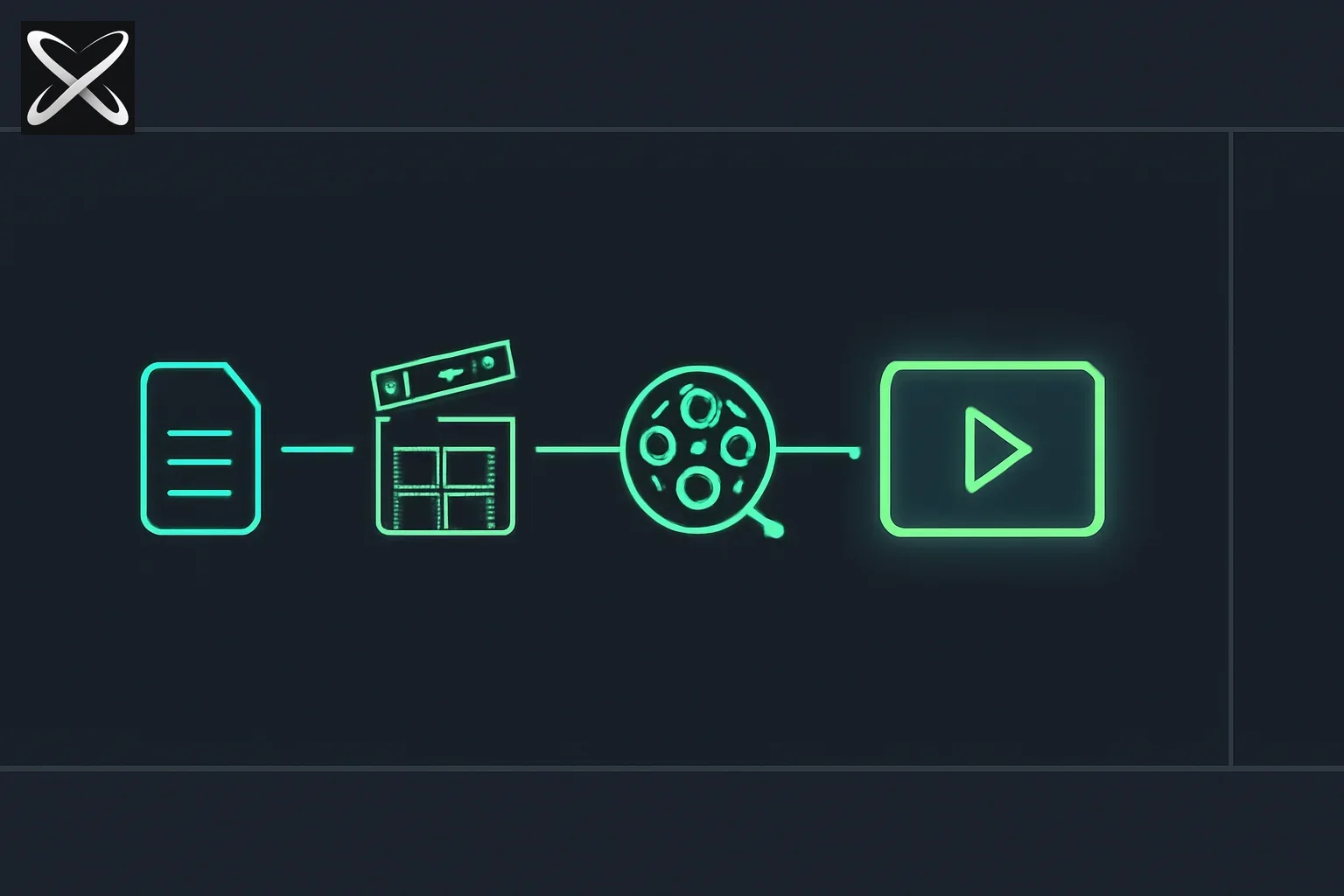 Real-time AI avatar stack combining voice, face, and generated UI overlays
TL;DR
| Question | Direct answer |
|---|---|
| What shipped? | An open-source LiveAvatar × GPT-Live reference app — not a new model |
| Three layers? | GPT-Live-1 = brain + voice · LiveAvatar = face · HyperFrames = overlays |
| What's in the repo today? | A Japanese tutor: spoken vocab + term cards + recap panel |
| What was in the launch video? | Same stack as a poker coach — cards/table UI generated live |
| Keys required? | LiveAvatar API key + OpenAI key with GPT-Live (gpt-live-1) |
| License? | MIT (bundled GSAP is a separate Standard License exception) |
| Related explainx.ai posts? | GPT-Live-1 API · HyperFrames guide |
The three-layer split builders kept asking for
Most "talking avatar" demos stop at lip-sync. The interesting product is the one that can hold a full-duplex conversation and put structured UI on screen in the same beat — a vocab card as the tutor says the word, a poker hand as the coach calls the line.
HeyGen VP of Product & Agent Engineering Bin Liu framed the stack in one line that stuck across the launch thread:
GPT-live is the brain and voice · live avatar makes it all · all cards & UI fully generated on the fly with HyperFrames
That maps cleanly onto three existing surfaces explainx.ai already covers separately:
| Layer | Product | Job in this stack |
| --- | --- |
| Brain + voice | GPT-Live-1 (API) | Full-duplex speech-to-speech; listens while it speaks; delegates tool turns to a Responses backend |
| Face | LiveAvatar (LITE mode) | Real-time avatar A/V over LiveKit; media-server websocket is the avatar's "ear" |
| Visuals | HyperFrames | Self-contained HTML compositions (@hyperframes/player) layered over the video — never composited into the stream |
HeyGen's corporate post put the same bet in louder language: "Real-time AI experiences are now solved AND open sourced" — combining GPT-Live-1, LiveAvatar, and HyperFrames. Treat that as marketing; treat the repo as the evidence.
What the open-source repo actually is
The README is unusually honest about intent: "Barebones on purpose: the wiring is the thing you read, not a framework around it. Fork it, swap the persona, keep the face."
Default persona: a Japanese tutor. It teaches words out loud, drops a term card (term · pronunciation · meaning) while still speaking, and every few words shrinks the avatar to a corner and reviews everything taught so far — from a server-owned word store, not the model's memory.
Quickstart from the repo:
pnpm install
pnpm run setup   # prompts for LiveAvatar + OpenAI keys, verifies each, writes .env
pnpm dev         # server :8787, web :5173
Requirements: Node ≥ 20.12, pnpm, a LiveAvatar API key, and an OpenAI key with GPT-Live access. The integration speaks the v3 contract (gpt-live-1). A default avatar id ships in .env.example; persona lives in server/prompts/*.md.
The browser never holds an API key. It gets a LiveKit token for the avatar stream and a websocket for mic audio up / transcripts + visuals down. Avatar voice takes the short path: GPT-Live → orchestrator → LiveAvatar media server, with the browser out of that audio loop.
Poker coach vs language tutor — same stack, different tools
Two demos dominated the announcement:
- Language tutor — open-sourced as the default app. Vocab cards and a learned-words recap panel are HyperFrames compositions under
web/public/overlays/. - Poker coach — shown in the launch video (and Bin Liu's quote-tweet of OpenAI Developers). Cards and table UI generated on the fly with HyperFrames while GPT-Live coaches out loud through a LiveAvatar face. Replies on the thread ("I need that poker coach") latched onto this one.
If you clone the repo expecting a poker table, you will get a tutor. That is intentional: the MIT starter is a readable reference, and docs/REPURPOSING.md spells out what "edit the prompts" does not change — curriculum pushes, tool schemas, recap stores, and composition contracts all have to move with the domain. AGENTS.md has the add-a-tool recipe; docs/ADDING_FRONTEND_COMPONENTS.md and docs/MAKING_VISUALS_FIRE.md cover why a registered tool can still never fire in a live session (GPT-Live delegates on capability gaps, not prose).
How tool calls become overlays (the part worth stealing)
Architecture docs in the repo describe a two-model handoff that matches how GPT-Live-1's API is meant to be used:
- The live model speaks and holds no tools. When a visual is needed, it delegates the turn to a backend Responses model.
- The Responses model answers in words and calls a tool (e.g.
show_term_card) in the same reply. Words get injected back into the live session and spoken; the tool call surfaces on the orchestrator socket. - The orchestrator validates and forwards
{ type: "ui", widget, props }to the browser. Term cards are also recorded server-side soshow_learned_wordscannot invent or drop entries. - The browser's widget switch plays a transparent HyperFrames composition over the avatar video. Staging is client-decided — term card = full-frame lower-third; recap = PiP avatar — never a model argument.
That last rule is the product lesson: keep layout out of the tool schema so the model cannot argue with the UI about where the card goes.
A second architectural bet: GPT-Live is full-duplex (one continuous audio stream; the model owns turn-taking), while LiveAvatar's speak protocol is turn-shaped. The demo does not fake turn boundaries. It treats the avatar as a pure audio → face renderer fed one never-ending utterance — every GPT-Live audio chunk appends to the avatar buffer in arrival order, with no per-turn speak_end. Barge-in is a careful two-step watch so a casual "mm-hmm" does not chop the avatar mid-sentence.
What people are asking
Is this a new HeyGen SDK or just demos?
Demos — a starter, not a deployment. The README's production section is blunt: add auth on /api/session/start and the websocket upgrade, hide upstream error bodies, and read the hardening list in docs/ARCHITECTURE.md before exposing it publicly. LiveAvatar itself already had a Web SDK and sales-agent starters; this repo is the GPT-Live-1 × HyperFrames wiring pattern those earlier samples did not show.
Do I still need HyperFrames skills / Claude Code?
Not for this starter. Overlays are checked-in HTML compositions played with @hyperframes/player. The broader HyperFrames agent-skills stack (npx skills add heygen-com/hyperframes) is how you author new compositions with coding agents — complementary, not required to run the tutor.
How does this compare to rolling your own voice agent?
If you already assembled STT → LLM → TTS → avatar glue — or followed explainx.ai's Hugging Face speech-to-speech guide / OpenAI Presence coverage — this repo collapses the audio half into GPT-Live-1 and the face half into LiveAvatar LITE, then adds the HyperFrames overlay channel most DIY stacks never build. You still own persona, tools, auth, and cost.
Honest limitations
- Poker coach is a demo video, not the default clone. The open-source artifact is the tutor; poker is the same pattern under a different tool/composition set.
- Two paid APIs. LiveAvatar minutes + GPT-Live usage — no free local avatar path in this starter.
- Starter maturity. ~46 GitHub stars at publish; ship-day energy, not a years-old SDK. Read
AGENTS.mdinvariants before "fixing" turn handling or tool continue semantics. - Overlay compositions are broadcast graphics, not interactive UI. Fixed
data-duration, sandboxed iframe, no click plumbing — persistent buttons belong in the host page, not the composition (seeREPURPOSING.md). - Model output is untrusted by design. The dispatcher clamps length; compositions use
textContentonly. Server-owned stores (learned words) exist specifically so prices/facts never come from the model.
What to build this weekend
- Clone liveavatar-gpt-live-demos, run
pnpm run setup, talk to the Japanese tutor. - Edit
server/prompts/instructions.md+greeting.mdonly — see how far persona-swap gets you before you hit the excavation list inREPURPOSING.md. - Add one overlay with the three-file recipe in
AGENTS.md(tool schema → server dispatcher → HyperFrames HTML). Test withwindow.__ui({...})in the browser console without burning session minutes. - If you care about the voice layer alone, stay on explainx.ai's GPT-Live-1 API post. If you care about the HTML→video authoring model, stay on the HyperFrames guide.
The takeaway
September 10 gave builders two related doors: OpenAI opened GPT-Live-1 as API infrastructure, and HeyGen open-sourced a concrete stack that puts a face and live HyperFrames UI on top of it. The Japanese tutor in the repo is the readable reference; the poker coach in the launch video is the ambition screenshot. Fork the wiring, swap the tools, keep the three-layer split.
Related on explainx.ai:
-
HeyGen Voice: first in-house TTS model, claimed vs verified — HeyGen's October voice model on OpenRouter
-
GPT-Live-1 Is Now in the API — the OpenAI voice-model launch this stack sits on
-
HyperFrames: HeyGen's HTML-to-video framework — the overlay/composition layer used here
-
GPT-Live: full-duplex ChatGPT Voice (July 2026) — original model launch before API access
-
Hugging Face speech-to-speech voice agent guide — DIY alternative to a single speech-to-speech model
-
OpenAI Presence: enterprise voice chat agents — earlier OpenAI voice-agent product surface
-
OpenMontage: agentic video production — HyperFrames as a render runtime in agent video pipelines
-
What are agent skills? — skill-loading patterns adjacent to HyperFrames' agent tooling
Official: liveavatar-gpt-live-demos on GitHub · HeyGen announcement on X · LiveAvatar docs · OpenAI Developers GPT-Live-1 API thread
Details reflect HeyGen's September 10, 2026 announcement, Bin Liu's launch framing, and the liveavatar-gpt-live-demos repository as of September 11, 2026 (~46 stars). APIs, pricing, and repo contents change quickly — verify against the GitHub README and LiveAvatar/OpenAI dashboards before production use.