



On the night of October 31, 2026, a member of the Grok Bot team posted a short guide on how they build high-quality bots and run a team of them. It passed 900,000 views within a day and was reposted by Garry Tan. The advice is not about prompts. It is about management: how many bots, what they may touch, and how you stop doing their work by hand.
This post turns that guide into a checklist you can use today, adds the caveats the thread leaves out, and links it to the rest of our Grok Bot coverage. If you would rather practice it with an instructor, we run a free live Grok Bot session on November 7. More on that at the end.
TL;DR: the guide in one table
| Question | Short answer from the guide |
|---|---|
| How many bots? | Few. A small team of good bots beats a big messy one. |
| How do bots stay consistent? | Ask each bot to write skills for itself as you teach it a task. |
| What should a bot be able to use? | Connectors, the vault and the tools you use. It can even set up its own email. |
| What do I stop doing by hand? | Copy and paste between you and the bot. Ask the bot to automate that step. |
| How do I onboard a bot? | Like an intern: say who you are, describe the work, ask how it can help. |
| How often should a routine run? | Hourly at most for scheduled ones. Filter events before a subscription routine fires. |
| How do I save tokens? | Turn repeat steps into scripts and skills, kept in a private repo. |
| Best input method? | Voice or transcription, then ask the bot to "restate this in your own words". |
Who wrote it, and what is "dr eggbot"?
The thread comes from Lauren, who lists themselves on X as working on Grok Bot at SpaceXSI, with earlier time on the React Compiler core team, Cursor, Meta and Netflix. It was published through the x.ai account and the post ends with "ask @bot to read this post and help you improve your team". So the guide is also written to be read by your bot, not only by you.
The first tip is to add dr eggbot to your team. Its directory listing describes it as a bot designer: it "asks a few preference questions, then creates them with CreateAgent", holds coding bots to a "one job, unslopped, verified" bar, and keeps non-coding bots just as tight with one job, one voice and explicit anti-jobs.
One caution from the same listing. It says the bot "was created by a third-party user, not by SpaceXSI" and "may act on your behalf", and you accept terms when you add it. Treat it like any third-party skill or plugin: check what it can do before you give it a seat on your team. We cover the same trust question in our guide to agent skills.
Tip 1: Run a few bots, not a crowd
The guide's second point is the one most new users get wrong. You do not need many bots. A few good ones are more useful and easier to manage.
A reader reply added the rule we would underline: give each bot a clear job, limited permissions, and a way to prove it finished the task. That is the same logic as a small human team. Nobody can review the work of fifteen interns.
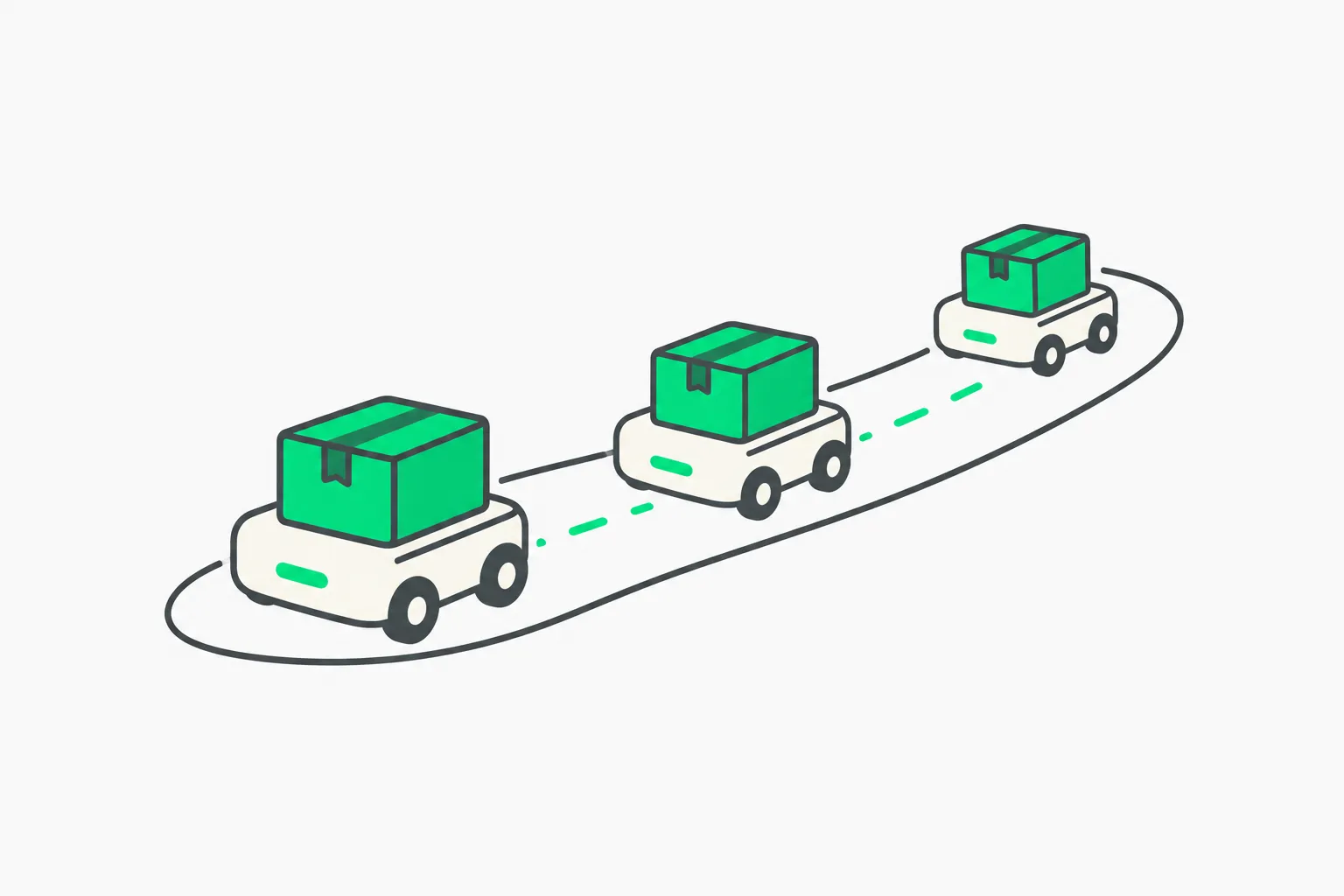 A small fleet of three wheeled carriers each moving one parcel along its own lane, showing a few focused Grok Bot agents
A workable starting split for a solo founder or creator:
| Bot | One job | What it must not do |
|---|---|---|
| Briefing bot | Read sources and send a daily summary | Send mail, buy, post |
| Inbox bot | Draft replies and flag urgent threads | Send without approval |
| Research bot | Collect and compare sources | Act on pages it reads |
Three bots, three sentences, three sets of permissions. If you cannot say what a bot must not do, it is not ready.
Tip 2: Tell your bot to write skills for itself
Long conversations drift. The guide's fix is to ask the bot to turn each instruction into a skill as you teach it, so it repeats the task the same way next week. You can even ask it to keep those skills in a private GitHub repository so they outlive any one bot.
This is the same idea behind agent skills in coding tools: write the procedure once, in a file, instead of re-explaining it in chat. A good prompt to use right after you finish a task with your bot:
Write down how we just did that as a skill. Include the inputs it needs,
the steps in order, what a correct result looks like, and what it should
ask me before doing. Keep it under one page.
The "what it should ask me" line matters. A skill that records only the happy path will repeat mistakes with total confidence.
Tip 3: Give bots the tools, but not all of them
The guide says to add connectors, use the vault and give the bot access to the tools you use for work. It also says your bot can set up its own email and sign up for its own accounts, which keeps its activity separate from yours. We covered that feature in detail in Grok Bot's own email address.
Balance this with the reply we quoted above. Access is a risk surface, not a feature checklist. Two points from our earlier reporting:
- The vault stores logins and cards, and the documentation behavior around approvals for payments is something to read closely. See what the docs say about vault and payments.
- A viral story about a bot and a bank balance in Slack showed how fast "it can see everything" becomes an incident. Read what that thread did and did not prove.
The practical rule: connect the minimum for the bot's one job, then add access only when you have a task that needs it. Our guide on when to let an agent run alone gives a simple test for which actions need a human approval.
Tip 4: Find the copy-and-paste steps and hand them over
This is the most useful tip for most people. Think about the places where you take information from your bot and paste it somewhere else. Each of those is a step the bot could do itself. The guide says to ask your bot how.
A fast audit takes ten minutes. Write down your last five tasks with the bot and mark every moment you carried data by hand: a summary into Notion, a draft into your mail client, a number into a spreadsheet. Then prompt:
Here is how I currently do this task, including the copy-paste steps.
Which steps can you do directly with your connectors? Which need a new
connector? Which should stay manual, and why?
The last question gives you a safety list for free.
Tip 5: Onboard your bot like an intern
The thread asks you to imagine you hired an intern. How would you help them do the work correctly? Introduce yourself to the bot, describe the work you do, and ask how it can help you automate it.
A short onboarding message works better than a long one. Cover four things:
- Who you are and what you do, in two sentences.
- The recurring tasks, listed, with how long each takes you.
- What "good" looks like, with one example you are proud of.
- Where it must stop and ask, such as anything that sends, pays or deletes.
 A path of three stones leading to an open door, showing how to onboard a Grok Bot step by step like an intern
The thread's favorite trick comes with this: use voice mode or transcription to brain-dump, then end with "restate this in your own words". Reading that restatement is a cheap check that the bot understood you before it starts acting.
One honest limit from the replies: a reader said voice struggles when they switch between Hindi and English mid-sentence, and the team lead tagged a colleague to look at it. If you speak mixed languages, test voice with a short note first, and check the restatement carefully.
Tip 6: Use routines, but watch the bill
The follow-up thread says routines make a bot proactive. There are two kinds:
- Scheduled routines, such as "check our issue tracker every morning for new bugs".
- Subscription routines, which react to an event, such as "whenever I get an email from client X, summarize it and add their feedback to my Notion doc".
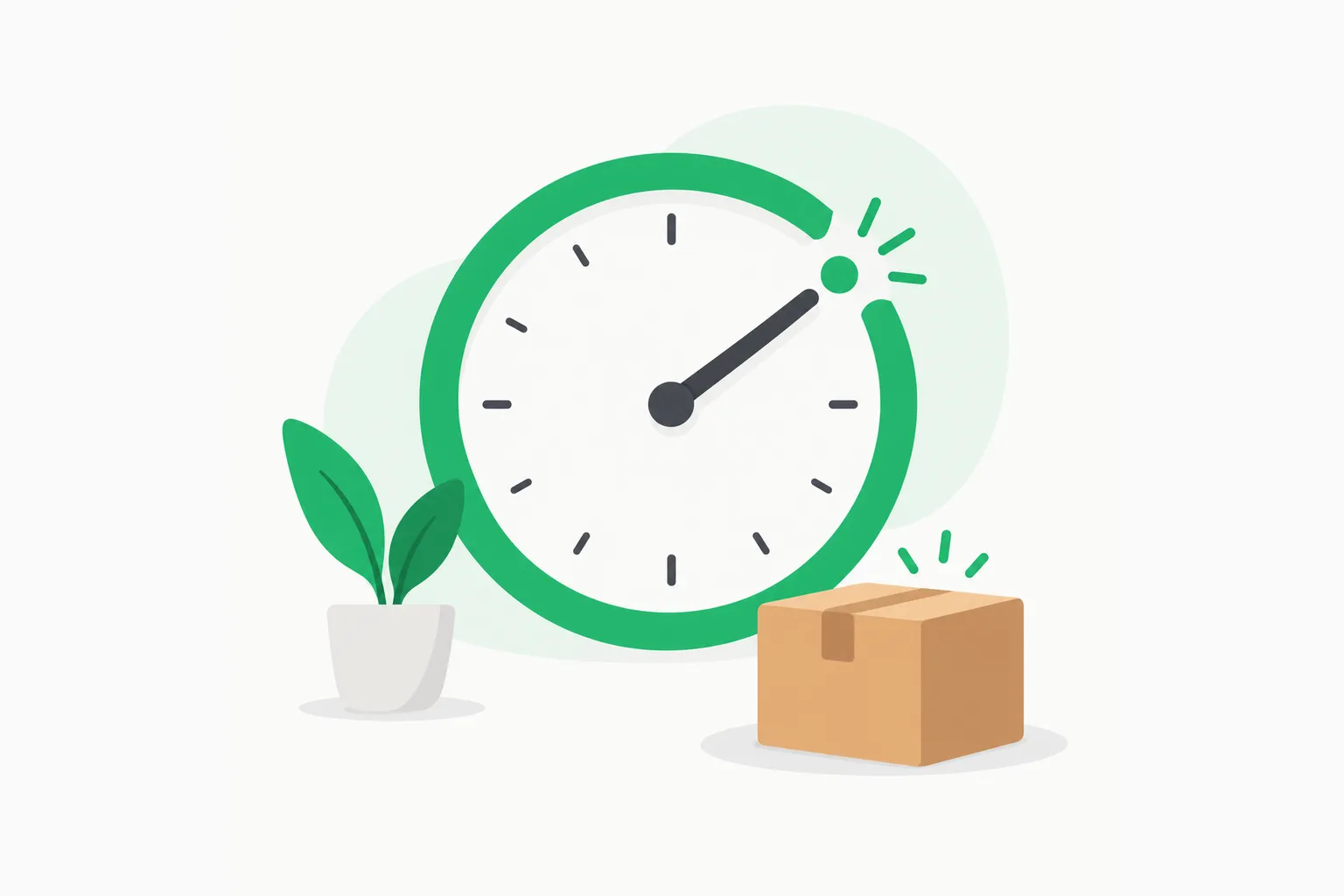 A clock pointing at one marked hour above a waiting package, showing a Grok Bot routine that runs on a schedule
The cost warning is the part to remember. Routines burn tokens every time they fire. The guide suggests hourly as the most frequent scheduled interval, and says subscription routines need their events filtered first.
Compare that with the product's own limits. The documentation we summarized in our workshop preview allows up to 50 routines per bot, spaced at least five minutes apart. The minimum the product allows is far more aggressive than what the team recommends. Pick the slower interval unless a task truly cannot wait.
For an example of what a trigger-and-watchdog design looks like in another agent, see our breakdown of the DeepSeek super-agent architecture.
Tip 7: Move repeat work from bot to code
The second thread makes a point that saves real money: code is much cheaper than a bot doing the same task token by token. Ask your bot which parts of your workflow can become scripts and skills, and store the scripts in a private repository.
A simple sort:
| Task shape | Best home |
|---|---|
| Same steps every time, no judgment | Script |
| Same steps, light judgment at the end | Script plus a short bot review |
| Needs reading, deciding or writing | Bot with a skill |
| Touches money, delete or send | Bot with required approval |
This lines up with what we have written on token efficiency: the cheapest token is the one you never send. Deterministic work belongs in code.
Tip 8: Think like a manager
The closing advice is the frame for everything else: how do you get bots to do your tasks at the same quality you would, or better? If you can set that up, you are free for more ambitious work.
For team plans, the guide adds that you can share a bot in Slack. That is a good way to spread a working setup, and to reuse high-quality bots a colleague already maintains. If you do, review the shared bot's permissions first. A bot your teammate trusts may hold access you would not give.
A one-page "manager's checklist" for each bot:
- One sentence for its job.
- A list of connectors it holds, each with a reason.
- A list of actions that need your approval.
- A routine schedule and a monthly cost ceiling.
- A test: one input where you know the right output.
What the guide does not say
Be fair to the post and fair to yourself. It is advice from someone who builds the product, so it describes the happy path. Four gaps to keep in mind:
- No cost numbers. It warns that routines are expensive but gives no figure. Track your own usage for a week before you add more.
- No prompt-injection warning. A bot that browses the web or reads email can be steered by text it reads. Read-only bots for the open web are a safer default.
- Third-party bots carry trust. The dr eggbot listing says so itself. Check the permissions.
- It is still a beta product. Our week-long solo founder report lists stuck jobs and fast usage burn alongside the wins.
Practice it live: the free Grok Bot session on November 7
Reading a checklist is not the same as running it. On Saturday, November 7, 2026 at 6:30 PM IST, explainx.ai is running a free 90-minute live Grok Bot session on Zoom. It follows the same arc as this guide, with the safety work added:
- What Grok Bot is, and how it differs from the Grok chatbot.
- A live demo: we build a scheduled daily-briefing routine from scratch, read-only, so you see the onboarding and test loop from Tips 2, 5 and 6.
- The guardrails: Ask-first rules, least privilege, prompt injection and cost limits.
- A comparison with Claude Duet, ChatGPT dots and Meta Muse, with hands-on time and Q&A. Our four-way comparison post is the written version.
It is free, needs no code and includes a recording. You do not need a Grok Bot plan to watch. To follow along hands-on, you need a plan that includes it or the trial credit.
Register for the free Grok Bot session with your email. For the full agenda and the safety setup, read the workshop preview post.
FAQ
What should I do first after reading this? Pick one task you repeat every week. Create one bot for it. Write its job and its limits in two sentences, and run it read-only for a week.
Do I need dr eggbot? No. It is a convenience for designing bots. You can write the same job, voice and anti-jobs yourself in the first message.
Is this advice only for Grok Bot? The ideas apply to any always-on agent: few bots, written skills, minimal access, slow routines and scripts for repeat work. The commands and connectors are specific to Grok Bot.
Related reading
- Free Grok Bot workshop on Nov 7: how to set up a 24/7 agent safely
- Grok Bot real-world use cases
- Grok Bot's own email address and approvals
- Claude Duet vs ChatGPT dots vs Meta Muse vs Grok Bot
- What are agent skills? A complete guide
- Human in the loop: when to let an agent run
- Solo founder's week with Grok Bot
- Claude Code token efficiency guide
Details reflect the posts and product listings as captured on November 1, 2026. Grok Bot is in beta and features, limits and pricing change often, so check current documentation before you rely on them.