



When an AI agent generates UI today, the result is often "visually plausible" but "brand generic." It knows how to write CSS, but it doesn't know your design intent. DESIGN.md is the open specification that solves this by teaching agents the rationale behind the tokens.
At explainx.ai, we've built a complete ecosystem around this spec: a registry of professional templates and a generator skill that automates the "visual source of truth" for any repository.
The Missing Link: Intent vs. Implementation
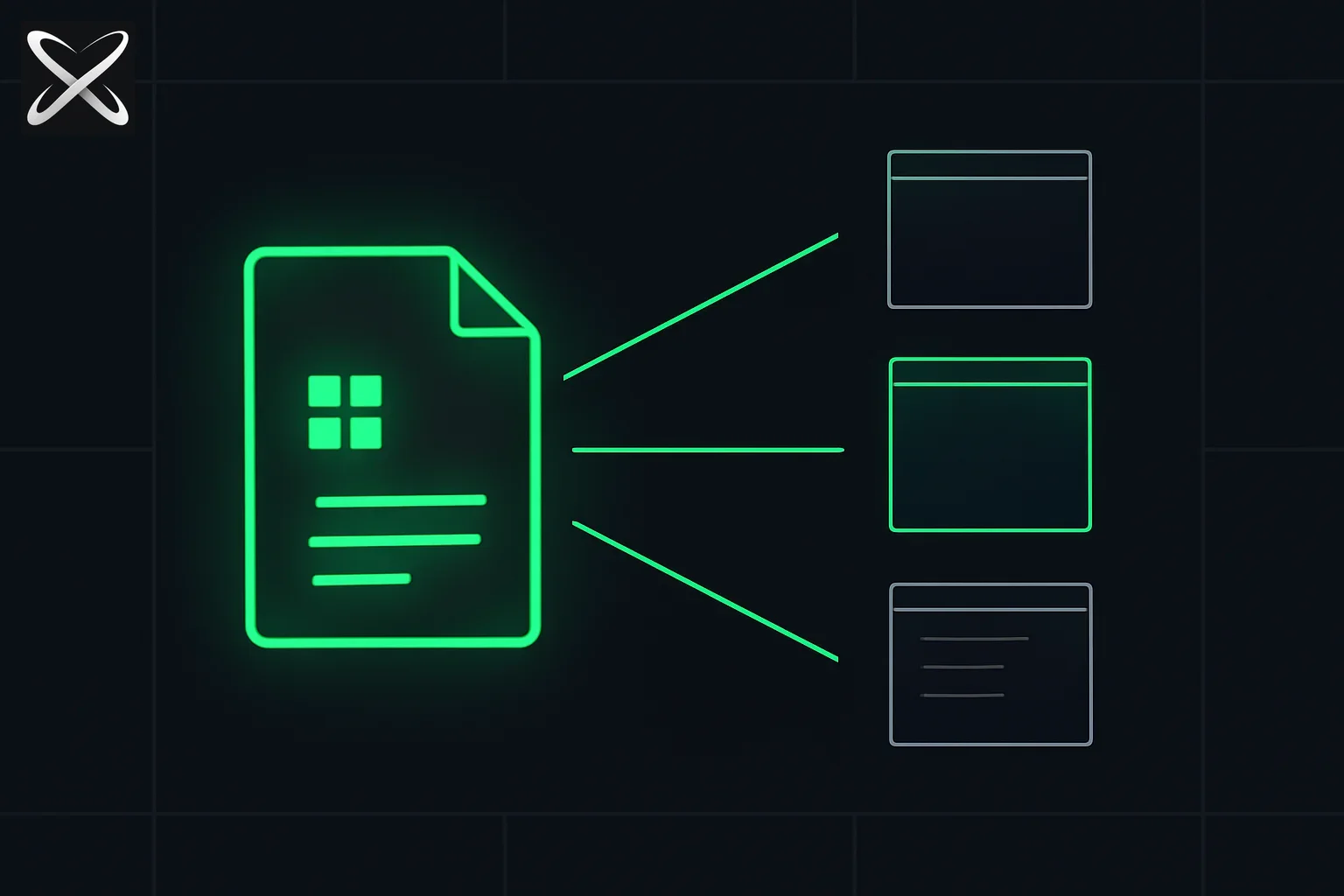 DESIGN.md templates explained — one design document radiating into multiple distinct branded UI frame outlines
Traditional design systems live in two places: Figma (for humans) and code (for machines). When a coding agent like Claude Code or Cursor joins the workflow, it can see the code, but it lacks the human context. It sees #1a1c1e but doesn't know it represents "Midnight Forest Green" used specifically for "High-Trust Backgrounds."
DESIGN.md bridges this gap by combining:
- YAML Frontmatter: Machine-readable tokens (the "What").
- Markdown Rationale: Human-and-agent-readable design philosophy (the "Why").
The explainx.ai Design Registry
Instead of starting from zero, developers can now browse the design-md-templates-skills repository. This collection includes 65+ professional-grade blueprints for well-known brands and unique styles, ready to be dropped into any project's .agents/ folder.
| Template | Focus Area | Aesthetic |
|---|---|---|
| Apple | Premium Consumer | High-fidelity, sleek, San Francisco typography |
| Stripe | Global Payments | Gradient-heavy, authoritative, precise |
| Linear | High-Performance SaaS | Dark-mode mastery, focused, minimalist |
| Notion | Collaboration Docs | Playful, breathable, icon-centric |
| Cloudflare | Enterprise Edge | Trusted, orange-accented, clean |
| PostHog | Developer Tools | Playful, hedgehog-inspired, dark-first |
| OpenAI | AI Research | Modernist, sparse, monochromatic |
| Utility Pack | Single-Purpose Tools | Lean, high-conversion (bgblur, bgremover) |
These aren't just CSS files; they are agent instructions. When your agent reads the DESIGN.md for Linear, it learns that "Focus states use a specific indigo glow and keyboard shortcuts are first-class citizens," preventing it from hallucinating generic bootstrap-style buttons.
Automation with the design-md-generator Skill
Manually writing design tokens is tedious. The design-md-generator skill allows you to point your agent at an existing site or tailwind.config.ts and say: "Generate a DESIGN.md for this project."
Install Command:
npx skills add whyashthakker/design-md-templates-skills --skill design-md-generator
The skill follows a research-first workflow:
- Extract Tokens: Scrapes exact Hex values and spacing scales.
- Identify Philosophy: Infers the "vibe" from existing component names and comments.
- Standardize: Outputting a valid
DESIGN.mdthat becomes the anchor for all future UI work.
How it scales agent quality
By adding a DESIGN.md to your repository, you move from one-off prompts to durable design intelligence.
- Consistency: Every UI generation follows the same blueprint.
- Interoperability: The YAML tokens can be exported to Tailwind or CSS variables automatically.
- Validation: Agents can use the
DESIGN.mdas a checklist to validate their own PRs before you even see them.
This pattern works best when stacked with other skills. For example, the seo-geo skill can use the DESIGN.md typography rules to ensure that SEO-critical headers also meet brand style requirements.
What should a useful DESIGN.md actually contain?
A useful design document lets a developer make a decision without guessing. “Modern, premium, minimalist” is too vague because several incompatible interfaces can satisfy those adjectives. Write down what happens when the page becomes crowded, when a form has an error, and when someone navigates without a mouse. Those situations reveal the design system more clearly than a mood board.
Start with semantic roles. Name the page background, raised surface, primary text, muted text, border, focus indicator, and destructive action. A raw palette is insufficient: the agent needs to know which colors may be paired. Specify that muted text must still be readable, and that warning states must carry an icon or message as well as color.
Describe typography through hierarchy rather than a single font choice. State what distinguishes a page title from a section heading, a field label from helper text, and a number in a table from a paragraph. Include expected wrapping behavior. A long title should not break a mobile layout simply because every reference screenshot used a short heading.
Spacing rules also need intent. Explain where dense information belongs and where a reader needs breathing room. A dashboard may use compact table rows while a first-run tutorial needs a clearer reading rhythm. Applying one spacing value mechanically to every surface often produces an interface that is technically consistent and difficult to use.
A worked example: a document review screen
Suppose your product lets people upload a document and review extracted fields. The design specification should identify the primary action at each stage. Before upload, choosing a file matters most. During processing, progress and cancellation matter. During review, evidence and correction matter. After completion, export or saving matters.
That sequence should affect the UI. Do not show four equally prominent buttons throughout the flow. Put the current action in the primary position, and explain how secondary actions are styled. Describe the empty state, the uploading state, a partial extraction, and a failed extraction. These are separate layouts with separate information needs.
For the review state, require source evidence next to editable values where practical. Specify how missing values are displayed and how a user recognizes an unsaved correction. Otherwise an agent may generate a beautiful table that silently treats “not found” as an empty string and hides an important distinction from the person reviewing it.
Now ask the agent for one screen before expanding to the rest of the product. Review a narrow and a wide viewport. Try a long filename, several validation errors, and a document with no useful fields. Update the document when a rule is ambiguous, then regenerate or revise the screen. The goal is to improve the specification as well as the generated output.
How do you keep the document and implementation aligned?
Choose an owner for the design document and explain which artifact wins when it disagrees with existing code. In an established application, the answer may be that shipped components are authoritative until an intentional design change is approved. For a new product, the document may define the starting contract. Leaving this undecided encourages agents to rewrite stable components unnecessarily.
Keep examples small enough to understand. A reference button with default, hover, disabled, and focus states is often more useful than a giant page screenshot. Tell the agent where existing components live and when it must reuse them. A spec that describes new styles without pointing to existing primitives invites duplicate implementations.
During review, compare the diff with the intended scope. A request to improve one form should not quietly change the global spacing scale or replace the application font. Put those boundaries in the task prompt and the design document. If a shared token genuinely needs changing, review representative screens before accepting it.
Which checks belong in code, and which need a browser?
A typecheck can establish that component props are valid. It cannot establish that a focus ring is visible, text does not clip, or the layout works with a keyboard. Treat those as independent checks. Capture the actual screen, navigate through it, and inspect the error and loading states named in the document.
The WCAG quick reference is a useful source for accessibility requirements such as contrast and keyboard operation. Add the requirements your product must satisfy explicitly instead of assuming that “professional” styling covers them. The design document should make accessibility part of the visual contract.
What should you avoid copying from a brand template?
Use a template as a starting vocabulary, then adapt it to your audience and content. A payments site, a reading app, and a support dashboard have different density and trust needs. Copying a familiar brand's gradients or icon style without its information hierarchy rarely solves your own interface problem.
Record why you changed the template. If your users work outdoors on small screens, readable controls may matter more than subtle surface layers. If they compare many rows, alignment and numeric scanning may matter more than decorative cards. Those decisions give the agent a reason to preserve the design when future prompts push it toward generic visual trends.
Update, October 15, 2026: Figma now has its own Markdown rulebook for agents, covered in Figma Specs and code layers in public beta.
Summary
DESIGN.md turns your design system into an active participant in the coding loop. By using the 65+ explainx.ai templates and the generator skill, you ensure that your AI agents stop guessing and start executing with the precision of a senior designer.
Update — September 1, 2026: Vercel published design.md at vercel.com/design.md; OpenDesign Harness beta adds blind expert/user eval on top of spec-driven generation.
Update — September 11, 2026: Beyond UI specs — SMART makes design docs the source of truth for regenerating ML performance libraries (arXiv 2609.05364): ~50 docs, ~$100 full regen, DeepSeek-V3 TPU models to round-off.
Update — September 27, 2026: DESIGN.md is one structured surface an agent can read. José Valim on programming languages in the AI era makes the same move for the language: explicit invariants, program queries, and runtime state.
Related Reading
- Programming languages in the AI era: what to expose to agents
- SMART: design docs are all you need for ML performance (Sep 2026)
- Vercel DESIGN.md: spec-driven UI for AI-generated pages
- OpenDesign Harness beta: polished design generation
- Runway Solaris — a world model that generates UI without any code, not even a DESIGN.md
- The AI Aesthetic — why AI apps converge on one look
- DESIGN.md: The open spec for AI design systems
- What are agent skills? A complete guide
- The seo-geo agent skill: SEO plus GEO
- Variate — 4 live UI variants on your own localhost
- Archify — verifiable architecture maps from an agent skill
Note: DESIGN.md is an evolving specification originally proposed by David East (Google Labs). This guide reflects the current explainx.ai implementation and community best practices as of May 2026.