



A copilot workshop can mean a half-day Excel class, a Copilot Studio agent build, or a slideshow about generative AI with a Copilot logo in the corner. The word is not trademarked, so search results mix all three. If you are buying seats for a team, you need the curriculum type and licence truth before you compare prices.
This guide maps the three workshop families Microsoft customers actually book, what each costs in access, how agendas differ, and a vetting checklist you can run in ten minutes.
TL;DR: copilot workshop types at a glance
| Question | M365 Copilot workshop | Cowork-focused session | Copilot Studio workshop | | --- | --- | --- | | Primary product | Word, Excel, Outlook, Teams | Copilot Cowork task runner | Copilot Studio agent builder | | Typical audience | Knowledge workers | Ops, finance, chiefs of staff | Citizen developers, IT, automation leads | | Licence usually required | Microsoft 365 Copilot per user | Same, plus admin-enabled Cowork | Trial or paid Studio capacity | | Hands-on unit | One real document or sheet | One multi-step task with approvals | One agent + one trigger | | Time to value | Same week on mail and docs | Days to trust outbound actions | Weeks to production hardening | | Official free alternative | Microsoft Learn Copilot docs | Cowork get-started guide | Copilot Studio documentation |
What is a Microsoft Copilot workshop?
A Microsoft Copilot workshop is a scheduled live session where people do work on screen, not only watch demos. The instructor alternates short explanations with tasks: summarise this inbox, clean this sheet, approve Cowork before it sends mail, or publish a test agent in Studio.
What separates it from a webinar is feedback. You bring a file, hit an error, and the room sees how to fix it. What separates it from self-paced Learn modules is judgment: when to trust output, when to reject it, and what your tenant allows.
Universities, consultancies, and Microsoft partners run formats from ninety minutes to two days. HKUST’s Copilot Studio Agent Builder Workshop is a focused three-hour Studio build. Singapore provider Coursemology runs two-day M365 Copilot intensives across apps. EY Malta’s 2026 series splits Excel, Teams and Outlook, and Word and PowerPoint into separate half-days. The pattern is the same: named apps, timed hands-on blocks, stated prerequisites.
If the marketing page never names Excel, Cowork, or Studio, treat it as a general AI talk until proven otherwise.
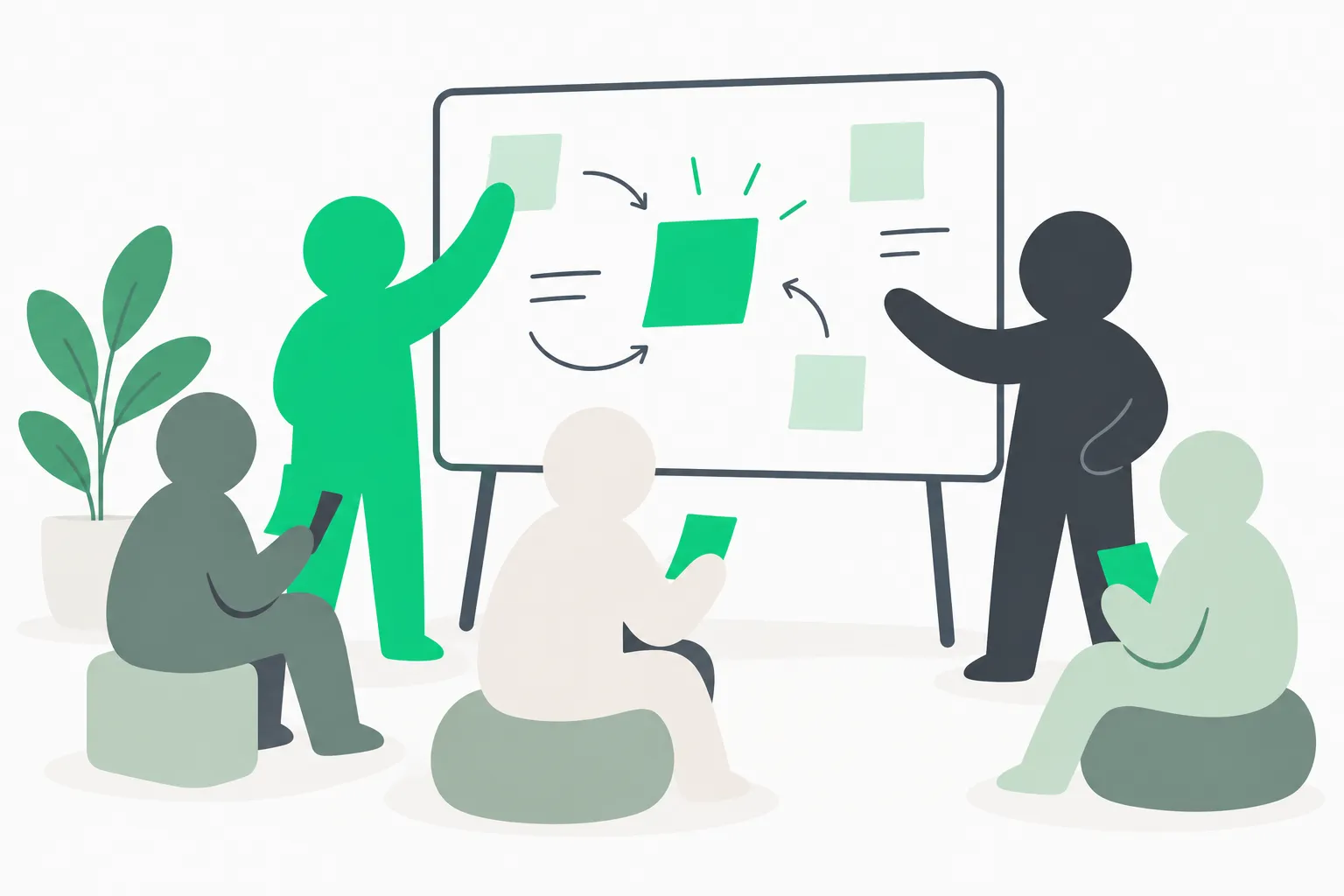 Hands-on Copilot workshop practice rail where learners test prompts before production work
Image: concept illustration for collaborative workshop practice.
The three curriculum tracks (and when to pick each)
Track 1: Copilot inside Microsoft 365 apps
This is what most professionals picture when they search copilot workshop. You learn prompting inside Word, Excel, Outlook, PowerPoint, and Teams: summarising threads, drafting replies, asking questions of a table, and building slides from an outline.
Pick this track when your team already has Microsoft 365 Copilot licences and needs daily habits, not agent architecture. Our guide to prompts in Microsoft 365 Copilot lists the phrasing patterns these workshops should teach.
A serious agenda allots at least thirty minutes per app you use weekly. Weak agendas breeze through six products in one hour.
Track 2: Copilot Cowork
Cowork runs multi-step tasks with approval gates before risky actions. Microsoft announced general availability on June 16, 2026, after a preview that started March 30. Workshops here should show one full task: research, draft, wait for your yes, then send or schedule.
Pick Cowork training when your admins enabled it and leaders want delegation, not chat. Read our Copilot Cowork explainer before you join so you know prerequisites.
Cowork workshops fail when everyone lacks licences and watches a polished demo. Ask the provider what happens on your laptop if Cowork is off in your tenant.
Track 3: Copilot Studio and agents
Studio workshops teach topics, knowledge, tools, child agents, and connectors—the vocabulary Microsoft uses in campus sessions like HKUST’s outline. You leave with a sandbox agent, not a polished production system.
Pick Studio when you are past chatting in Outlook and need repeatable automations with IT oversight. Pair training with our Agent Builder versus Copilot Studio guide so you know which builder your estate uses.
Studio is not free forever at scale. Copilot Cowork bills in Copilot Credits; Microsoft’s June 16, 2026 GA post lists pay-as-you-go at $0.01 per credit. Treat volume packs and P3 discounts as directional and verify on Microsoft Learn before you budget an agent fleet.
Licences and access: ask before you pay
Nothing wastes a workshop faster than twenty people who cannot click the buttons.
| Product | What to verify with IT before class |
|---|---|
| Microsoft 365 Copilot | Licence assigned, supported apps enabled for your SKU |
| Copilot Cowork | Copilot licence plus admin toggle for Cowork in your tenant |
| Copilot Studio | Trial tenant versus production environment; who pays credits |
| GitHub Copilot | Separate SKU—do not assume M365 Copilot includes it |
Microsoft Learn’s Cowork prerequisites state that Cowork asks permission before actions such as sending email. A workshop should rehearse that approval step, not skip it for speed.
If half your group lacks licences, a good provider runs paired seating or a watch-and-question block with honest labeling. A bad provider pretends everyone is hands-on.
 Microsoft Copilot workshop skills lab metaphor for repeated practice before live tasks
Image: concept illustration for structured Copilot learning paths.
What a strong agenda looks like (hour by hour)
Use this template to compare syllabi. Numbers shift by format; proportions should not.
Hour 1 — Map the products. Plain-language names for M365 Copilot, Copilot Chat, Cowork, Studio, and agents. Licences on one slide. No sales deck for unrelated SKUs.
Hours 2–3 — App depth. Excel or Outlook deep dives on your samples: messy columns, long threads, real charts. Instructor demonstrates a failure—a plausible wrong formula or summary—and fixes it with you.
Hour 4 — Cowork or Studio block (pick one for a single day). Cowork: one task end-to-end with approvals. Studio: one knowledge-based agent and one connector or trigger.
Final hour — Takeaways. Export prompts, a checklist for checking output, and a rule for what data may enter Copilot. Recordings and templates should be named on the syllabus, not promised vaguely.
Multi-day vendor courses such as Coursemology’s two-day outline explicitly list Word, Excel, Outlook, PowerPoint, Teams, then strategic rollout—that last piece belongs in a champions programme, which our top seven ways to learn Copilot ranks separately from a first workshop.
How to vet a copilot workshop in ten minutes
Run this list on any provider, including internal HR sessions.
- Product names in the syllabus. You should see Excel, Outlook, Cowork, or Studio—not only “AI transformation.”
- Hands-on ratio. At least half the scheduled time should be exercises, not lecture.
- Checking step. The course shows wrong output and how to catch it before it ships.
- Licence honesty. Clear statement of what works without a licence versus what does not.
- Recency. Ask when materials were last updated; Copilot UI changes monthly.
- Deliverables. You leave with templates, a prompt library, or a working automation—not only a certificate.
- Class size. Studio builds need fewer than twenty active builders for one instructor unless assistants are listed.
- Data rules. Guidance on what files may be used in class aligns with your org policy.
- Support after class. Office hours, a chat channel, or recorded Q&A—not radio silence.
- Match to your stack. If you live in Microsoft 365, a GitHub-only coding workshop will not solve mail and deck work.
Competitors that rank for copilot workshop often excel at one piece Maven-style cohorts emphasize: a named rollout framework (chat, in-app, agents, governance). Use their public outlines for ideas, then insist your vendor covers your tenant realities—Purview, oversharing, and admin switches covered in our Microsoft 365 Copilot readiness guide.
Common mistakes teams make after the workshop
Mistake 1: No champion. One enthusiastic attendee cannot retrain forty colleagues. Pair the workshop with a fortnightly show-and-tell.
Mistake 2: Cowork without governance. Approvals matter. Tie Cowork training to who may auto-send external mail.
Mistake 3: Studio agents without ownership. Name an owner for each agent’s knowledge source and review cadence.
Mistake 4: Competing tools without habits. If you also use Claude, align briefing and checking habits—see our Claude for Work guide for the parallel pattern.
When a copilot workshop is the wrong format
Skip a live workshop and use Learn plus labs when budget is zero, licences are not approved yet, or only two people need Copilot. Use executive briefings—not hands-on workshops—when leadership needs risk framing without touching tenants.
Book a workshop when licences exist, a cohort shares the same apps, and you have a date-bound rollout (quarter close, fiscal planning season, or a Copilot Studio pilot).
Related reading
- Top 7 ways to learn Microsoft Copilot in 2026
- Microsoft Copilot and Copilot Studio workshop (Dec 20–21)
- Top 10 Microsoft Copilot use cases at work
- Copilot Cowork explained
- How to convince your boss to pay for AI training
For a live cohort that maps to the three tracks above—M365 apps, Cowork, and Studio on your calendar—see the explainx.ai copilot workshop page for dates, prerequisites, and recordings policy.
Pricing, licence names, and feature flags change. Verify on Microsoft Learn and your admin center before you commit seats.