



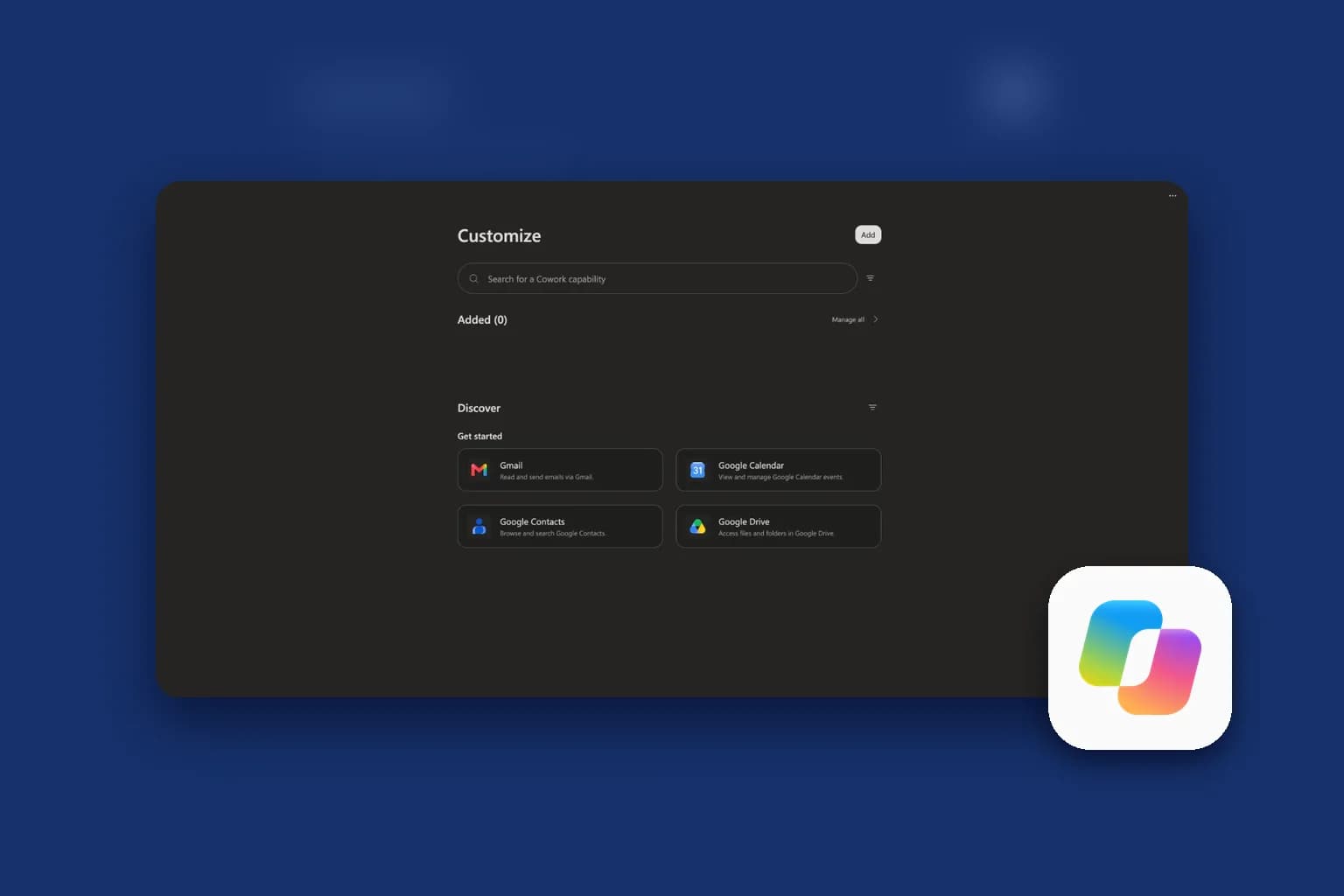
Learning Microsoft Copilot is harder than it looks, because the thing you are learning keeps moving. A course recorded in the spring may describe menus that no longer exist, and a feature like Copilot Cowork only reached general availability on June 16, 2026.
So instead of recommending one course, we ranked seven ways to learn, from the cheapest to the most guided, with who each suits. Use two or three together. This list is for Copilot in Excel and the Microsoft apps, Copilot Cowork, and Copilot Studio.
TL;DR: the seven ways at a glance
| Rank | Way to learn | Cost | Best for | Weak spot |
|---|---|---|---|---|
| 1 | A weekly real-task habit | Free | Everyone with a licence | Slow without feedback |
| 2 | Official Microsoft Learn documentation | Free | Accurate, current facts | Dry, little judgment |
| 3 | Cowork Collective hands-on missions | Free | Learning Cowork by doing | Needs Cowork access |
| 4 | Live workshop with an instructor | Paid | Fast progress with feedback | Fixed dates |
| 5 | A Copilot Studio trial and build-along | Free to start | Future agent builders | Easy to build the wrong thing |
| 6 | Internal champions programme | Staff time | Whole teams | Needs a sponsor |
| 7 | Role-based certification | Paid | CVs and IT roles | Lags the product |
How we ranked them
We scored each route on four things: how current it stays, how much real practice it forces, whether it teaches checking and not just prompting, and how little access you need to start. We ran Copilot Cowork ourselves on a Word template task and a five-slide deck before writing this, so the ranking reflects what actually broke and what helped. The short version is that practice on real work beats everything, and the rest are ways to make that practice better.
1. A weekly real-task habit
This is the unglamorous winner. Pick one task you already do every week, such as a status report, a meeting prep or a spreadsheet clean-up, and do it with Copilot every time for a month. Note what you had to fix.
Why it ranks first: it is always current, it is free, and it is tied to work you care about. The weakness is that you can repeat a bad habit for a month without anyone telling you. Pair it with a checklist, and with one of the guided options below.
Start with: a read-heavy task, such as summarising a long thread or analysing a table. Keep sending, scheduling and deleting for later.
2. Official Microsoft Learn documentation
Microsoft's own documentation is the most accurate source for what a feature does and what it needs. The Copilot Cowork get-started guide covers prerequisites, the approval step, scheduled prompts and event-driven tasks. It was updated this week.
What we like: it states plainly that Cowork asks your permission before actions such as sending an email or scheduling a meeting. What it lacks is judgment. It tells you what the buttons do, not which tasks to hand over.
Start with: the get-started page for each product, then the admin pages if you are rolling Copilot out to a team.
3. Cowork Collective hands-on missions
Microsoft links hands-on labs for Cowork from its documentation, called Cowork Collective missions on its Agent Academy site. Labs beat reading because you press the buttons, hit the errors and see the approvals.
Best for: people who already have Cowork switched on and want guided practice. If you do not have access yet, ask your administrator first. Our Copilot Cowork explainer lists exactly what to ask for.
4. A live workshop with an instructor
A live session gives you something no document can: feedback on your own screen, and answers to your exact question. It also keeps pace with the product, because the instructor teaches what is on screen today.
What to look for before paying:
- Hands-on blocks, not slides. Every segment should end in something you produce.
- A checking step. The course should show where Copilot gets things wrong.
- Recent dates. Ask when the material was last updated.
- Access honesty. It should say clearly what licences you need and what you can watch without one.
- Recordings, so a missed evening is not a lost one.
We run a live Microsoft Copilot and Copilot Studio workshop built on those rules, and our announcement post explains its structure. Whichever provider you choose, use the checklist above.
5. A Copilot Studio trial and build-along
Copilot Studio is where you build your own agents. Learn it by building one small thing: an agent that answers questions from a handful of documents, or an automation that fires on one trigger.
Microsoft prices Studio by consumption in Copilot Credits, and third-party licensing guides cite capacity packs of 25,000 credits at around 200 dollars a month, with pay-as-you-go at 0.01 dollars per credit. Treat those numbers as a starting point and check Microsoft's current page. Internal agents for licensed users are reported to cost less than external-facing ones.
The risk is building the wrong thing. Write one sentence first: what input starts the agent, and what output must it produce. If you cannot say it, you are not ready to build.
6. An internal champions programme
If you are responsible for a team, the best course is the one your own people teach each other. Choose three or four champions from different functions, give them licences and a pilot budget, and have each present one working example every fortnight.
Why it works: examples come from your own data and your own policies. Why it is rank six: it needs a sponsor, time and a rule on what data may be used. Pair it with a short written policy. Our guide to AI skills employers want explains which habits managers should reward.
7. Role-based certification
Microsoft offers certifications through Microsoft Learn, and some are worth having for IT, Power Platform and data roles. Check the current list on Learn, because names and exams change.
They rank last for a simple reason: certifications lag the product. A badge shows you studied, not that you can brief Cowork well on a Tuesday afternoon. Use them for CV signalling, not as your only route.
How to judge a Copilot course in ten minutes
You do not need to buy a course to know whether it is good. Before you pay, spend ten minutes on these checks.
- Read the syllabus for verbs. Good outlines say build, run, check and fix. Weak ones say learn about, understand and explore.
- Look at the newest example. Ask for a sample lesson or a short preview. If the screens show menus you do not recognise, or a product name that has changed, the material is old.
- Find the licence note. A trustworthy provider tells you which licences you need and what you can do without them. Silence on this is a warning sign, because Copilot Cowork, for example, needs a Microsoft 365 Copilot licence and an administrator who has switched it on.
- Search for the checking step. Does the course show Copilot making mistakes, and how to catch them? Prompting without checking is half a skill.
- Ask what you leave with. The answer should be a workflow, a template or a working automation, not just a certificate.
- Check the support. Recordings, a place to ask questions and some follow-up matter more than the logo on the slide.
What a good live session looks like
A good session alternates between a short demonstration and a task for you. The instructor shows a prompt, then pauses while you try it on your own file. Problems get answered on the spot, and the group sees what went wrong. Expect a section that deliberately shows a failure, such as a formula that looks right and is not, because that is where the learning sticks. Expect an honest limit on the claims: no promise that an agent replaces a role, and a clear statement of what the tool cannot do yet.
A 30-day plan that combines the list
Week 1. Read the get-started page for the feature you will use. Pick one weekly task. Run it with Copilot and write down every correction you made.
Week 2. Repeat the task. Build a short prompt template from what worked. Add a rule for what you always check, such as figures, names and dates.
Week 3. Add a guided element: a lab, or a live session. Bring your correction list and ask about each item.
Week 4. Try one automation or scheduled task with low risk, such as a weekly briefing that only reads. Review its first three runs yourself.
What each role should learn first
| Role | Start here | Then |
|---|---|---|
| Finance and operations | Copilot in Excel | Cowork weekly reports |
| Sales and customer teams | Outlook and Teams recaps | Cowork follow-ups |
| HR and managers | Teams meeting recaps | Studio FAQ agent |
| Writers and marketers | Copilot in Word | Cowork research packs |
| IT and champions | Admin and billing pages | Studio governance |
Red flags when choosing a course
- Screenshots older than a few months, or a product name that no longer matches.
- Promises like "master Copilot in one hour". Nobody does.
- No mention of licences, admin switches or costs.
- No checking step, only prompts.
- Use of confidential data in demos.
How this compares with learning other AI tools
The same habits transfer. If you have learned Claude for Work or built reusable agent skills, you already know the pattern: brief clearly, read the plan, keep a human on anything outbound, and save what works as a template. Copilot just puts those habits inside Excel, Outlook and Teams.
Related reading
- Microsoft Copilot and Copilot Studio workshop: Excel, Cowork and automations
- Copilot Cowork explained: what it does, what it costs, how to try it
- Top 10 Microsoft Copilot use cases at work
- Microsoft Copilot in Excel: what it can actually do
- Microsoft Copilot in Word: a 2026 guide
- AI skills employers actually want in 2026
- The AI Builder Bootcamp guide
- Official: Copilot Cowork on Microsoft Learn
Product names, prices and licensing are accurate as of November 6, 2026. Microsoft changes Copilot often, so check current terms before you buy anything.