



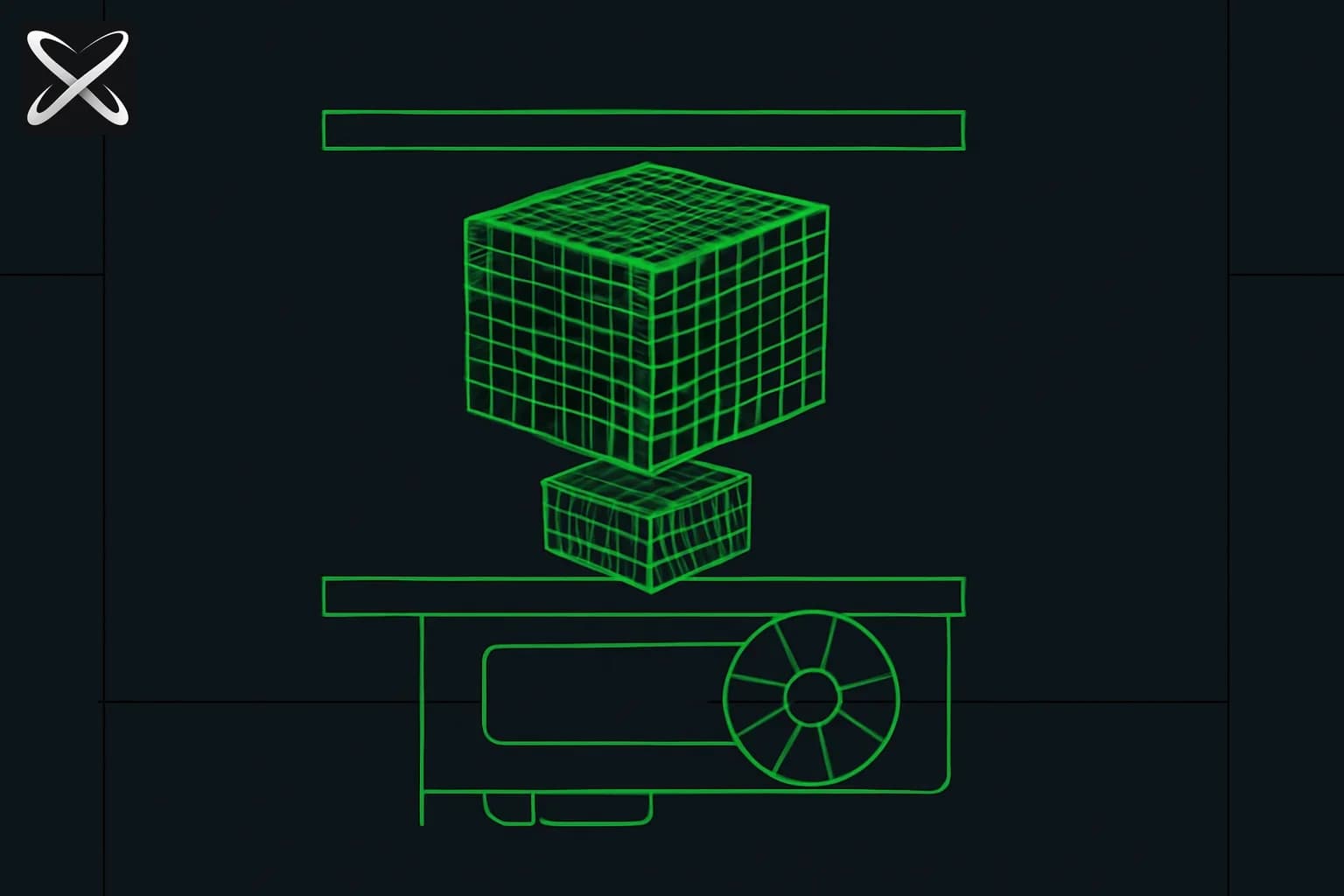
The problem is simple: you download a state-of-the-art language model and discover it requires more VRAM than your GPU has. The solution is quantization — and understanding it is the difference between being locked out of local AI and running frontier-quality models on hardware you already own.
The Memory Problem That Makes Quantization Necessary
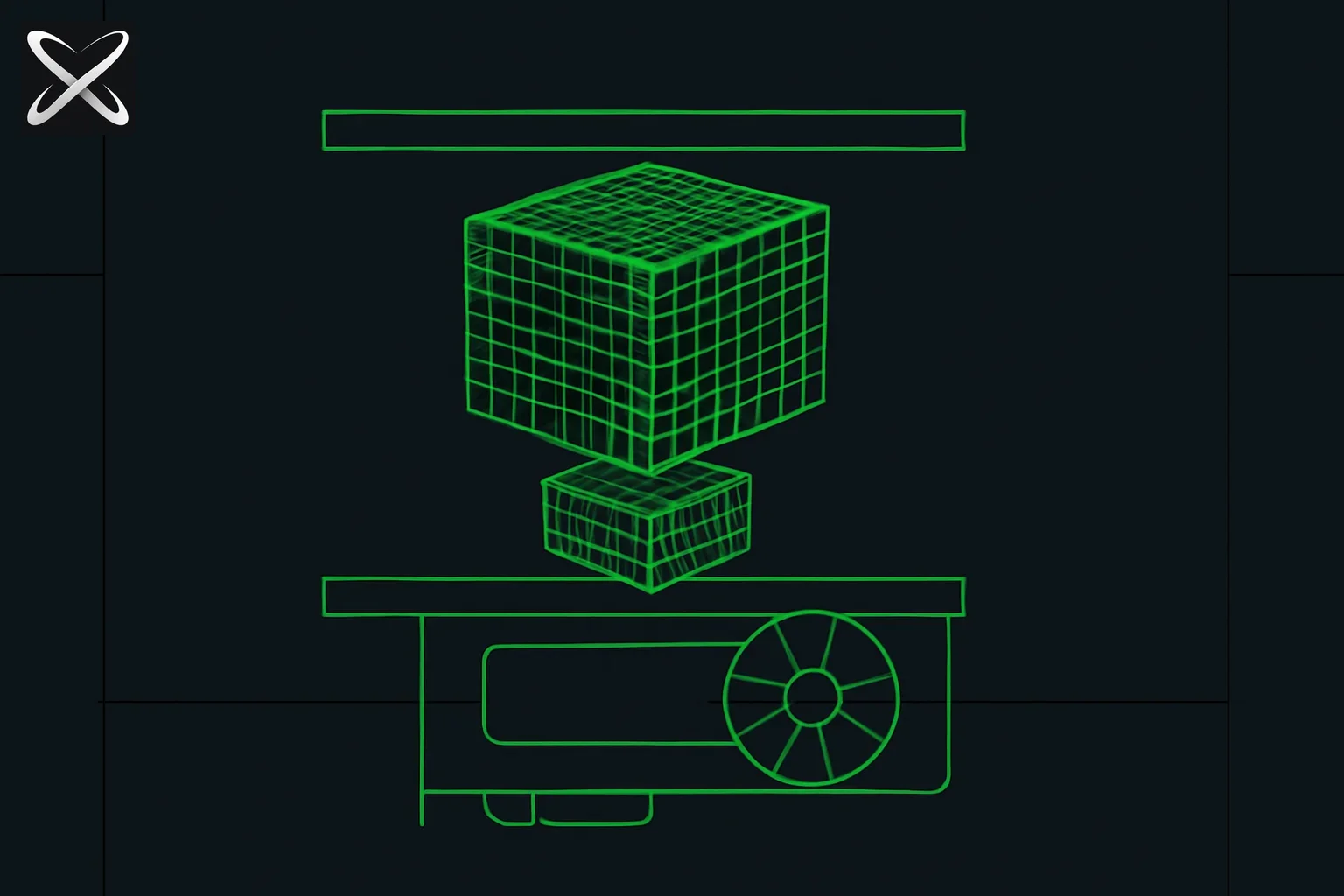
Before explaining what quantization is, it helps to understand exactly why it matters.
Every parameter in a language model is a number — specifically, a weight that gets multiplied and added during inference. How many bits you use to represent that number directly determines how much memory the model occupies.
The standard training precision is FP32 (32-bit floating point). Each parameter takes 4 bytes. For a model with 7 billion parameters:
7,000,000,000 × 4 bytes = 28,000,000,000 bytes = approximately 28GB of VRAM
An RTX 4090 — the most powerful consumer GPU available in 2026 — has 24GB of VRAM. That means a 7B model at full training precision does not fit on the best consumer GPU money can buy. A 13B model needs 52GB. A 70B model needs 280GB.
Running even a moderately sized open-source model at full precision requires either expensive datacenter hardware or multiple high-end GPUs combined. For most developers, researchers, and enthusiasts, full-precision local inference is simply not possible with realistic hardware budgets.
This is the problem quantization solves.
What Quantization Actually Is
Quantization is the process of representing model weights using fewer bits. Instead of 32-bit floating-point numbers, you use lower-precision formats:
- FP16 / BF16: 16-bit floating point (half precision). Still floats, just half the bits.
- INT8: 8-bit integer. A single whole number from -128 to 127.
- INT4: 4-bit integer. A whole number from -8 to 7.
Each halving of precision roughly halves the memory requirement. This is not lossless compression — you are genuinely throwing away information. But neural networks are surprisingly robust to this kind of precision reduction, because weights are redundant and the model's behavior emerges from millions of interactions rather than any single number.
The practical insight: most of the bits in a 32-bit weight are noise from the perspective of model behavior. The significant information can be captured in far fewer bits with minimal impact on output quality.
How Precision Levels Map to Memory Requirements
Here is the concrete relationship between quantization level and VRAM requirements across three common model sizes:
| Precision | Bits per weight | 7B model | 13B model | 70B model |
|---|---|---|---|---|
| FP32 (baseline) | 32 | ~28 GB | ~52 GB | ~280 GB |
| FP16 / BF16 | 16 | ~14 GB | ~26 GB | ~140 GB |
| INT8 | 8 | ~7 GB | ~13 GB | ~70 GB |
| INT4 | 4 | ~3.5 GB | ~6.5 GB | ~35 GB |
These are weight-only numbers. Real inference also requires memory for the KV cache (which stores attention state across the context window) and activations. Add roughly 1-3GB overhead for a 7B model running typical context lengths. But the weight memory is the dominant constraint, and the table above shows why quantization is transformative: a 70B model that cannot fit in an entire server rack's worth of consumer GPUs at FP32 becomes runnable on a single RTX 3090 (24GB) at INT4.
Note that FP16 and BF16 deserve separate treatment. FP16 (IEEE 754 half-precision) and BF16 (Brain Float 16, used by Google and widely adopted since) both use 16 bits but allocate them differently: BF16 keeps the same exponent range as FP32 but reduces mantissa precision, making it more numerically stable during training. For inference, they behave similarly and either is commonly referred to as "half precision."
Does Quantization Hurt Quality?
This is the most important practical question, and the honest answer is nuanced.
FP16/BF16: Virtually no measurable quality loss. Nearly all open-source models are released in BF16 as standard. The difference from FP32 is undetectable in practice.
INT8: Negligible loss for most tasks. Benchmark studies consistently show less than 1% performance difference on standard evaluations. For tasks like summarization, coding assistance, Q&A, and translation, INT8 is effectively lossless.
INT4: Task-dependent degradation. For casual conversation, general writing, and code completion, most users cannot perceive a difference. For demanding tasks — competition mathematics, formal reasoning chains, nuanced multi-step inference — a Q4 model makes more errors than Q8. The degradation is real but often acceptable.
INT2 / INT3: Significant quality drop. These extreme quantizations are useful for research and highly constrained edge deployments, but not recommended for production use where quality matters.
The quality loss is also non-uniform across the model. Some components are far more sensitive to precision reduction than others:
- Embedding layers: High sensitivity. These store the model's representation of every token and are often kept at higher precision even in aggressive quantization schemes.
- Attention heads (Q, K, V projections): Moderately sensitive. The attention mechanism is critical for in-context reasoning.
- Feed-forward network mid-layers: Relatively robust. These can tolerate more aggressive quantization with less quality impact.
- Output projection (lm_head): High sensitivity. This layer converts internal representations to vocabulary probabilities — quantizing it aggressively degrades output quality.
This non-uniformity is why advanced quantization methods outperform naive approaches. Rather than quantizing every weight identically, they identify which parts of the model are most sensitive and protect them at higher precision.
Post-Training Quantization vs Quantization-Aware Training
There are two fundamentally different approaches to quantization, and understanding the distinction matters for evaluating quality claims.
Post-Training Quantization (PTQ)
PTQ takes a model that has already been fully trained at standard precision and converts its weights to lower precision after the fact. The model never sees quantized values during training — you are simply rounding the learned weights to fit in fewer bits.
PTQ is fast and cheap. You do not need to retrain the model; you convert the weights in minutes to hours depending on model size. The vast majority of quantized models available for download use PTQ. Tools like llama.cpp, AutoGPTQ, and AutoAWQ all operate as PTQ systems.
The limitation of PTQ is that the model was not trained to compensate for quantization error. The weights being rounded were optimized assuming FP32 precision, so there is inherent information loss.
Quantization-Aware Training (QAT)
QAT integrates simulated quantization into the training process itself. During training, the model uses quantized arithmetic (or simulated quantized arithmetic) so the gradients teach the model to be robust to the precision reduction it will face at inference time.
The result is a model that genuinely adapts to lower precision — the learned weights are shaped to work well quantized rather than being rounded versions of high-precision weights. QAT models consistently outperform PTQ models at the same bit width, especially at aggressive quantization levels like INT4.
The tradeoff: QAT requires either training from scratch or fine-tuning a substantial portion of the model under quantization simulation, which is expensive. It requires the compute and time of a significant model training run, not just a post-processing step.
Most open-source quantized models available today use PTQ. As QAT adoption grows — particularly for purpose-built edge models — expect to see quality improve even further at low bit widths without size increases.
GGUF and llama.cpp: How Local AI Became Accessible
The single most important development in consumer local AI was Georgi Gerganov's llama.cpp project and its associated file format, GGUF (GPT-Generated Unified Format, introduced in August 2023 as the successor to the earlier GGML format).
Before llama.cpp, running language models locally required GPU-specific frameworks, CUDA installations, Python environments with complex dependencies, and significant technical expertise. llama.cpp changed this: it is a pure C/C++ inference engine that runs on virtually any hardware — including CPU-only execution, Apple Silicon (via Metal), NVIDIA GPUs (via CUDA), AMD GPUs (via ROCm), and even mobile devices.
GGUF is the container format llama.cpp uses. A .gguf file contains everything needed to run a model: the quantized weights, the tokenizer, and model metadata. You download a single file and point llama.cpp (or any compatible tool) at it.
GGUF Quantization Naming Convention
GGUF files use a specific naming convention that encodes the quantization configuration:
Model-Name-Q{bits}_K_{size}.gguf
Q: The number of bits per weight. Q4 = 4 bits, Q5 = 5 bits, Q8 = 8 bits.
K: Indicates "K-quant" — a family of quantization methods developed for llama.cpp that use adaptive quantization, grouping weights and applying different scales per group for better quality than naive quantization at the same bit width.
: S (small), M (medium), or L (large) — referring to the size of the calibration dataset used during quantization. M is the most common and represents a good balance.
The full spectrum from most aggressive to least:
| Format | Bits | Approx quality | Best use |
|---|---|---|---|
| Q2_K | 2.x | Significantly degraded | Extreme memory constraints only |
| Q3_K_S | 3.x | Noticeable degradation | Very tight VRAM, accept quality tradeoff |
| Q3_K_M | 3.x | Moderate degradation | Emergency use |
| Q4_K_S | 4.x | Good | 8GB VRAM devices, prioritize fit over quality |
| Q4_K_M | 4.x | Very good | Standard recommended choice for 8-12GB VRAM |
| Q5_K_S | 5.x | Very good | 12GB+ VRAM, slight quality improvement over Q4 |
| Q5_K_M | 5.x | Excellent | Recommended when you have the VRAM headroom |
| Q6_K | 6.x | Near-lossless | 24GB+ VRAM, negligible quality difference from Q8 |
| Q8_0 | 8 | Near-lossless | Maximum quality on large VRAM, slowest |
The _0 in Q8_0 (versus Q8_K) indicates a different quantization implementation — legacy in this case; Q8_0 predates the K-quant method but remains widely supported.
GPTQ, AWQ, and GGUF: Choosing the Right Format
Three formats dominate quantized model distribution. They solve the same core problem but with different tradeoffs:
GGUF (llama.cpp)
The most accessible format. Runs on any hardware, does not require a GPU. llama.cpp intelligently splits model layers between GPU and CPU memory ("GPU offloading"), so if your GPU has 8GB of VRAM but the model needs 12GB, it loads as much as fits in VRAM and handles the rest on CPU. Inference is slower in this split configuration, but it works.
Use GGUF if: You want maximum compatibility, you are using Ollama or LM Studio, you have limited or no GPU, or you are on Apple Silicon.
GPTQ
GPTQ (Generative Pre-Training Quantization) is a PTQ method specifically optimized for CUDA GPUs. It uses second-order information (the Hessian of the loss) to minimize quantization error layer by layer, producing better quality than naive rounding at the same bit width. Inference via AutoGPTQ or ExLlamaV2 is fast on CUDA.
Use GPTQ if: You have a CUDA GPU and want faster inference than llama.cpp provides, and the model you need exists in GPTQ format.
AWQ (Activation-Aware Weight Quantization)
AWQ is a more sophisticated PTQ method. The key insight: not all weights are equally important. Some weights are multiplied by large activations during inference — those are the ones that matter most, and rounding them aggressively causes large output errors. AWQ identifies the salient weights by analyzing activation statistics from a small calibration dataset, then protects those weights at higher precision while aggressively quantizing the rest.
The result is measurably better quality than GPTQ at the same bit width. AutoAWQ is the standard implementation, and many models are available pre-quantized in AWQ format on Hugging Face.
Use AWQ if: You have a CUDA GPU, quality at INT4 matters, and you want the best possible output from 4-bit weights.
Summary comparison
| Format | Hardware | CPU fallback | Quality (INT4) | Speed | Ease of use |
|---|---|---|---|---|---|
| GGUF | Any | Yes | Good (K-quants) | Medium | Excellent |
| GPTQ | CUDA GPU | No | Good | Fast | Moderate |
| AWQ | CUDA GPU | No | Best | Fast | Moderate |
What to Run Where: The Practical Hardware Guide
The following table maps common hardware configurations to realistic model recommendations. VRAM is the binding constraint; system RAM matters for CPU offloading.
| Hardware | VRAM | What fits | Recommended quantization |
|---|---|---|---|
| RTX 4060 8GB | 8 GB | 7B models | Q4_K_M (fits cleanly, leaves KV cache room) |
| RTX 3060 12GB | 12 GB | 7B-13B models | 7B at Q5_K_M or Q8; 13B at Q4_K_M |
| RTX 3080 10GB | 10 GB | 7B models | Q5_K_M, some 13B at Q4_K_S |
| RTX 3090 / 4090 24GB | 24 GB | Up to 30B | 13B at Q8, 30B at Q4_K_M, 7B at full BF16 |
| 2× RTX 3090 (NVLink) | 48 GB | Up to 70B | 70B at Q4_K_M, 30B at Q8 |
| M2 Mac 32GB unified | 32 GB | 13B-30B | MLX native BF16, or Q5 GGUF via Ollama |
| M3 Max / M4 Max 64GB | 64 GB | Up to 70B | MLX BF16 or Q8; exceptional performance |
| Phone 6-8GB RAM | 6-8 GB | 1B-3B | Q4 or Q3 via Core ML / AI Edge |
A few important notes on this table:
Apple Silicon uses unified memory — the same pool serves both CPU and GPU. This means an M2 Mac with 32GB of RAM can load a model up to ~28GB into "GPU" memory. MLX (Apple's machine learning framework) exploits this for native-speed inference on Apple models. For GGUF files, Ollama uses Metal acceleration automatically on M-series Macs.
GPU offloading in llama.cpp means you can run models larger than your VRAM with a speed penalty. If a 13B Q4 model needs 8GB and you have 6GB, you can offload most layers to GPU and run the rest on CPU. The speed will be slower but the model will work.
Context length affects VRAM. The KV cache scales with both context length and number of layers. Running a 7B model at 8K context needs more VRAM than the same model at 2K context. If you are near the edge of your VRAM budget, reduce context length before reducing quantization level.
VibeThinker 3B: What Quantization Enables in 2026
The most striking illustration of what quantization makes possible in 2026 is VibeThinker 3B — a 3-billion-parameter model based on Qwen 2.5-Coder that reportedly achieves 94.3 on AIME 2026 and 96.1% on unseen LeetCode contests, placing it in the performance tier of Claude Opus 4.5 on coding benchmarks.
Here is what quantization means for running VibeThinker 3B:
| Precision | VRAM required | Hardware that works |
|---|---|---|
| BF16 (full) | ~6 GB | RTX 3080 10GB, RTX 4060 Ti 16GB, M-series 8GB+ |
| Q8_0 | ~3.5 GB | Any GPU with 4GB+ VRAM |
| Q4_K_M | ~2 GB | Laptop GPUs, integrated graphics, phones |
A model achieving Opus 4.5-class coding performance fitting in 2GB of VRAM — runnable on a gaming laptop, an older discrete GPU, or even Apple Silicon iPad hardware — would have been implausible two years ago. It is now real, and quantization is the enabling technology.
This is the larger trend: the quality-per-bit of compressed models is improving fast enough that the effective performance gap between local quantized AI and cloud API AI is narrowing considerably. The comparison of closed-source vs local open-source models in 2026 tells a very different story than the same comparison in 2024.
Mobile and Edge Deployment: Quantization at the Extreme
Phones represent the most constrained deployment environment for language models: 6-8GB of total system RAM (not VRAM), thermal envelopes designed for sustained use at milliwatts rather than watts, and no discrete GPU in the traditional sense.
Despite these constraints, 2026 has seen working on-device AI deployments on consumer phones become genuinely viable:
On-device inference frameworks for mobile:
Apple Core ML / MLX: Apple Silicon neural engines (ANE) in iPhones and iPads accelerate quantized model inference natively. The ANE is specifically designed for INT8 and lower-precision matrix operations. Models under 2GB at Q4 are practical on current flagship iPhones.
Google AI Edge (formerly MediaPipe LLM): Google's on-device inference stack supports INT4 and INT8 models on Pixel and compatible Android devices. Gemma 3 1B was explicitly designed for this deployment path.
llama.cpp on Android: For advanced users, llama.cpp compiles for Android via Termux and supports GGUF files directly. Performance is slower than native framework options but maximum compatibility.
ExecuTorch (Meta): Meta's mobile inference framework, used to deploy Llama 3.2 models on iOS and Android. Supports INT4 quantization with the same K-quant quality improvements developed for llama.cpp.
The viable model range for phones in 2026:
| Model size | Q4 VRAM | Phone viability | Use case |
|---|---|---|---|
| 1B | ~700 MB | Any modern phone | Always-on assistant, quick Q&A |
| 3B | ~2 GB | Flagship phones (8GB+ RAM) | Coding help, writing, reasoning |
| 7B | ~4 GB | Not practical | Requires more RAM than most phones have |
The second YouTube embed above demonstrates DeepSeek-R1 running fully offline on a phone — no internet connection, no API call, all inference on-device. At Q3 or Q4 quantization of the distilled 1.5B version, this is achievable on a current flagship phone.
The implications for privacy are significant: sensitive documents, personal correspondence, and confidential code can be processed by an LLM without any data leaving the device.
The Quantization Toolchain: What to Use
Getting started with quantized local AI requires picking an inference tool. Here is the 2026 landscape:
Ollama
The simplest path. One command downloads, quantizes, and runs a model:
ollama run qwen2.5-coder:7b
Ollama automatically selects a quantization level based on your available VRAM, handles GPU detection, and exposes a local API compatible with OpenAI's client libraries. For most users starting with local AI, Ollama is the right first tool.
Quantization note: Ollama uses GGUF files under the hood. The models in its library come pre-quantized, typically at Q4_K_M for consumer hardware. You can pull specific quantizations:
ollama pull qwen2.5:14b-instruct-q8_0
LM Studio
LM Studio is a GUI application that wraps llama.cpp. Download models from Hugging Face directly within the app, select your quantization level from a dropdown, and run inference with a chat interface. No terminal required. The best option for non-developers who want to explore local models.
llama.cpp Directly
For maximum control, compile and run llama.cpp directly. This gives you access to every GGUF quantization parameter, batch size tuning, context length control, and CPU thread configuration:
./llama-cli -m ./models/qwen2.5-7b-q4_k_m.gguf \
  -n 512 \
  --n-gpu-layers 35 \
  -p "Explain transformer attention in plain English"
The --n-gpu-layers flag controls how many layers to offload to GPU — tune this to match your VRAM.
MLX (Apple Silicon)
For M-series Macs, Apple's MLX framework is purpose-built for unified memory inference and outperforms llama.cpp's Metal backend for many models:
pip install mlx-lm
python -m mlx_lm.generate --model mlx-community/Qwen2.5-7B-Instruct-4bit \
  --prompt "Write a Python quicksort implementation"
MLX models on Hugging Face are pre-converted to Apple's format, often at 4-bit (equivalent to Q4) quantization. The mlx-community organization maintains many current models.
AutoGPTQ and AutoAWQ
For users who want to quantize a model themselves rather than downloading a pre-quantized version, these libraries handle the process:
from auto_gptq import AutoGPTQForCausalLM
model = AutoGPTQForCausalLM.from_pretrained(
    "Qwen/Qwen2.5-7B-Instruct",
    quantize_config={"bits": 4, "group_size": 128}
)
model.quantize(calibration_dataset)
model.save_quantized("./qwen2.5-7b-gptq-4bit")
This is primarily useful when a model you want has not yet been quantized by the community, or when you need a specific configuration (different group size, different calibration data).
Why Quantization Quality Is Better Than You'd Expect
A common intuition is that reducing from 32 bits to 4 bits — an 8x reduction — should cause catastrophic quality loss. It usually does not, and understanding why is useful for calibrating your expectations.
Neural networks are massively redundant. The millions of parameters in a model do not each encode unique irreplaceable information. The model's knowledge is distributed across the entire parameter space, which means small perturbations to individual weights (rounding to a nearby integer) are absorbed by the redundancy.
The important information is coarser than you think. FP32 provides about 7 decimal digits of precision. INT8 provides about 2.4 decimal digits. But the critical signal — the sign and rough magnitude of a weight — survives in 4 bits. The low-order precision bits in FP32 weights are effectively noise at the scale of what matters for model behavior.
K-quants and grouped quantization preserve structure. Rather than quantizing every weight independently, modern quantization methods group weights (e.g., 128 weights per group) and store a scale factor per group. Weights within a group are quantized relative to the group's scale. This means the relative magnitudes within a group are preserved, which is what the model actually uses during computation.
Outlier handling is critical. The failure mode for naive INT8 quantization is outlier weights — individual parameters with magnitudes much larger than the distribution. If you map the range [-100, +100] to 256 integer values, a weight of 0.5 gets rounded so aggressively that its value is nearly meaningless. LLM.int8() (a foundational INT8 quantization paper) identified this problem and proposed handling outliers in FP16 while quantizing the rest to INT8. AWQ takes a similar approach at INT4.
The 2026 Context: Why This Matters Now
Three years ago, running a capable language model locally was a research exercise. The models were smaller, the tools were rougher, and the gap between local and cloud quality was enormous.
In 2026, that gap has narrowed to single digits on most benchmarks. The open-weight model ecosystem has accelerated dramatically. Quantization tooling has matured from research prototypes to consumer-friendly applications. And the hardware accessible to individual developers has enough capability to run quantized models at genuinely useful speeds.
The local AI vs cloud AI tradeoffs are no longer theoretical. Developers are choosing local models for the volume of their work and reserving cloud API credits for tasks that genuinely need frontier capability. Building a full personal AI system — model, inference engine, workflow automation, and tool integrations running entirely on local hardware — is now a practical weekend project, not a multi-month infrastructure undertaking.
Quantization is the technical foundation making all of this possible. Understanding how many parameters a model has gives you the raw count; quantization determines whether those parameters can fit in your hardware.
The models keep improving. DeepSeek V4-Pro's architecture with its Mixture-of-Experts design, for instance, is particularly quantization-friendly: only a fraction of parameters are active per token, so the effective compute reduction from quantization compounds with the efficiency from MoE sparsity. The result is increasingly capable models that fit in increasingly modest hardware.
The trajectory is clear: quantization will continue to improve, the quality floor will rise, and the hardware required to run capable local AI will continue to fall. Understanding quantization fundamentals positions you to take advantage of every improvement as it arrives.
Getting Started: The One-Minute Path to Running a Quantized Model
If you want to run a quantized model right now:
Step 1: Install Ollama from ollama.com (macOS, Linux, or Windows).
Step 2: Pull and run a model:
# 7B model, runs on 6GB+ VRAM or Apple Silicon
ollama run llama3.2:7b

# 3B model for lower-resource machines
ollama run phi4-mini

# Coding-focused model
ollama run qwen2.5-coder:7b-instruct-q4_K_M
Step 3: Interact via the terminal interface, or point any OpenAI-compatible client at http://localhost:11434/v1.
Ollama handles quantization selection automatically based on your hardware. The model it pulls will be a GGUF file at an appropriate quantization level for your GPU — most commonly Q4_K_M for consumer hardware. You will be running a quantized frontier-class model on local hardware with a single command.
For more advanced configuration — custom quantization levels, GPU layer control, or building a complete local AI workflow — the personal AI system guide covers the full stack from hardware selection to workflow automation.
Update — August 20, 2026: For a real-world example of a provider pushing quantization accuracy further, see Unsloth's Dynamic v3.0 GGUFs for Qwen3.8-27B — a held-out "Divergence-300 @32" evaluation method, a full hardware-to-quant-level table, and a 1-bit build that still runs on 8GB of RAM.
Update — August 28, 2026: Another concrete example, this time at the 3-bit tier — Unsloth's Dynamic 3-bit GGUF for GLM-5.3-Flash compresses a 320B-parameter model to about 120GB (81% smaller than full precision, ~82% accuracy retained), small enough to load on 128GB of RAM instead of a multi-GPU server.
Update — September 3, 2026: For a look at what quantization enables at the kernel level, see Lily, Perplexity's custom inference engine for Apple Silicon — its single biggest speed win came from dequantizing 4-bit weights inside the matrix-multiply kernel instead of expanding them to bfloat16 in memory first, a +77.4% prefill throughput gain on its own.