



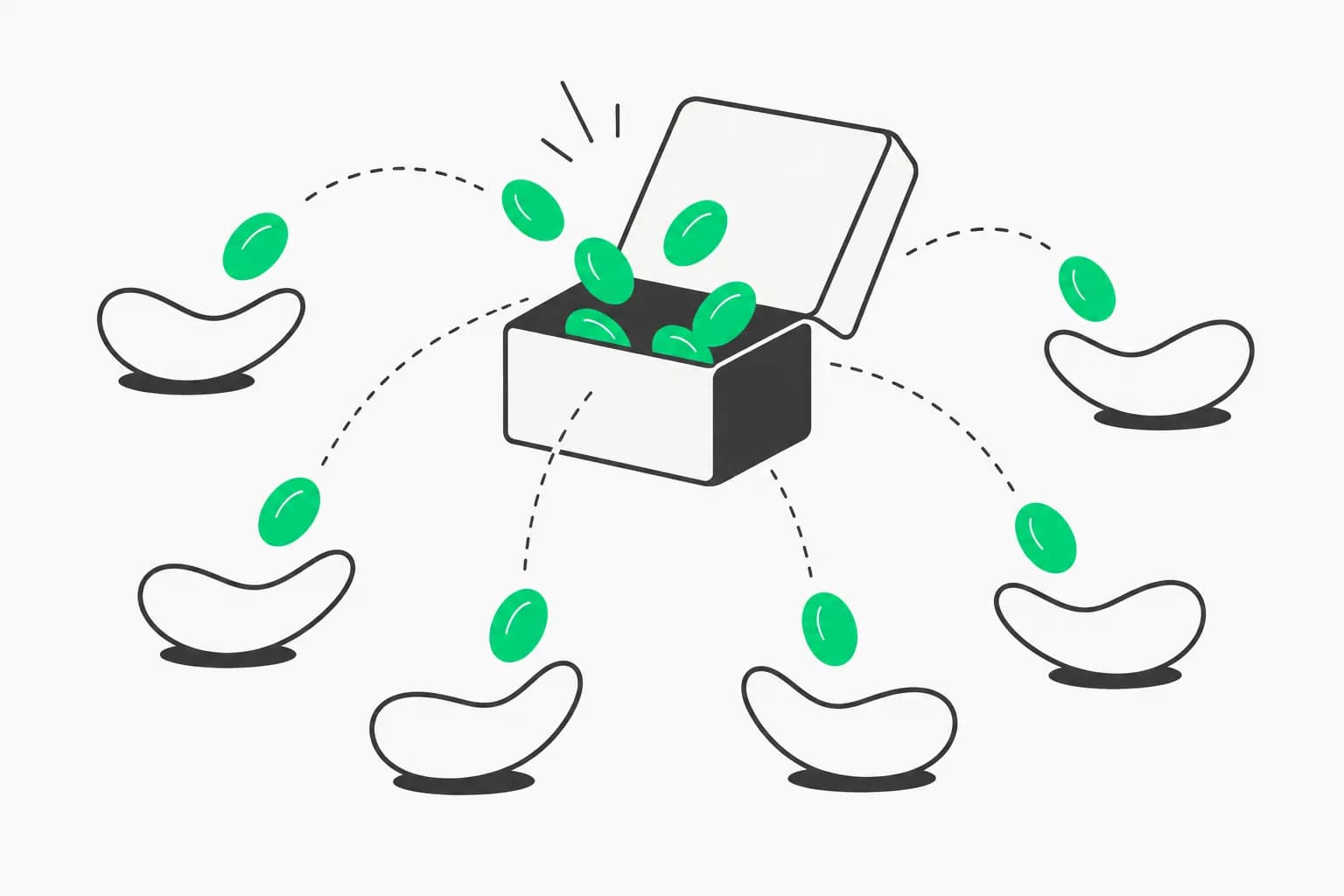
Unsloth AI (@UnslothAI) announced a 1-bit dynamic GGUF of Kimi K3 — shrinking Moonshot's 2.8-trillion-parameter open model from 1.56TB down to 594GB, a 62% size reduction, while retaining roughly 78.9% accuracy by their own measurement. Unsloth's framing: "Kimi K3 is the strongest open model to date" — and now one that fits on a single Mac Studio with 128GB of unified RAM.
That's a genuinely large compression for a genuinely large model, and it lands one week after Kimi K3's original open-weight launch — fast follow-through on making a frontier-scale open model actually runnable outside a data center.
TL;DR
| Detail | Value |
|---|---|
| Model | Kimi K3 — Moonshot AI, 2.8T total parameters |
| Quantization | 1-bit dynamic GGUF (Unsloth) |
| Original size | 1.56TB |
| Quantized size | 594GB |
| Size reduction | -62% |
| Accuracy retained | ~78.9% (Unsloth's own benchmark) |
| Target hardware | Mac Studio + 128GB RAM |
| Weights | huggingface.co/unsloth/Kimi-K3-GGUF |
| Setup guide | unsloth.ai/docs/models/kimi-k3 |
What Kimi K3 is, briefly
Moonshot AI's Kimi K3 launched as "Open Frontier Intelligence" — 2.8 trillion parameters, a 1 million token context window, and native multimodal support. Two architectural details from Moonshot's own launch claims matter directly for why this quantization is even feasible:
- Kimi Delta Attention (KDA) — enables up to 6.3x faster decoding in million-token contexts, an attention mechanism designed specifically to keep long-context inference tractable.
- Attention Residuals — deliver roughly 25% higher training efficiency at under 2% additional cost, per Moonshot's technical description.
The critical fact for local deployment: 2.8 trillion total parameters does not mean 2.8 trillion active parameters per token. Kimi K3, like most frontier-scale open models released in 2026, is a mixture-of-experts (MoE) architecture — only a fraction of the total parameter count activates for any given token, with the rest sitting idle in memory as specialized sub-networks the router selects between. That's what makes running a model this large on a single machine even conceivable in the first place; total parameter count drives storage and RAM requirements, but active parameter count drives compute cost per token.
What "1-bit dynamic quantization" actually does
Quantization reduces the numeric precision used to store each model weight — fewer bits per parameter means less disk space and less RAM required to load the model, at the cost of some accuracy. 1-bit quantization is the most aggressive commonly used level: each weight is represented in roughly a single bit rather than the 16 or 32 bits used during training, or the 4-8 bits typical of more conservative quantization schemes.
Naive, uniform 1-bit quantization applied indiscriminately across every layer tends to cause severe accuracy degradation — some layers and weight groups are far more sensitive to precision loss than others. Unsloth's dynamic approach addresses this by not treating every part of the model identically: layers and weight groups where aggressive quantization would cause the largest accuracy loss are selectively kept at higher precision, while the bulk of the model — where lower precision has proportionally less impact — gets pushed down to the full 1-bit level. The 594GB figure is the blended result of that selective approach, not a uniform 1-bit-everywhere pass.
That selectivity is also the reason 78.9% accuracy retention is a genuinely notable result at this compression level, rather than an unremarkable number. Pure uniform 1-bit quantization on a model this size would typically be expected to degrade far more severely — closer to unusable for many tasks than merely diminished.
The hardware math: why 128GB RAM, why a Mac Studio specifically
| Configuration | Approximate requirement |
|---|---|
| Kimi K3, full precision | Far beyond consumer hardware — data-center-scale, per the 1.56TB base footprint |
| Kimi K3, 1-bit dynamic GGUF | 594GB on disk |
| Recommended run environment | Mac Studio, 128GB unified RAM |
The gap between a 594GB model file and a 128GB RAM recommendation is bridged by not loading the entire model into RAM simultaneously — GGUF-format models are designed for memory-mapped, on-demand loading, where the operating system pages in the specific weight segments needed for the active computation rather than holding the full model resident in memory at once. Combined with the MoE architecture only activating a subset of experts per token, this is what makes a 594GB model file usable on a machine with meaningfully less RAM than the file size would naively suggest — a pattern already established by prior large local-model releases like GLM-5.2's 744B-parameter local setup, which Unsloth previously documented running on similarly-sized unified-memory Mac configurations.
Apple Silicon's unified memory architecture — CPU and GPU sharing the same physical RAM pool rather than requiring data transfer between separate system and VRAM — is specifically well-suited to this kind of large, memory-mapped local inference, which is why Mac Studio hardware keeps showing up as the recommended target across Unsloth's largest local-model guides.
How this compares to other local Kimi K3 paths
Kimi K3 has accumulated several distinct local-deployment approaches within days of its open-weight release, each making a different accuracy-vs-hardware tradeoff:
| Approach | Target hardware | Tradeoff |
|---|---|---|
| Deltafin | Single Apple Silicon Mac (M1 Max class) | Less aggressive quantization than 1-bit; different memory-management approach |
| Unsloth's broader Kimi K3 guide | Varies by quantization level offered | Multiple precision tiers — 1-bit is the most extreme option, not the only one |
| This 1-bit dynamic GGUF | Mac Studio, 128GB RAM | Maximum compression, real accuracy cost (~21% degradation by Unsloth's own figure) |
| Full-precision / API access | Data-center scale or hosted API | Full accuracy, no local hardware ceiling |
The honest framing: 1-bit is the option for people whose hardware genuinely cannot fit anything less aggressive, not the default recommendation if you have headroom for a higher-precision quantization. A ~21% accuracy gap is real and will show up in harder reasoning or precision-sensitive tasks, even if it's a smaller gap than uniform 1-bit quantization would typically produce. For teams evaluating open-weight vs. closed-source tradeoffs more broadly, this is a useful data point: the cost of running a genuinely frontier-scale open model locally has dropped from "impossible on consumer hardware" to "possible with real, quantifiable accuracy tradeoffs" — a meaningfully different starting point than a year ago.
Who should actually use the 1-bit build
Quantization choice is a tradeoff decision, not a default — the right call depends heavily on what hardware you already have and what the model is actually for:
| Situation | Recommended path |
|---|---|
| You have a Mac Studio or similar with 128GB+ RAM and nothing more powerful | The 1-bit dynamic GGUF is your realistic entry point to running Kimi K3 at all |
| You have access to multiple GPUs or a higher-RAM workstation | A less aggressive quantization (4-bit or above) will preserve meaningfully more accuracy — check Unsloth's broader Kimi K3 guide for those tiers |
| You need the model for precision-sensitive work (code correctness, math, structured extraction) | Budget real testing time against the ~21% accuracy gap before trusting 1-bit output in that context |
| You're experimenting, prototyping, or running lower-stakes generation tasks | The accuracy tradeoff is far more forgivable, and 594GB on a single machine is a genuinely useful capability to have |
| You want the closest thing to full Kimi K3 capability without local hardware limits | The hosted API remains the accuracy ceiling — local quantization is always a compromise against it |
The broader pattern worth internalizing: quantization tiers exist on a spectrum, and "runs on my hardware" is not the same question as "runs well enough for my task." A 1-bit build that answers the first question honestly still requires answering the second one separately, on your own workload, before it's a safe default.
Getting started
Unsloth's own resources cover the setup end to end:
- Guide: unsloth.ai/docs/models/kimi-k3 — step-by-step setup instructions
- Weights: huggingface.co/unsloth/Kimi-K3-GGUF — the 594GB 1-bit dynamic GGUF
- Hardware baseline: Mac Studio, 128GB unified RAM, per Unsloth's stated recommendation
- Runtime: GGUF-format models load via
llama.cpp-compatible tooling — see explainx.ai's llama.cpp guide if you're new to the GGUF ecosystem specifically - Expectation setting: budget for the ~21% accuracy gap versus higher-precision runs before committing this configuration to anything accuracy-sensitive
Summary
Unsloth released a 1-bit dynamic GGUF quantization of Kimi K3, Moonshot AI's 2.8-trillion-parameter open model, shrinking it from 1.56TB to 594GB — a 62% reduction — while retaining roughly 78.9% accuracy by their own benchmark. That combination of aggressive but selective quantization and Kimi K3's mixture-of-experts architecture makes it feasible to run on a single Mac Studio with 128GB RAM, a meaningful drop from the data-center-scale hardware full-precision inference would otherwise require. It's the most extreme point on a fast-growing spectrum of local Kimi K3 deployment options — worth it specifically for users whose hardware can't fit a less-compressed alternative, with a real accuracy cost that should be weighed against that hardware constraint rather than treated as a free upgrade.
Related on explainx.ai
- Unsloth's Dynamic v3.0 GGUFs for Qwen3.8-27B — hardware table and quant guide — Unsloth's newer, more rigorous quantization methodology applied to a different model
- Kimi K3 open weights — 2.8 trillion parameters, full launch coverage
- Deltafin — run Kimi K3 on one Apple Silicon Mac
- Kimi K3 — run locally, open weights desktop guide
- Kimi K3 architecture — Latent MoE and NoPE explained
- Run GLM-5.2 locally — 744B parameters on a Mac or PC
- What is llama.cpp? Run models locally
- Closed-source AI vs. local open-source alternatives
- Top 10 open-weight models for a laptop
Source: @UnslothAI announcement · unsloth/Kimi-K3-GGUF on Hugging Face · Setup guide
Size, accuracy, and hardware figures reflect Unsloth's own benchmarking and announcement as of July 31, 2026. Quantization accuracy figures are method- and benchmark-dependent — verify against your own target tasks before committing to a 1-bit deployment for production use.