



Update — September 25, 2026: Google Research published a multi-agent framework for consistent long-form video. See Google's multi-agent video framework.
TL;DR: ViMax is an open-source agentic video generation framework that acts as director, screenwriter, producer, and video generator all-in-one. Input your concept, and it orchestrates scriptwriting, storyboarding, character creation, and final video generation—all end-to-end.
The Problem with Current AI Video Generation
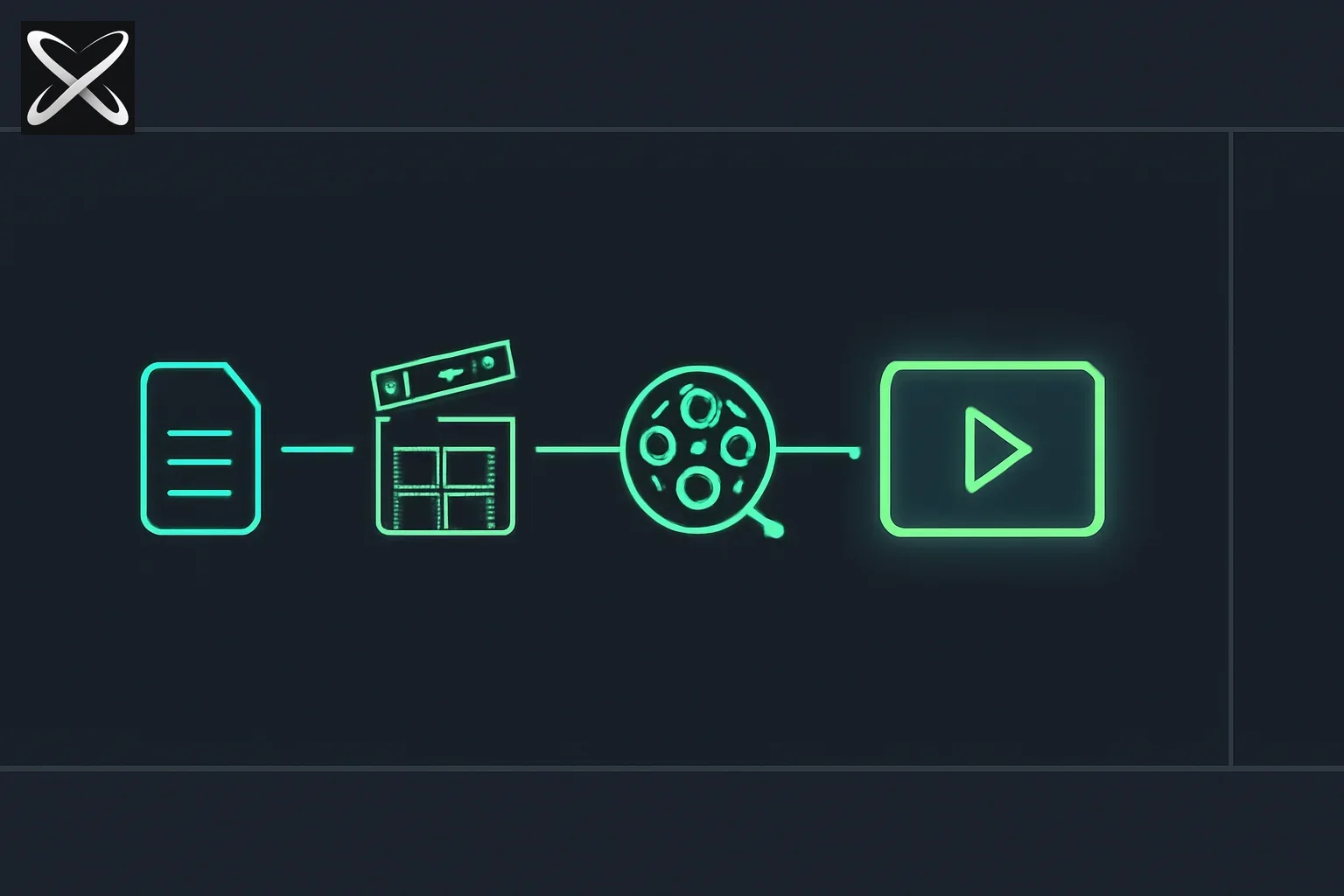 ViMax agentic video generation — a script flowing through clapperboard, storyboard, and reel stages into a finished video frame
Current AI video generation tools face significant limitations:
| Challenge | Description |
|---|---|
| Limited to Short Clips | Most AI tools generate only seconds of footage |
| Consistency Chaos | Characters and scenes change unpredictably across frames |
| Visual-Only Focus | Missing scripts, audio, narrative structure, and storytelling depth |
| Manual Reference Management | Time-consuming acquisition and alignment of reference frames |
| No Production Pipeline | Each step requires separate tools and manual intervention |
ViMax solves all of these by automating the entire video creation pipeline from narrative input to final video output.
What is ViMax?
ViMax is a multi-agent video framework that enables automated multi-shot video generation while ensuring character and scene consistency. The system seamlessly translates your ideas into corresponding videos, allowing you to focus on storytelling rather than technical implementation.
With 5.6k GitHub stars and growing, it represents one of the most comprehensive open-source approaches to agentic video generation.
Key Features
Idea2Video
From Spark to Screen
Transform raw ideas into complete video stories through intelligent multi-agent workflows automating storytelling, character design, and production.
idea = """
If a cat and a dog are best friends, what would happen when they meet a new cat?
"""
user_requirement = """
For children, do not exceed 3 scenes.
"""
style = "Cartoon"
That's all you need to generate a complete video.
Novel2Video
Smart Literary Adaptation Engine
Transform complete novels into episodic video content with:
- Intelligent narrative compression
- Character tracking across chapters
- Scene-by-scene visual adaptation
- Retention of key plot developments and dialogues
Script2Video
Unlimited Screenplay Video Creation
Write any screenplay from personal stories to epic adventures, giving you complete control over every aspect of your visual storytelling.
script = """
EXT. SCHOOL GYM - DAY
A group of students are practicing basketball in the gym.
John (18, male, tall, athletic) is the star player...
John: (dribbling the ball) I'm going to score a basket!
Jane: (smiling) Good job, John!
"""
user_requirement = """
Fast-paced with no more than 20 shots.
"""
style = "Animate Style"
AutoCameo
Generate Video from Your Photo
Create your own cameo video—become the star who appears across limitless creative scripts, cinematic sequences, and interactive storylines by uploading your photo.
Technical Architecture
Multi-Agent Pipeline
ViMax operates through a sophisticated multi-agent system:
🧠 INPUT LAYER
├── Ideas & Scripts & Novels
├── Natural Language Prompts
├── Reference Images
├── Style Directives
└── Configs

🧭 CENTRAL ORCHESTRATION
├── Agent Scheduling
├── Stage Transitions
├── Resource Management
└── Retry/Fallback Logic

🧾 SCRIPT UNDERSTANDING
├── Character/Environment Extraction
├── Scene Boundaries
└── Style Intent

🎥 SCENE & SHOT PLANNING
├── Storyboard Steps
├── Shot List
└── Key Frames & Beats

🧪 VISUAL ASSET PLANNING
├── Reference Image Selection
├── Look/Style Guidance
└── Prompt Conditioning

♻️ CONSISTENCY & CONTINUITY
├── Character/Environment Tracking
├── Ref Matching
└── Temporal Coherence

✂️ VISUAL SYNTHESIS & ASSEMBLY
├── Image Generation
├── Best-Frame Selection
├── First/Last-Frame→Video
└── Cut & Timeline Assembly

🚀 OUTPUT LAYER
└── Final Video
Technical Capabilities
| Capability | Description |
|---|---|
| Intelligent Long Script Generation | RAG-based engine that analyzes lengthy stories and segments them into multi-scene script format |
| Expressive Storyboard Design | Shot-level storyboard design using cinematography language based on user requirements |
| Multi-camera Filming Simulation | Delivers immersive viewing while maintaining character positioning and backgrounds |
| Intelligent Reference Selection | Automatically selects reference images from previous timeline to ensure consistency |
| Automated Image Generation | Generates prompts to arrange spatial interaction between characters and environment |
| Consistency Check | Uses MLLM/VLM to select best consistent image from parallel generations |
| Parallel Shot Generation | Enables highly efficient video production across multiple shots |
Why ViMax?
| Benefit | Description |
|---|---|
| Effortless Production | One-prompt to finished video—skip the technical complexity |
| Complete Creative Freedom | No limits—trailers, short stories, novel chapters, or original concepts |
| Audio and Video Binding | Seamlessly integrate character voice and sound effects |
| Professional Quality | Automated quality control ensures consistency across every frame |
| Interactive Video | Make your own cameo—interact in your own short stories |
Quick Start
Prerequisites
- OS: Linux, Windows
- Python with uv package manager
Installation
git clone https://github.com/HKUDS/ViMax.git
cd ViMax
uv sync
Configuration
Configure your models in configs/idea2video.yaml:
chat_model:
  init_args:
    model: google/gemini-2.5-flash-lite-preview-09-2025
    model_provider: openai
    api_key: <YOUR_API_KEY>
    base_url: https://openrouter.ai/api/v1

image_generator:
  class_path: tools.ImageGeneratorNanobananaGoogleAPI
  init_args:
    api_key: <YOUR_API_KEY>

video_generator:
  class_path: tools.VideoGeneratorVeoGoogleAPI
  init_args:
    api_key: <YOUR_API_KEY>

working_dir: .working_dir/idea2video
Using MiniMax as Chat Model Provider
MiniMax offers OpenAI-compatible API access to models with up to 1M token context:
chat_model:
  init_args:
    model: MiniMax-M2.7
    model_provider: minimax
    api_key: <YOUR_MINIMAX_API_KEY>
| Model | Context | Note |
|---|---|---|
| MiniMax-M2.7 | 1M tokens | Latest, recommended |
| MiniMax-M2.7-highspeed | 1M tokens | Fast variant |
| MiniMax-M2.5 | 204K tokens | Stable |
| MiniMax-M2.5-highspeed | 204K tokens | Fast variant |
Solving Production Challenges
ViMax addresses the core challenges of AI video production:
Reference Images
Problem: Time-consuming acquisition, organization, and alignment of reference frames. Solution: Intelligent reference image selection from previous timeline ensures accuracy of characters and environments.
Consistency Check
Problem: Image generators may produce unusable images even with correct references. Solution: Parallel image generation with MLLM/VLM-based selection of best consistent image.
Scripts Generation
Problem: Professional videos need rich information density and structured design. Solution: RAG-based long script design engine that preserves key plot developments and dialogues.
Storyboard Design
Problem: Converting stories into visual narratives requires cinematography expertise. Solution: Automated shot-level storyboard design using cinematography language.
Shot Design
Problem: Creating coherent camera work with proper angles and transitions. Solution: Multi-camera filming simulation with consistent character positioning.
Development Delays
Problem: Ensuring consistency across hundreds of shots in long-form content. Solution: Character/environment tracking with temporal coherence across all frames.
Production Efficiency
Problem: Traditional video creation involves multiple specialists and lengthy workflows. Solution: One-prompt to finished video with automated quality control.
Scaling AI Video
Problem: AI videos are usually only seconds long; long videos require complex continuity. Solution: Multi-storyboard design with cross-scene continuity processing.
Demo Examples
ViMax can generate complete videos from scratch including:
- Cat and dog friendship stories
- Underwater exploration scenes
- Otter adventures
- Aircraft carrier sequences
- Vampire narratives
- Skydiving action
- Tree growth timelapses
- AutoCameo sky castle scenes
- AutoCameo pet interactions
Coming Soon
- Google AI Studio API config ✅
- Dev mode branch
- AutoCameo integration
- Enhanced shot planning
- New features
Repository Stats
- Stars: 5.6k
- Forks: 943
- Contributors: 9
- License: MIT
- Language: Python 100%
Plan a small film before paying for generation
Start with a short sequence whose success you can describe shot by shot. For example, a character enters a workshop, notices a broken lamp, and repairs it. Limit the cast, setting, and important props. A small controlled scene reveals continuity problems more clearly than a complex first attempt containing many locations and characters.
Write an acceptance note for each shot: who appears, what action occurs, which prop is visible, and how the shot connects to the previous one. This is your review rubric rather than a claim about guaranteed model behavior. If the generated action differs from the requested action, record the difference before deciding whether the shot still serves the story.
Review the screenplay and storyboard before generating all clips. A confusing scene order is expensive to discover after synthesis. The ViMax repository is the source for supported workflows and example configurations; your storyboard review supplies the project-specific definition of an acceptable result.
Build a continuity sheet that survives retries
Describe stable character attributes separately from shot-specific details. Clothing, hairstyle, an identifying prop, and relative appearance should remain consistent unless the story changes them. Camera angle, lighting, and expression can vary deliberately. Combining these into one dense prompt makes it hard to tell which detail should survive a retry.
For the workshop scene, mark whether the lamp is broken or repaired at each point in the sequence. Track which hand holds a tool and whether the character is standing or seated when the edit crosses between shots. A visually attractive clip can still break the story if it resets an important state.
Keep the chosen reference images with the shot plan and note which reference each retry used. If one revision changes the character's appearance, you can trace the change to a reference or prompt rather than regenerating the entire film blindly. Asset organization becomes part of creative control once several generations are involved.
Set a retry budget and review checkpoint
Decide how many attempts each shot may receive before a human revises the plan. Some failures are better solved by simplifying the action or splitting a shot than by submitting the identical request repeatedly. A bounded retry policy encourages you to diagnose the scene instead of treating more generations as the only creative tool.
Separate provider failures from content failures. An unavailable endpoint is an operational problem. A successful request producing the wrong character or action is a creative-quality problem. Store these outcomes separately so your review can explain whether costs came from infrastructure retries or discarded footage.
Check provider usage and configuration directly before a run. Framework code being open source does not make hosted image, video, or language-model calls free. For a first pilot, write down the expected stages and inspect actual billed usage afterward without presenting the result as a universal cost estimate.
Watch the edit as a sequence
Review individual clips first, then watch the assembly from start to finish. A clip may pass in isolation while creating an abrupt change in pacing, perspective, or character position when placed next to another. Continuity is a property of the sequence, not simply a count of attractive frames.
Use a simple review record with shot identity, selected asset, known defect, and decision to accept or replace. Do not hide accepted defects; they help explain why the final video is a prototype or why a particular revision remains necessary. An automated consistency check contributes evidence but cannot establish every storytelling requirement.
For any cameo or third-party material, obtain the permissions appropriate to the intended use before publishing. Review the final output for unintended likenesses, misleading representations, and borrowed material. The practical milestone is a reviewed short sequence with traceable inputs and an understood budget. Expanding duration is easier once that small production loop works.
Getting Started Resources
- GitHub: github.com/HKUDS/ViMax
- Documentation: README and Communication.md in repository
- Example Configs:
configs/idea2video.yaml,configs/script2video.yaml
Related Posts
-
Endless AI TV with H3 Max — what changes when an agentic video loop has to fill a livestream continuously
-
MiniMax H3: open-weight video model — and its license fine print
This post covers ViMax as of May 2026. The project is actively developed with new features being added. Visit the GitHub repository for the latest updates.