



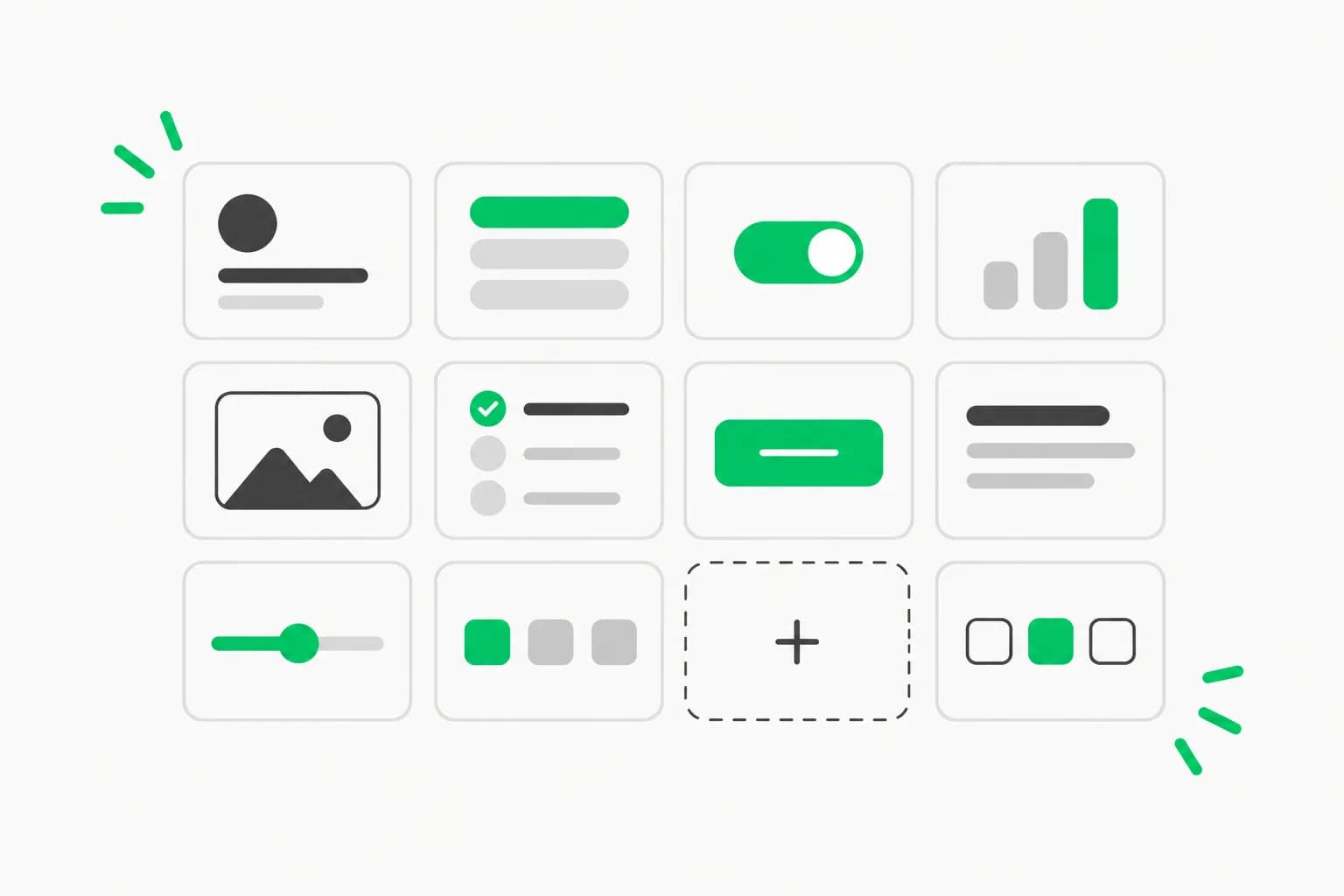
A Chinese-language GitHub project is drawing attention for a simple reason: it lets you drop a near-copy of Claude's desktop interface into your own React app. Caho1/open-claude-ui shows about 1.3k stars and 270 forks. Its description says it is based on a deep teardown with the REA reverse-engineering skill and a high-fidelity rebuild of 30 independent React components and 8 interaction-physics algorithms, accompanied by a 3,000-plus-line analysis manual.
The code is MIT-licensed. The harder questions are about what it imitates; Anthropic's consumer terms bar users from reverse engineering its services. This post covers what is in the repo, how to try it, and what the README leaves unsaid.
TL;DR: what people ask first
| Question | Answer |
|---|---|
| What is it? | React and Tailwind UI kit imitating Claude's desktop app |
| License | MIT |
| Components | About 30 (buttons, dialogs, chat composer, model switcher, diff viewer) |
| Extras | Design tokens, motion helpers, docs/ manual of 3,000+ lines, storybook HTML |
| Language of README | Chinese |
| Official? | No sign of Anthropic involvement |
| Trademark or terms notice? | None in the README beyond a "DMCA and assets policy" section |
| Independent verification of the teardown? | None |
What is in the repository
According to the README, the kit is built from Claude's design system tokens: the clay accent colour #d97757, surface levels, radii and hairline borders. The components include a chat composer, a model switcher with a token gauge, MCP tool-decision cards, a split-pane resizer and a code diff viewer, among others.
The "8 interaction physics algorithms" are small behaviours that make the app feel polished: a seven-stop scroll-fade mask, guards for IME composition (important for Chinese, Japanese and Korean typing), scroll pinning in a streaming chat, and sound effects synthesized with Web Audio. A code-examples/ folder holds copy-paste snippets, and docs/claude-components-storybook.html opens directly in a browser, which is the fastest way to see everything without installing anything. The project site is openclaudeui.com.
The Quick Start shows CSS imports for the package's css and tokens entries, a Tailwind preset and React imports from open-claude-ui. It implies an npm package but does not print an explicit install command, so expect to read the examples rather than run a one-liner.
Why developers want this
Chat UIs are harder than they look. Streaming text, scroll behaviour, composer resizing, model pickers and tool-approval cards are all fiddly, and Claude's desktop app has become a reference for how an agent interface should feel. If you build an internal assistant, a Claude front end over the API, or an MCP client, a ready set of components saves weeks. The tool-decision cards are especially relevant: they match how many teams now present MCP tool calls for human approval.
This also fits a larger pattern. Reverse engineering with agents has become cheap enough that a solo developer can produce a 3,000-line analysis in days. Our own REA coverage and the top projects built with REA show the same technique applied to games and productivity apps, and a competing skill, leanrea, landed the same week.
The interaction details worth studying
Most UI kits ship static components. The reason this one drew attention is the behaviour layer, so it is worth explaining what each named piece is for.
Scroll-fade mask. A long conversation scrolls under a header and composer. A mask that fades content over several stops, seven in this kit according to the README, avoids a hard cut-off line and makes the viewport feel continuous. It is a CSS technique, cheap to reuse, and has nothing to do with Claude specifically.
IME composition guards. When someone types Chinese, Japanese or Korean, the Enter key confirms a candidate word rather than sending the message. Chat boxes that ignore this send half-typed messages. A guard that checks composition state before submitting is a small fix with a large effect for non-English users, and it is the kind of detail that rarely appears in English-language tutorials.
Scroll pinning. In a streaming chat, the view should follow new text only while the reader is at the bottom, and stop following the moment they scroll up. Getting this wrong makes long answers unreadable. Pinning logic is the most commonly rewritten piece of chat code.
Synthesized sounds. Using Web Audio to generate sounds instead of shipping audio files avoids distributing recordings and keeps the bundle small. The README presents it as part of the no-proprietary-assets policy.
Tool-decision cards and the diff viewer. These present an agent's proposed action for approval, and file changes as a diff. If you build a coding agent front end, that pairing is the core loop: propose, show the change, ask.
A checklist before adopting any cloned UI kit
Whatever you think of this project, the same checks apply to any kit built by imitating a product:
- Licence of the code versus rights in the design. MIT covers code; it says nothing about brand or trade dress.
- Accessibility. Verify keyboard navigation, focus rings, screen-reader labels and reduced-motion handling. A pixel-faithful copy can still fail all four, and the README summary we read does not mention accessibility.
- Bundle size and dependencies. Thirty components plus motion helpers can pull in a lot. Check what ships to the browser.
- Maintenance. A young, single-author repository may be a snapshot, not a supported library.
- Naming. Rename tokens and strings so users cannot mistake your product for the original.
- Provenance of any assets. The README says no commercial fonts or recordings are included; confirm that in the file tree yourself.
How it compares with building your own
If you only need a clean chat interface, a general-purpose component library plus a few hundred lines for streaming and scroll pinning will take a day or two and leaves you with no legal question to answer. The advantage of open-claude-ui is speed to a familiar feel and a documented set of behaviours to learn from. The cost is dependence on an unofficial, fast-moving repository whose fidelity to the real app cannot be checked by you without the same reverse-engineering effort.
How to try it
- Clone the repository and open
docs/claude-components-storybook.htmlin a browser to browse the components. - Read the files in
code-examples/, which the author describes as copy-paste ready. - In a throwaway React and Tailwind project, add the Tailwind preset and import the CSS tokens as shown in the README.
- Start with one component, such as the composer, and check how it behaves with an IME and with long streamed output.
- Skim the manual in
docs/for the reasoning behind each behaviour, which is often more reusable than the code.
The part the README does not cover
The repository is explicit about one legal point: it says the decompilation research and code reproduction are for study, research and engineering exchange only, and that it does not distribute proprietary binary assets. A "DMCA and assets policy" section exists. What it does not contain is a statement that the project is unaffiliated with Anthropic, a trademark notice, or any discussion of Anthropic's terms of service.
That matters for three reasons.
- Trademark and trade dress. Using "Claude" in the name and replicating a distinctive interface can invite confusion. An MIT license covers the author's code; it does not grant rights to someone else's brand or look.
- Terms of service. Whether analyzing a shipped desktop app's front end is permitted depends on the terms you accepted and on local law. Our clean-room checklist walks through the questions to ask.
- Verification. The claim of "strictly verified decompilation" is the author's. We found nothing independent that confirms how faithful the components are, or that they match the current official app.
We are not lawyers and this is not legal advice. If you plan to ship anything public, the safe path is to borrow the ideas, not the identity: keep your own name, colours and wording, and treat the kit as a reference implementation. A related case is Photocraft, a clean-room Photoshop rebuild, where the author documented the clean-room process explicitly.
Security note
Dropping a large, unreviewed UI package into an app that handles API keys or tool approvals deserves review. Check dependencies, read the sound and storage code, and pin versions. If your interface lets an agent act on a user's behalf, tools like AgentBeam, the agent security platform from the explainx.ai team, can add a check before dangerous actions run; the UI layer alone will not stop a bad tool call.
What to watch next
Three things will decide whether this becomes a durable resource or a fast-fading trend: whether the maintainer publishes a proper npm release with an install command, whether Anthropic or anyone representing it comments on the project, and whether the components keep tracking the real app as it changes. Star counts say people are curious; they do not say the kit is production-ready. For design-system background, see our guides to DESIGN.md and the Vercel DESIGN.md spec.
Related reading
- How to install and use the REA skill
- Is AI reverse engineering legal? Clean-room checklist
- Top 10 projects built with REA
- leanrea: the 8 KB REA alternative
- DESIGN.md templates for AI agents
- Photocraft clean-room rebuild
Repository details and star counts are as of October 23, 2026 and may change.