



The price of enterprise AI assistants is starting to move the way software prices usually move once adoption stalls or competition heats up: down at the top, and more complicated at the bottom.
On September 23, 2026, reports citing The Information said Microsoft has authorized discounts of 30% to 50% on Copilot for large corporate customers, tied to seat commitments, possibly beginning in October. At the same time, Microsoft is shifting from pure per-seat pricing to seat plus usage. The net effect for a buyer depends on how usage is metered, which is the part not yet public.
This guide separates what is reported from what is confirmed and gives buyers a way to think about it. For the baseline, see Microsoft 365 Copilot pricing and licensing.
TL;DR
| Question | Answer |
|---|---|
| What is reported? | 30% off for 1,000 to 10,000 seats; 50% off for 10,000+ seats |
| When? | Possibly starting in October, near a new Copilot super app |
| Source? | The Information, via Analytics India Magazine and others; not a Microsoft announcement |
| Billing change | Seat plus usage; usage-based default for new M365 Copilot Business licenses via CSPs from November 2 |
| Super app | Chat, Cowork, Autopilot and Code combined in one app |
| Adoption | 30 million+ paid M365 Copilot seats, per Microsoft |
| Catch | Some features carry extra usage charges |
What is reported
Microsoft is reportedly authorizing its sales teams to discount Copilot substantially for big commitments:
- 30% for organizations buying between 1,000 and 10,000 seats.
- 50% for organizations buying 10,000 or more.
- The cuts could begin in October.
The reports link the discounts to Microsoft's plan to consolidate Copilot experiences. Nadella said chat, Cowork, Autopilot and Code will come together in one app spanning consumer and commercial users.
Microsoft also reported adoption numbers on its earnings call: more than 30 million paid Microsoft 365 Copilot seats, with conversations per user nearly doubling year over year and engagement approaching that of Outlook and Teams.
Everything about tiers and dates comes from press reports, not a Microsoft price list. Treat them as directional until you see them in a quote.
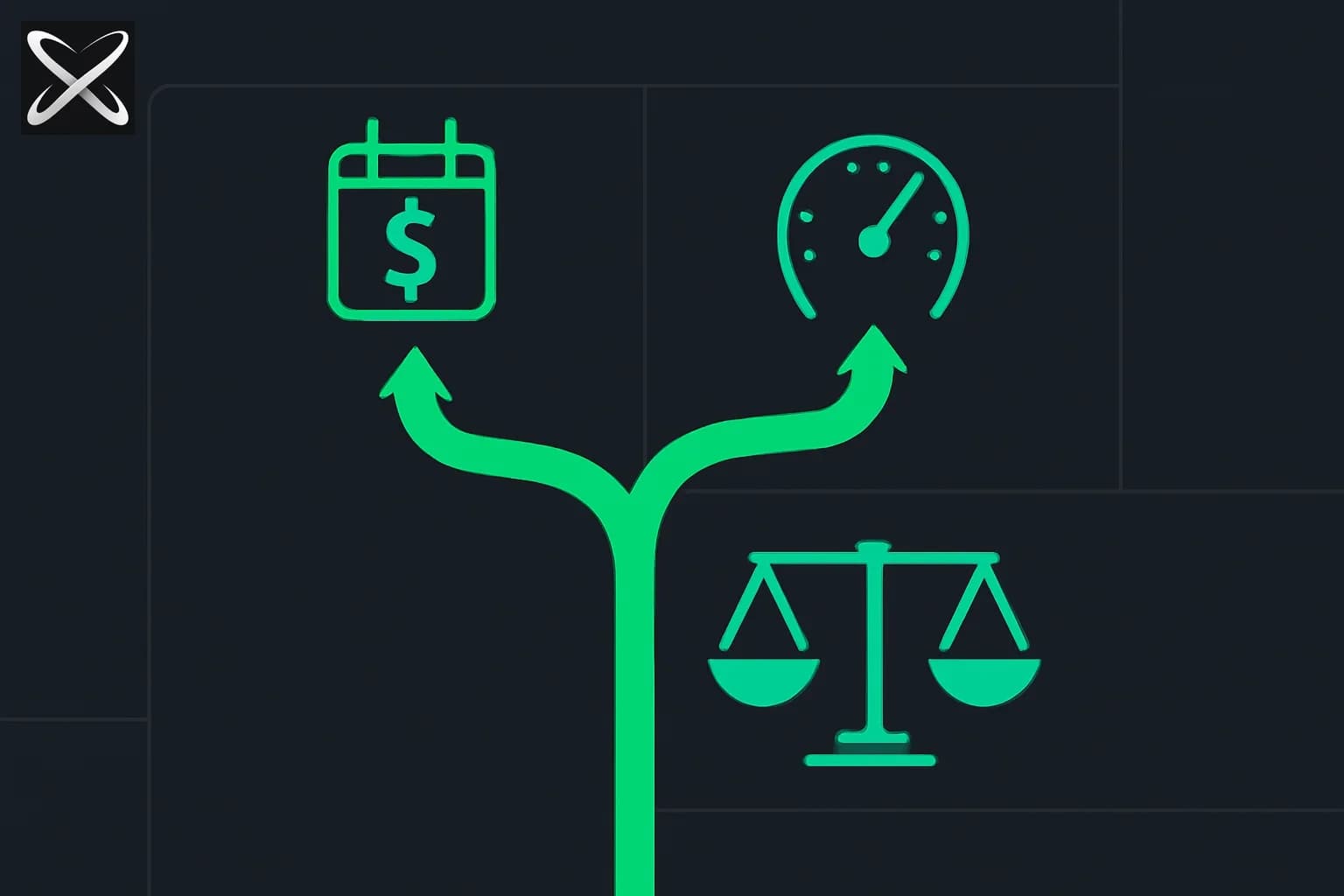
The bigger change: seat plus usage
The discount headline can hide the structural shift. Nadella described the move from per-seat licensing to "seat plus usage." According to reporting, starting November 2, usage-based billing becomes the default for new Microsoft 365 Copilot Business licenses purchased through Cloud Solution Providers, and some functionality in the new app will incur charges based on usage.
Why this matters:
- Per-seat pricing is predictable but wasteful. You pay for every seat regardless of use, which is why many pilots stalled when usage was uneven.
- Usage pricing is efficient but unpredictable. Heavy agentic features such as Cowork and Code can consume far more compute than chat.
- The combination lets Microsoft cut the sticker price and recover margin on heavy use. A 50% discount on seats can be offset if agents run all day.
That is the same dynamic developers see in coding tools. Compare how Cursor moved to per-model pricing and usage limits and how Claude Code pricing mixes subscription and usage.
Why cut prices now
Reasons are analysis, not statements from Microsoft:
- Competition. OpenAI's ChatGPT Work, Anthropic's Claude for enterprises and Google's Gemini Enterprise all pitch agents for knowledge work. See ChatGPT Work vs Codex and Claude marketplace expansion.
- Adoption depth. Thirty million seats is large, but seat count is not daily use. Discounts encourage bigger commitments that force rollouts.
- Bundling. A super app makes Copilot the default AI surface, and lower seat prices make it harder for point solutions to displace.
- Usage upside. If usage revenue grows, Microsoft can trade seat margin for volume.
What buyers should do
Before you sign
- Model total cost, not the discount. Estimate seats times price, plus expected usage for agentic features. Ask for the usage rate card in writing.
- Ask for caps and alerts. Request a monthly usage ceiling, spend alerts and a mechanism to disable heavy features by group.
- Negotiate tiers. If you sit near a threshold, 1,000 or 10,000 seats, understand how growth changes your discount.
- Ask about term and ramp. Can you start with fewer seats and grow at the same discount?
- Check the CSP route. Usage defaults apply to CSP purchases from November 2; direct enterprise agreements may differ.
Measure value first
- Track active weekly users, not licenses.
- Pick 3 workflows per department and measure time saved.
- Segment users: those who use it daily, occasionally or never. Reassign or drop seats.
Keep alternatives in the conversation
Even if you stay with Copilot, benchmark against other assistants and coding agents. Pricing leverage comes from credible options. For a landscape view, see agentic AI certifications compared for team upskilling and our coverage of GitHub Copilot's multi-model orchestration.
A worked example: why the discount is not the whole story
Round numbers help. The figures below are illustrative, not Microsoft prices. Suppose a company with 12,000 employees plans to license Copilot for everyone, and assume a list price of 100 units per seat per month.
| Scenario | Seats | Seat cost after discount | Usage charges | Total |
|---|---|---|---|---|
| No discount, no usage fees | 12,000 | 1,200,000 | 0 | 1,200,000 |
| 50% discount, light usage | 12,000 | 600,000 | 100,000 | 700,000 |
| 50% discount, heavy agent usage | 12,000 | 600,000 | 700,000 | 1,300,000 |
In the heavy scenario, the company pays more than it did before the discount. That is not a prediction; it is why the usage rate card matters more than the percentage. The question to ask Microsoft is: what does one hour of Cowork or Code cost, and what is the expected consumption of a typical power user?
A second effect: seat discounts reward breadth, while usage fees penalize depth. Companies that roll out to everyone but use it lightly win; companies that give ten engineers heavy agent workflows may lose. You can adjust by licensing tiers: broad seats for chat, and a small pool of usage-based capacity for the heavy users.
Questions to put in your procurement email
- What is the per-seat price at our commitment tier, in writing, for the full term?
- Which features are seat-included and which are usage-billed? Provide the rate card.
- Is there a monthly spend cap, and what happens at the cap: throttle, block or overage?
- Can usage be pooled across the tenant, or is it per user?
- Do discounts apply to renewals, mid-term seat additions and other Microsoft 365 SKUs?
- If we reduce seats at renewal, how does the discount tier change?
- Are there data residency, retention and training commitments for the super app that differ from today's Copilot?
- What is the migration path from the current Copilot experiences to the super app, and are there changes to admin controls?
Answers to these turn a headline percentage into a number you can put in a budget.
What this means for individuals and small teams
The reported discounts do not reach smaller organizations. For them, the practical implications are:
- Watch the super app. If chat, agents and coding tools merge, features may move between plans.
- Expect usage-based add-ons for heavy features.
- Consider alternatives with flat pricing if your usage is steady and heavy.
How to tell whether Copilot is paying for itself
Discounts change the price, not the value. Before renewing at scale, run a 60-day measurement.
- Define the unit of value. Hours saved per user per week is common, but pick a metric your finance team accepts, such as tickets closed per agent or documents drafted per analyst.
- Baseline first. Measure the same team for two weeks before rollout, or use a matched control group that does not get seats.
- Segment by role. Sales, support, engineering and operations get very different benefits. Fund the roles with measurable gains first.
- Track the long tail. In most rollouts a minority of users generate most of the usage. Identify who they are and whether their workflows justify usage-based charges.
- Watch quality, not just speed. Sample outputs for errors, hallucinated citations and policy violations. Faster wrong work is not savings.
- Reclaim idle seats monthly. A discount does not help if a third of licenses are never opened.
If the numbers show strong value in two or three roles and weak value elsewhere, negotiate for a smaller seat base plus a usage pool instead of an enterprise-wide commitment that qualifies for the deepest discount.
What we do not know
- Exact per-seat prices after discount. The reports give percentages, not dollar amounts.
- The usage rate card. No metering details for Cowork, Autopilot or Code.
- Whether discounts apply to renewals or new deals only.
- Regional availability. Terms may differ by country.
- Whether Microsoft will confirm these numbers publicly.
Bottom line
Big buyers now have leverage: Microsoft is reportedly ready to halve Copilot prices for 10,000 seats. But the shift to seat-plus-usage means the real bill depends on how your employees use agents. Ask for the usage terms before celebrating the discount, and measure active use before committing to seat counts.
Details reflect press reports on September 23-24, 2026, citing The Information and Microsoft earnings remarks. Prices and terms are unconfirmed and may change.
Related reading
- Microsoft 365 Copilot pricing and licensing
- ChatGPT Work vs Codex: complete guide
- Cursor per-model pricing and usage limits
- Claude Code pricing guide
- GitHub Copilot HydraFusion multi-model orchestration
- Anthropic Claude Marketplace expansion
- Claude Code cloud sessions GA
- Official: Analytics India Magazine report