



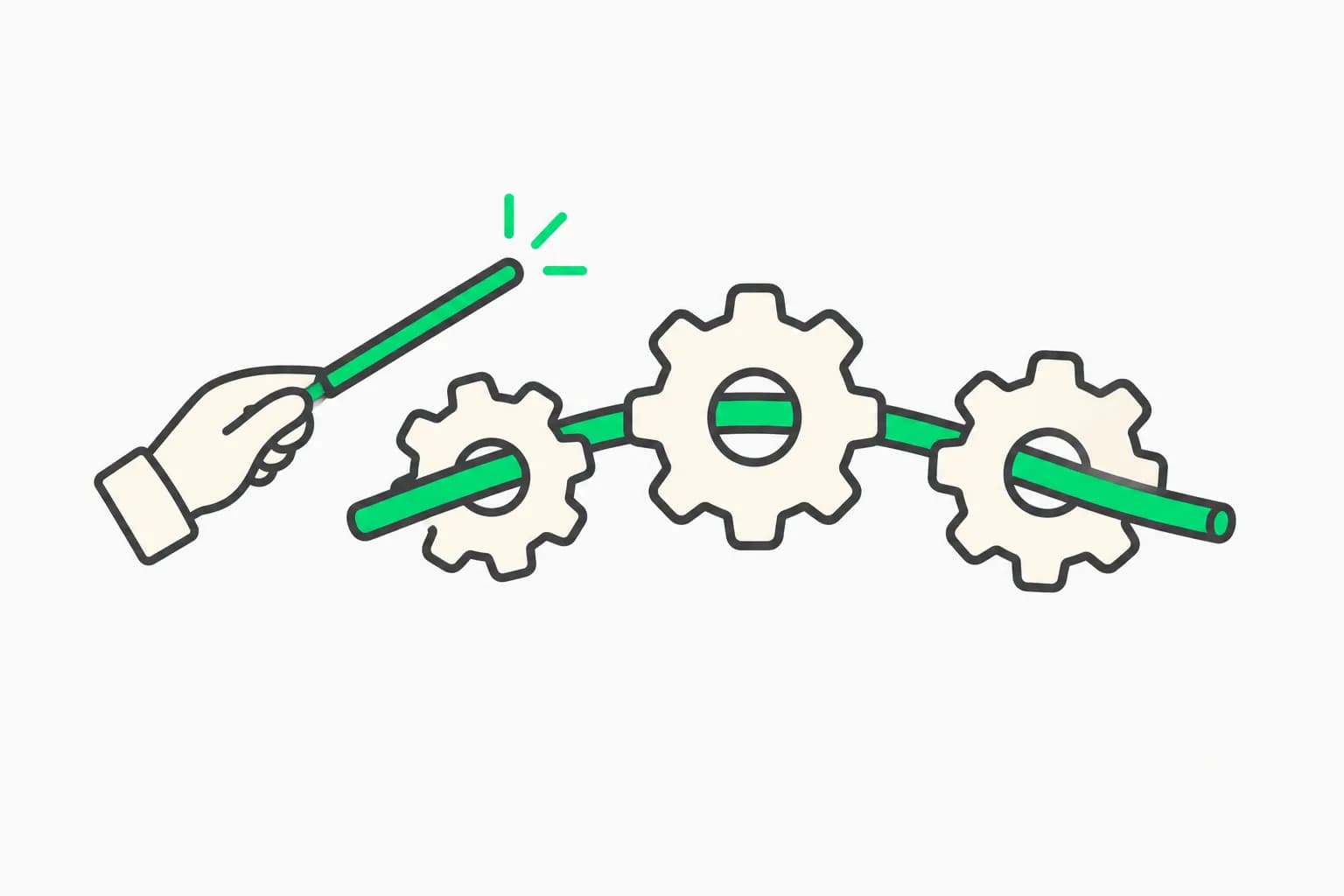
Most people meet ultracode by dragging the effort slider one notch past xhigh and assuming they found a sixth, spicier reasoning level. They did not. Ultracode is a different kind of thing wearing the same UI, and the distinction is the whole reason it costs what it costs.
Anthropic's own documentation is blunt about it: ultracode "is a Claude Code setting rather than a model effort level: it sends xhigh to the model and additionally has Claude orchestrate dynamic workflows for substantive tasks." Two mechanisms, one slider position. The reasoning bump is the small half. The orchestration is the expensive half.
This guide covers what actually changes when you flip it on, the limits the runtime enforces, what it costs, and the cases where plain xhigh is the better trade.
TL;DR
| Question | Answer |
|---|---|
| Is it an effort level? | No. It is a setting that sends xhigh plus turns on automatic workflow orchestration |
| How do I enable it? | /effort ultracode, claude --effort ultracode, the /model effort slider, or the ultracode settings key |
| Minimum version? | v2.1.203 for the --effort flag and Agent SDK |
| What does it spawn? | Up to 16 concurrent agents, 1,000 agents total per run |
| One task only? | Type the word ultracode in your prompt instead of changing the session setting |
| Token cost? | Substantially higher. A run projected past 1.5M tokens is flagged as a large workflow |
| Does it work on every model? | No. Requires xhigh support, so not on Opus 4.6 or Sonnet 4.6 |
| When should I not use it? | Single-file edits, quick fixes, exploratory coding, anything you want to steer turn by turn |
The effort ladder, and where ultracode sits beside it
Effort levels are a model-side control over how much reasoning Claude spends per message. They are not all available everywhere:
| Model | Available levels |
|---|---|
| Fable 5.1 and Fable 5 | low, medium, high, xhigh, max |
| Opus 5, Sonnet 5, Opus 4.8, Opus 4.7 | low, medium, high, xhigh, max |
| Opus 4.6 and Sonnet 4.6 | low, medium, high, max |
high is the default on every model except Opus 4.7, which defaults to xhigh. If you set a level the active model does not support, Claude Code falls back to the highest supported level at or below it, so xhigh quietly runs as high on Opus 4.6. That fallback is also why ultracode simply will not appear in the /effort menu on those two models: with no xhigh rung to stand on, its precondition fails.
Our complete guide to Claude's effort parameter covers the low-through-max ladder in depth. The rest of this post is about the thing bolted onto the top of it.
What actually happens when you turn it on
With ultracode on, Claude stops working through substantive tasks turn by turn and instead writes a JavaScript orchestration script, which a separate runtime executes in the background while your session stays responsive.
That script is the product. It looks like this:
export const meta = {
  name: 'audit-routes',
  description: 'Audit every route handler for missing auth checks',
}

const found = await agent('List every .ts file under src/routes/.', {
  schema: { type: 'object', required: ['files'], properties: { files: { type: 'array', items: { type: 'string' } } } },
})

const audits = await pipeline(found.files, file =>
  agent(`Audit ${file} for missing authentication checks.`, { label: file }),
)

return audits.filter(Boolean)
Three primitives do the work. agent() spawns one subagent. pipeline() runs one per item in a list. parallel() runs a set of agent tasks simultaneously and waits for all of them. The body is plain JavaScript with top-level await.
The architectural point that matters for cost and quality is where intermediate results live. With ordinary subagents or a skill, Claude is the orchestrator and every result lands back in its context window. In a workflow, the script holds the loop, the branching, and the intermediate values, so Claude's context holds only the final answer. That is what lets a single run coordinate hundreds of agents without drowning the conversation.
It also enables a quality pattern you cannot get from one pass: independent agents adversarially reviewing each other's findings before anything gets reported, or drafting a plan from several angles and weighing them against each other.
One request under ultracode can become several workflows in sequence. Anthropic's docs spell this out: "one to understand the code, one to make the change, and one to verify it." Every task in the session gets this treatment, which is exactly why each request takes longer and costs more.
Every route to turning it on
| Route | Command | Scope |
|---|---|---|
| Slash command | /effort ultracode | Current session |
| Launch flag | claude --effort ultracode | That session, from startup |
| Model picker | Arrow keys on the /model effort slider | Current session, or saved with Enter |
| Settings file | The ultracode key | Every session |
| Prompt keyword | Type ultracode in your message | That one task |
Note the asymmetry in the settings file: effortLevel and per-model modelSettings.effort take the ordinary levels, but max is not accepted there at all, and ultracode has its own dedicated key rather than being a valid effortLevel value. Another tell that it is not really a level.
You can run /effort while Claude is already working. Confirming a level with Enter saves it per model under modelSettings; pressing s applies it to the session only. /effort auto clears your saved level for the active model.
The keyword is the underrated option
Switching the whole session to ultracode is a blunt instrument. The keyword is the scalpel:
ultracode: audit every API endpoint under src/routes/ for missing auth checks
Claude Code highlights the word in your input, writes a workflow for that task, and leaves your session effort untouched. Asking in plain words works identically: "use a workflow" or "run a workflow" counts as the same opt-in.
If you trigger it by accident, Option+W on macOS or Alt+W elsewhere dismisses the highlight for that prompt. Backspacing with the cursor immediately after the highlighted word does the same. To disable the trigger entirely, turn off "Ultracode keyword trigger" in /config.
There is a real security property buried in the keyword's scoping. It is an opt-in only in a prompt a human typed: the interactive prompt, an IDE extension panel, a Remote Control client, or an Agent SDK app that stamps input origin as { kind: "human" }. It deliberately does not fire from a -p prompt, an unstamped SDK prompt, a scheduled task, a webhook payload, or a pull request comment relayed into the conversation. Before v2.1.210 it fired from all of those, which meant anyone who could get text into a PR comment could kick off a thousand-agent run on your account. If you are pinned to an older version, that is a concrete reason to upgrade.
The limits the runtime actually enforces
These are hard constraints, not advice:
| Constraint | Value |
|---|---|
| Concurrent agents | Up to 16, fewer on machines with fewer CPUs |
Items per parallel() or pipeline() call | 4,096, longer lists are rejected with an error |
| Total agents per run | 1,000 |
| Module loading | None. A script containing import() fails before the run starts |
| Filesystem and shell access | None from the script itself. Agents do the work, the script coordinates |
| Mid-run user input | None. Runs pause only for permission prompts and usage-limit waits |
The no-mid-run-input rule catches people out. If you need sign-off between stages, you run each stage as its own workflow. There is no pausing a run to ask a question.
The runtime also makes Date.now(), Math.random(), and no-argument new Date() throw inside the script, so a relaunched run repeats the same agent() calls deterministically. Pass a timestamp through args instead.
What it costs, honestly
Anthropic publishes no multiplier, and any blog quoting you a precise one is guessing. What the docs do say is that "a single run can use meaningfully more tokens than working through the same task in conversation," and that runs count against your plan's usage and rate limits like everything else.
The concrete signal is the Large workflow warning: Claude Code flags a run when it schedules more than 25 agents or its projected token total passes 1.5 million. The warning appears on the run's progress line and points you to /workflows, where you can stop it.
Here is the part worth internalizing: sessions with ultracode on do not show that warning at all, because turning ultracode on already opts you into large runs. You have removed your own tripwire. That is a defensible design, but it means the guardrail you might be counting on is not there in exactly the mode where runs get biggest.
Three levers actually control the spend:
1. Size guideline. This tells Claude how many agents to aim for. It is advice to the model, not a cap.
| Value | Agents Claude aims for |
|---|---|
unrestricted | No guideline |
small | Fewer than 5 |
medium | Fewer than 10 (the default) |
large | Fewer than 50 |
Set it with /config workflowSizeGuideline=small or the workflowSizeGuideline settings key. Pro plans on v2.1.271 and later default to small rather than medium. Choosing a guideline yourself also replaces the 25-agent warning threshold with your chosen count.
2. Model choice. Workflow agents inherit your session's model unless the script names one. Check /model before a large run, and ask Claude to use a smaller model for stages that do not need the strongest one.
3. Scope first, then scale. Run the workflow on one directory before the whole repo. The /workflows view shows each agent's token usage live, and stopping a run usually preserves completed work.
Our Claude Code pricing guide covers how this lands on each plan tier.
When ultracode earns its cost, and when it does not
It earns it when:
- The task is larger than one agent can hold in context. A 500-file migration, a codebase-wide auth audit.
- The same step must run across many items, independently. One reviewer per changed file, then one agent ranking and deduplicating the findings.
- You want adversarial verification. Independent agents checking each other's findings catches things a single confident pass does not.
- The orchestration itself is worth keeping. Press
sin/workflowsand the script becomes a/commandyou rerun on every branch. - A hard plan deserves several independent drafts before you commit to one.
Plain xhigh or high is better when:
- The change is one file, or a handful you already understand.
- You want to steer turn by turn. Workflows take no mid-run input, so course-correcting means stopping the run.
- The work is exploratory. You are still deciding what you want, and fanning 30 agents out on a half-formed idea is an expensive way to find out it was the wrong idea.
- You are on a tight usage budget and the task is routine.
Anthropic's own guidance is to "drop back with /effort high when you return to routine work." Left on, ultracode applies to every substantive task in the session, including the ones that did not need it.
Sort a few tasks into ultracode or plain effort:
What people are asking
"Do I need ultracode to use workflows at all?" No, and this is the most common misconception. You can run /deep-research today, type ultracode as a keyword for one task, or just ask Claude to "use a workflow." Ultracode's only job is deciding automatically, for every task, without you asking.
"Why did my workflow prompt me on the first run but not after?" Permission mode. In Auto mode you are prompted on first launch only, and a Yes records consent in your user settings. Under ultracode the prompt is skipped entirely. In Manual and accept-edits modes you are prompted every run unless you chose "don't ask again" for that workflow in that project.
"What happens if I hit my usage limit mid-run?" On v2.1.271 and later, the run pauses instead of failing: agents that hit the limit wait for the reset, no new agents start, and the run continues on its own afterward. This only applies in an interactive session signed in with a claude.ai subscription, with autoContinueAtUsageLimit on, when the limit resets within 24 hours, and only twice per run. On a third hit, the agent fails.
"Can I resume a stopped run?" Within the same session, yes. Completed agents return saved results. Here is the gotcha: if an agent failed, it reruns and so does every agent that started after it, even completed ones. A failure mid fan-out reruns finished work. Stopping one agent manually counts as failing it.
"How do I turn workflows off entirely?" Toggle "Dynamic workflows" off in /config, set "disableWorkflows": true in settings, or set CLAUDE_CODE_DISABLE_WORKFLOWS=1. Organizations can disable it in managed settings. When off, bundled workflow commands disappear, the keyword stops triggering, and ultracode vanishes from the /effort menu.
Honest limitations
- No mid-run steering. This is the big behavioral trade and it is not configurable.
- No modules. Any script with
import()fails before starting. Library work goes inside an agent's task. - Rerun amplification on failure. The resume semantics mean one mid-fan-out failure can rerun a lot of completed, already-paid-for work.
- The cost tripwire is off. As covered above, the Large workflow warning does not fire under ultracode.
- Cache TTL is shorter for workflow agents. Their requests fall outside the main conversation's cache bucket, so the prefix holds for five minutes by default even on a subscription. Set
subagentPromptCacheTtlto1hto extend it, at a higher billing rate for 1-hour cache writes. - Model substitution is silent-ish. If your org's
availableModelsallowlist blocks a model the script requests, the agent runs on a substitute. The/workflowsprogress view names both, but you have to look.
The practical setup
For most people the right configuration is not "ultracode always on." It is:
- Leave the session at
high, the default. - Set
workflowSizeGuidelinetosmallormediumso ad-hoc workflows stay bounded. - Use the
ultracodekeyword per task, when you know the task is genuinely fan-out shaped. - Switch the session to
/effort ultracodeonly for a sustained block of large work, and drop back to/effort highwhen it is done. - Save the runs that worked. A workflow you rerun on every branch is where the compounding value is.
That gets you the orchestration when it pays and keeps you off it when it does not, which is the entire skill.
Related on explainx.ai
- Dynamic workflows in Claude Code — the launch coverage of the orchestration layer ultracode drives
- Claude's effort parameter: low, medium, high, and max — the ladder ultracode sits beside
- Claude Code pricing guide — how multi-agent runs land on each plan
- Ultraplan: cloud planning and browser review — the planning-side sibling
- Ultrareview: cloud bug hunts — multi-agent review in the same family
- The /goal command and long-running agents — keeping agents pointed at an objective across turns
- What are agent skills? — the instruction primitive workflows sit above
- CLAUDE.md as persistent memory — keeping context small so high-effort runs stay affordable
Official documentation: dynamic workflows, effort levels, and managing costs.
Version numbers, limits, and defaults in this post reflect Claude Code documentation as of September 17, 2026. The runtime caps and size-guideline defaults in particular have changed several times across recent releases; check claude --version against the version notes above before relying on a specific behavior.