



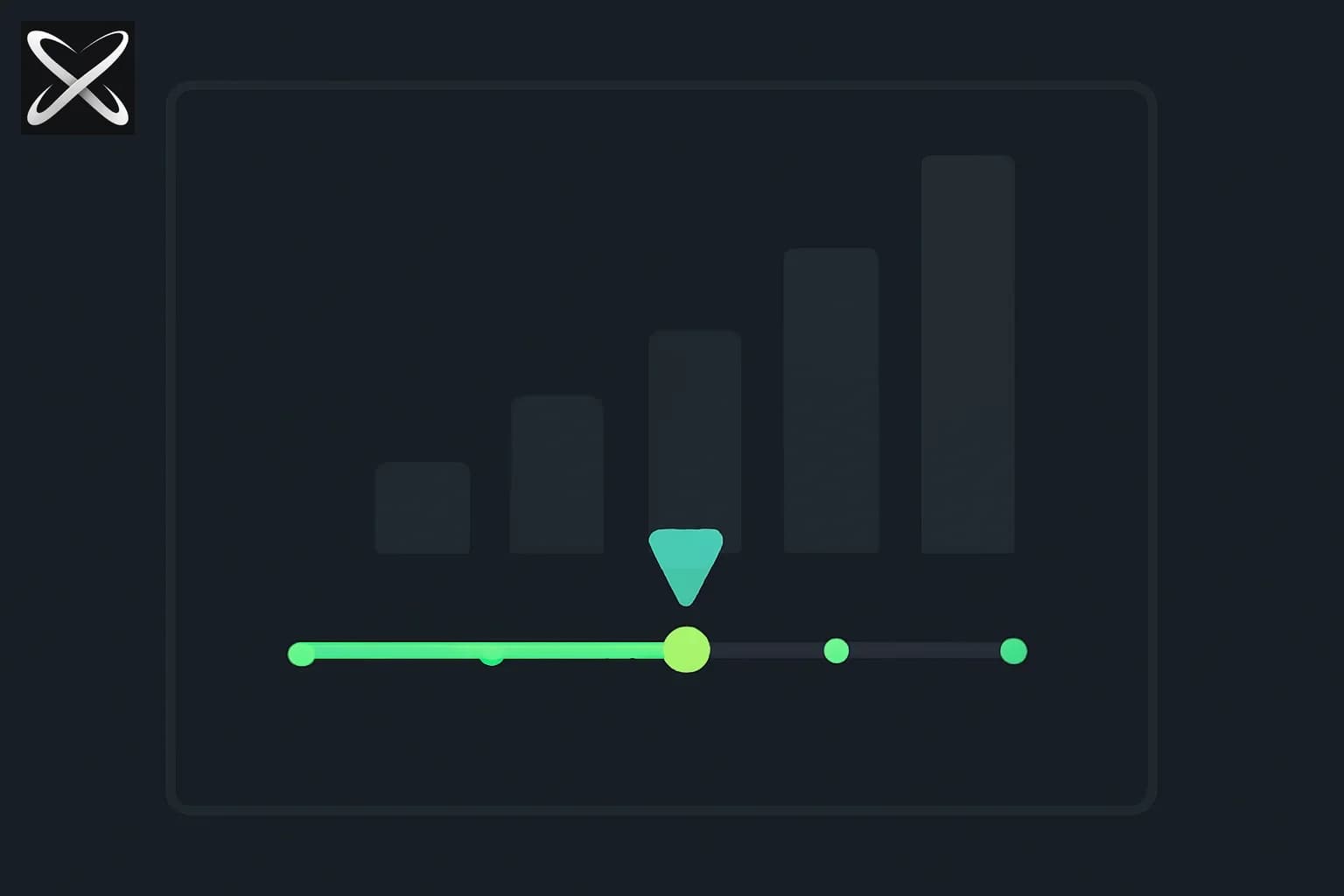
In early 2026, Anthropic introduced a game-changing feature in Claude.ai: the Effort parameter. This setting fundamentally changes how users interact with Claude models, offering fine-grained control over the trade-off between response quality, speed, and token consumption.
Instead of a one-size-fits-all approach, Claude now offers four effort levels—Low, Medium, High, and Max—that allow you to dial in exactly how much reasoning you want Claude to apply to each task.
Key Innovation: The Effort parameter works in tandem with Adaptive Thinking (introduced in Claude Sonnet 4.6), which enables Claude to dynamically determine how much compute to allocate to a problem. While Adaptive Thinking handles the "how," Effort controls the "how much."
This article provides a complete guide to Claude's Effort parameter: what it is, how it works, when to use each level, performance trade-offs, API integration, and best practices for optimizing your Claude workflows.
TL;DR
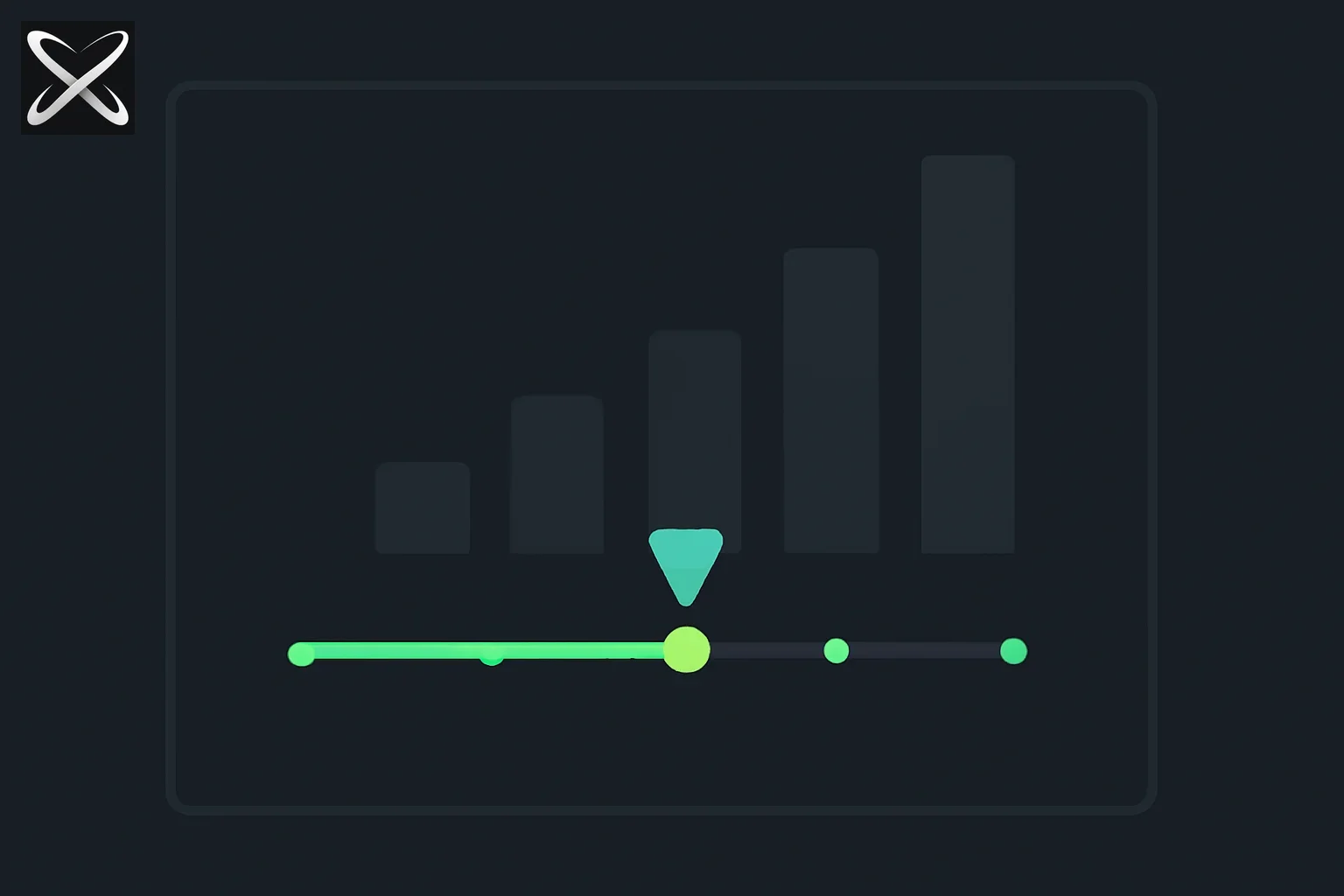 Claude Effort parameter explained — a four-notch slider with a growing bar chart showing cost scaling by effort level
| Topic | Takeaway |
|---|---|
| Effort Parameter | Controls how much reasoning/thinking Claude applies; 4 levels: Low, Medium, High, Max (some models add Xhigh) |
| Low Effort | Fastest responses; minimal reasoning; ideal for simple tasks, fact lookups, high-volume jobs; lowest token usage |
| Medium Effort | Balanced performance; good for routine tasks, summaries, everyday questions; moderate speed and cost |
| High Effort | Default setting; complex reasoning, nuanced analysis, difficult coding; quality over speed |
| Max Effort | Maximum capability; most thorough reasoning; advanced coding, agentic work; 10x+ token usage vs Low |
| Adaptive Thinking | Introduced in Sonnet 4.6; dynamically allocates compute based on task complexity; works with Effort parameter |
| Default Settings | Opus 4.8 and Sonnet 4.6 default to High effort; can be adjusted per task or globally |
| Token Impact | Effort is a behavioral signal, not strict budget; Max can use 10x+ tokens vs Low on complex tasks |
| Use Cases | Low: batch jobs, simple Q&A; Medium: routine work; High: coding, analysis; Max: agentic workflows |
What Is the Effort Parameter?
Definition
The Effort parameter is a setting in Claude.ai (and the Claude API) that controls how eager Claude is about spending tokens when responding to requests. It gives you the ability to trade off between response thoroughness and token efficiency, all with a single model.
From Anthropic's Documentation:
"Higher effort means more thorough responses, but takes longer and uses your limits faster."
How It Works
Effort is a behavioral signal, not a strict token budget.
Instead of allocating a fixed number of tokens, the Effort parameter tells Claude how much it should prioritize quality over speed:
- Low Effort: Respond quickly from trained knowledge and pattern recognition; minimal internal reasoning
- Medium Effort: Apply meaningful reasoning but stop well short of exhausting capacity
- High Effort: Use substantial reasoning for complex tasks; quality matters more than speed
- Max Effort: No constraints on token spending; deepest possible analysis and reasoning
Key Insight: At lower effort levels, Claude will still think on sufficiently difficult problems, but it will think less than it would at higher effort levels for the same problem.
The Model × Effort Matrix
As described by Ready Solutions AI, Claude routing now has two knobs, not one:
- Model Selection: Opus 4.8, Opus 4.7, Sonnet 4.6, Haiku 4.5, etc.
- Effort Level: Low, Medium, High, Max (and sometimes Xhigh)
This creates a matrix of capabilities:
| Model | Low Effort | Medium Effort | High Effort | Max Effort |
|---|---|---|---|---|
| Opus 4.8 | Fast, basic reasoning | Balanced intelligence | Deep analysis (default) | Maximum capability |
| Sonnet 4.6 | Quick responses | Everyday tasks | Complex coding | Advanced agentic work |
| Haiku 4.5 | Ultra-fast | Lightweight tasks | Enhanced reasoning | Premium Haiku |
Implication: You can now choose Sonnet 4.6 at Max effort for coding tasks instead of always jumping to Opus, potentially saving costs while maintaining quality.
The Four Effort Levels Explained
1. Low Effort
Description: The smallest thinking budget where Claude responds quickly, drawing mostly on its trained knowledge and pattern recognition.
How It Works:
- Minimal internal reasoning
- Relies on memorized patterns from training
- Fastest response times
- Lowest token consumption
When to Use:
✅ Simple classification: "Is this email spam or not?" ✅ Quick fact lookups: "What's the capital of France?" ✅ Straightforward questions: "How do I convert Celsius to Fahrenheit?" ✅ High-volume batch jobs: Processing thousands of simple requests where speed matters ✅ Well-defined tasks: The answer is relatively obvious with no meaningful ambiguity
When NOT to Use: ❌ Complex reasoning tasks ❌ Nuanced analysis requiring multiple perspectives ❌ Creative problem-solving ❌ Ambiguous or open-ended questions
Example Use Case:
Task: Classify customer support tickets into categories (Billing, Technical, General)
Effort: Low
Reasoning: Simple pattern matching; no deep reasoning needed
Performance:
- Speed: Fastest (often sub-second responses)
- Token Usage: Lowest (baseline consumption)
- Quality: Good for simple tasks; insufficient for complex ones
2. Medium Effort
Description: A moderate thinking budget where the model does meaningful reasoning but stops well short of exhausting its capacity.
How It Works:
- Balanced between speed and thoroughness
- Applies reasoning to ambiguous cases
- Doesn't explore every possible angle
- Default in many configurations
When to Use:
✅ Routine drafting: Writing standard emails, summaries, reports ✅ Everyday questions: Questions requiring some thought but not deep analysis ✅ Content generation: Blog outlines, social media posts, basic code ✅ General assistance: Tasks where you want it quick but not careless
When NOT to Use: ❌ Critical decisions requiring thorough analysis ❌ Complex coding problems with edge cases ❌ Research requiring multiple perspectives ❌ Tasks where quality significantly impacts outcomes
Example Use Case:
Task: Summarize a 10-page research paper into 3 key bullet points
Effort: Medium
Reasoning: Requires understanding and distillation, but not exhaustive analysis
Performance:
- Speed: Fast (typically 1-3 seconds for moderate requests)
- Token Usage: Moderate (2-3x Low effort)
- Quality: Solid for routine tasks; may miss nuances
3. High Effort (Default)
Description: Claude's default setting for most models. Uses substantial reasoning for complex tasks where quality matters more than speed or cost.
How It Works:
- Thorough analysis of the problem
- Considers multiple perspectives
- Explores edge cases and nuances
- Balances quality with reasonable speed
When to Use:
✅ Complex reasoning: Multi-step logic problems, strategic analysis ✅ Nuanced analysis: Tasks requiring understanding of context and subtext ✅ Difficult coding: Debugging complex issues, architectural decisions ✅ Creative work: Novel problem-solving, original content creation ✅ High-stakes tasks: Decisions where quality significantly impacts outcomes
When NOT to Use: ❌ Simple, repetitive tasks (waste of tokens) ❌ Time-sensitive requests where speed is critical ❌ High-volume batch processing (cost prohibitive)
Example Use Case:
Task: Debug a race condition in a multi-threaded application
Effort: High
Reasoning: Requires deep understanding of concurrency, edge cases, and subtle bugs
Performance:
- Speed: Moderate (3-10 seconds for complex requests)
- Token Usage: High (5-8x Low effort)
- Quality: Excellent for most complex tasks
Why It's the Default: According to Anthropic's documentation, High effort provides the best balance of quality and performance for most applications. Users who need faster responses can dial down; those needing maximum capability can dial up.
4. Max Effort
Description: For tasks requiring the absolute highest capability with no constraints on token spending—the most thorough reasoning and deepest analysis Claude can provide.
How It Works:
- No limits on internal reasoning
- Explores all possible angles
- Considers edge cases exhaustively
- May take significantly longer
When to Use:
✅ Advanced coding: Complex refactoring, performance optimization, algorithm design ✅ Agentic workflows: Repeated tool calling, multi-step exploration, autonomous problem-solving ✅ Critical analysis: Research requiring exhaustive consideration of evidence ✅ Novel problems: First-principles reasoning where there's no clear precedent ✅ Highest-stakes decisions: When the cost of error far exceeds token cost
When NOT to Use: ❌ Routine tasks (massive waste of tokens) ❌ Time-sensitive requests (too slow) ❌ Budget-constrained projects (can consume 10x+ tokens) ❌ Simple questions (overkill)
Example Use Case:
Task: Design a distributed caching architecture for a global e-commerce platform
Effort: Max
Reasoning: Requires exhaustive consideration of edge cases, failure modes, scaling strategies
Performance:
- Speed: Slowest (10+ seconds for complex requests)
- Token Usage: 10x or more than Low effort on complex tasks
- Quality: Absolute highest capability
Cost Warning: From MindStudio's analysis:
"At max effort, a single prompt can consume dramatically more tokens than the same prompt at low effort—sometimes 10x or more, depending on complexity."
Xhigh Effort (Available on Some Models)
Some models, particularly Opus 4.7 and Opus 4.8, include an Xhigh (Extra High) effort level between High and Max.
Purpose: Provides an intermediate option for tasks that need more than High but don't justify Max's token consumption.
When to Use:
- Advanced coding tasks that don't require exhaustive exploration
- Complex analysis that benefits from extended reasoning but has some constraints
- Agentic work where you want to limit token consumption vs. Max
Availability: Check your model's documentation—not all Claude models support Xhigh.
Adaptive Thinking: The Engine Behind Effort
What Is Adaptive Thinking?
Adaptive Thinking is a feature introduced in Claude Sonnet 4.6 (February 2026) that allows Claude to dynamically determine how much compute to allocate to a problem before generating a response.
From Anthropic's Adaptive Thinking Documentation:
"You tell the model how hard to think, not how many tokens to burn."
How Adaptive Thinking Works with Effort
Old Approach (Extended Thinking):
- You set a fixed token budget (e.g.,
budget_tokens: 10000) - Claude used that budget whether needed or not
- Wasteful for simple problems; insufficient for complex ones
New Approach (Adaptive Thinking + Effort):
- You set an Effort level (behavioral signal)
- Claude dynamically allocates tokens based on problem complexity
- Efficient for simple problems; scales up for complex ones
Example:
Simple question: "What is 2 + 2?"
- High Effort: Claude recognizes this is trivial; uses minimal tokens
- Max Effort: Claude still recognizes this is trivial; doesn't waste tokens

Complex question: "Design a fault-tolerant distributed database"
- High Effort: Claude allocates substantial reasoning tokens
- Max Effort: Claude allocates maximum reasoning tokens (potentially 10x High)
Key Advantage: You get smart token allocation instead of blind budgets.
Deprecation of budget_tokens
According to Anthropic's API documentation:
"On Opus 4.6 and Sonnet 4.6,
budget_tokensis deprecated in favor of adaptive thinking with aneffortparameter."
Migration Path:
- Old:
extended_thinking: true, budget_tokens: 10000 - New:
effort: "high"oreffort: "max"
Performance Trade-offs: Speed vs. Quality vs. Cost
Token Consumption by Effort Level
Based on testing by Joe Njenga on Medium, here's how token consumption scales:
Baseline Task: "Explain the concept of recursion in programming"
| Effort Level | Approx. Token Usage | Relative to Low |
|---|---|---|
| Low | 1,000 tokens | 1× (baseline) |
| Medium | 2,500 tokens | 2.5× |
| High | 6,000 tokens | 6× |
| Max | 12,000+ tokens | 12×+ |
Note: These are approximate and vary by task complexity. Simple tasks show smaller differences; complex tasks show larger gaps.
Response Time by Effort Level
Same Task: "Write a Python function to parse a CSV file"
| Effort Level | Approx. Response Time |
|---|---|
| Low | 0.5-1 second |
| Medium | 1-3 seconds |
| High | 3-8 seconds |
| Max | 8-20+ seconds |
Implication: For real-time applications (chatbots, live coding assistants), Low or Medium effort may be necessary for acceptable UX.
Quality by Effort Level
Task: "Review this code for security vulnerabilities"
Low Effort:
- Catches obvious issues (SQL injection with string concatenation)
- Misses subtle bugs (race conditions, edge cases)
Medium Effort:
- Catches common vulnerabilities
- May miss complex or novel attack vectors
High Effort:
- Thorough security analysis
- Catches most vulnerabilities including subtle ones
Max Effort:
- Exhaustive security review
- Considers novel attack vectors and edge cases
- May suggest defense-in-depth strategies
Recommendation: For security-critical code reviews, High or Max effort is essential.
When to Use Each Effort Level: Decision Matrix
Quick Decision Tree
Is the task simple and well-defined?
├─ YES → Low Effort
└─ NO → Is speed critical?
    ├─ YES → Medium Effort
    └─ NO → Is quality more important than cost?
        ├─ YES → High Effort
        └─ NO → Is this the highest-stakes task?
            ├─ YES → Max Effort
            └─ NO → High Effort (default)
By Task Type
| Task Type | Recommended Effort | Reasoning |
|---|---|---|
| Simple Q&A | Low | Pattern matching sufficient |
| Content Generation | Medium | Balance speed and quality |
| Code Review | High | Security and correctness matter |
| Debugging | High to Max | Subtle bugs require deep analysis |
| Architecture Design | Max | Long-term impact justifies cost |
| Data Classification | Low | High volume, simple logic |
| Creative Writing | Medium to High | Quality matters but not mission-critical |
| Legal Analysis | Max | High stakes, nuance critical |
| Batch Processing | Low | Speed and cost matter |
| Agentic Workflows | High to Max | Complex multi-step reasoning |
By Use Case
Startups / Budget-Conscious:
- Default to Medium for most tasks
- Use High only for critical features
- Reserve Max for launch-critical issues
Enterprise / Quality-First:
- Default to High for all production code
- Use Max for security audits, architecture reviews
- Use Medium only for internal tooling or prototypes
Research / Exploration:
- Use Max for novel problems and first-principles reasoning
- Use High for literature reviews and synthesis
- Use Low for data collection and simple processing
Using Effort in the Claude API
API Parameter
The Effort parameter is available in the Claude API via the effort field:
import anthropic

client = anthropic.Anthropic(api_key="your-api-key")

response = client.messages.create(
    model="claude-sonnet-4-6-20260214",
    max_tokens=1024,
    effort="high",  # Options: "low", "medium", "high", "max" (some models: "xhigh")
    messages=[
        {"role": "user", "content": "Explain quantum entanglement"}
    ]
)

print(response.content)
Dynamic Effort Selection
You can programmatically adjust effort based on task characteristics:
def get_effort_level(task_complexity, time_constraint, budget):
    """
    Dynamically select effort level based on task parameters
    """
    if time_constraint == "urgent":
        return "low"

    if task_complexity == "simple":
        return "low"
    elif task_complexity == "moderate":
        return "medium"
    elif task_complexity == "complex" and budget == "high":
        return "max"
    else:
        return "high"  # default

# Example usage
task = "Debug race condition in payment processing"
effort = get_effort_level(
    task_complexity="complex",
    time_constraint="normal",
    budget="high"
)

response = client.messages.create(
    model="claude-opus-4-8-20260423",
    max_tokens=2048,
    effort=effort,  # Dynamically selected
    messages=[{"role": "user", "content": task}]
)
Monitoring Token Usage
Track token consumption by effort level to optimize costs:
import anthropic

client = anthropic.Anthropic(api_key="your-api-key")

effort_levels = ["low", "medium", "high", "max"]
task = "Explain the difference between TCP and UDP"

for effort in effort_levels:
    response = client.messages.create(
        model="claude-sonnet-4-6-20260214",
        max_tokens=1024,
        effort=effort,
        messages=[{"role": "user", "content": task}]
    )

    print(f"Effort: {effort}")
    print(f"Input tokens: {response.usage.input_tokens}")
    print(f"Output tokens: {response.usage.output_tokens}")
    print(f"Total tokens: {response.usage.input_tokens + response.usage.output_tokens}")
    print("---")
Claude Code: Effort in the CLI
Setting Effort in Claude Code
Via /model command:
/model
# Use arrow keys to adjust effort slider
# Options: Low, Medium, High, Max
Via --effort flag:
claude-code --effort high "Refactor this authentication module"
Via environment variable:
export CLAUDE_CODE_EFFORT_LEVEL=high
claude-code "Review this PR for security issues"
Recommended Effort Levels for Claude Code Tasks
From Claude Code's documentation:
Low Effort:
- Chat and non-coding use cases
- Quick questions about code
- Simple file reads or searches
Medium Effort (Recommended Default):
- General coding tasks
- Code generation
- Basic debugging
High Effort:
- Complex refactoring
- Advanced debugging
- Architecture decisions
Xhigh/Max Effort:
- Agentic coding workflows
- Multi-file refactoring
- Complex system design
Best Practices and Recommendations
1. Start with Default (High), Adjust as Needed
Strategy: Use High effort as your baseline, then:
- Dial down to Medium or Low if speed/cost becomes an issue
- Dial up to Max if quality is insufficient
Reasoning: High effort provides the best balance for most tasks. It's better to start strong and optimize than start weak and wonder why results are poor.
2. Match Effort to Stakes
Low Stakes (internal docs, prototypes): Low to Medium Medium Stakes (production features): High High Stakes (security, architecture, legal): Max
Rule of Thumb: If the cost of a mistake is > 10x the cost of Max effort tokens, use Max effort.
3. Use Low Effort for High-Volume Tasks
Scenario: Processing 10,000 customer support tickets for sentiment analysis
Wrong Approach: High effort for all (unnecessarily expensive) Right Approach: Low effort for initial classification → High effort only for escalated cases
Savings: 10× token reduction for 90% of tasks
4. Monitor Token Usage and Optimize
Strategy:
- Track token consumption by effort level
- Identify tasks where High effort doesn't improve results vs. Medium
- Downgrade those tasks to save costs
Tool: Build a simple dashboard to track effort → tokens → quality metrics
5. Combine Models and Effort Levels
Example Workflow:
- Haiku 4.5 (Low Effort): Initial triage and classification
- Sonnet 4.6 (High Effort): Main processing and analysis
- Opus 4.8 (Max Effort): Final review for critical cases
Benefit: Optimize cost by using cheaper models for simple tasks, reserve expensive models + high effort for critical work.
Common Misconceptions
Misconception 1: "Max Effort Is Always Better"
Reality: Max effort is overkill for simple tasks and wastes tokens. For "What is 2 + 2?", Max effort doesn't improve the answer but costs 10× more.
Rule: Use Max only when complexity justifies it.
Misconception 2: "Effort Sets a Token Limit"
Reality: Effort is a behavioral signal, not a hard cap. Even at Low effort, Claude can use many tokens if the response is long. Effort controls thinking tokens, not output length.
Clarification: Use max_tokens to limit output length; use effort to control reasoning depth.
Misconception 3: "Low Effort Means Low Quality"
Reality: For simple, well-defined tasks, Low effort produces excellent results because no deep reasoning is needed. Quality depends on task complexity, not effort alone.
Example: "Translate 'Hello' to French" → Low effort is perfect; High effort is wasteful.
Misconception 4: "You Should Always Use the Same Effort Level"
Reality: Optimal effort varies by task. Use Low for batch jobs, Medium for routine work, High for complex tasks, Max for critical decisions.
Best Practice: Adjust effort dynamically based on task characteristics.
The Future of Effort: What's Next
Potential Enhancements
1. Automatic Effort Selection
- Claude could analyze your prompt and suggest optimal effort level
- "This looks like a complex coding task. Recommend High effort?"
2. Effort Ranges
- Instead of fixed levels, allow ranges:
effort: "medium-to-high" - Claude starts at Medium, escalates to High if needed
3. Task-Specific Effort Profiles
- Pre-configured effort settings for common workflows
- "Security Review" profile → always Max effort
- "Draft Email" profile → always Low effort
4. Real-Time Effort Adjustment
- Claude could request permission to increase effort mid-response
- "This problem is more complex than expected. Increase to Max effort?"
5. Effort Analytics
- Dashboard showing which tasks benefit most from higher effort
- Recommendations: "Task X shows no quality improvement above Medium effort"
Bottom Line: Effort Is Your New Superpower
Claude's Effort parameter fundamentally changes how you interact with AI. Instead of accepting one-size-fits-all responses, you now have fine-grained control over the quality-speed-cost trade-off.
Key Takeaways:
- Four effort levels (Low, Medium, High, Max) give you control over how much reasoning Claude applies
- Low effort is perfect for simple tasks, high-volume jobs, and quick lookups (fastest, cheapest)
- Medium effort balances speed and quality for routine work (solid default for everyday tasks)
- High effort is the recommended default for complex reasoning, coding, and analysis (quality over speed)
- Max effort delivers maximum capability for critical tasks but can use 10× tokens vs Low
- Adaptive Thinking (Sonnet 4.6+) dynamically allocates tokens based on complexity
- Match effort to stakes: Low for low-stakes, Max for high-stakes
- Monitor token usage and optimize: many tasks perform well at lower effort than you think
Who Should Care:
- Developers: Use High/Max for debugging and architecture; Low for simple scripts
- Writers: Use Medium for drafts; High for polished content
- Analysts: Use Max for critical research; Low for data collection
- Product Teams: Use Medium for prototypes; High for production features
- Enterprises: Use Max for security audits; High for code reviews; Low for batch processing
The Effort parameter transforms Claude from a single tool into a toolbox—with the right setting for every job.
Try It Today: Open Claude.ai, click the model selector, and experiment with the Effort slider. Start with a complex task at Low effort, then try Max—you'll immediately see the difference.
Related Reading
For more on Claude models, features, and optimization:
-
Thinking Inertia (NeurIPS 2026): why no-think settings do not reliably stop visible reasoning
-
Reducing Claude API Cost: Caching, Prompt Audits, and Effort Tuning (September 2026) — Anthropic's own benchmark data on when higher effort is and isn't worth the cost
-
Claude Code Effort Showing 10/100? It Was a Display Bug, Not a Downgrade (August 2026) — Anthropic clarifies a server-side test, not a stealth cut
-
Claude Code Model vs Effort: Knowing More vs Trying Harder (July 2026) — Anthropic's official Claude Code decision tree from Lydia Hallie
Disclosure: This post is editorial analysis based on Anthropic's official documentation, Claude API docs, community testing, and third-party technical coverage as of May 31, 2026. Effort levels, token consumption ratios, and default settings are accurate at time of writing but may change. For the latest information, visit Anthropic's platform documentation.
Related on explainx.ai
- Ultracode in Claude Code: what it actually does — the setting one notch past
xhighon the slider, which is not an effort level at all - Dynamic workflows in Claude Code — the orchestration layer ultracode turns on automatically
Sources
- Anthropic — Effort Parameter Documentation
- Anthropic — Adaptive Thinking Documentation
- Claude Code — Model Configuration
- Ready Solutions AI — Claude Model × Effort Matrix
- MindStudio — Claude Code Effort Levels Explained
- Medium — Anthropic Added 4 Claude Effort Levels (Testing Results)
- FindSkill.ai — Claude Opus 4.8 Effort Settings Guide
- Medium — The "Thinking" Era: Technical Deep Dive into Claude Sonnet 4.6