



The benjitaylor/skills repository has gained about 2,237 GitHub stars since October 26, 2026, and it contains exactly one skill. That skill, Stageshow, teaches a coding agent how to build believable product demos: a cursor clicking through a fake app, a bento grid of feature cards, a phone swiping between screens. The agent builds them as React components, then films its own output to check the motion.
This post explains what is in the repo, how Stageshow works, how to install it, and where its limits are. It is a design-focused entry in the growing family of agent skills, and a useful case study in how a skill can encode taste, not just procedure.
TL;DR: questions readers ask first
| Question | Answer |
|---|---|
| What is it? | A repo with one agent skill, Stageshow, for faux product UI in React. |
| Who made it? | The repo owner, benjitaylor. The method is described on his Stageshow page. |
| Popularity? | About 2,200 stars, 161 forks per the repo page on November 7, 2026. |
| Install? | npx skills add benjitaylor/skills --skill stageshow |
| Which agents? | Any that supports skills, such as Claude Code, Codex, Gemini or Grok Build. |
| Needs? | npm, React, react-dom, lucide-react and plain CSS. |
| License? | No top-level license named. Each skill carries its own, plus third-party asset notices. |
| Is it neutral? | No. The author says "Stageshow is my taste, not a neutral one." |
What is inside the repository?
The README is short. It describes the repo as skills for AI coding agents and lists one: Stageshow. It links to the how-it-works page, the skill's SKILL.md, and a preview of the examples. The licensing line matters: the README says each skill includes its own license and any third-party asset notices, rather than naming one license for the whole repo.
That structure suggests the author plans to add more skills over time. For now, the stars are for Stageshow alone.
What problem does Stageshow solve?
Ask a coding agent for an animated product demo and you usually get one of a few failures. The interface has too much detail. Or it is a wireframe with no personality. Or a window is shrunk into a card with even margins. Or everything has the same visual weight, or it is a generic gray window that ignores your brand.
The SKILL.md names these failure modes directly, then states the goal in one line: the screen should read as "a real product, simplified to what the viewer needs, framed with intent, and every motion has a cause."
This is why the skill is more than a prompt. It gives the agent a repeatable way to decide what to show and what to cut.
How does Stageshow work?
 Prototype of a faux product UI built by the Stageshow agent skill in React
The skill sets up each demo as a stage with a design size. The contents are drawn from state, and a script changes that state one beat at a time. The cursor aims at elements by name. Parts stay mounted during transitions so that exits can animate, and positions are measured rather than hard-coded, so overlays line up at any size. A camera can push in on a detail and pull back out.
The seven-step workflow
According to the SKILL.md, the agent follows this order:
- Medium and place. Choose still or animation, the page context and the target width. A hero beside copy is about 720 by 340. A card is about 400 by 300.
- Look. Map the product's design tokens to the kit's, or pick a theme, palette and fidelity: minimal, standard or realistic.
- Story. Plan three to five beats and a payoff, around 10 to 16 seconds.
- Start from a gold example. Copy the closest one and keep its structure.
- Build the screen. Keep real text to roughly three to seven strings and use kit parts rather than lookalikes.
- Choreograph. Script clicks, sets and waits with the
ActAPI. - Rehearse. Set a poster frame, film the loop, fix every fault and write a
REHEARSAL.md.
The sequence matters because it forces a plan before code. Many agent-built animations skip steps one to three and go straight to markup.
The kit
The skill ships a copyable kit, imported through kit/index.ts. The listed pieces include:
- Stage, which handles scaling, playback and the cursor.
- Frames such as
Window,Phone,LockScreen,Notification,Keyboard,ThreadandReceipt. - Motion parts such as
Collapse,Roll,Swap,Count,Connector,Fly,CameraandExpand. - Small parts such as
Bar,Text,Row,Card,Button,Field,Menu,ToastandChart. - A stylesheet,
stageshow.css, covering tokens, looks and chrome.
Using a fixed kit gives the agent a vocabulary. Instead of inventing a toast or a menu from scratch each time, it reuses parts that already match the look.
Gold examples and the playground
The how-it-works page describes dozens of gold examples: a hero demo, bento grids, a phone swipe, and a dashboard paired with a lock screen. It also mentions product studies of real apps such as Linear, Slack, Figma, Notion and Excel, which the agent can borrow interactions from. A playground, started with npm install then npm run dev, shows every example, the kit parts and good-versus-bad comparisons.
How does the agent check its own work?
This is the most interesting part for anyone who builds with agents. Visual output is hard to verify by reading code. Stageshow adds scripts that look at the result:
scripts/film.mjsfilms a demo, lays the frames out on a contact sheet and reports what it can measure. With--gateit prints a pass or fault list.scripts/jumps.mjscatches one-frame snaps that a contact sheet can miss.scripts/layout.mjschecks that text and controls fit inside their boxes.
The final rule is blunt: do not hand over until the loop reports "rehearsal passed." That is a verification gate, the same idea behind test-driven agent loops. Our guide to loop engineering for coding agents covers why a pass-or-fail signal makes agent output more reliable.
The rules that make it opinionated
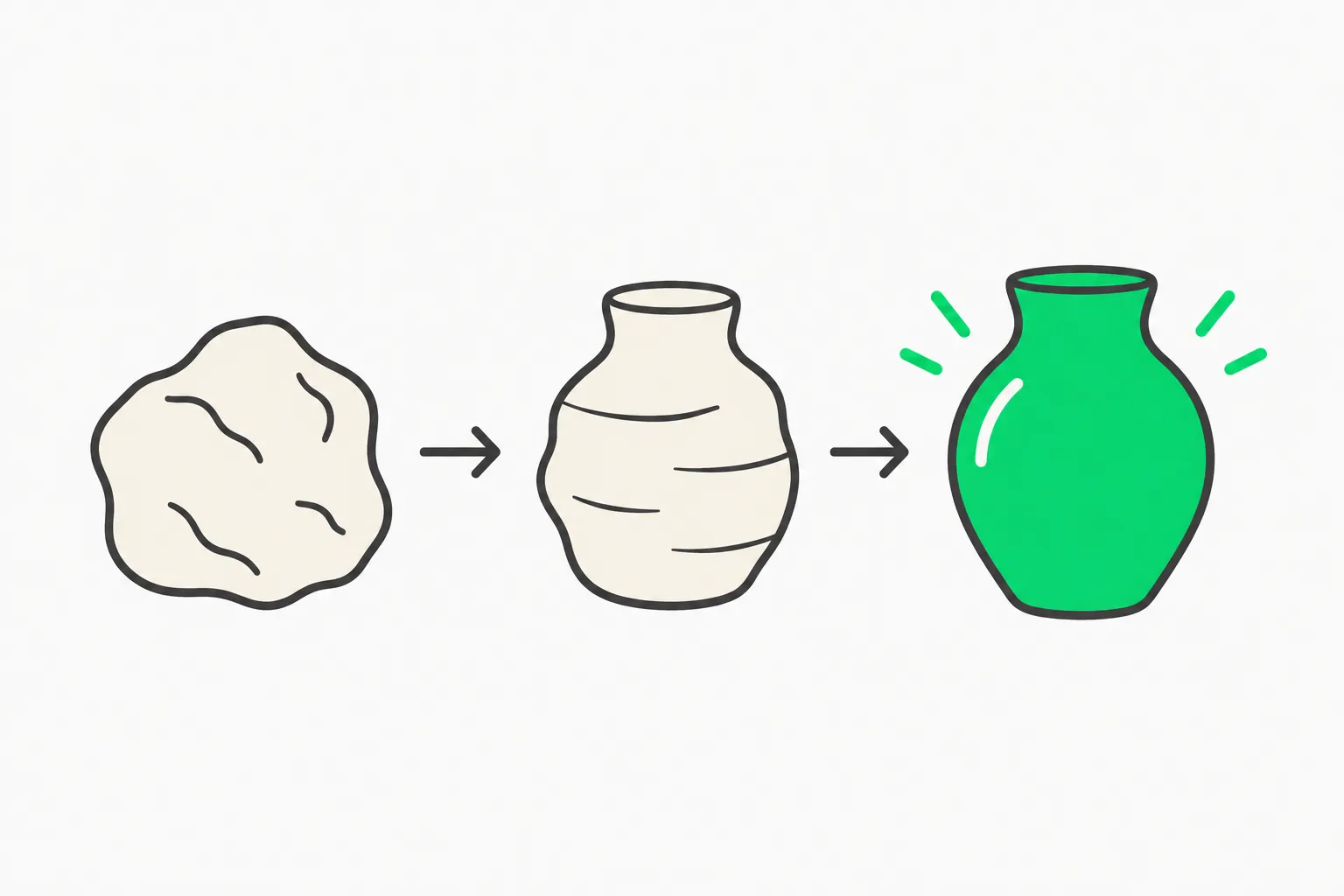 Design iteration loop, the opinionated taste rules in the Stageshow agent skill
Some rules in SKILL.md read like a design critic's notes:
- Use the product's own icons and content. Never invent logos or stock AI styling such as sparkles or purple.
- Crop with intent. The window or phone should fill at least two thirds of the stage and run off an edge, with no floating window on a plate.
- "Data never rewinds in view without a cause."
- "Simplify the words, not the context."
- Measure positions with
rect()instead of hard-coding them.
The author is open that this is a point of view. On the how-it-works page he writes that "taste sounds mysterious, but most of it is small decisions made over and over until you know which ones hold up." Packaging those decisions as rules is the value of the skill, and also its limit: if your brand wants sparkles, the skill will argue with you.
How to install and try it
Run this in your project:
npx skills add benjitaylor/skills --skill stageshow
Then prompt your agent with a brief. A useful pattern is to give it the product, the target slot and the story:
Use the Stageshow skill. Build a 10-second hero demo for our invoicing app,
720 by 340, beside the headline. Beats: create an invoice, add a line item,
send it, see the paid toast. Use our tokens from tokens.css. Rehearse and
show me the contact sheet.
You need an agent that supports skills. The source names Claude Code, Codex, Gemini and Grok Build. You also need npm, React, react-dom and lucide-react. The sources do not list version requirements, so check the repo if a build fails. For command basics in Claude Code, see our Claude Code commands reference.
Risks and limits
License clarity. There is no single top-level license. Read the license file inside the Stageshow folder and its third-party asset notices before shipping anything commercial.
Skill supply chain. Any skill installed with a one-line command can change how your agent behaves and which files it writes. Review SKILL.md and the scripts before installing, as we describe in our skill security write-up. Pin versions where you can, as in skills-lock.json.
Taste lock-in. The output looks like the author's taste. That suits teams that like a restrained, real-product look. It may clash with a loud brand.
Scope. Stageshow produces React components that play as demos. The sources do not describe video export. If you need an MP4, plan a screen-recording step.
Stars are not usage. Star counts show attention, not production adoption. We have not run Stageshow ourselves for this post, and the details above come from the repo, the README and the author's pages.
How does it compare with other skills we cover?
Most skills in trending lists teach a procedure or wrap a tool. Stageshow teaches a craft. Two related examples on explainx.ai: Jakub Krehel's UI skills cover interface details such as typography and accessibility, and Scenario Labs' skills connect an agent to game-art tools. Stageshow sits between them: design guidance plus a built-in check loop. For a broader map of where to find skills, see our skills directories roundup, or browse the explainx.ai skills registry.
Key takeaways
benjitaylor/skillshas one skill, Stageshow, and about 2,200 stars as of November 7, 2026.- Stageshow guides agents to build faux product UI in React with a kit, gold examples and a seven-step workflow.
- It verifies its own output by filming loops and gating on "rehearsal passed."
- It is opinionated by design, and licensing is per skill.
- Review the skill before installing, and expect to adapt the look to your brand.
Related reading
- What are agent skills? A complete guide
- Jakub Krehel's 14 UI agent skills
- Scenario Labs skills for game art
- Agent skills security threat and verification
- skills-lock.json for reproducible skills
- Top 10 agent skills directories
- Loop engineering for coding agents
Star counts and repository details are accurate as of November 7, 2026.