




01Start here
Canva connection
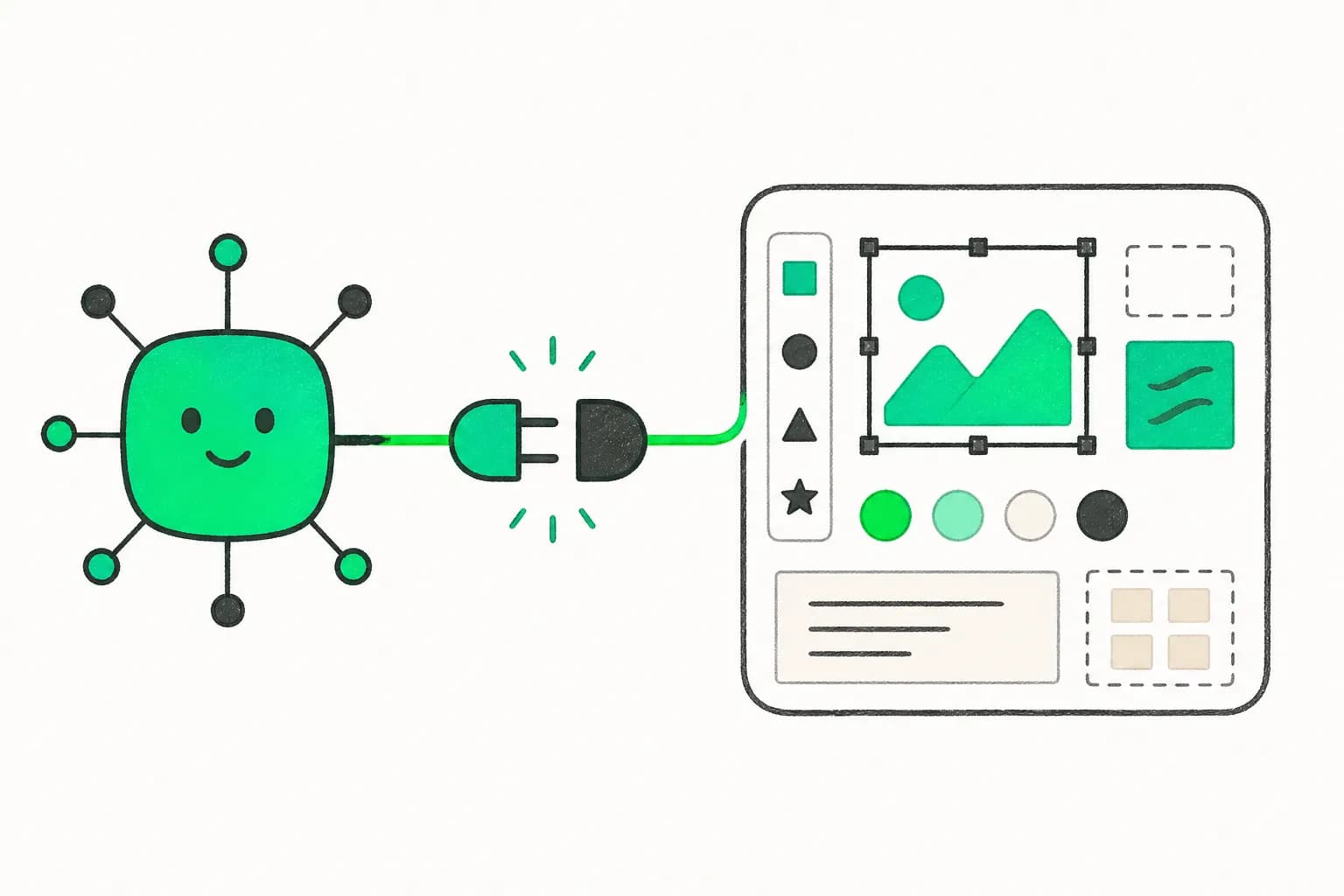
Connect Canva to an AI workflow and turn a structured campaign brief into an editable design deliverable.
See the session plan
In 2 live sessions you'll go from zero to production MCP — configure servers in Claude Code and Cursor, wire up Claude.ai connectors, and build a live integration with your own tools and data.
See the curriculumYour take-home work
Build these with your instructor. Keep them, adapt them, and put them to work after the workshop.
01Start here
Connect Canva to an AI workflow and turn a structured campaign brief into an editable design deliverable.
See the session plan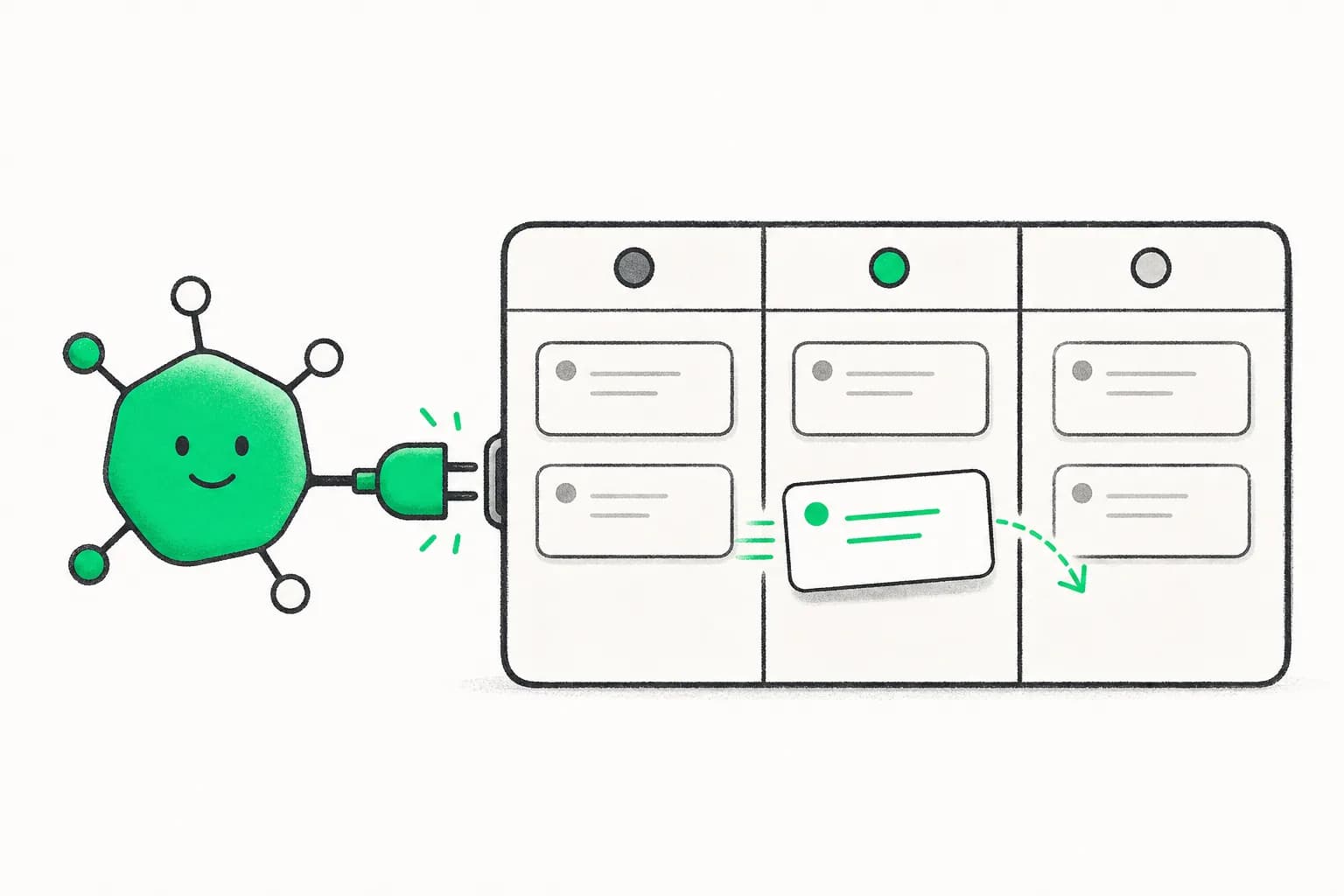
Early bird
Oct 31 – Nov 1, 2026
02Make it yours
Connect Jira, query project context, and create or update an issue through a live, permission-aware workflow.
03Make it yours
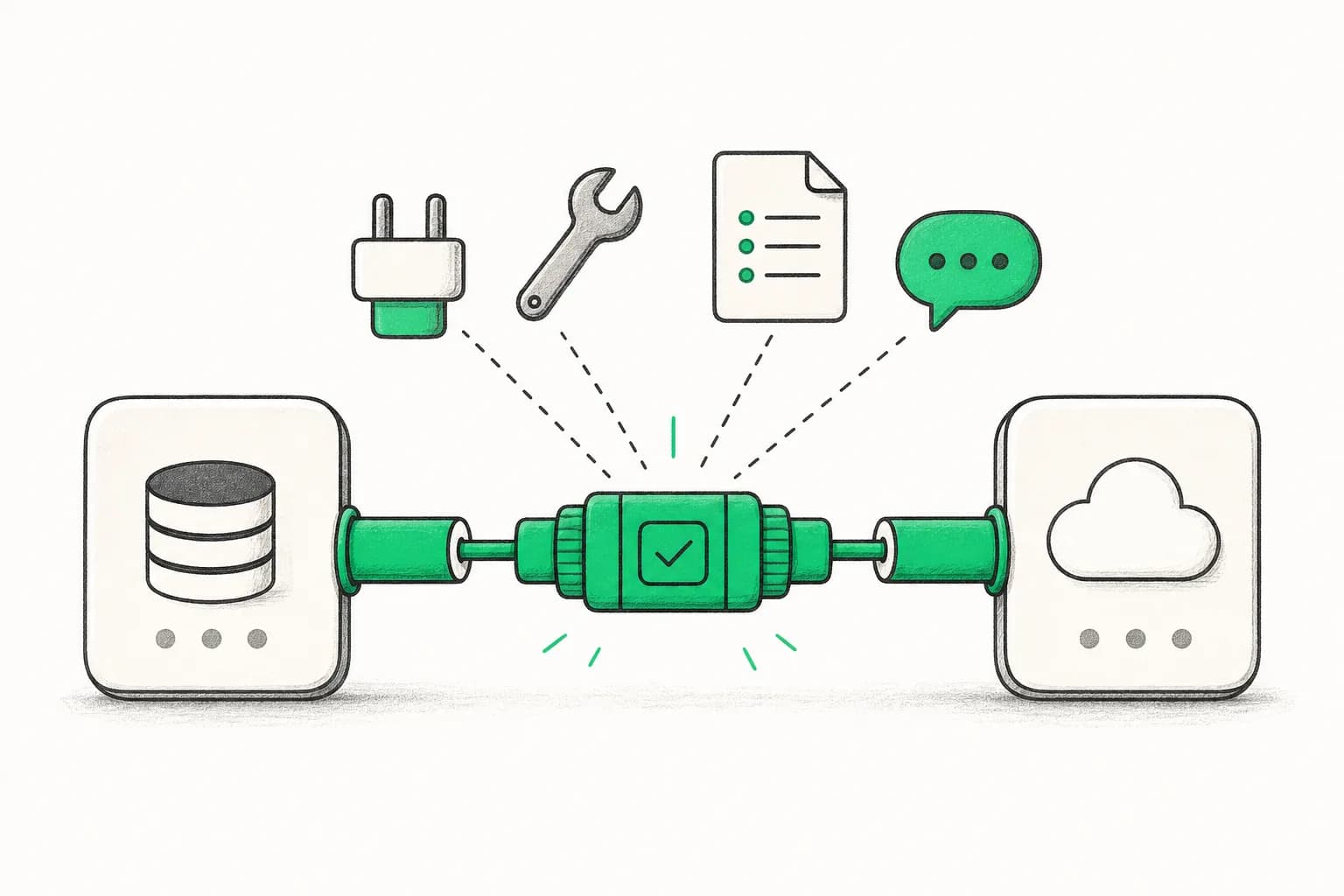
Build and test a custom connector that exposes a real tool, resource, or data source from your own stack.
This is what you build. Two evenings, live with your instructor.
Secure your spotWhat you’ll take away
Intermediate-level workshop
Most people still use AI in a chat box. MCP lets you connect it to the tools and data where work actually happens. Learn the connection layer now, before dependable tool use becomes a baseline expectation for technical teams.
Move from copy and paste to useful actions across Jira, Canva, internal APIs, and your own data.
Learn hosts, servers, tools, resources, authentication, and the decisions that make a connector dependable.
Practice verification and permissions so your team can adopt connectors without treating every server as trusted.
The curriculum
2 days · 2 hours per day · Recordings included · 11:30 AM–1:30 PM GMT+5:30
Learn what MCP actually is: a standard protocol that lets AI hosts (Claude Code, Cursor, Claude.ai) talk to MCP servers that expose tools, resources, and prompts. Understand the difference between stdio (local process) and SSE/HTTP (remote) transports. Browse the MCP server ecosystem — Anthropic's official servers, community servers, and the explainx.ai MCP directory.
Configure MCP servers in Claude Code (.claude/settings.json) and Cursor (mcp_servers config). Connect to GitHub, Postgres, or a browser automation server and make your first live tool call. Then switch to Claude.ai — set up built-in connectors (Google Drive, GitHub, Jira, etc.) for users who don't run a local CLI. Understand when to use each approach.
Skills you’ll practice: MCP host/client/server model · Stdio vs SSE transports · Claude Code MCP config · Cursor MCP integration · Claude.ai connectors · MCP server ecosystem
Use the MCP TypeScript or Python SDK to build a simple MCP server that exposes a tool, a resource, or a prompt. This could wrap an internal API, a CSV, a database query, or a custom automation. Test it locally with Claude Code. No prior MCP experience required — we start from the official SDK quickstart and extend it live.
Cover supply-chain risks for MCP servers — typosquatting, prompt injection via tool results, and unverified servers. Learn SkillSpector-style verification patterns and how to review a server's code before running it. Set up a team MCP config with a curated server list, version pinning, and an onboarding doc so every developer on your team starts with the same approved integrations.
skills
Everything you practise hands-on across the live sessions.
Looks like something you need? Seats are limited.
Secure your spot
Founder of AISOLO Technologies; AI entrepreneur & educator
350K+
Students
12+
Yrs exp
3
Startups
Yash Thakker is the founder of AISOLO Technologies and one of the most sought-after AI educators in the country. He's known for one thing above all: by the end of any session, students have already built something — no saving it for 'later.' His classes are built around real-life, happening-right-now examples, zero dry theory, and a teaching energy that makes complex things feel obvious. With over a decade shipping AI products across media, fintech, and edtech, Yash has delivered every learning format imaginable — in-person workshops, live bootcamps, online courses, and hybrid sessions — always exploring new ways to make learning land faster. He's obsessed with what learning looks like for this generation, now that AI changes what's even worth teaching. He has reached 350,000+ learners and is the creator behind Olly.social, BGBlur.com, and explainx.ai.
Your next step
Oct 31 – Nov 1, 2026 · 2 days · 2 hrs/day
2 live sessions
2 hours each · Oct 31 – Nov 1, 2026
Session recordings
1-year access to all recordings
Live MCP integrations
At least 2 MCP servers configured and tested in your environment
Claude.ai connectors setup
Connectors wired for Claude.ai (no CLI required)
Lifetime class community
Your cohort’s private classroom: chat, Q&A, prompts and recordings, open for good
Lifetime AI community
Your instructor’s wider community, to keep learning long after class ends
Melo learning assistant
Pre learning, all workshop content, and post learning practice
$79.00$99.00
20% early bird — ends Oct 24 · Only 48 seats remaining
Not ready to enrol?
See how these sessions run before you pay for one. AI Safety & Best Practices — Free Workshop is free and live.
Oct 24, 2026
faq
Everything you need to know before enrolling.
Comfort with a terminal and basic JSON config files is enough for Sessions 1–2. Sessions 3–4 (building a custom server) work best if you know some TypeScript or Python. The Claude.ai connectors section requires no code at all.
Join 350K+ learners
Live, hands-on, and capped so sessions stay interactive.
Reserve your seat48 seats remaining
 Built around real work
Private team sessions
Bring MCP Bootcamp: Connect Claude to Everything to your company with examples, projects, and guidance shaped around the tools your team already uses.
Real messages from students who trained with Yash across his live AI workshops and bootcamps.
“I'd read every MCP guide but couldn't get it to click until I configured it live with Yash. We connected Postgres and a custom internal API in under 90 minutes. Now I query our production DB directly from Cursor — game changer.”
“Day 2 — building the custom MCP server — was worth the entire bootcamp price. I wrapped our internal events API in 45 minutes. Claude Code can now pull live campaign data without me copy-pasting anything.”
“I'm not a developer but the Claude.ai connectors session (Session 2) was exactly what I needed. I had GitHub and Google Drive connected to Claude.ai by the end of the hour. No CLI, no config files — just works.”
“The security session changed how I think about MCP. We had 5 unverified servers running in our dev environment. After this bootcamp I audited and locked down our team config. The governance doc template alone saved us days of work.”
Skills you’ll practice: MCP TypeScript / Python SDK · Custom MCP server authoring · Tool, resource & prompt primitives · MCP security & verification · Supply-chain risk management · Team MCP configuration · Version pinning & governance
Priya Sharma
Developer Advocate, Bangalore
Lena Braun
Technical PM, Vienna
Arjun Patel
Staff Engineer, Mumbai