

explainx.ai0k
TrendingNewsPathwaysSkills
Pricing
explainx.ai

Upskill in AI — 16 free pathways, live workshops & bootcamps, and 50+ courses from practitioners. Plus the skills, tools, and MCP servers to practice on.

follow us

follow on google

Add explainx.ai as a preferred source

corporate training

support@explainx.ai

get started

Find your pathTake Free Evaluation

community

Join the community

learn

mind: share how you thinkpathways — start freeworkshopsbootcampscoursescompare Explainxcertificationsmock testsexplainx universitycorporate traininglearn skills & mcp

discover

skillsmcp serversexplainx mcptoolsmdx readeragentsllmsdesignsdictionarypeopleagi trackerfelony benchranks

company

aboutvisionmissionteaminstructorsteach on explainxpartnershipscommunityhackathonscareers

content

daily AI newsstate of AI — live resultsblogreleasespromptsgeneratorsresource libraryfor LLMsexplainx.ai kids

solutions

all solutionsdeveloper upskillingmarketing upskillingproduct manager upskillingleadership upskilling

newsletter · weekly

Get AI news, tools, and insights in your inbox.

supportcontactprivacytermsdata rightshow we create contentsubmission guidelines

© 2026 AISOLO Technologies Pvt Ltd

explainx.ai

OverviewProjectsAgendaCertificateEnrollFAQ
← All workshops/Build with Jev
Live, hands-on workshopSep 26–27, 2026

Build with Jev: Turn Everyday Decisions into AI Workflows

Turn Everyday Decisions into AI Workflows

Yash ThakkerAI entrepreneur & educator

Create practical workflows for triage, routing, guardrails, and browser tasks. Learn how to use Jev’s confidence scores and compare results with an LLM.

See the curriculum
  • Turn a vague judgment into atomic questions Jev answers the same way every time
  • Gate every action on calibrated confidence — act, confirm, or hand it to a human
  • Build six practical AI workflows and compare their speed, cost, and results
Explore the projects
Yash Thakker, AI entrepreneur & educatorLive with Yash
$79.00$99.00

Next cohort

Sep 26–27, 2026

Reserve your seat

Early bird ends Sep 23 · Secure checkout

Not ready yet? Get workshop updates

Covered by the explainx.ai guarantee

Full refund up to 7 days before the first session. After that, transfer your seat to a future cohort.

Intermediate friendlyRecordings includedLearn by doing, with your instructorSee the curriculum

Your take-home work

Leave with work you can use.

Build these with your instructor. Keep them, adapt them, and put them to work after the workshop.

How we’ll get there
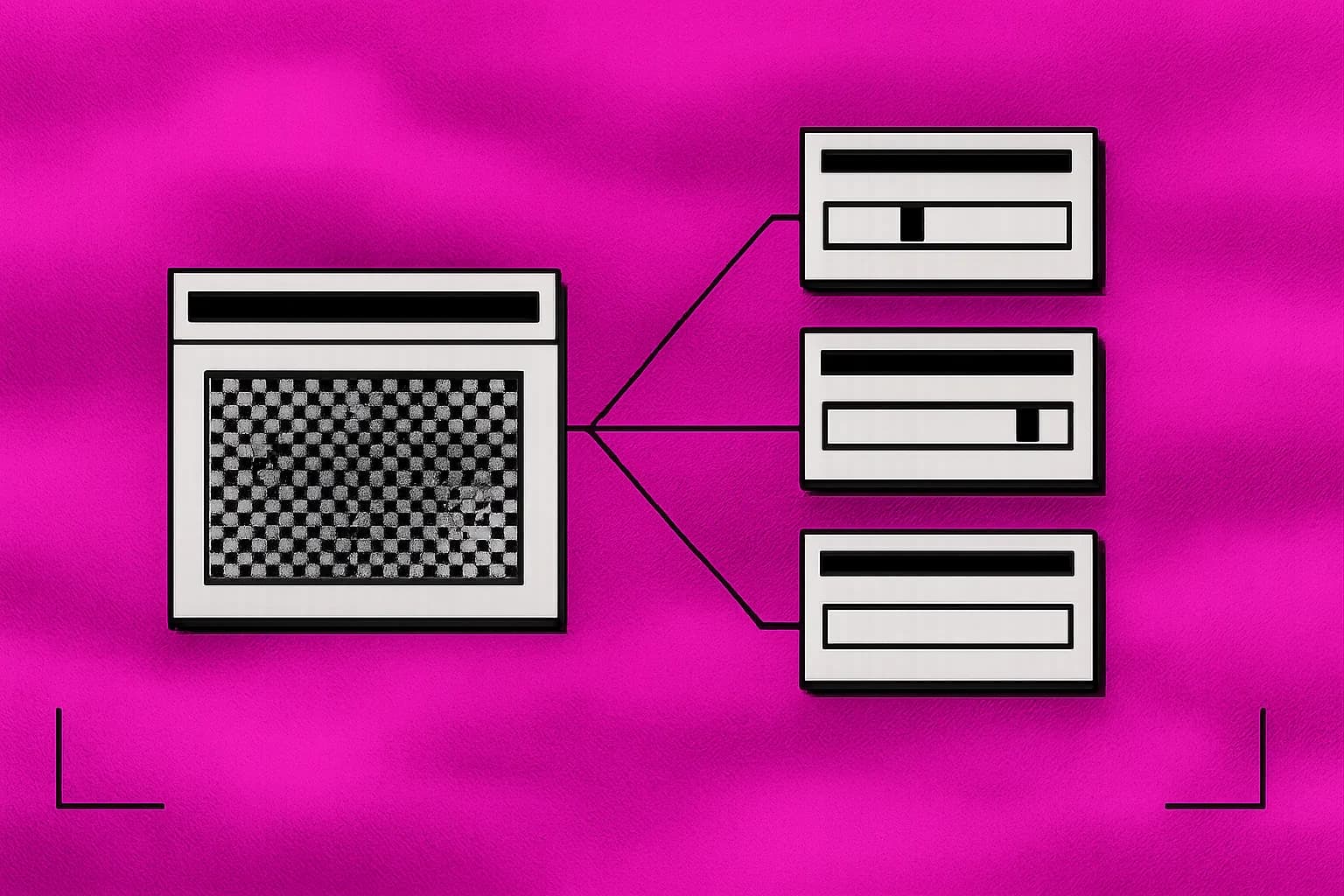
Retro desktop window fanning one ticket out into several typed decisions

01Start here

Support-ticket triage

One call returns department, urgency, frustration, refund intent and phishing signals. Your code routes on them — no prompt in the control flow.

See the session plan
Retro desktop window showing a page of candidate actions with one selected by probability

Early bird

Sep 26–27, 2026

Reserve seat

02Make it yours

Browser-use decision loop

A simulated agent that reads page state and picks the next action in about 100ms, with a confidence floor that stops it before it clicks something irreversible.

Retro desktop window matching a request to one of several tool sockets

03Make it yours

Tool-use selector

Turn a plain-language request into a typed function call by mapping tool names and closed-set arguments to confidence-aware questions.

Retro desktop window compressing a long stack of context blocks into a shorter kept set

04Make it yours

Fast context compaction

Score every block of a long context for relevance and keep the ones that matter, instead of replacing the whole thing with a lossy summary.

Retro desktop window with a dithered barrier passing some messages and stopping others

05Make it yours

LLM guardrail

Screen every message going into and out of your model for injection, policy violations and sensitive data, for a fraction of the call it protects.

Retro desktop window reordering a ranked list of results by score

06Make it yours

Semantic re-ranker

Reorder a keyword-retrieved shortlist by scoring each query-candidate pair, and measure the top-1 and top-10 lift against the raw ranking.

Retro desktop window plotting a decision latency budget against a moving scene

07Make it yours

Real-time decision budget

Work the self-driving latency argument honestly: what a 100ms typed decision can and cannot be trusted with, and where perception, control and liability actually sit.

Retro desktop window comparing cost and latency bars for two models

08Make it yours

Cost and latency benchmark

The same decision through Jev and through an LLM, reporting price, latency and how much each one's answer moves between runs.

This is what you build. Two evenings, live with your instructor.

Secure your spot

Overview

Stop asking a chat model to return JSON. Ask a decision model for a decision.

Developers, non-developers & curious AI builders

There are two kinds of AI at work in a product or workflow. One writes — the reply, the summary, the patch. The other decides. Is this urgent? Which queue? Is this passage relevant? Is this a jailbreak? Cheap model or expensive one?

Nearly everyone builds the second out of the first. You hand the deciding job to a chat model, ask politely for JSON, parse what comes back, retry when it doesn't, and quietly accept that the same ticket gets a different verdict on Tuesday.

Jev is what you get when a model is trained for the second job only. State in, typed questions in, decisions out — about 100 milliseconds, at $42 per billion input tokens. It cannot write you a sentence. That is the trade.

The interesting part is not the invoice. It is what stops being rationed. When a judgment costs almost nothing and returns before a user notices, you screen every input and output. You score every retrieved passage instead of trusting the top five. You ask fifteen speculative questions in one call and let code decide which answers mattered.

Two sessions, six things running, and an honest map of where this belongs in your stack — including the several places it does not.

What you’ll learn

By the end of session two you will be able to design and test AI decisions for a workflow you want to improve.

01What a System One model is

  • RLHF made chat. RLVR made reasoning. RLCD made something that returns a number you can act on
  • Why calibration is a property of groups of predictions, and what that means for your thresholds
  • State design: string, object or array — and how little context a good question needs
  • The three primitives, and the decision shapes each one fits

02Question design

  • Splitting one broad judgment into atomic questions you can inspect and tune separately
  • Contrastive criteria: what belongs in this option, what belongs next door, and two examples each

The curriculum

What you’ll do each day

2 days · 2 hours per day · Recordings included · 5:30 AM – 7:30 AM UTC

Day 01Sat, Sep 26What Jev Is: System One Design, RLCD & the Primitives
  1. 01 Decisions, Not Strings

    Start with the architecture question: traditional software, agent loops, and AI-powered software where code keeps control flow and the model only makes narrow judgments. Then the training story — RLHF produced chat and its mode dropping and overconfidence, RLVR produced reasoning models, RLCD produced a model that returns a calibrated number instead of a persuasive sentence. From there, the mechanics: shaping state as a string, an object or a conversation; the three primitives and what each returns; reading the full probability distribution rather than the headline answer; and what calibration guarantees across groups of predictions versus any single one. We finish on decomposition — take 'is this ticket spam?' apart into atomic questions with contrastive criteria, run all of them against one state in a single parallel call, and recombine them in code. Hands on in the Playground and then the API, so you leave session one with a key working and your own questions answered.

What you’ll leave with
  • ✓Get a TypeSafe key and make your first typed call from Python or TypeScript
  • ✓Write one Choice, one Score and one Noul against the same state, and read every distribution
  • ✓Rewrite one broad prompt you already run as a set of atomic questions recombined in code
  • ✓Tune a set of contrastive criteria until the boundary cases land where you want them

Skills you’ll practice: System One vs LLM architectures · AI-powered software design · RLHF, RLVR and RLCD · Calibration and what it promises · State design and structure · Choice, Score and Noul · Probability distributions · Atomic decomposition · Contrastive criteria · Parallel evaluation

Day 02Sun, Sep 27Use Cases & Integration: Six Builds and the Cost Math
  1. 02 Triage, Browser Loops, Compaction, Guardrails & Proving the Numbers

    Confidence becomes a second decision axis, with thresholds set by what a mistake costs. We apply speculative fan-out, confidence-gated routing, composite scoring and intent routing, then build with them: support triage that answers four questions about a ticket in one call, a tool-use selector that maps a request to a typed function and its arguments, a browser-use loop that picks the next action from page state in about 100ms, context compaction that scores what to keep instead of summarising it away, a guardrail that screens inputs for injection and outputs for policy, and a re-ranker that reorders a keyword shortlist without embeddings. We take the self-driving argument seriously enough to say where it breaks, walk the documented jev-1.13 failure modes with the fix for each, install the TypeSafe skill in Claude Code and point it at a fragile parser in your own repo, then run the benchmark harness to see what the swap is actually worth.

skills

Skills you’ll master

Everything you practise hands-on across the live sessions.

✓TypeSafe API✓Jev✓System One Models✓Choice Questions✓Score Questions✓Noul Questions✓State Design✓Question Decomposition✓Calibrated Confidence✓Speculative Fan-Out✓Confidence-Gated Routing✓Composite Scoring✓Intent Routing✓Browser-Use Loops✓Tool Use and Function Calling✓Context Compaction✓LLM Guardrails✓Prompt-Injection Detection✓Semantic Re-ranking✓Cost and Latency Benchmarking✓Claude Code Agent Skills

Looks like something you need? Seats are limited.

Secure your spot

Meet your instructor

Yash Thakker

Yash Thakker

Founder of AISOLO Technologies; AI entrepreneur & educator

350K+

Students

12+

Yrs exp

3

Startups

Yash Thakker is the founder of AISOLO Technologies and one of the most sought-after AI educators in the country. He's known for one thing above all: by the end of any session, students have already built something — no saving it for 'later.' His classes are built around real-life, happening-right-now examples, zero dry theory, and a teaching energy that makes complex things feel obvious. With over a decade shipping AI products across media, fintech, and edtech, Yash has delivered every learning format imaginable — in-person workshops, live bootcamps, online courses, and hybrid sessions — always exploring new ways to make learning land faster. He's obsessed with what learning looks like for this generation, now that AI changes what's even worth teaching. He has reached 350,000+ learners and is the creator behind Olly.social, BGBlur.com, Infloq.com, and explainx.ai.

explainx.aiolly.socialbgblur.comUdemy

Who it’s for

Who this workshop is for

  • You work with repetitive decisions — sorting requests, reviewing content, or choosing a next step — and want to explore AI workflows without a machine-learning background.
  • You build or manage a workflow where an LLM does classification, scoring or routing, and it is slow, costly or inconsistent.
  • You maintain prompt-and-parse code with retries and schema validation and you are tired of defending it.
  • You run retrieval and suspect the embedding step is the weakest link in it.
  • You want guardrails on every model input and output but cannot pay for a second frontier call per request.
  • You are a technical PM or founder deciding whether a System One model belongs on the roadmap, and what it would really cost.

Your next step

Join Build with Jev: Turn Everyday Decisions into AI Workflows

Sep 26–27, 2026 · 2 days · 2 hrs/day

Included with your workshop

  • 2 live sessions

    2 hours each · Sep 26–27, 2026

  • 6 builds

    Triage, guardrail, re-ranker, tool selector, browser loop, compaction

  • Question design library

    Choice, Score and Noul definitions you can paste straight into your codebase

  • Benchmark harness

    Prices and times any Jev question against the LLM call it replaces

  • TypeSafe agent skill setup

    Install it in Claude Code or Cursor and refactor a fragile parser live

  • Session recordings

    1-year access to every live session

  • Private Discord channel

    Community access for Q&A and discussion

  • Melo learning assistant

    Pre learning, all workshop content, and post learning practice

  • Certificate

    Verified completion certificate from explainx.ai

$79.00$99.00

20% early bird — ends Sep 23 · Only 50 seats remaining

Reserve your seat

Not ready to enrol?

Start with the free session instead.

See how these sessions run before you pay for one. AI Safety & Best Practices — Free Workshop is free and live.

Oct 24, 2026

After joining, open your workshop resources and join the WhatsApp group.

faq

Frequently asked questions

Everything you need to know before enrolling.

Jev is TypeSafe's first System One model. Rather than generating text you then parse, it evaluates a state against typed questions and hands back the answer as a value — a Choice, a Score, or a Noul probability — with a calibrated confidence. Nothing to parse, no schema to validate, no retry for malformed output. It is also far faster and cheaper per decision, which is what makes screening every request and scoring every passage practical rather than aspirational.

The workshop is for developers and non-developers. We start with question design and the TypeSafe Playground, then demonstrate the builds in Python with TypeScript equivalents supplied. The API exercises involve code; you can follow the guided examples and return to them with the recordings. No machine-learning background required.

You need a console account and an API key, both free to create. The exercises use small states and a handful of questions, and Jev bills input tokens only — output tokens are free — so the spend across both sessions is negligible. Exact setup steps go out before session one.

No, and we spend real time on where it is the wrong tool. Jev writes no text, produces no code, holds no conversation, does not do arithmetic, and loses accuracy across long chains of indirection. It replaces the decision calls around your model, not the model. Most attendees leave with a hybrid design: Jev screens, routes and scores; a generative model still does the writing.

They are TypeSafe's published figures for System One workflows, and they are workload-dependent — which is exactly why the benchmark harness is part of the workshop. You will run the same decision through Jev and through an LLM on your own data and read your own numbers, including the run-to-run variance that headline comparisons usually leave out.

A whole block of day two. We work through the documented jev-1.13 failure modes: literal reading, counting, numeric precision, date comparison, multi-hop indirection, large distracting states, adversarial content and contradictory criteria. Each one comes with its fix, which is almost always moving that piece back into ordinary code.

September 26 and 27, 2026, 11:00 AM to 1:00 PM IST. The page shows the equivalent time in your local timezone. Both sessions are recorded.

Every session is recorded and added to your workshop dashboard. You get a year of access along with the project code, the question design library and Melo learning support to work through it at your own pace.

Yes — a verified completion certificate from explainx.ai you can add to LinkedIn or share with your team.

Full refund up to 7 days before the first session. After that, transfer your seat to a future cohort. Email support@explainx.ai from your purchase email. Refunds go to the original payment method. If we cancel or fail to deliver the sessions, you receive a full refund regardless of timing.

Join 350K+ learners

Ready to upgrade how you work with AI?

Live, hands-on, and capped so sessions stay interactive.

Reserve your seat

50 seats remaining

on completion

Certificate of Completion

Complete both sessions and receive a verified certificate from explainx.ai — add it to your LinkedIn, portfolio, or resume.

Sample explainx.ai certificate of completion for the AI Skills and MCP Bootcamp

Sample only · Each issued certificate has a public verification UUID

View sample certificate ↗
Two colleagues in everyday clothes working together at a laptop
Built around real work

Private team sessions

Train your team

Bring Build with Jev: Turn Everyday Decisions into AI Workflows to your company with examples, projects, and guidance shaped around the tools your team already uses.

  • ✓Live remote, in person, or hybrid
  • ✓Projects adapted to your team workflows
  • ✓Shared resources and a clear adoption plan
Plan team training

What students say

Real messages from students who trained with Yash across his live AI workshops and bootcamps.

“I've been using Claude for months but had no idea you could set up Projects with custom instructions. After Day 1 I restructured my entire research workflow — I got back about 3 hours a week immediately.”

Priya Mehta

Senior Product Manager, Bangalore

“I had a great experience at this bootcamp. The chrome extension capstone was challenging and exciting. I enjoyed learning about LangChain, Tavily, and OpenAI API — I'm thinking of publishing it on the Chrome Web Store.”

“The prompt template library we built on Day 2 is now used by my whole content team. We went from everyone prompting differently to having a shared system that produces on-brand output every time.”

“Yash Thakker helped me design and build for one real problem, solved properly, without gimmicks. It came directly out of the AI Maker Bootcamp.”

Cameron MacInnes

“Yash doesn't just show you what to type — he shows you how to think about working with Claude. That mental model shift is what I came for and what I got. The research sprint session alone was worth the ticket price.”

“I wanted to build an AI tool that will translate any content into multiple languages. I've just posted my MVP on LinkedIn after completing the bootcamp.”

“Best class ever! You are an amazing teacher. Thank you for everything.”

Workshop student

“I learned so much and felt really empowered by this class. Thank you Yash!”

Workshop student

“Your bootcamp was very important to me and I hope we can stay connected. You are a great teacher and person.”

Workshop student

  • Structured instructions with named fields instead of a dense paragraph
  • Pointing a question at a nested path in state so ambiguity never reaches the model
  • 03Confidence and control

    • Reading the distribution behind every Choice and Score, not just the top answer
    • Three bands: act, confirm, escalate — and why a destructive action needs a higher bar than a read
    • Plotting confidence against accuracy on labelled data to pick numbers you can defend
    • Designing the human fallback so it stays rare enough to be affordable

    04Patterns that hold up in production

    • Speculative fan-out: pack every question, including the ones you may not need, into one call
    • Confidence-gated routing for automation that knows when to stop
    • Composite scoring with weights that live in your code, not in a prompt
    • Intent routing to deterministic logic, a specialist model, or a person

    05Where it breaks

    • The jev-1.13 failure list: literal reading, counting, arithmetic, dates, multi-hop indirection
    • Why a large state full of irrelevant detail quietly costs you accuracy
    • Adversarial state, contradictory criteria, and the invariants the model does not promise
    • The cases where a reasoning model, a trained classifier, or a regex is still the right answer
    What you’ll leave with
    • ✓Build a support-triage service that answers four questions about a ticket in one call
    • ✓Build a tool-use selector that maps a natural-language request to a typed function call
    • ✓Build a browser-use loop that chooses the next action from page state in real time
    • ✓Build context compaction that selects what to keep instead of summarising it away
    • ✓Build a guardrail that screens for prompt injection, policy violations and sensitive data
    • ✓Build a semantic re-ranker, then benchmark price, latency and run-to-run variance against an LLM

    Skills you’ll practice: Confidence thresholds and risk tiers · Speculative fan-out · Confidence-gated routing · Composite scoring · Intent routing · Function calling with closed-set arguments · Real-time decision loops · Context compaction · Prompt-injection screening · Semantic re-ranking · Failure-mode mitigation · Cost and latency benchmarking · TypeSafe agent skill in Claude Code

    Shakeel

    Bootcamp graduate

    James Okafor

    Head of Content, Lagos

    Founder, Alba Host

    Sara Lindqvist

    Strategy Consultant, Stockholm

    Inês A.

    Bootcamp graduate

    via LinkedIn

    via LinkedIn

    via Discord