



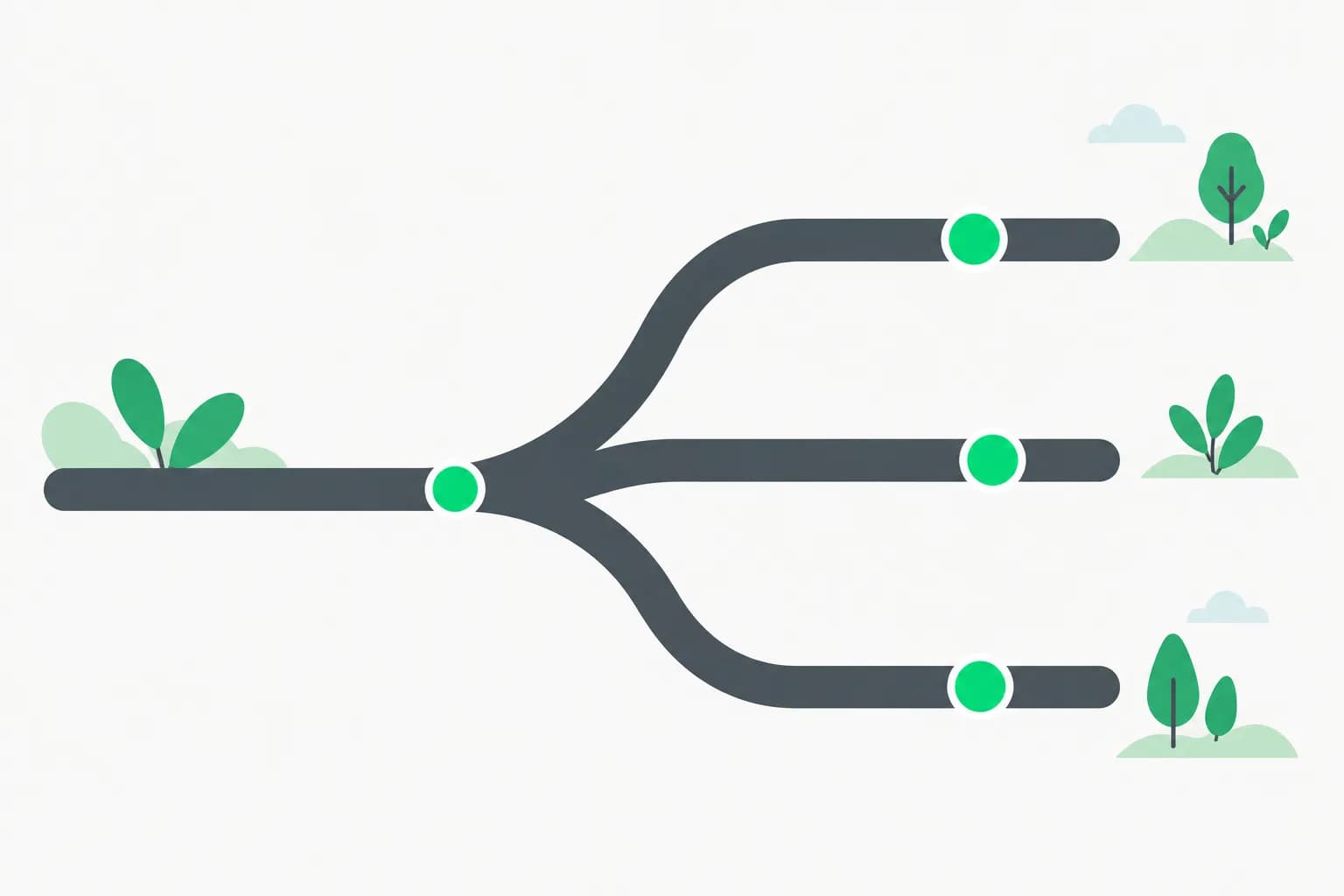
Worktrunk is a Rust command-line tool that turns Git worktrees into something as easy as branches, built for people who run several AI coding agents in one repository. The GitHub project, max-sixty/worktrunk, gained about 400 stars this week and shows roughly 10,200 stars in total, with 5,479 commits on main. It is licensed MIT OR Apache-2.0.
The idea is simple. Give every agent its own worktree, and the agents stop overwriting each other's files. Worktrunk handles the setup, the hooks, the merge, and the cleanup.
TL;DR: Worktrunk at a glance
| Question | Answer |
|---|---|
| What is it? | A CLI for Git worktree management, aimed at parallel AI agent workflows |
| Who makes it? | max-sixty, as an open-source project on GitHub |
| License? | MIT OR Apache-2.0 |
| Cost? | Free. The LLM commit messages need your own LLM setup |
| Core commands? | wt switch, wt list, wt merge, wt remove |
| Works with Claude Code? | Yes. The -x flag launches an agent after you switch |
| Biggest limit? | Shared build caches only work on APFS, btrfs and XFS |
Why do parallel agents need worktrees?
A Git worktree is a second working folder that shares one repository. Each worktree has its own checked-out branch. You can read the mechanics in the official git worktree documentation.
Without worktrees, two agents in one folder edit the same files and fight over the index. With worktrees, agent A works on feature-auth and agent B works on fix-billing. Neither sees the other's half-finished edits.
The raw Git commands work, but they are clumsy. You must pick a path, create the branch, remember where the folder lives, and prune it later. Worktrunk's pitch is that three short commands replace that routine.
We have covered the same problem from other angles. Claude Code Desktop's parallel sessions create worktrees inside the app. Orca is an orchestrator that uses worktrees under a GUI. Agentplane is a control plane for running Claude Code, Codex and Cursor side by side. Worktrunk sits lower in the stack: a plain terminal tool you can combine with any of them.
How do you install Worktrunk?
The README lists several package managers. Each one ends with a shell integration step.
brew install worktrunk && wt config shell install
cargo install worktrunk && wt config shell install
sudo pacman -S worktrunk && wt config shell install
conda install -c conda-forge worktrunk && wt config shell install
pixi global install worktrunk && wt config shell install
winget install max-sixty.worktrunk
git-wt config shell install
Shell integration is not optional. A program cannot change its parent shell's directory, so the installer adds a small shell function. Without it, wt switch could create a worktree but could not move you into it.
On Windows, winget installs the tool as git-wt. The short name wt collides with Windows Terminal, so the README tells Windows users to use the alias or disable Windows Terminal's own.
What are the core commands?
The README says there are three core commands that make worktrees "about as easy to use as branches." In practice you use four.
| Command | What it does |
|---|---|
wt switch --create feature-auth | Creates a branch and worktree, then moves you into it |
wt list | Shows every worktree with status, ahead and behind counts, and commit info |
wt merge main | Squashes, rebases, fast-forward merges, and cleans up |
wt remove | Deletes a worktree after its PR is merged |
wt step commit | Commits staged changes |
wt switch pr:123 | Checks out a pull request's branch by number |
Worktrees are addressed by branch name, not by path. The path comes from a template you can change. That detail matters for agents: you can tell one to "work in the feature-auth worktree" and the name is enough.
How do you run Claude Code in a worktree?
The -x flag runs a command right after the switch. Everything after -- goes to that command. The README's own example:
wt switch -x claude -c feature-a -- 'Add user authentication'
That one line creates the branch feature-a, creates its worktree, enters it, and starts Claude Code with the prompt. Repeat it in three terminal tabs with three branch names and you have three agents on three branches.
The repo's demo shows exactly this pattern.
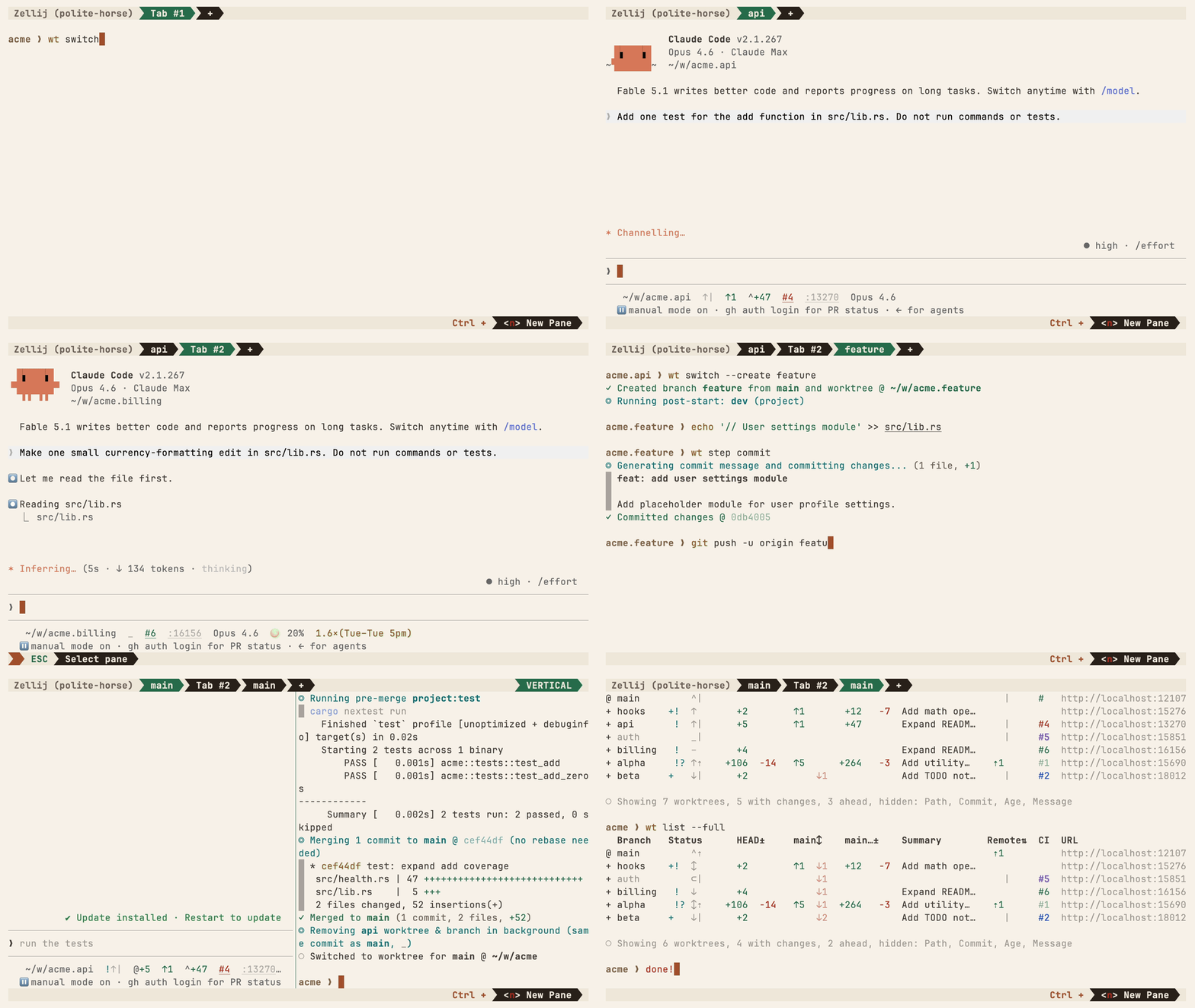 Worktrunk git worktree CLI running several Claude agents in Zellij tabs with hooks and merge
Image: Worktrunk
The maintainer describes the demo as multiple Claude agents in Zellij tabs with hooks, LLM-written commits, and the merge workflow. The README also lists topics for Claude Code and Codex, and the repo contains plugin directories for Claude Code and Gemini. Nothing in the tool is locked to one vendor: -x runs whatever command you give it.
There is also a short video linked from the project page.
What else does Worktrunk add on top of Git?
The feature list in the README goes beyond shorter commands.
- Hooks. Commands can run on create, pre-merge and post-merge. Post-start hooks can install dependencies or start a dev server.
- LLM commit messages. Worktrunk can generate a commit message from the diff. This needs an LLM setup, which the README page does not detail.
- Interactive picker. A selector shows streaming CI status and previews for diffs, logs, PRs and comments.
- Shared build caches.
target/,node_modules/and similar folders can be shared across worktrees on APFS, btrfs and XFS, "without copying or rebuilding them." - CI and summaries.
wt list --fullshows CI status and AI-generated summaries for each branch. - Unique ports. A
hash_porttemplate filter gives each worktree its own dev-server port, so three agents do not all try to bind port 3000. - Aliases and variables. You can define custom commands and per-branch variables for use in hook templates.
The port filter is a small feature that solves a real, annoying failure. Parallel agents often start dev servers to test their work. Two servers on one port means one agent sees the other's app and reports a fake pass or fail.
What does the merge workflow change?
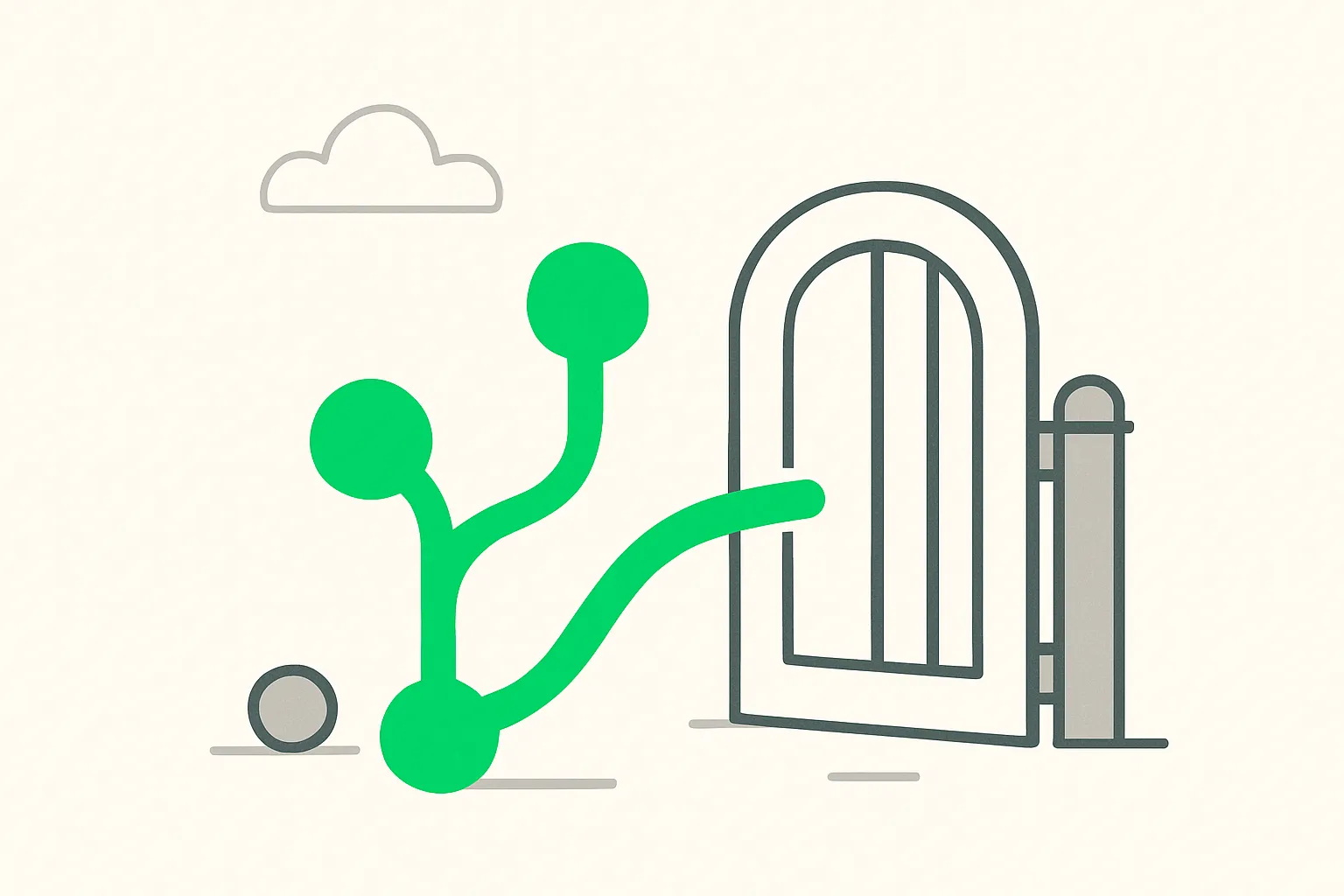 Several Git branches merging toward a gate, picturing the Worktrunk merge workflow for parallel agents
Merging is where parallel agent work usually breaks down. Each agent finishes at a different time. Each branch then needs a rebase, a squash and a cleanup.
wt merge main packs those steps into one command: squash, rebase, fast-forward merge, then remove the worktree. For a human reviewing five agent branches, that turns a ten-command routine into five identical commands.
It is still your job to read the diff. A tidy merge command does not make the code correct. If you run agents in this style, add tests that gate the merge. Our guide on loop engineering for coding agents covers how to put a verification step in front of the merge.
How does it compare with other worktree tools?
| Option | Where it runs | Best for |
|---|---|---|
Plain git worktree | Any terminal | Full control, no extras |
| Worktrunk | Terminal | Many branches, hooks, one-command merge |
| Claude Code Desktop worktrees | Desktop app | Visual session sidebar, no terminal |
| Orca | Desktop and mobile | Orchestrating many agents with a UI |
These are not rivals in a strict sense. Worktrunk is a layer you can combine with a terminal multiplexer such as Zellij, as the demo does. The GUI tools suit people who want a sidebar. The terminal tool suits people who already live in tmux or Zellij.
For shared context across agents, you may also want a memory layer. Our write-up of claude-mem covers one option, and Agent Relay covers shared sessions and handoffs.
What are the limits and risks?
The README page does not list limits directly. These follow from what it states.
- Cache sharing is file-system specific. Copy-on-write only works on APFS, btrfs and XFS. On ext4 or NTFS, expect separate caches and longer first builds.
- Shell integration is required. If you skip
wt config shell install, directory changes will not work. - Windows naming. The
wtcommand clashes with Windows Terminal. You must usegit-wtor turn off that alias. - LLM features need setup. Commit messages and branch summaries depend on an LLM you configure. Check what your diff data is sent to before you enable them on private code.
- Open work. The repo shows 42 open issues and 26 open pull requests at the time of writing. That is normal for a project this active, but read the issues for your platform first.
- Worktrees do not isolate secrets or the machine. Every worktree shares the same user account, environment variables and network. An agent in one worktree can still read your
.envfiles or run destructive commands. If agents run unattended, add a sandbox. Our guide to Capsem shows a VM-based option, and Bernstein shows a policy layer for agent actions.
For agent security in general, AgentBeam is the agent security platform from the explainx.ai team. It stops AI agents before they take dangerous actions.
Should you try Worktrunk this week?
Try it if you already run two or more agents in one repository and feel the friction. Skip it if you run one agent at a time, or if Claude Code Desktop's built-in worktrees already cover your flow.
A low-risk trial:
- Install with your package manager and run
wt config shell install. - Open a throwaway repo. Run
wt switch --create try-aandwt switch --create try-b. - In each, start your agent with a small, different task.
- Run
wt listto see both. Finish withwt merge mainin each. - Run
wt removeand confirm the worktrees are gone.
If the merge and cleanup steps feel faster than your current routine, adopt it for real work. Keep your tests as the gate. The tool saves typing; it does not review code.
Related reading
- Claude Code Desktop parallel sessions and worktrees
- Orca: open-source agent orchestrator with worktrees
- Agentplane: Claude Code, Codex and Cursor side by side
- Bernstein: policy-as-code governance for coding agents
- Capsem: a VM sandbox for coding agents
- Loop engineering for coding agents
- Official Git worktree docs and the Worktrunk repository
Star counts and command details come from the Worktrunk README as of November 3, 2026, and may change.