



Vibe coding is genuinely powerful. It's also genuinely dangerous if you don't know where it breaks.
The disasters are predictable. The same mistakes happen to beginners and experienced builders alike. This guide documents the real ones — with the exact behaviour that causes each and what to do instead.
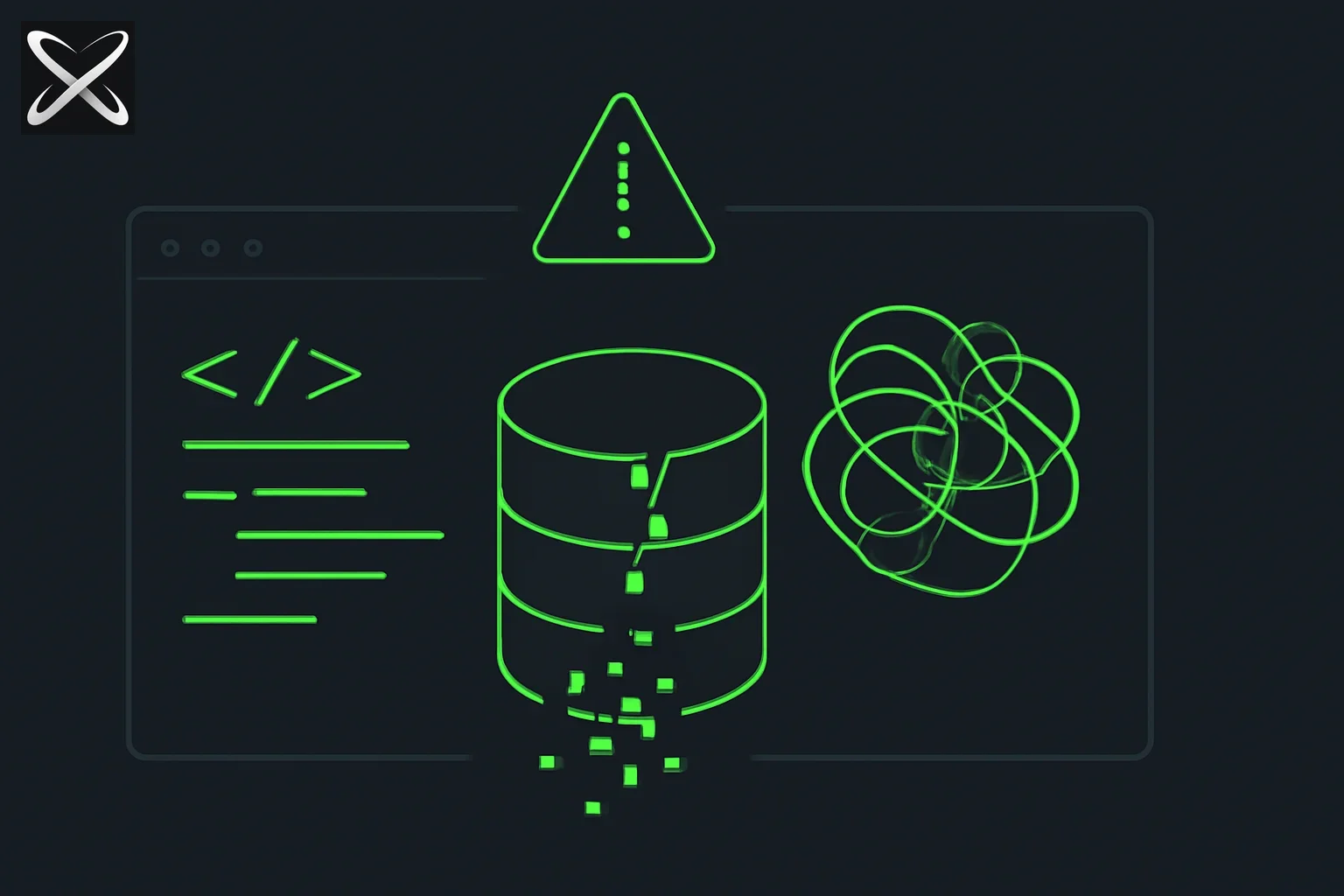
Nightmare 1: The database wipe
What happens:
You're building a side project with a local PostgreSQL database. You tell Claude Code: "Delete all the test data and reset the users table." You meant the fake users you seeded for development. The AI runs TRUNCATE users CASCADE. In a staging environment connected to real data, that wipes 40,000 users and cascades deletes through orders, sessions, and preferences.
Or a more subtle version: you say "clean up old records" and the AI runs DELETE FROM sessions WHERE created_at < NOW() - INTERVAL '7 days' — but your sessions table uses created_at to store permanent user data, not just session timestamps. Everything older than a week is gone.
Why it happens:
AI agents execute what you describe, not what you meant. They don't know the difference between "test data" and "production data." They don't know your table means something different from what it looks like.
The fix:
- Never connect an AI agent to your production database. Use a local database or a staging copy for all development.
- Add this to your Claude Code session at the start:
snippet
Before running any SQL that deletes, truncates, or drops anything, show me the exact query and wait for me to type CONFIRM. - Use transactions for anything risky:
snippet
Wrap any destructive operations in a transaction. Show me what it will do before committing. - Back up before migrations. Before any schema change:
pg_dump mydb > backup_$(date +%Y%m%d).sql.
Nightmare 2: The security hole you didn't know was there
What happens:
You build an API that lets users update their profile. The AI generates an endpoint like:
app.put('/api/user/:id', async (req, res) => {
  const { id } = req.params;
  const updates = req.body;
  await db.user.update({ where: { id }, data: updates });
  res.json({ success: true });
});
This looks fine. It is not fine. Any user can pass { "role": "admin" } in the body and promote themselves. Or pass { "id": 2 } and update someone else's record. The AI wrote functional code that is completely insecure.
Other common AI security holes:
- API keys in frontend JavaScript (
const key = "sk-ant-..."in a.tsxfile) - SQL strings built with template literals instead of parameterized queries
- File upload endpoints that don't validate file type or size
- No rate limiting on login endpoints (brute force vulnerability)
- Missing authentication checks on admin routes
Why it happens:
AI models optimise for code that works, not code that's safe. Security requires understanding threat models — who might send unexpected input and why — which requires knowing your context. The AI doesn't know if your app is internal-only or public-facing.
The fix:
- Add a security review prompt at the end of every session:
snippet
Review everything you just wrote for security issues. Check: are secrets ever in frontend code? Is user input validated? Are there SQL injection risks? Are routes authenticated where they should be? Flag every issue you find. - For any user-facing API, explicitly say:
snippet
Users should only be able to update their own records. Verify the authenticated user's ID matches the record being updated. - Never put secrets in code. Always use
.envfiles. Ask the AI: "Are there any hardcoded secrets or API keys in this code?" - Use an ORM. Prisma, SQLAlchemy, and Drizzle handle parameterized queries by default. Raw SQL string interpolation is dangerous.
Nightmare 3: The session that drifts into chaos
What happens:
You start a Claude Code session with a clear goal. After 45 minutes and 20 back-and-forths, the app "works" but nobody — including the AI — knows what it actually does anymore. The auth flow calls three different session handlers. Two components share global state in a way that causes random re-renders. The database schema has been migrated four times with conflicting column names. Everything sort of works until it doesn't.
You try to fix a bug. The AI makes a change that breaks something else. You describe the new breakage. It fixes that and breaks the first thing. You're in a loop.
Why it happens:
AI agents don't maintain a mental model of the system. Each prompt gets a context window of what's visible — but after 20 edits, the visible code no longer matches any coherent design. The AI is patching patches.
The fix:
- Limit sessions to one feature. One session should produce one clearly-scoped thing — a single page, a single API endpoint, a single data model. Don't let a session sprawl.
- Start fresh when stuck. If you're in a fix-break-fix-break loop for more than 2 rounds, stop. Open a new session. Paste in only the specific files relevant to the broken thing. Describe the problem precisely.
- Checkpoint with git. After each working feature, commit:
When things break, you can return to the last known-good state:bash
git add . git commit -m "Working: user profile page"git checkout HEAD~1. - Write a context file. At the start of complex sessions, drop a
CONTEXT.mdin the project folder:Reference it at the start of every session: "Read CONTEXT.md first."markdown# Project context This is a job tracker. Users can add jobs and track status. Stack: Next.js App Router, Prisma, PostgreSQL, Tailwind. Current task: build the status update endpoint. Do not modify the auth setup in /app/api/auth/.
Nightmare 4: "It was working and now it's not"
What happens:
Your app worked yesterday. You made a change today — added a new page, installed a package — and now something unrelated is broken. You can't reproduce the exact break. You start describing symptoms to the AI and it starts guessing. An hour later you've changed 12 files and the original bug still exists plus two new ones.
Why it happens:
Without a clean diff, neither you nor the AI knows what actually changed. Vibe coding sessions often touch multiple files. If you don't commit between working states, you lose the ability to isolate what broke.
The fix:
- Commit after every working state. This is the single highest-leverage habit in vibe coding. After each feature works:
git add . && git commit -m "feature: X working". You can alwaysgit diff HEAD~1to see exactly what changed. - When something breaks, check the diff first:
Paste the diff to the AI: "This is everything that changed since it was working. What might have caused [symptom]?"bash
git diff - Describe symptoms, not guesses. Don't say "I think the auth is broken." Say "When I click Login with correct credentials, I get a 401 response. Here is the network tab: [paste]."
- Install one thing at a time. Package conflicts and version mismatches are common. Install one package, test it works, commit, then install the next.
Nightmare 5: Code nobody can read or maintain
What happens:
You vibe-coded a working app. Three months later you need to change something. You open the code and it's thousands of lines with no structure — logic mixed with UI, variables named data2 and tempResult, inline styles everywhere, and a function called handleStuff that does six different things. The AI can't help because it can't understand what the code is supposed to do either.
Why it happens:
AI generates working code for the current task, not maintainable code for future tasks. Unless you ask for structure and naming, you get whatever the AI defaults to.
The fix:
- Ask for structure explicitly:
snippet
Separate this into: a data fetching function, a transformation function, and the rendering component. Name functions clearly by what they do. - Add a naming prompt:
snippet
Use descriptive variable names. No abbreviations except standard ones (id, url, req, res). No variables named data, result, temp, or stuff. - Periodically ask for a cleanup pass:
snippet
Review the files you've edited in this session. Rename any unclear variables, split any functions over 30 lines into smaller named functions, and remove any dead code. - Don't let one file grow past ~200 lines. When a file gets long, ask: "This file is getting large. Break it into logical smaller files."
Nightmare 6: Running out of context mid-build
What happens:
You're 90 minutes into a Claude Code session building a complex feature. The AI starts making weird suggestions that contradict things it set up earlier. It re-imports a library it already imported. It suggests adding a function that already exists. The quality of output has degraded noticeably.
Why it happens:
AI models have context windows. After a long session with many file reads and writes, older context gets compressed or dropped. The AI is working with less information about what it built earlier.
The fix:
- Start a new session after 60–90 minutes of dense work. Before closing, ask:
snippet
Summarise what we've built in this session: which files were created or modified, what each does, and what still needs to be done. I'll use this to brief the next session. - Use the summary to start fresh:
snippet
[Paste summary] Continue from here. Read these files first: [list the key files]. The next task is: [specific next thing]. - Keep your
CONTEXT.mdupdated. After each session, update it with what was completed.
Nightmare 7: Over-relying on AI for decisions it shouldn't make
What happens:
You ask the AI to "set up authentication." It chooses JWT with tokens stored in localStorage, a custom session table, and an expiry of 30 days. You ship it. Six months later you learn that storing JWTs in localStorage is a well-known XSS vulnerability, your token invalidation doesn't work, and you have to rebuild the whole auth system.
Why it happens:
The AI makes reasonable-sounding default choices. It doesn't know your security requirements, your user base, or what "good enough" means in your context. It optimised for something that works, not something that's right for your situation.
The fix:
For any foundational decision — auth, database schema, API design, billing — don't let the AI choose:
- Make the decision yourself first. "Use NextAuth.js with the Credentials provider and sessions stored in the database, not JWT." Then tell the AI to implement that specific thing.
- Research before building. For auth: NextAuth/Clerk/Auth.js. For payments: Stripe (don't build your own). For email: Resend or Postmark. These exist because the "obvious" implementation has edge cases that will bite you.
- Ask for the tradeoffs:
snippet
What are the security tradeoffs of the auth approach you just implemented?
What could go wrong and what would I need to add to make it production-safe?
The checklist before you ship anything
Before going live with a vibe-coded project:
[ ] Secrets in .env, never in code
[ ] .env in .gitignore
[ ] API routes check authentication where needed
[ ] User input is validated before hitting the database
[ ] No user can access or modify another user's data
[ ] Database is backed up (or recreatable from migrations)
[ ] Error messages don't expose internal details to users
[ ] Tested at least one edge case per form (empty input, very long input, special chars)
[ ] Rate limiting on auth endpoints
[ ] Reviewed the git diff since last working commit
You don't have to do this for a prototype. You absolutely have to do it before real users touch it.
What the nightmares have in common
Every disaster in this list has the same root cause: treating the AI as if it knows what you know.
The AI doesn't know that "clean up" means test data, not all data. It doesn't know your security requirements. It doesn't know what "working" meant three sessions ago. It doesn't know that this user-facing endpoint needs auth.
The skill in vibe coding is specificity. The more explicitly you say what you want — and don't want — the fewer disasters you have. The disasters aren't the AI's fault. They're gaps between what you said and what you meant.
Related guides
- Compiss: a toilet-finder app built entirely with Claude Code — shipped with a real Android crash — a live example of shipping with an honest, unresolved bug
- What is vibe coding? — the full explainer
- Vibe coding for product managers — how PMs can build safely
- What is Git? — how to commit safely between working states
- What are environments? — why you should never vibe code against production