




Qwen has published Qwen-Image-2.1-Turbo, an accelerated version of its 7B image model that generates and edits images in just 8 denoising steps. According to the official Hugging Face model card, it keeps the same 7B visual generation architecture as Qwen-Image-2.1, loads directly with QwenImage21Pipeline in Diffusers, and ships with its recommended sampling schedule built in. If you read our earlier coverage of Qwen-Image-2.1 and its license downgrade, this is the speed-focused follow-up: same family, fewer steps, same licensing caveat.
TL;DR: the questions people ask first
| Question | Answer |
|---|---|
| What changed versus Qwen-Image-2.1? | An 8-step accelerated checkpoint of the same 7B generator |
| Does it do editing too? | Yes. The model card shows text-to-image and image editing with one pipeline |
| Do I tune the scheduler? | No. The saved 8-step schedule loads automatically |
| CFG setting? | CFG = 1 by default |
| Max output size? | 2048 x 2048 for square images; presets up to 2752 x 1536 |
| License? | Qwen Research License Agreement |
| Where do I get it? | Hugging Face: Qwen/Qwen-Image-2.1-Turbo |
What exactly did Qwen release?
The model card describes Qwen-Image-2.1-Turbo as "an accelerated checkpoint of Qwen-Image-2.1 for text-to-image generation and image editing with 8 denoising steps." It is not a new architecture and not a new training run announced as a successor; it is the same 7B visual generator distilled or tuned for a short sampling schedule. The card links to the Qwen-Image-2.1 blog, the GitHub repo and the ModelScope page, and lists 58 community finetunes already attached to the base model at the time of writing.
Two inference details do most of the work. First, generation uses CFG=1 by default. Classifier-free guidance normally runs the network twice per step, once with the prompt and once without, so turning it off in the default path means each step is one forward pass instead of two. Second, the pipeline uses prefix KV caching: the text and reference-image context is computed once and reused across the denoising steps instead of being recomputed each time. Both are described on the model card, which does not publish a latency table, so we are not going to invent speedup numbers. The mechanism is clear, though: fewer steps, no guidance doubling, and cached context.
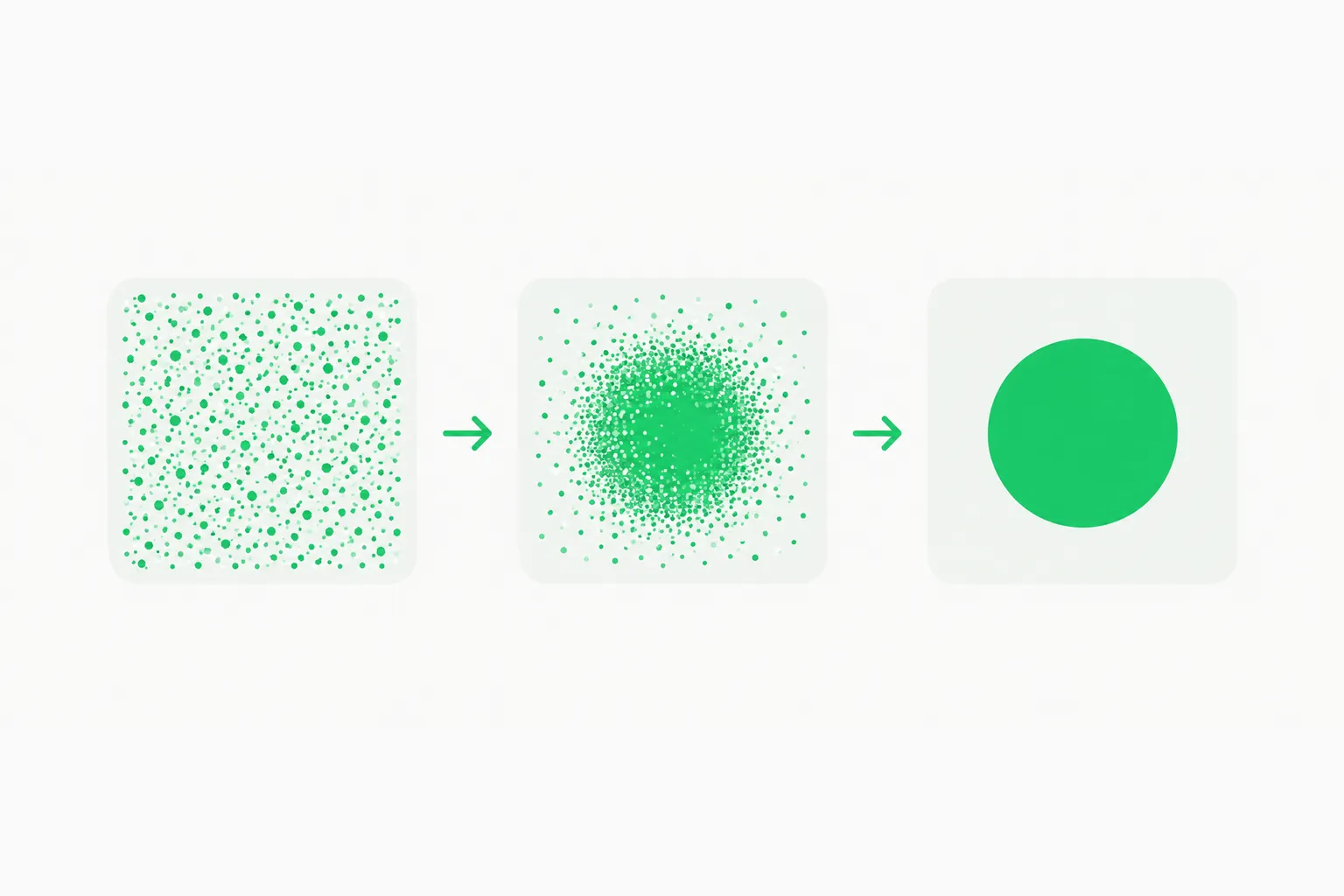 Noise resolving into a clean image over a few steps, illustrating how Qwen-Image-2.1-Turbo denoises in 8 steps
How do I run Qwen-Image-2.1-Turbo?
The card gives a short quick start. Install a CUDA-compatible PyTorch build, then the dependencies:
pip install git+https://github.com/huggingface/diffusers.git
pip install "transformers>=5.17.0" accelerate pillow
The Diffusers-from-source requirement is not optional. The model card says the checkpoint needs "support for pipeline-configured sampling sigmas, added in PR #14950," which may not be in your last stable release. Then load the pipeline in bfloat16:
import torch
from diffusers import QwenImage21Pipeline

pipe = QwenImage21Pipeline.from_pretrained(
    "Qwen/Qwen-Image-2.1-Turbo",
    dtype=torch.bfloat16,
).to("cuda")

image = pipe(
    prompt="A hand-drawn recipe page for sushi rolls, watercolor on cream paper",
    width=2048,
    height=2048,
    use_kv_cache=True,
    generator=torch.Generator("cpu").manual_seed(20261008),
).images[0]
image.save("t2i.png")
Note use_kv_cache=True, which switches on the prefix cache, and the seeded CPU generator for reproducible output. You do not pass a step count: the pipeline "automatically uses the checkpoint's saved 8-step schedule."
Image editing with the same pipeline
For editing, you reuse the same pipeline and pass an input image. The card's example turns a yacht sketch into a photorealistic photograph; the prompt is long and specific, describing the hull, mast, funnel, portholes, lighting and water. The input is loaded with load_image(...).convert("RGBA") and passed as image= alongside the prompt. The lesson for your own use: editing prompts in this model family work best when they restate the structure you want preserved, not just the style you want applied.
What about the sampling schedule?
This is the one place to be careful. The card states that setting num_inference_steps alone does not override the saved schedule, and that an explicit sigmas argument at call time will. It also says plainly that "other schedules have not been evaluated for this checkpoint." If you try 4 or 12 steps with custom sigmas, you are in unsupported territory, so compare against the default before trusting results.
Which resolutions and aspect ratios are supported?
Turbo uses the same presets as Qwen-Image-2.1:
| Aspect ratio | Width x height |
|---|---|
| 1:1 | 2048 x 2048 |
| 4:3 | 2400 x 1792 |
| 3:4 | 1792 x 2400 |
| 3:2 | 2528 x 1696 |
| 2:3 | 1696 x 2528 |
| 16:9 | 2752 x 1536 |
| 9:16 | 1536 x 2752 |
Stay on these presets rather than arbitrary sizes. The card's examples all use the 2048 level for both generation and editing.
What can it do? The showcase categories
The card's showcase section lists the categories Qwen chose to demonstrate with 8-step outputs: portrait photography, human poses and motion, transparent image generation, typography and poster design, UI and information layout, single-image transformation, multi-reference composition and a four-image interior composition. The most interesting items for builders are transparent output, which came with the 2.1 generation, and multi-reference composition, where several input images are merged into one scene.
The sushi example prompt is a good stress test in itself. It asks for an illustrated cookbook spread with dozens of labeled ingredients, quantities, seven numbered recipe steps and a Japanese seal reading 手作り. Dense text and layout of this kind is where image models have historically broken, and Qwen is showing it at 8 steps. That is a claim from the vendor's own showcase, not an independent benchmark, so run your own prompts.
Where does it sit among open image models?
Qwen's image line now has several branches. Qwen-Image 3.0 is the hosted, closed-weight model focused on rich content and authentic detail. Qwen-Image-2.1 is the 7B open-weight generator that unified generation and editing. Turbo is the same weights family tuned for speed.
Other open or open-ish image releases give useful anchors:
- Ideogram 4 and Krea 2 are open-weight alternatives with their own run guides.
- Apple's normalizing trajectory models target four-step generation, the same speed problem from a research angle.
- Sperid Iris is a 3B model that skips the VAE entirely, a different bet on efficiency.
- On the hosted side, Microsoft's MAI-Image-2.6 Flash shows the same trend toward fast, cheap tiers.
The pattern across all of them is the same: after two years of scaling image quality, the competition has moved to steps, size and cost per image.
Can you use it commercially?
The model card says the checkpoint is "licensed under the Qwen Research License Agreement." In our earlier post, the Qwen-Image-2.1 release replaced the Apache 2.0 license of the original Qwen-Image with a research license that requires a separate agreement for commercial use. Turbo inherits that framing. Practically:
- Research, evaluation and personal experiments are what the license is built for.
- If you plan to ship Turbo outputs or the weights inside a paid product, read the license text on the model page and contact Alibaba about commercial terms first.
- If you need a permissive license today, check the licenses of the open alternatives above individually rather than assuming.
We are not lawyers and the license text is the authority. The one thing worth repeating is that "open weights" and "open source" are different claims, and this release is the former.
Practical advice for builders
- Prototype loops: an 8-step model is the right tool for interactive prompt iteration, where waiting for 30 or 50 steps breaks the flow. Draft with Turbo, finalize with the full model if quality differences show up.
- Batch jobs: because the prefix cache reuses text and reference context, multi-image batches with the same reference set benefit most.
- Memory: the card gives no VRAM figure. A 7B generator in bfloat16 is a sizeable download, and the 2048-pixel presets cost more activations than 1024, so start with a smaller size to test your hardware.
- Pin your versions: the dependency on Diffusers source and transformers 5.17.0 or newer means a fresh virtual environment is safer than upgrading an existing one.
- Feedback: Qwen links an official feedback form on the card for prompts and workflows that fail, which is the fastest way to get a bug looked at.
 A paintbrush stroke turning into small green shapes, representing fast prompt iteration with Qwen-Image-2.1-Turbo
A quick test plan before you adopt it
Because no vendor benchmark ships with the checkpoint, a small test plan beats guessing. Pick ten prompts from your real workload: two with long on-image text, two with people and hands, two product shots, two layouts such as posters or UI mockups, and two editing tasks with a reference image. Run each on Turbo and on the full model with the same seed and size, then compare text accuracy, anatomy and how closely edits preserve the input structure. If Turbo wins on iteration time and loses only on the hardest text prompts, use it for drafts and keep the slower model for finals.
What we could not verify
The Hugging Face listing is the primary source. The card does not include benchmark scores, a speed comparison with the full 2.1 checkpoint, VRAM requirements or a training description of how the 8-step behavior was obtained. Until Qwen or independent testers publish those, treat claims such as "same quality in a fraction of the time" as unconfirmed. When you benchmark yourself, fix the seed, use the same prompt and resolution, and compare both checkpoints on your hardest prompts: dense text, hands, and layouts with many labeled elements.
Related reading
- Qwen-Image-2.1: 7B params, native transparency and the license downgrade
- Qwen-Image 3.0: rich content and authentic details
- Ideogram 4: how to run the open image model
- Krea 2 technical report: open-weights image model
- Apple normalizing trajectory models: four-step image generation
- Sperid Iris: a 3B pixel-space image model with no VAE
- Official: Qwen-Image-2.1-Turbo on Hugging Face and Diffusers documentation
Specs and repository details are accurate as of October 9, 2026 and may change as Qwen updates the model card.