



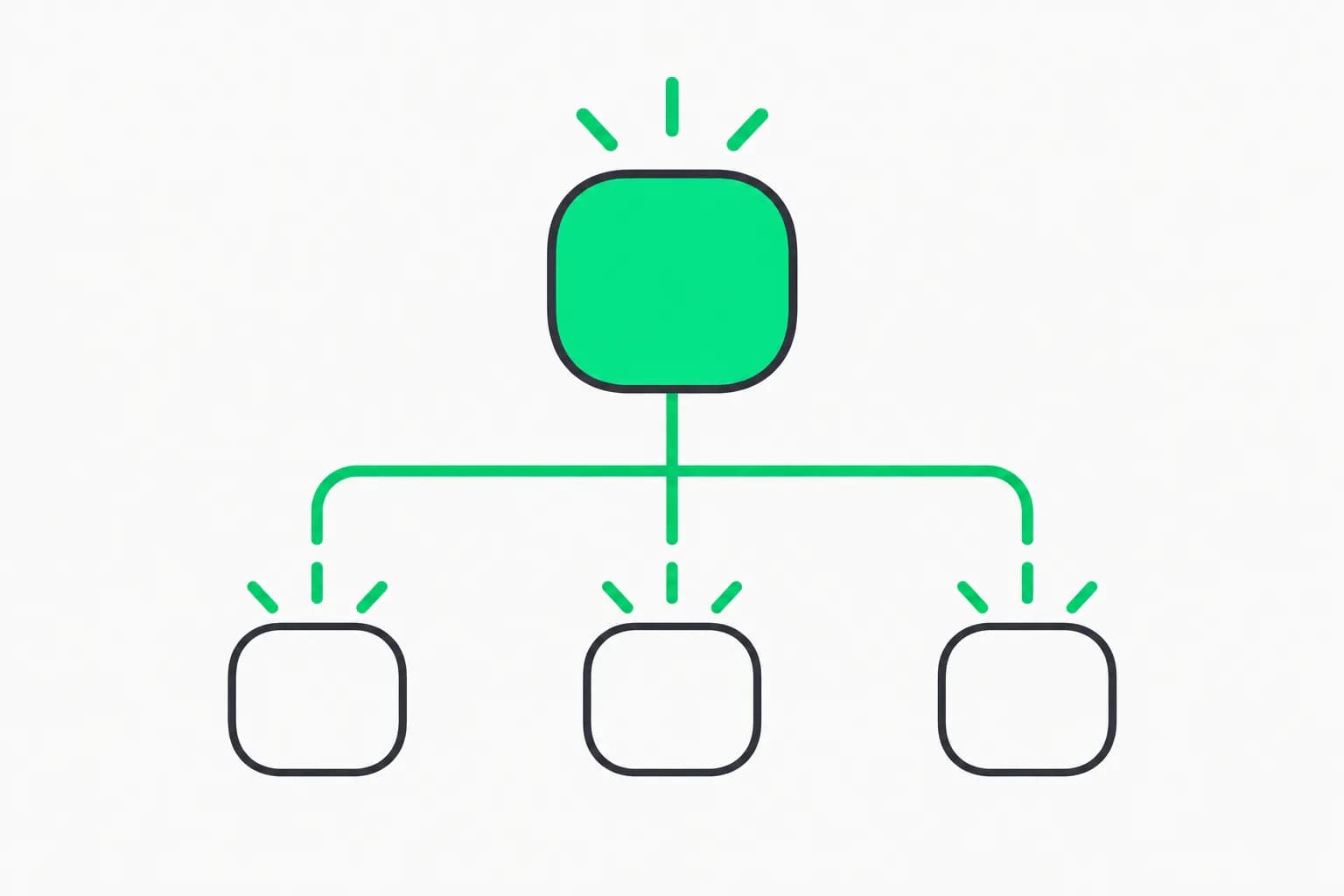
OpenCode 2.0 turns the open-source coding agent into something closer to a programmable platform. According to Anomaly's OpenCode 2.0 release note, a single shared background service now powers the terminal UI, web interface and desktop app, agents can write JavaScript in a new "Code Mode" to chain MCP tools, and subagents and shell commands can run in the background while you keep working. The catch: 1.0 plugins do not work in 2.0.
Anomaly says the release draws on the experience of millions of daily users, so a major version matters to a lot of people. Here is what changed, what breaks, and how to upgrade without losing a day.
TL;DR: the questions people will ask
| Question | Answer |
|---|---|
| How do I upgrade? | Update to the latest 1.x, then run opencode upgrade --major |
| What breaks? | 1.0 plugins, the old server API, and tui.json config (now JSON) |
| What is Code Mode? | A JavaScript interpreter where agents script chains of tool calls in one round trip |
| Background work? | Subagents and shell commands run asynchronously; Ctrl+B moves a foreground task to the background |
| One server for all UIs? | Yes: terminal, web and desktop connect to one background service |
| Plugins? | 80+ features rebuilt as internal plugins; TUI plugins are stable and hot reload |
| SDK? | @opencode/sdk is the same code that powers the CLI; trimmed builds can run on servers or Durable Objects |
| Desktop app? | Download the latest build from the link in the release note |
What changed in 2.0
One shared server
The server now runs automatically as one background process. The terminal UI, the web interface and the desktop app all talk to it, so sessions are shared rather than owned by whichever front end you opened. Scripts using @opencode/client can find the server automatically, and a /pair command connects other applications. The API was redesigned from scratch based on how people use agents, and OpenCode can call its own API, for example to create a git worktree or move a session into one.
If you used the multi-session and worktree features described in our look at OpenCode Desktop tabs, sessions and worktrees, this is the architectural step that makes them first-class.
Code Mode
Code Mode is a minimal JavaScript interpreter, shipped as @opencode/codemode. Instead of the model emitting one tool call per turn, the agent writes a short script: call a tool, map over its results, call another tool, all in a single round trip. MCP servers and OpenAPI endpoints become callable functions, and all MCP servers are opted in by default. The goal, per the release note, is less tool-call overhead and less context bloat.
This matters because attached MCP servers add tool definitions to every request. We have measured that overhead in other harnesses; see our write-up on Claude Code versus OpenCode token overhead and the MCP token overhead fixes for Claude Code. Code Mode attacks the same problem from the harness side.
Background agents
Agents can now run subagents and shell commands in the background while you keep prompting, and you can press Ctrl+B to move a running foreground task to the background. For long test runs, builds or research subagents, this removes the "wait for the agent" pause.
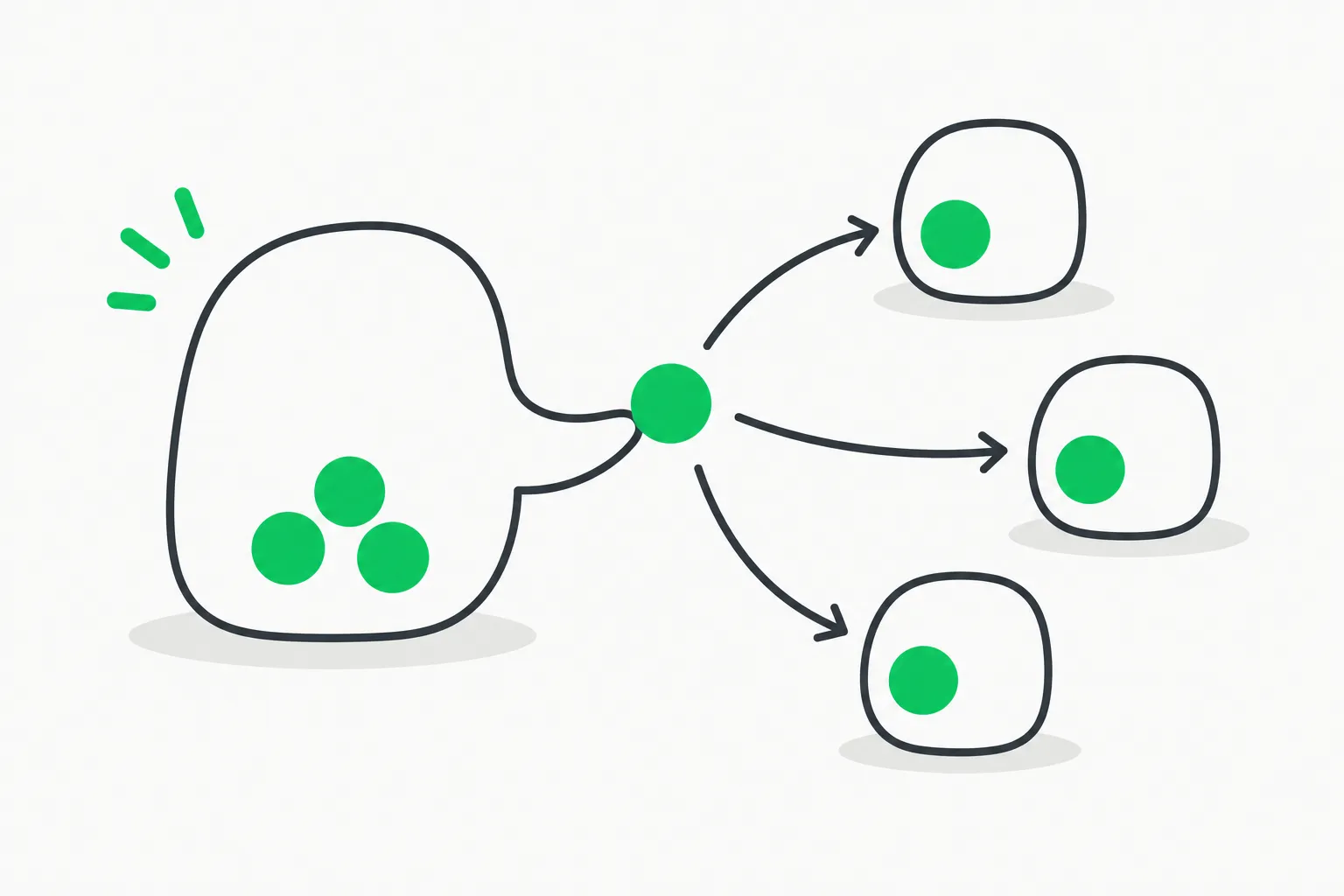 Parent agent linked to three child subagents, illustrating OpenCode 2.0 background agents running in parallel
Plugins and hot reload
Over 80 features are now built as internal plugins, which keeps the plugin API maintained because OpenCode itself depends on it. TUI plugins are stable, and everything supports hot reloading, so OpenCode can write a plugin for itself mid-session.
SDK
@opencode/sdk is described as the same code that powers the CLI. You can trim it to build custom versions, including ones that run on servers or Durable Objects. An optional Effect-based API is still in development.
How Code Mode changes a typical task
Consider a task like "find every open pull request that touches the billing module and summarize the failing checks." In a classic tool-calling loop, the model calls a GitHub tool to list pull requests, reads the whole result into context, calls another tool per pull request to fetch check runs, and reads those results too. Each call is a model turn, and every intermediate payload sits in the context window for the rest of the session.
With Code Mode, the model writes one short script instead. The script lists the pull requests, filters them by path, fetches checks for the matches, and returns only the summary. The intermediate data never enters the model's context. That is the efficiency argument in the release note: fewer round trips, and less context spent on data the model does not need to read. It also means tool results can be transformed deterministically, which can make long chains less error-prone than asking a model to copy values between calls.
The trade-offs are worth stating. Scripts written by a model can still be wrong, so you want to know what the interpreter can reach: the release note says it is a minimal JavaScript interpreter that exposes MCP servers and OpenAPI endpoints as functions, and that every MCP server is included by default. If you attach a server with write access, Code Mode can call it in a loop. Review your MCP configuration before upgrading, and keep permission prompts on for destructive tools.
What background agents do to your workflow
Background work changes how you prompt. With synchronous agents you queue a task and wait; with background subagents you can start a long test run or a research subagent, keep talking to the main agent about something else, and pull the result when it finishes. Ctrl+B lets you decide after the fact: if a foreground task turns out to be slow, push it to the background instead of canceling. The practical risks are the usual ones for concurrency: two agents editing the same files can collide, which is why the worktree support in the redesigned API is relevant, since a background agent can work in its own worktree and hand back a branch.
How to upgrade
OpenCode release 1.19.0, published October 11, 2026, is the bridge. Its notes say to run opencode upgrade --major to upgrade to OpenCode 2, and that the TUI now has an /update command; updates are no longer installed automatically. The 2.0 note gives the same path.
- Update to the latest 1.x first.
- Back up your config directory and any custom plugins.
- Run
opencode upgrade --major. - Read the migration guide. The release note says OpenCode can use it to migrate your setup, so you can ask the agent itself, but review the diff before you accept.
- Reinstall or rewrite plugins; 1.0 plugins do not load in 2.0.
- Check any scripts that call the old server API, since the API is completely different.
- Convert your TUI config to the new JSON format.
What breaks and who should wait
- Plugin authors and heavy plugin users. Anything built against the 1.0 plugin API needs a rewrite. If your workflow depends on a third-party plugin, check it supports 2.0 before upgrading.
- Teams scripting the server. The old server API is gone; integrations will need updating.
- People with customized TUI config. The move to JSON means a one-time conversion.
- Everyone else. If you mostly run the CLI or desktop app with default settings, the upgrade should be smooth, and the shared server means desktop and terminal sessions finally line up.
Why it matters for the harness race
The trend this release leans into is the harness, not the model. We covered the idea in our guide to what an agent harness is and in the top open and closed agent harnesses. OpenCode 2.0 makes three bets: that the agent should be scriptable (Code Mode and the SDK), that work should be asynchronous (background agents), and that the product should be extensible by the agent itself (hot-reloading plugins). If you are comparing it to a closed tool, our OpenCode guide and slash commands reference are the right starting points.
 Scheduled tasks clock placing a bead on a track, representing background shell tasks in OpenCode 2.0
A safe upgrade checklist for teams
If several people share one repository, upgrade one developer's machine first and let them run a normal day of work before rolling out. Keep a copy of the 1.x config in version control so a teammate can roll back quickly, and list every plugin in use with an owner who will confirm it works on 2.0. After upgrading, open the same session from the terminal and the desktop app to confirm the shared server behaves as described, then try one background subagent on a low-risk task such as running the test suite. Only after that should you turn on Code Mode against MCP servers that have write access.
What we could not verify
We read Anomaly's release note and the GitHub 1.19.0 release notes, but we have not run 2.0 ourselves or seen independent benchmarks. Claims about reduced context bloat from Code Mode are the authors' design goal, not measured results. We have not confirmed the licensing of every 2.0 package, and a third-party summary of the note was truncated around the SDK section, so check the primary note for current details.
Related reading
-
free-claude-code: the proxy that points coding agents at other providers, and its data risks
-
Release notes: OpenCode on GitHub
Details are accurate as of October 12, 2026 and drawn from Anomaly's release note and GitHub release 1.19.0; check them for current instructions.