




OpenAI has changed the rules for one group of paying users. According to its data controls help page, "during Daybreak sessions on your personal account, we may use content from your interactions to improve our models even when 'Improve the model for everyone' is off." Reports of an email to Daybreak Blue users put the start at November 29, 2026.
That is a narrow change, but it matters. Daybreak is the program security people use to get fewer refusals on malware analysis, exploit triage and code audits, and those sessions are exactly the material many researchers would never want in a training set. Our earlier coverage of OpenAI Daybreak explains the program; this post covers only what changed.
TL;DR: what changed in the Daybreak data policy
| Question | Answer | Source |
|---|---|---|
| What changed? | Personal-account Daybreak sessions may be used to improve models regardless of the training toggle | OpenAI help page |
| Does the toggle still work elsewhere? | Yes, for activity outside Trusted Access sessions | OpenAI help page |
| Why? | "To strengthen safeguards against cyber misuse" | OpenAI help page |
| Start date | November 29, 2026 | Reported from OpenAI's email; not verified by us |
| Who is exempt? | Business and enterprise customers, other ChatGPT use, Zero Data Retention | Reported from the email |
| Is there a Daybreak opt-out? | None found | Developer forum and GitHub reports |
Agents that act on your behalf need rules. See how explainx helps secure your agents →
What OpenAI's help page actually says
The data controls article gained a section titled "Trusted Access on personal accounts." It says that Trusted Access programs such as Daybreak Blue "support more sensitive work," and that Daybreak sessions on a personal account may feed model improvement even with the toggle off. It adds that the setting "still applies" to activity outside a Trusted Access session, and points to a separate "accessing Daybreak" explanation for how a session is defined.
For context, the same page says that on personal ChatGPT Free, Plus and Pro workspaces, data sharing is on by default and users can switch it off while keeping chat history. Voice mode has its own separate training control. The Daybreak rule is an exception layered on top of that default, not a change to the default itself.
The page does not name a date. The November 29 date comes from an email to Daybreak Blue users that was quoted in a CellCog write-up and in a post on the OpenAI developer forum, where a user said they received the email on October 30. We have not seen the email ourselves, so we label the date as reported.
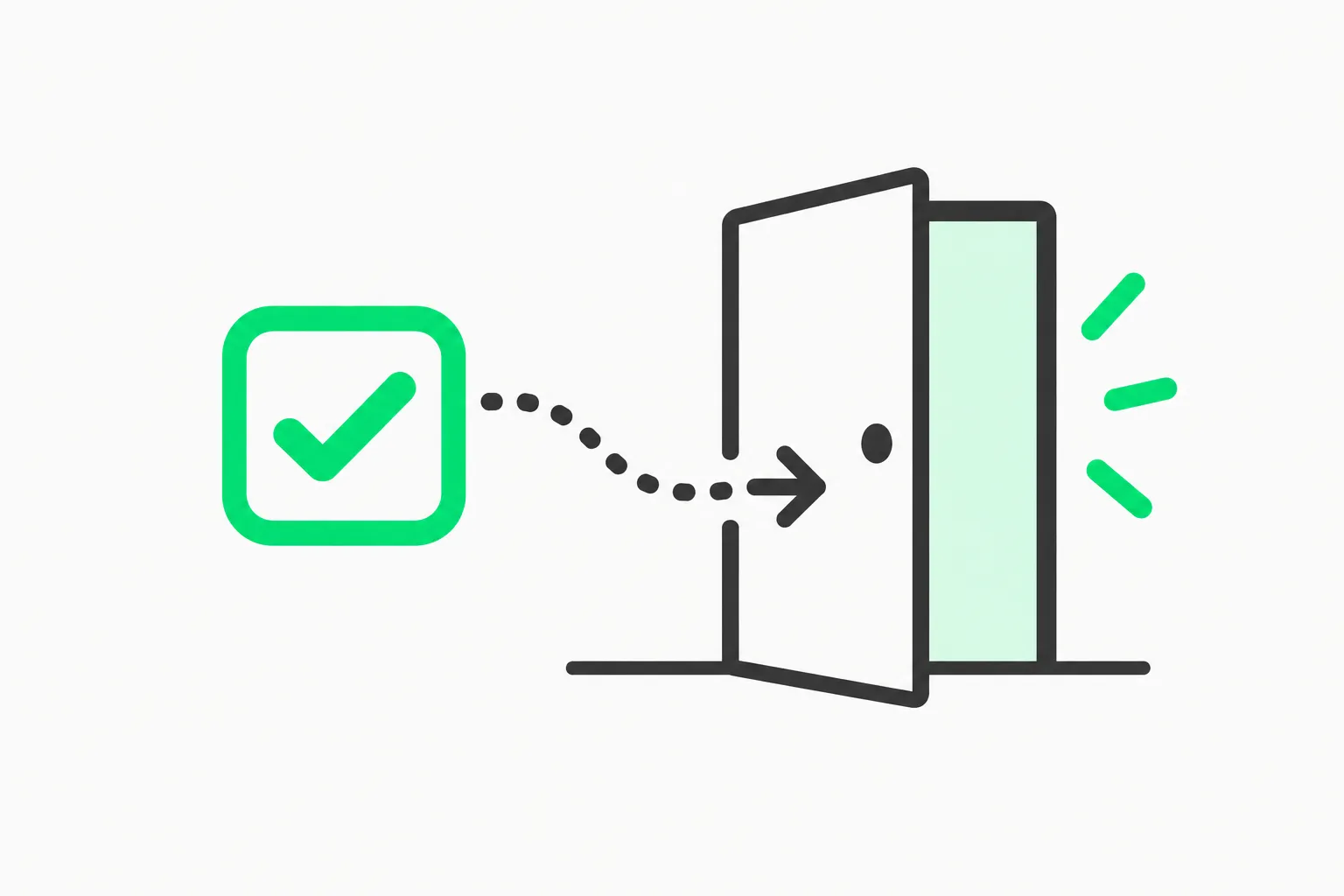 Opt-out checkbox beside an exit door, illustrating a training opt-out that Daybreak sessions go around
Why this is awkward: Daybreak required the setting that kept training off
Per the CellCog summary of OpenAI's materials, individuals joining Daybreak need an eligible paid plan, Advanced Account Security, and at least one FIDO2 hardware security key. A commenter in an older Hacker News thread noted that Advanced Account Security prevents model training from being switched on. If that is right, personal Daybreak sessions were effectively excluded from training until now, and the new rule reverses the protection that came with the required security setup.
That is the core complaint. Users took on stricter account hardening to qualify, and a side effect they may have counted on was training exclusion. The new page says the opposite applies once you are inside a Daybreak session.
We could not independently confirm how Advanced Account Security interacts with training in OpenAI's own documentation, so read that link as a user claim plus a secondary report.
Who is and is not affected
Based on the help page and the reported email:
- Affected: people using Daybreak Blue on a personal paid account.
- Not affected, per the email: business and enterprise customers, Daybreak-adjacent Advanced Account Security sessions that are not Daybreak, other ChatGPT activity on the same account, and Zero Data Retention handling.
- Not named: Daybreak Red, the higher tier with cyber-specialized models. We found no statement either way, so do not assume it is exempt. Our post on the GPT-5.6-Cyber Red and Blue tiers lays out how the tiers differ.
What security researchers are worried about
The practical concern is content. A Daybreak session may contain an unreported vulnerability in someone else's product, a client's code, an exploit chain, or malware samples. If that text can become training data, researchers worry about disclosure obligations, client confidentiality and the chance that sensitive findings surface elsewhere. OpenAI has not described how such content is filtered, how long it is retained, or whether human reviewers see it, and the help page is silent on those points.
OpenAI's stated reason is defensive: training on real cyber work helps tune safeguards against misuse. That is plausible, since models need examples of legitimate security work to separate it from abuse. But a stated purpose is not a retention policy, and readers should ask for the details rather than assume them.
What developers are saying
The reaction so far is mostly from forum and issue-tracker posts, so treat this as early signal rather than consensus.
- A user on the OpenAI developer forum said they received the email on October 30 and asked, as far as they know, whether they can explicitly switch Daybreak off.
- A user filing a T3 Code issue reports using a personal subscription for security work and for other work that cannot be used for training. They say that T3 Code does not send an explicit "standard" access-program selection, so launching a second provider with
-c daybreak=falsedoes not keep ordinary chats out of Daybreak. They report no verified workaround and say the problem blocks the work completely for them. These are one user's findings, not something OpenAI has confirmed. - On Hacker News, a separate earlier thread with hundreds of points, titled "OpenAI keeps re-enabling the 'allow training' setting," shows how trust in the toggle was already thin. One commenter,
arpinum, suggested turning on Advanced Account Security to block training; another,enraged_camel, said their setting had flipped back on and they uninstalled the app. Those are individual reports, and other commenters said their setting never changed.
That T3 Code issue also points to something concrete: per the issue text, OpenAI's app-server documentation says to include the access-program selection on every turn and warns that omitting it does not turn Daybreak off. If you use a third-party Codex client, check whether it sends that field.
What to do if you use Daybreak Blue on a personal account
- Separate your work. Keep anything you could not let OpenAI train on (client code, embargoed bugs, unreleased exploits) out of Daybreak sessions. Use a plain session, a local model, or a business or enterprise workspace.
- Check your client. If you reach Codex through a wrapper app, verify it can explicitly pick the standard access program per turn, as the T3 Code issue describes.
- Read your email and the help page. Compare OpenAI's message to the exact page wording, and save a copy with the date.
- Check contracts. If your engagement terms forbid sending client material to a third party for training, a personal Daybreak account may now be off limits for that work.
- Ask OpenAI. Request clarity on retention, reviewer access, filtering and whether Red is covered. A written answer is worth more than the help page.
- Consider a policy for your agents. If you run coding agents with broad access, a guardrail layer such as AgentBeam, the agent security platform from the explainx.ai team, can stop agents from taking dangerous actions, though it does not change what a model provider does with the data you send it.
How this compares with other labs' training rules
OpenAI is not alone in wading into this territory. Anthropic's consumer rules around chat feedback and voice data have each drawn scrutiny: see our explainers on Claude chat feedback and five-year retention, the Claude voice data opt-in settings, and the Claude Code prompt suggestions training claim. The common thread is that the toggle you set is only as strong as the exceptions written around it. For a broader look at how assistants handle personal data, see the agent privacy promises analysis.
What is different here is the mechanism. Rather than a default that changes quietly, this is a program-level exception with a stated safety rationale, disclosed on a help page and by email, applying only to an opt-in group. That is more transparent than a silently re-enabled setting, but it still means an opt-out that does not cover every session type.
The related Daybreak news from this month, such as the Cloudflare and OpenAI vulnerability remediation work, shows why the program is attractive: it does real defensive work. The question is simply whether the price of that access now includes your data.
What is confirmed and what is not
Confirmed (OpenAI's help page): personal-account Daybreak sessions may be used to improve models even with the toggle off; the toggle still applies elsewhere; the stated reason is cyber-misuse safeguards.
Reported, not verified by us: the November 29 start date, the exempt categories, and the text of the email.
Unknown: whether Red is covered, how content is filtered or retained, whether a Daybreak-specific opt-out is coming, and whether OpenAI will respond to the forum and issue-tracker requests.
We will update this post if OpenAI publishes more detail.
Related reading
- OpenAI Daybreak: Codex Security and cyber defense
- GPT-5.6-Cyber: Daybreak red and blue access tiers
- Cloudflare and OpenAI Daybreak vulnerability fixes
- Claude chat feedback and five-year retention
- Claude voice data training opt-in settings
- AI agent privacy promises analysis
- OpenAI data controls help page
Details are accurate as of October 31, 2026 and may change as OpenAI updates its documentation.