



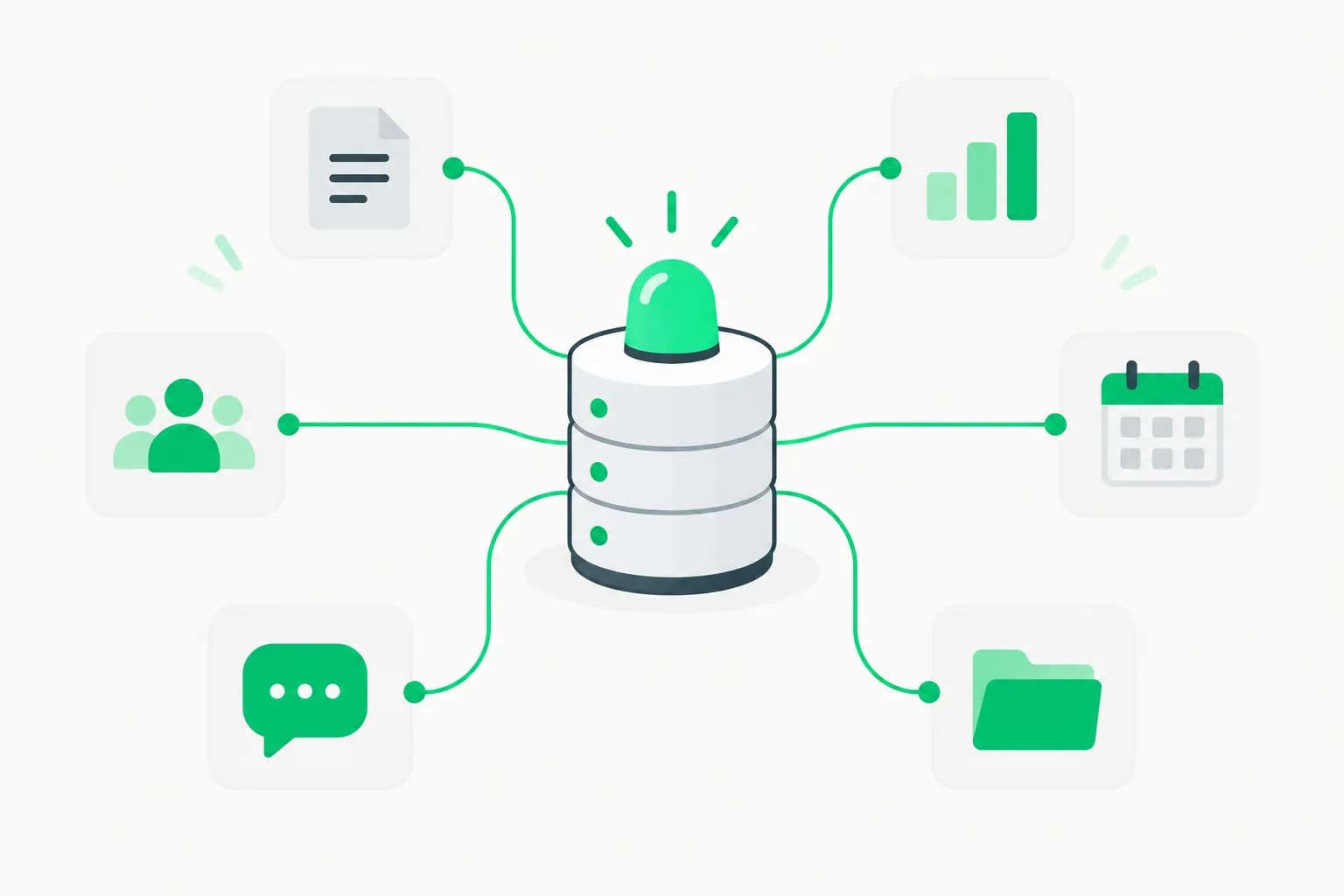
Update — August 7, 2026: This repository's .codex-plugin/plugin.json pattern — bundling skills with MCP server configs — is now formalized as Agent Plugins, an open, multi-vendor standard (OpenAI, AWS, Cursor, GitHub, VS Code, Vercel) announced August 6, 2026 for packaging Agent Skills and MCP configs across Codex, ChatGPT, Cursor, GitHub Copilot, Kiro, and VS Code.
OpenAI has released the official Codex plugins repository—a curated collection of plugin examples that extend Codex's capabilities for design workflows (Figma), knowledge management (Notion), mobile development (iOS/macOS), web deployment (Netlify, Expo), and custom tool integration through MCP servers, skills, and agents.
With 1.6K stars and 243 forks on GitHub, the repository demonstrates production-grade integrations from Figma's Code to Canvas and Code Connect to Expo's React Native workflows and Google Slides generation. Each plugin includes a .codex-plugin/plugin.json manifest, optional skill definitions, MCP server configurations, and companion surfaces for commands, hooks, and agents.
This is the first time OpenAI has published official guidance on plugin architecture—showing developers exactly how to structure custom tools, define agent behaviors, and connect external services to Codex's agentic coding workflows. The repository reveals OpenAI's vision for a plugin ecosystem where developers can extend Codex with domain-specific capabilities without waiting for OpenAI to build them.
This guide explores the repository structure, featured plugins, plugin architecture, and how to build custom Codex plugins for your own workflows.
Part I: Repository Overview
What's in the Repository
GitHub: github.com/openai/plugins
Structure:
plugins/
├── figma/               # Figma design workflows
├── notion/              # Planning, research, meetings
├── build-ios-apps/      # iOS SwiftUI development
├── build-macos-apps/    # macOS app development
├── build-web-apps/      # Web deployment workflows
├── expo/                # React Native + Expo
├── netlify/             # Netlify deployment
├── remotion/            # Video generation
├── google-slides/       # Presentation generation
└── [other plugins]/
Each plugin directory contains:
plugins/<name>/
├── .codex-plugin/
│   └── plugin.json      # Required manifest
├── skills/              # Optional skill definitions
├── .app.json            # Optional app configuration
├── .mcp.json            # Optional MCP server config
├── agents/              # Plugin-level agents
├── commands/            # Custom commands
├── hooks.json           # Event hooks
├── assets/              # Supporting files
└── README.md
Community Stats
- Stars: 1,600+
- Forks: 243
- Contributors: 55
- Languages: JavaScript (58.9%), Python (32.8%), TypeScript, Shell, HTML
- License: Likely MIT (standard for OpenAI open-source)
- Last update: 1 hour ago (active development)
Highlighted Plugins
Richest examples:
- Figma - Design system integration, Code to Canvas, Code Connect
- Notion - Planning, research, meetings, knowledge capture
- build-ios-apps - SwiftUI implementation, refactoring, debugging
- build-macos-apps - macOS SwiftUI/AppKit workflows, packaging
- build-web-apps - Deployment, UI, payments, database workflows
- Expo - React Native apps, SDK upgrades, EAS workflows, Codex Run actions
Part II: Featured Plugin Deep Dives
1. Figma Plugin
Purpose: Integrate Figma design workflows into Codex coding sessions.
Features:
A. use_figma Skill
- Read Figma files programmatically
- Extract design tokens (colors, typography, spacing)
- Generate code from designs
B. Code to Canvas
- Convert React components to Figma designs
- Sync component library to Figma
- Maintain design-code consistency
C. Code Connect
- Link Figma components to code implementations
- Show real code examples in Figma UI
- Enable designers to understand component APIs
D. Design System Rules
- Enforce design system constraints in code
- Validate component usage against Figma library
- Auto-fix design system violations
Example workflow:
User: "Update the login form to match the Figma design."

Codex:
1. Reads Figma file via use_figma skill
2. Extracts button styles, spacing, colors
3. Compares to current component implementation
4. Updates code to match Figma specs
5. Optionally syncs code back to Figma via Code to Canvas
Manifest: plugins/figma/.codex-plugin/plugin.json
{
  "name": "figma",
  "version": "1.0.0",
  "description": "Figma design workflows for Codex",
  "skills": ["use_figma", "code_to_canvas", "code_connect"],
  "mcp_server": "figma-mcp",
  "hooks": {
    "before_edit": ["validate_design_system"]
  }
}
2. Notion Plugin
Purpose: Planning, research, meetings, and knowledge capture.
Features:
A. Project Planning
- Create project roadmaps in Notion
- Sync tasks to Codex workflow
- Track progress automatically
B. Research Integration
- Capture research findings to Notion
- Link code to documentation
- Build knowledge base during development
C. Meeting Notes
- Generate meeting summaries
- Extract action items and decisions
- Link to relevant code/PRs
D. Knowledge Capture
- Automatically document architectural decisions
- Create API documentation from code
- Sync README updates to Notion
Example workflow:
User: "Create a project plan for the payments feature."

Codex:
1. Generates feature breakdown
2. Creates Notion page with tasks, timeline, dependencies
3. Links tasks to code files
4. Updates Notion as development progresses
Manifest: plugins/notion/.codex-plugin/plugin.json
{
  "name": "notion",
  "version": "1.0.0",
  "description": "Notion integration for planning and knowledge",
  "mcp_server": "notion-mcp",
  "skills": ["notion_create", "notion_search", "notion_update"],
  "agents": ["planning-agent", "research-agent"]
}
3. build-ios-apps Plugin
Purpose: iOS development with SwiftUI, performance optimization, debugging.
Features:
A. SwiftUI Implementation
- Generate SwiftUI views from descriptions
- Follow Apple design guidelines
- Implement iOS-specific patterns (NavigationStack, List, etc.)
B. Refactoring
- Modernize UIKit to SwiftUI
- Extract reusable components
- Optimize view hierarchies
C. Performance
- Identify slow views (View profiling)
- Optimize list rendering
- Reduce unnecessary re-renders
D. Debugging
- Read Xcode logs
- Interpret crash reports
- Fix common iOS bugs (memory leaks, retain cycles)
Example workflow:
User: "Build a user profile screen with avatar, bio, and settings."

Codex:
1. Generates SwiftUI view with proper structure
2. Implements navigation and state management
3. Adds iOS-specific patterns (AsyncImage, Section, etc.)
4. Writes unit tests
5. Runs in Xcode simulator
Manifest: plugins/build-ios-apps/.codex-plugin/plugin.json
{
  "name": "build-ios-apps",
  "version": "1.0.0",
  "description": "iOS app development with SwiftUI",
  "languages": ["swift"],
  "commands": {
    "build": "xcodebuild -scheme App -configuration Debug",
    "run": "xcrun simctl launch booted com.example.app"
  },
  "hooks": {
    "after_edit": ["format_swift", "run_swiftlint"]
  }
}
4. build-web-apps Plugin
Purpose: Full-stack web development with deployment, payments, databases.
Features:
A. Deployment Workflows
- Deploy to Vercel, Netlify, AWS
- Configure environment variables
- Set up CI/CD pipelines
B. UI Development
- Implement responsive designs
- Use modern CSS frameworks (Tailwind)
- Build component libraries
C. Payments Integration
- Stripe checkout implementation
- Subscription management
- Webhook handling
D. Database Workflows
- Design database schemas
- Write migrations
- Implement CRUD operations with Prisma/Drizzle
Example workflow:
User: "Add Stripe subscriptions to the app."

Codex:
1. Installs Stripe SDK
2. Implements checkout flow
3. Adds webhook endpoint for subscription events
4. Updates database schema for subscriptions
5. Deploys to Vercel
6. Tests with Stripe test mode
Manifest: plugins/build-web-apps/.codex-plugin/plugin.json
{
  "name": "build-web-apps",
  "version": "1.0.0",
  "description": "Full-stack web development workflows",
  "skills": ["deploy_vercel", "stripe_integration", "database_migrations"],
  "commands": {
    "deploy": "vercel --prod",
    "db_migrate": "npx prisma migrate dev"
  }
}
5. Expo Plugin
Purpose: React Native development with Expo SDK and EAS workflows.
Features:
A. Expo App Development
- Generate Expo apps with modern patterns
- Use Expo SDK (Camera, Location, Notifications)
- Implement navigation (Expo Router)
B. SDK Upgrades
- Migrate to newer Expo SDK versions
- Fix breaking changes automatically
- Update dependencies
C. EAS Workflows
- Configure EAS Build
- Submit to App Store / Play Store
- Manage OTA updates
D. Codex Run Actions
- Test on physical devices
- Preview in Expo Go
- Generate screenshots
Example workflow:
User: "Build a camera app with Expo."

Codex:
1. Creates Expo app with expo-camera
2. Implements camera UI with permissions
3. Adds photo capture and gallery save
4. Tests in Expo Go
5. Builds iOS/Android binaries with EAS
Manifest: plugins/expo/.codex-plugin/plugin.json
{
  "name": "expo",
  "version": "1.0.0",
  "description": "Expo and React Native workflows",
  "skills": ["expo_init", "eas_build", "eas_submit"],
  "commands": {
    "start": "npx expo start",
    "build_ios": "eas build --platform ios",
    "submit": "eas submit"
  }
}
Part III: Plugin Architecture
Required: plugin.json Manifest
Every Codex plugin must include .codex-plugin/plugin.json:
{
  "name": "my-plugin",
  "version": "1.0.0",
  "description": "Short description of what this plugin does",
  "author": "Your Name",
  "license": "MIT",

  // Optional: Skills provided by this plugin
  "skills": ["skill_name_1", "skill_name_2"],

  // Optional: MCP server configuration
  "mcp_server": "server-name",

  // Optional: Custom commands
  "commands": {
    "command_name": "shell command to run"
  },

  // Optional: Event hooks
  "hooks": {
    "before_edit": ["validate_formatting"],
    "after_edit": ["run_linter"],
    "before_commit": ["run_tests"]
  },

  // Optional: Plugin-level agents
  "agents": ["agent-name"],

  // Optional: Language/framework constraints
  "languages": ["javascript", "typescript"],
  "frameworks": ["react", "nextjs"]
}
Optional: Skills
Location: plugins/<name>/skills/
Skills are reusable agent capabilities. Example from Figma plugin:
File: plugins/figma/skills/use_figma.md
# use_figma

Read and manipulate Figma files programmatically.

## Usage

When the user asks to read a Figma design or extract design tokens:

1. Use the MCP tool `figma__get_file` to read the Figma file
2. Extract relevant design data (colors, typography, components)
3. Generate code that matches the design

## Example

User: "Update button styles to match Figma."