



Odoo is an open-source business management platform that challenges the assumption that enterprise software must be expensive, inflexible, or locked to a single vendor. With 51,200+ GitHub stars, 2,428 contributors, and 7+ million users, Odoo offers a modular suite of apps covering every major business function — from CRM and accounting to manufacturing and e-commerce — all integrated by design.
This guide explains what Odoo is, how it works, when it fits (and when it doesn't), and how to get started in 2026.
What is Odoo? The 30-second version
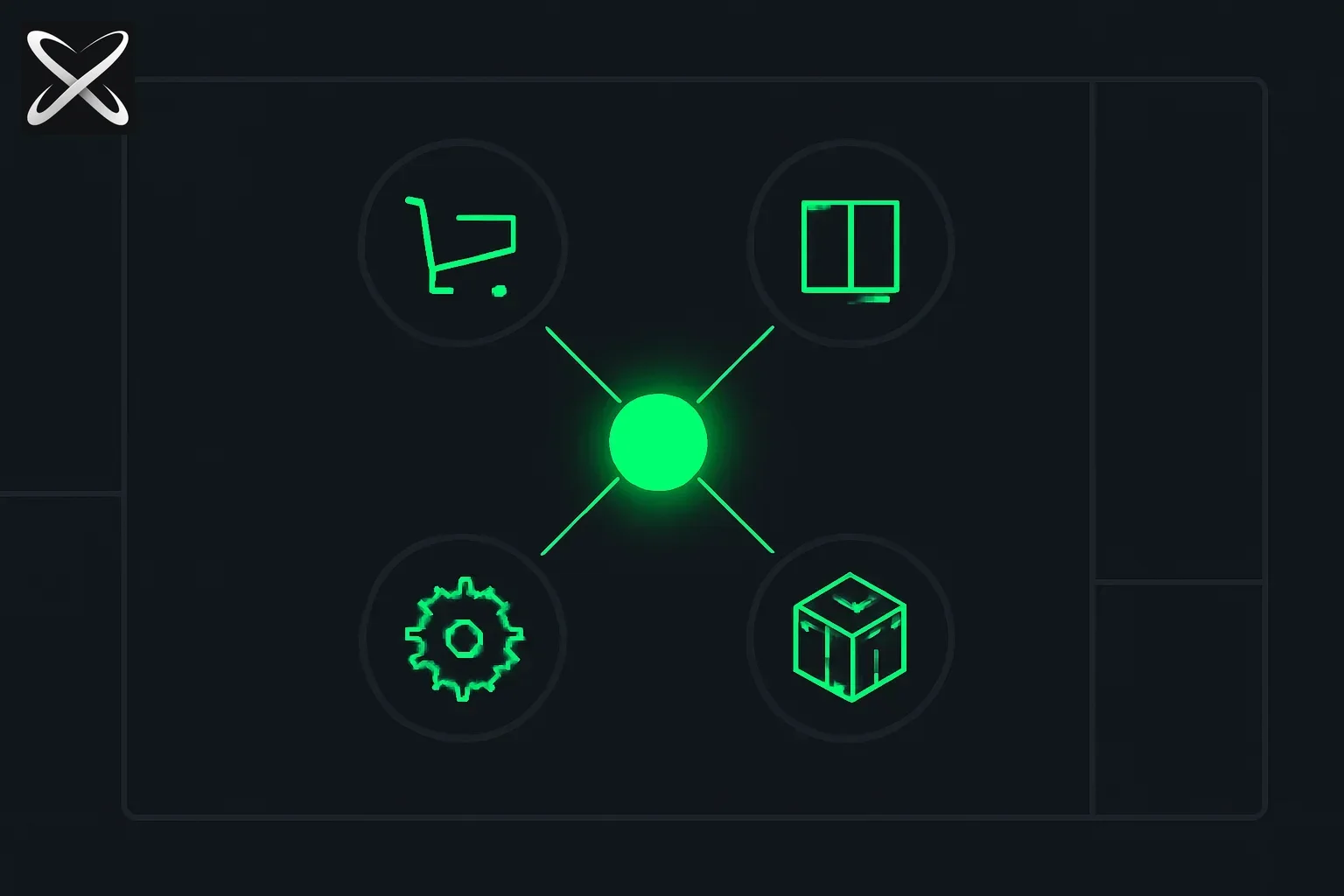 Odoo ERP explained — a central hub connected to a ring of distinct business-app module icons
Odoo is a web-based, open-source ERP (Enterprise Resource Planning) system built in Python and JavaScript. Unlike monolithic legacy ERP platforms, Odoo uses a modular architecture: you install only the apps you need, and they integrate automatically because they share a common data model.
Key characteristics:
- Open source (LGPL v3 license) with a Community Edition that's free forever
- 30+ official apps for sales, inventory, HR, manufacturing, marketing, helpdesk, and more
- Thousands of third-party apps via the Odoo App Store and community repositories
- Self-hosted or cloud-hosted (Odoo.sh) deployment options
- Active development: 500+ deployments in production, continuous updates from 2,400+ contributors
 Odoo modular app ecosystem — from CRM to manufacturing
Core Odoo apps (and what they replace)
Odoo's strength is depth across functions without vendor lock-in. Here's what the main apps do and what they compete with:
| Odoo App | What it does | Replaces / Competes with |
|---|---|---|
| Sales & CRM | Lead tracking, opportunity pipeline, quotations, sales orders | Salesforce, HubSpot, Pipedrive |
| Accounting | General ledger, invoicing, expense tracking, financial reports | QuickBooks, Xero, NetSuite |
| Inventory & Warehouse | Stock management, multi-warehouse, routes, serial/lot tracking | Fishbowl, TradeGecko, SAP WM |
| Manufacturing | Bill of materials, work orders, MRP, subcontracting, quality | SAP PP, Oracle Manufacturing, Epicor |
| Purchase | RFQs, vendor management, purchase orders, receipts | SAP MM, Coupa, Oracle Procurement |
| E-commerce | Online store with cart, payments, shipping, product variants | Shopify, WooCommerce, Magento |
| Website Builder | Drag-and-drop site editor, SEO, blog, landing pages | WordPress, Wix, Squarespace |
| Project Management | Tasks, Gantt charts, timesheets, resource planning | Asana, Monday.com, Jira (for non-dev work) |
| HR & Recruitment | Employee records, time-off, recruitment pipeline, appraisals | BambooHR, Workday, Greenhouse |
| Marketing Automation | Email campaigns, SMS, social posts, lead scoring | Mailchimp, ActiveCampaign, Marketo |
| Point of Sale | Retail POS with offline mode, payment terminals, loyalty | Square, Lightspeed, Shopify POS |
| Helpdesk | Ticket management, SLA tracking, live chat | Zendesk, Freshdesk, Intercom |
The integration advantage: When you use Odoo CRM with Odoo Accounting and Inventory, a quote automatically becomes an invoice, updates stock reservations, and syncs to the GL — without middleware or manual export/import.
Community vs. Enterprise: what's the difference?
Odoo offers two editions with different licensing and feature sets:
Odoo Community Edition (free, open source)
- License: LGPL v3 (free to use, modify, distribute)
- Code: Fully open on GitHub.com/odoo/odoo
- Apps included: Core modules (Sales, CRM, Inventory, Accounting, Manufacturing, Website, etc.)
- Support: Community forums, paid consultants, or in-house team
- Hosting: Self-host anywhere (your servers, AWS, Azure, DigitalOcean, etc.)
- Updates: You manage upgrades and migrations
Best for: Tech-savvy SMBs, startups with dev resources, cost-conscious organizations, companies wanting full control.
Odoo Enterprise Edition (paid subscription)
- License: Proprietary (per-user/per-app subscription)
- Code: Closed-source extensions on top of Community
- Premium features: Advanced reporting, studio (no-code customization), mobile apps, IoT integration, additional modules (Marketing Automation, Helpdesk, Studio)
- Support: Official Odoo support via tickets and upgrades
- Hosting: Self-hosted or Odoo.sh (fully managed cloud with staging/production environments)
- Pricing: Typically $24.90–$37.40/user/month (varies by apps and commitment)
Best for: Companies needing enterprise SLAs, managed hosting, or premium modules; organizations without dedicated IT teams.
Hybrid option: Many companies run Community Edition with paid support contracts from Odoo partners — getting open-source flexibility with professional services.
Technical architecture (for engineers and architects)
Odoo's stack is modern and approachable compared to legacy ERP platforms:
Stack components
- Backend: Python 3.10+ (uses ORM framework for database abstraction)
- Frontend: JavaScript (Odoo's proprietary "Owl" framework, similar to React/Vue concepts)
- Database: PostgreSQL (required; no MySQL/MSSQL support)
- Web server: Built-in Werkzeug (Python WSGI); reverse proxy (Nginx, Apache) recommended for production
- Styling: SCSS, Bootstrap-based responsive UI
- API: XML-RPC and JSON-RPC for external integrations; RESTful endpoints via community modules
Deployment models
- Self-hosted on-premise: Install on Ubuntu/Debian/RHEL with PostgreSQL; full control, requires sysadmin capacity.
- Self-hosted cloud: Deploy to AWS EC2, Google Cloud, Azure VMs, or DigitalOcean with Docker/Kubernetes.
- Odoo.sh (Enterprise only): Managed PaaS with automatic backups, staging environments, and GitHub integration.
- Third-party hosting: Providers like Odoo Ready, Elico Corp, and regional partners offer managed Community/Enterprise hosting.
Customization and development
- Studio (Enterprise): No-code/low-code customization — add fields, views, automations via GUI.
- Custom modules: Write Python modules that extend existing apps; publish internally or to Odoo App Store.
- Themes: Customize website/e-commerce UI with SCSS and XML views.
- Integrations: Connect via XML-RPC to external systems (Salesforce, Shopify, payment gateways, shipping carriers).
Developer-friendly: Python ecosystem, active community, extensive documentation at odoo.com/documentation.
When Odoo fits (and when it doesn't)
✅ Odoo is a strong fit when:
- You need multiple integrated apps: CRM + Inventory + Accounting + E-commerce — Odoo's "all-in-one" advantage shines.
- Budget constraints: Open-source Community Edition is free; even Enterprise is 5–10× cheaper than SAP/Oracle.
- Mid-market or SMB: 10–500 employees; Odoo scales well in this range.
- Manufacturing or distribution: Strong MRP, warehouse routing, and multi-location inventory features.
- Flexibility required: You want to customize workflows, add fields, or integrate with niche systems.
- Modern UI expectations: Users coming from consumer SaaS (Slack, Notion) will find Odoo's interface familiar.
❌ Odoo may not fit when:
- Enterprise-scale complexity: 10,000+ users, multi-continent deployments with strict compliance — SAP/Oracle have deeper enterprise tooling.
- Industry-specific vertical needs: Odoo lacks native depth for banking, insurance, or utilities (though partners build vertical modules).
- Zero technical capacity: If you can't self-host and don't want to pay for Enterprise/hosting, deployment may be challenging.
- Existing heavy SAP/Dynamics investment: Migration cost and change management may outweigh savings unless you're already planning a platform exit.
- Need for 24/7 mission-critical support: Community Edition has no SLA; Enterprise SLAs exist but may not match hyperscaler-tier guarantees.
Getting started with Odoo in 2026
1. Try Odoo online (no install)
- Odoo.com demo: Free trial with sample data; test CRM, Inventory, Accounting, etc.
- Explore the UI: See if the workflow matches your business processes before committing.
2. Install Odoo Community Edition locally
For developers or technical teams:
# Ubuntu/Debian example
sudo apt-get update
sudo apt-get install postgresql python3-pip python3-dev libxml2-dev libxslt1-dev \
  libevent-dev libsasl2-dev libldap2-dev

# Clone the Odoo repository
git clone https://github.com/odoo/odoo.git --depth 1 --branch 19.0
cd odoo

# Install Python dependencies
pip3 install -r requirements.txt

# Initialize PostgreSQL database
sudo -u postgres createuser -s $USER
createdb odoo19

# Run Odoo
./odoo-bin --addons-path=addons --database=odoo19
Access at http://localhost:8069 and create your first database via the web UI.
3. Use Docker for quick setup
# Run Odoo + PostgreSQL with Docker Compose
docker-compose up -d
Example docker-compose.yml available at GitHub.com/odoo/docker.
4. Choose Enterprise or partner hosting
- Odoo Enterprise: Subscribe at odoo.com/pricing for managed hosting + support.
- Certified partners: Browse odoo.com/partners for regional implementation consultants.
Real-world adoption and case studies
Odoo's 7+ million users span industries and geographies:
- Manufacturing: Mid-size manufacturers use Odoo MRP for work orders, subcontracting, and quality control — replacing expensive SAP modules.
- E-commerce: Direct-to-consumer brands run Odoo Website + Inventory + Accounting for end-to-end fulfillment without Shopify fees.
- Distribution: Wholesalers leverage multi-warehouse routing, lot tracking, and purchase automation to manage complex supply chains.
- Services: Consulting firms use Odoo Project + Timesheet + Invoicing for client billing and resource planning.
Geographic strength: Odoo is especially popular in Europe (Belgium, France, Spain, Germany), Latin America (Mexico, Argentina, Brazil), and Asia (India, UAE, Philippines), where open-source business software has strong adoption.
Security and compliance
Security posture
- Active maintenance: Odoo releases security patches regularly; subscribe to GitHub security advisories.
- OWASP compliance: Odoo follows secure coding practices; SQL injection, XSS, and CSRF protections are built-in.
- Self-hosting control: Organizations with strict data sovereignty (GDPR, HIPAA, DPDP) can self-host and maintain full audit trails.
- Odoo.sh encryption: Enterprise cloud uses TLS, encrypted backups, and SOC 2 Type II compliance (verify current certification status).
Responsible disclosure
Odoo has a security policy on GitHub; report vulnerabilities to security@odoo.com.
Note: As with any open-source ERP, keep your installation updated — unpatched systems are targets for automated scanning (see our post on AI vulnerability discovery at scale for context on how quickly new exploits emerge).
Odoo vs. the competition (quick comparison)
| Criteria | Odoo (Community) | SAP Business One | Microsoft Dynamics 365 | Salesforce + Apps |
|---|---|---|---|---|
| License | Open source (LGPL) | Proprietary | Proprietary | Proprietary |
| Cost (50 users) | Free (self-hosted) + hosting | $60K–$150K/year | $70–$210/user/month | $150–$300/user/month |
| Deployment time | 1–3 months (SMB) | 6–12 months | 3–9 months | 2–6 months (CRM only) |
| Customization | High (Python/JS) | Medium (SDK, partners) | Medium–High (Power Apps) | Medium (Apex, limited) |
| Manufacturing depth | Strong (MRP, BoM, routing) | Strong | Medium | Weak (requires add-ons) |
| Developer ecosystem | Large (2,400+ contributors) | Established (SAP partners) | Large (Microsoft ecosystem) | Very large (Salesforce AppExchange) |
| Best for | SMBs, tech-forward orgs | Mid-market manufacturing | Microsoft-aligned enterprises | Sales-led organizations |
Odoo's sweet spot: Organizations that value flexibility, cost control, and full-stack integration over enterprise-grade brand name support.
The Odoo community and ecosystem
- GitHub repository: github.com/odoo/odoo — 51,200+ stars, 32,500+ forks, active issues/PRs.
- Odoo Community Association (OCA): github.com/OCA — community-maintained modules (e-commerce extensions, accounting localizations, integrations).
- Forums: odoo.com/forum — active Q&A for developers and users.
- Odoo Experience: Annual conference (Brussels) with product roadmap, partner showcases, and training.
- App Store: apps.odoo.com — 30,000+ community and partner apps (some free, some paid).
Active development: Odoo sees 500+ production deployments daily and receives contributions from companies worldwide (France, Belgium, India, Spain, Argentina).
Practical advice for implementation teams
If you're evaluating or deploying Odoo:
- Start with core apps first: Don't install 20 apps on day one. Deploy CRM or Inventory, validate workflows, then expand.
- Budget for customization or partners: Even open-source Odoo requires setup, data migration, and user training — plan $10K–$50K for SMB implementations.
- Version management: Odoo releases a new major version annually (e.g., 19.0 in 2026); plan upgrade windows.
- Data migration is non-trivial: Migrating from QuickBooks, Salesforce, or Excel requires mapping, cleaning, and validation — allocate time.
- Train power users early: Odoo's flexibility means your team can break workflows if permissions and processes aren't clear.
- Monitor performance: PostgreSQL tuning and Odoo worker configuration matter at scale (100+ concurrent users).
For teams deploying AI agents or automation on top of Odoo, the XML-RPC API is well-documented — browse our agent skills registry for examples of how teams integrate business apps with AI workflows.
Future roadmap and AI integration
Odoo's 2026–2027 roadmap (per public discussions) includes:
- Enhanced Studio (no-code builder): Deeper automation and workflow configuration without Python.
- AI-assisted features: Smart suggestions in CRM (next best action), predictive inventory, and automated accounting reconciliation using LLMs.
- Improved mobile apps: Native iOS/Android experience for field sales, warehouse scanning, and POS.
- Kubernetes-ready deployments: Official Helm charts and multi-tenant SaaS improvements.
- Localization expansion: Deeper compliance for India (GST), Brazil (NF-e), and other markets.
AI opportunity: Odoo's open architecture makes it a natural fit for AI-powered business process automation — from auto-categorizing expenses to generating purchase orders based on demand forecasts.
Sources and further reading
- Odoo GitHub: github.com/odoo/odoo
- Official documentation: odoo.com/documentation
- Odoo Community Association: odoo-community.org
- Pricing: odoo.com/pricing
- App Store: apps.odoo.com
If you're standardizing business workflows across ERP, CRM, and external systems, our skills registry and demo booking can help you build governed, repeatable automations on top of platforms like Odoo.