



Mika is an open-source Android app that turns a tool-calling language model into a phone agent: you type one sentence, and it opens apps and websites, reads the screen, taps, types and scrolls on a hidden background screen while you keep using the phone for something else. The repository, wangzan101/Mika on GitHub, was created on October 29, 2026, had about 1,682 stars two days later and was at release v0.1.16 on October 31, with 104 commits and an Apache-2.0 license. It is a beta, and the English README says so plainly; the computer access guide covers the MCP bridge and the releases page carries the APKs.
Phone agents are a crowded idea, and big labs ship their own versions. What makes Mika worth a look is the combination of an open license, bring-your-own-model design, an MCP bridge for desktop agents, and a very explicit list of what it will and will not ask you about. This post covers how it works, how to try it, what the README says about privacy, and the risks you should weigh before handing a model your phone.
Quick reference: what you need to know
| Question | Answer | Source |
|---|---|---|
| What is it? | An on-device AI agent for Android that operates apps and the web | Mika README |
| License | Apache License 2.0 (includes GPL and LGPL helper binaries, run as child processes) | Mika README |
| Cost | App is free; you pay your model provider, or use a ChatGPT Plus or Pro sign-in | Mika README |
| Needs a server? | No Mika server; data goes to the model provider you configure | Mika README |
| Android versions | 11+ for chat and web, 12+ for app control, 14+ recommended | Mika README |
| Maturity | Early public beta, mainly tested on one Android 14 phone | Mika README |
| Repo age and traction | Created Oct 29, 2026; about 1,682 stars; release v0.1.16 on Oct 31 | GitHub |
How does Mika operate apps without taking over my screen?
Mika works on a separate virtual display. The README describes it as a hidden background screen where the agent "reads, taps, types and scrolls" while the user keeps using the main screen, with a small live view inside the chat showing what it is doing. No per-app integration is needed: it reads the screen's accessibility tree, and for apps whose interface cannot be read (custom-drawn controls, unlabeled buttons) it falls back to on-screen text recognition bundled in the APK. With a vision-capable model it can also locate buttons from screenshots.
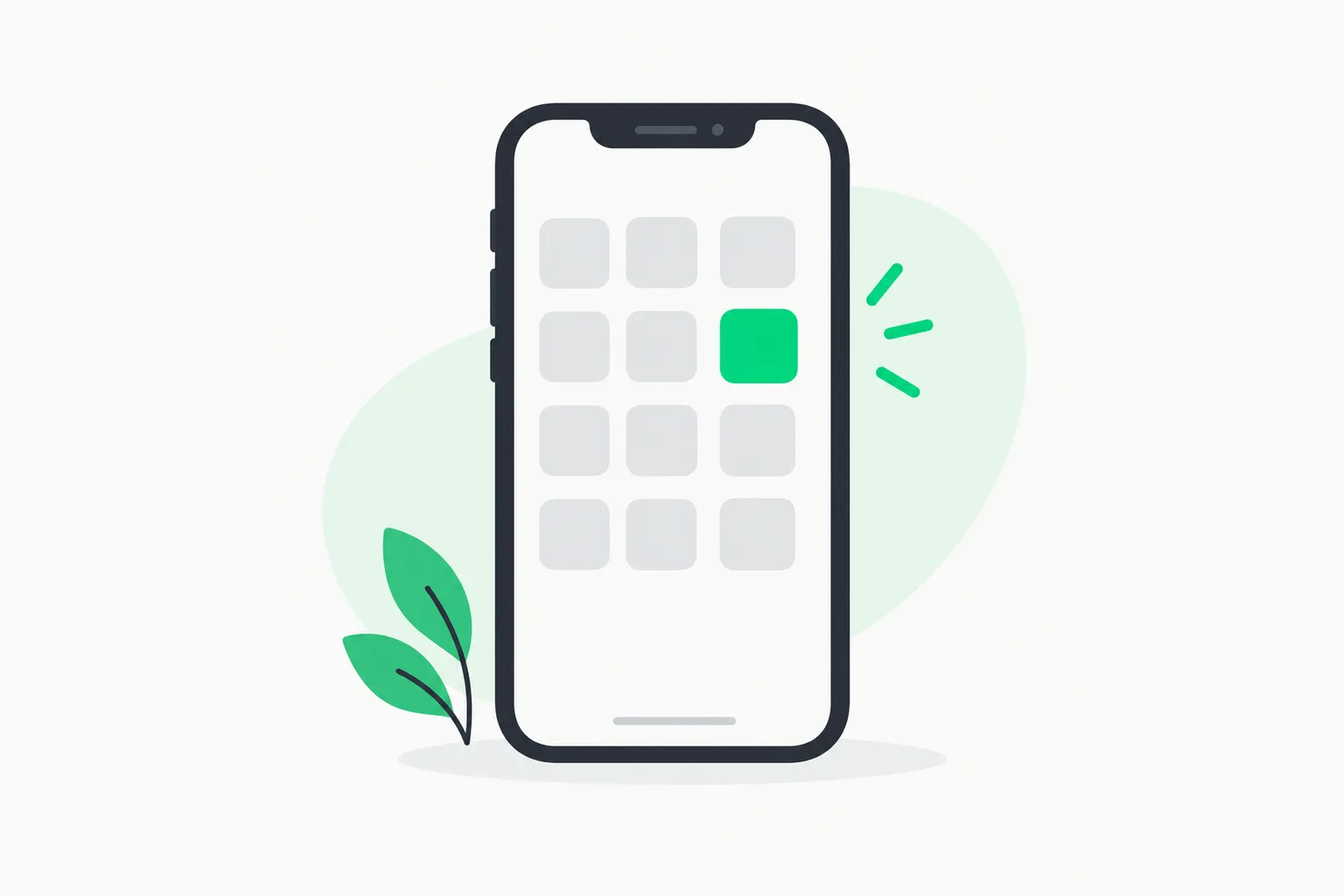 A phone outline with a grid of app squares, one highlighted, showing an Android AI agent choosing which app to operate
The hidden screen is the clever part, and it is also why setup is unusual. Starting a helper that can launch apps on a second display needs elevated shell permissions, so Mika asks you to pair Android's own wireless debugging once. It uses that connection to start its phone helper on the device. After pairing, if Android switches wireless debugging off (it does after a Wi-Fi change or a reboot), Mika can turn it back on with your permission. If you have a computer and a USB cable, you can skip the pairing and run a start script over adb instead, which has to be repeated after each restart.
The agent also asks you to take over for things only you should do. Logging in, verification codes and payment passwords trigger a notification; the app moves to your main screen, you finish, and you hand control back. Some screens, such as payment or password entry, block screenshots, so Mika cannot see them and says it will not try.
What can it actually do?
The README's demo list is the best evidence of intended scope. It shows Mika sending a WeChat message in the background, reading the top five Hacker News stories with their points, finding the cheapest nonstop SFO to New York flight on Google Flights, finding a USB-C charger under 30 dollars rated 4.5 stars or higher on Amazon and adding it to the cart (stopping before checkout), summarizing a WeChat group chat, and greeting recruiters on the BOSS Zhipin job site. A food-delivery demo stacks discounts on Meituan and asks before paying.
Beyond one-off tasks, the README lists several features that make it more than a demo:
- A built-in browser that opens sites in the background and operates pages with real clicks and keyboard input. Logins persist, and pages open in desktop mode by default. It spaces out consecutive page loads on the same site and hands anti-bot block pages to you instead of forcing through.
- Scheduled and conditional tasks, such as "check the weather at 8 every morning and tell me only if it will rain." They run in the original conversation and report back.
- A floating capsule that shows progress while you are in another app. Double-tapping it sends the current screen to Mika, for requests like "how should I reply to this."
- Memory for facts and preferences you state explicitly, stored encrypted on the phone. The README says it never stores passwords, verification codes or card numbers.
- A Linux sandbox per conversation that can run Python, Node and shell commands and save results to the Download/Mika folder. It is offline by default and arm64 only.
- Traceability: every task has a step-by-step record, answers list their sources, and each task ends with a summary of time, model round trips and tokens used.
 A clock holding a green marker above a waiting package, representing scheduled tasks for an Android AI agent
A caveat on the demos: many cover apps popular in China, and the built-in knowledge files (plain-text notes on where things are in each app) are written in Chinese. The README states that Mika is not tied to those apps and that you can talk to it in English, and it also lists knowledge for Gmail, WhatsApp, Telegram, Uber, Uber Eats, Amazon, Google Maps, YouTube and Instagram. We did not run it on a phone for this post, so treat the capability list as the project's claims rather than our test results.
How do I set it up with my own model?
The README gives two install paths. The first is on the phone: download the latest APK from the repository's Releases page, open the "Set up phone control" wizard in Settings, pair wireless debugging once, then add a model provider. The second is to let a coding agent on your computer do it. You connect the phone by USB, enable USB debugging, and paste a sentence pointing an agent at an install guide in the repo; the agent checks the phone, installs the APK and stops when something needs a tap. You still enter your own API key in the app, and the README says that key does not pass through the agent.
For models, the app ships presets for a long list of providers, including DeepSeek, Qwen, Kimi, OpenRouter, Anthropic, Gemini, OpenAI, xAI, Mistral, Groq, Ollama and LM Studio. A custom option accepts any OpenAI-compatible, Anthropic, Gemini or OpenAI Responses endpoint, and the base URL may be a plain http:// address on your local network, which is how you would point it at a model served by Ollama on your own computer.
Three model roles exist: a main model that does the work and must support tool calling, an optional vision model that locates controls in screenshots, and a light model for small jobs such as judging whether a task succeeded. When you save a provider, the app calls the provider's list-models endpoint and gives the candidate main model a test tool to see whether it really calls tools, trying up to three models before it gives up and asks you to pick one. You can also sign in with a ChatGPT Plus or Pro plan instead of using an API key, which is the same idea as other tools that borrow a subscription; our OpenClaw and ChatGPT plan explainer covers how that has played out for other projects.
What to expect on cost: a phone agent reads the screen at every step, so it makes many model calls per task. The README's per-task summary and a daily token-usage breakdown by provider and model exist for exactly this reason. Start with a cheap model on a small task and look at the numbers before you schedule anything recurring.
Can my desktop coding agent drive it over MCP?
Yes, and this is the feature most relevant to readers who already use Claude Code or Codex. With the phone plugged in, two commands (an adb shell script that enables computer access and prints a URL and token, plus an adb forward for port 8765) expose an MCP endpoint on 127.0.0.1. You add the address and token to your AI tool's MCP configuration, and that tool can hand Mika tasks, check progress and fetch results. The README says it is USB-only and token-protected, not reachable over Wi-Fi unless you switch on a LAN option that is off by default, and that confirmations such as payments can only be approved on the phone.
If MCP is new to you, our MCP explainer covers the protocol. The practical idea is that your desktop agent gets a hands-on tool for the one device it normally cannot touch. It is also a different approach from Claude Code's mobile remote control, which puts the phone in charge of a coding agent running elsewhere. Mika goes the other direction: the agent lives on the phone, and the computer can delegate to it.
 A mechanical gripper offering a green bead to a human hand, showing an AI agent handing a payment decision back to the user
What are the risks?
This is the section to read before installing. A phone agent combines screen access, logged-in accounts and the ability to send messages and spend money. The README is candid about several limits, and we add the questions it raises.
Autonomy defaults. In the default Ask mode, only spending money is confirmed first: placing or submitting an order, or confirming while the page shows an amount due. Sending messages, posting, submitting forms, deleting and changing settings are done without asking. That is a deliberate trade-off for usefulness, but it means a wrong instruction or a misread screen can send a message to the wrong person before you notice. Autonomous mode removes even the payment prompt. For scheduled tasks that run while you are away, Ask mode skips the money-spending step and tells you which step was not done.
Terms of service. The README disclaimer says that operating third-party apps and websites through automation may violate their terms and carries a risk of restricted features or account bans. It also describes batch jobs, such as greeting recruiters one by one, that start without confirming the list and wait a random interval between items. Whatever your view of those use cases, platforms that detect automated behavior can and do act on accounts. Do not point it at an account you cannot afford to lose.
Data exposure. The privacy section says there is no Mika server and that screen contents and screenshots go only to the model provider you configure. That is a strong claim, and it also means the real privacy question is your provider's policy. A model reading your messaging apps sees whatever is on screen, including other people's messages. If you want to limit that, a local model through Ollama or LM Studio keeps the data on your network, at the cost of capability. The README says memory and keys are encrypted with the Android Keystore; we have not audited that code.
Elevated access. Wireless debugging is a powerful permission. It is what allows the hidden screen to exist, and it is also why Android normally hides it behind developer options. The README notes that for apps installed outside an app store Android often blocks manual accessibility toggling, so Mika enables the accessibility service itself after pairing. That is convenient, and it is also the kind of permission pattern that security teams tell people to be careful with. Install only the APK from the repository's official Releases page, which the README names as the only update source, and verify the repository owner before downloading anything.
Maturity. The project calls itself an early public beta, mainly tested on one Android 14 phone, with breaking changes possible. The release cadence is fast (v0.1.16 on day two of its life), which is good for fixes and a reason to expect rough edges.
If you build or deploy agents professionally, the same questions apply at larger scale. AgentBeam, the agent security platform from the explainx.ai team, is built to stop AI agents before they take dangerous actions, and a rule such as "confirm before any irreversible step" is the same principle Mika's Ask mode applies to payments.
How does it compare with other phone and computer-use agents?
Mika sits between several things we have covered. Alibaba's OpenGCUA stack and Microsoft's Mage-VL Cowork 4B model are about the models that click and type; Mika is the client app, and it is model-agnostic, so a computer-use model with tool calling could in principle sit behind it. The android-ad-cleaner repo also uses adb to let an agent drive an Android phone, but it does so from a desktop coding agent with a rulebook for one narrow job. Mika instead lives on the device and covers general tasks.
| Approach | Where the agent runs | Scope | Model |
|---|---|---|---|
| Mika | On the Android phone, hidden second screen | Any app or website | Bring your own, tool calling required |
| android-ad-cleaner | Desktop coding agent over adb | Switching off ads and marketing pushes | Whatever your coding agent uses |
| Computer-use models (OpenGCUA, Mage-VL) | Model layer, needs a harness | Desktop and mobile GUI tasks | Specific open models |
None of these is a replacement for a first-party assistant from a phone maker, which can use private system hooks Mika cannot. The trade is that Mika is inspectable and runs on the model you pick.
What should I do if I want to try it?
A sensible, low-risk way to evaluate it:
- Use a spare phone or a secondary Android user profile with no banking apps and no important accounts logged in.
- Read the Releases page and the repository's disclaimer, and install only from the official repo.
- Pair a cheap or local model first and run read-only tasks, such as the README's "read the top stories on Hacker News" example.
- Keep the default Ask mode on. Do not switch to Autonomous until you have watched dozens of runs through the step-by-step record.
- Check the token-usage page after each experiment so a runaway loop does not surprise you.
- If you connect Claude Code or Codex over MCP, treat the token like a password and keep the LAN option off.
For deeper background on giving agents reusable procedures, see our guide to agent skills; Mika's per-app knowledge files and how-to skills are a plain-text version of the same idea, and the README invites contributions in Markdown with no code.
What is still unknown?
- Real-world reliability. The README shows demos but publishes no benchmark of task success rates, and we did not test it on a device. The
evalfolder in the repository suggests on-device evaluation exists; check it before trusting numbers. - Who is behind it. The README lists an X account and a WeChat contact for the author, and gives no organization or funding. That is normal for a solo open-source project, but it matters for a tool with this much access.
- Long-term maintenance. A repo two days old with 1,700 stars has a lot of attention and no track record. Look at the commit history and issue responses over the next few weeks.
- Platform response. Whether major apps treat this kind of automation as a violation in practice is something only the platforms can say.
Bottom line
Mika is one of the more complete open-source attempts at a phone-resident agent we have seen this month: a hidden second display, a model-agnostic backend, scheduled tasks, a sandbox, and an MCP bridge for desktop agents, all under Apache-2.0. It is also a beta that asks for powerful permissions and acts without confirmation on everything except spending. If you try it, do it on a spare device, with a model you trust, and read the step records.
Details in this post reflect the Mika README and GitHub data as of October 31, 2026; versions and star counts change quickly.
Related reading
- android-ad-cleaner: let a coding agent switch off ads on your Android phone
- Alibaba OpenGCUA: an open stack for generalist computer-use agents
- Microsoft Mage-VL Cowork 4B: a computer-use model at 66 percent on OSWorld
- What is MCP? The Model Context Protocol guide
- Claude Code on your phone: remote control guide
- What are agent skills? A complete guide
- OpenClaw and ChatGPT Plus or Pro plans
- Mika releases on GitHub