




WiCi Research's InferSSD project keeps routed mixture-of-experts weights on NVMe while attention and KV cache stay in RAM or VRAM, aiming to run 763B- to 816B-class open models on hardware that cannot hold full checkpoints in memory. The InferSSD article walks through architecture, SSD endurance considerations, and benchmark tables comparing InferSSD, llama.cpp, and Colibri on RTX 5090, RTX 5060 Ti, 48GB MacBook Pro, and DGX Spark configurations.
The idea follows The SSD Is the New VRAM framing and SGLang's SSD Expert Pack line of work, which we connected to the SGLang consortium summit. For builders who already downloaded DeepSeek-V4.1-Flash or Muse-Spark-Open GGUFs, InferSSD is a runtime choice, not a new foundation model.
TL;DR
| Question | Answer (article snapshot) |
|---|---|
| Repo | github.com/wici-ai/inferssd (branch main) |
| Base stack | llama.cpp plus GGUF, browser chat, OpenAI-compatible API |
| DeepSeek on RTX 5090 | 164.5 tok/s prefill, 7.27 tok/s decode (4K tier) |
| Muse-Spark on RTX 5090 | 106.6 prefill, 1.52 decode |
| MacBook Pro DeepSeek | 26.27 prefill, 2.704 decode |
| vs llama.cpp on 5090 | Article cites ~20x prefill and ~8x decode ratios for that config |
| Wear risk | Article contrasts static expert reads with SSD KV offload endurance issues |
Why 800B models hit a memory wall
 MoE routing: only a subset of experts loads per token while the full expert set stays on disk
DeepSeek-V4.1-Flash-1017 and Muse-Spark-Open sit in the hundreds of gigabytes even in compressed GGUF form. A 48GB MacBook Pro or 32GB VRAM desktop holds only a slice.
Classic fixes:
- Cloud APIs — simplest, adds cost and data handling.
- Multi-GPU tensor parallel — fast, expensive.
- Expert streaming — keep all experts off-SSD, pull routed subsets per token.
InferSSD chooses the third path with an explicit pipeline: router → residency check → grouped reads → execution under a shared memory budget, documented in the article's expert inference pipeline section.
Static expert weights differ from dynamic KV caches written every token. WiCi cites Gandalf research on SSD-backed KV caching endurance, then argues expert reads are read-mostly workloads — still not zero wear, but a different failure mode than constantly rewriting NAND.
Reported throughput: DeepSeek-V4.1-Flash-1017
WiCi's tables use a 4K prompt tier label; actual tokens depend on chat templates. Decode numbers cover tokens 129–256 of a 256-token output.
DeepSeek · 4K tier · tokens/s
| System | Stage | llama.cpp | Colibri | InferSSD |
|---|---|---|---|---|
| MacBook Pro 48GB | Prefill | 5.929 | 0.708 | 26.270 |
| MacBook Pro 48GB | Decode | 0.873 | 0.437 | 2.704 |
| RTX 5060 Ti | Prefill | 6.950 | 7.020 | 75.100 |
| RTX 5060 Ti | Decode | 0.242 | 0.900 | 2.550 |
| RTX 5090 | Prefill | 8.060 | 39.210 | 164.500 |
| RTX 5090 | Decode | 0.867 | 1.878 | 7.270 |
| DGX Spark 128GB | Prefill | 2.730 | 0.826 | 127.500 |
| DGX Spark 128GB | Decode | 1.608 | 0.356 | 7.260 |
Interpreting the spread: InferSSD massively improves prefill on several rigs — important for long context ingestion — while decode remains single-digit tokens/s on the largest configs. Interactive chat still feels cloud-slow for 800B models even when the technique works.
Colibri numbers on Mac DeepSeek used CPU routed experts and official Safetensors, per methodology notes — backends differ, so do not treat gaps as pure software magic.
Muse-Spark-Open: heavier, slower decode
Muse-Spark-Open · 816B · 4K tier
| System | Prefill (InferSSD) | Decode (InferSSD) |
|---|---|---|
| MacBook Pro | 12.480 | 0.944 |
| RTX 5060 Ti | 52.100 | 0.219 |
| RTX 5090 | 106.600 | 1.520 |
| DGX Spark | 83.900 | 2.140 |
Sub-2 tok/s decode on consumer boxes means batch overnight jobs, not pair programming. Compare Edge0-145B's GPU-local agent story when latency dominates.
Hardware table WiCi used
Benchmarked setups included:
- MacBook Pro with 2TB internal SSD and 48GB unified memory.
- RTX 5090 box with PCIe 5.0 x4 to 2TB ZHITAI TiPro9000.
- RTX 5060 Ti with PCIe 4.0 x4 to the same drive family.
- DGX Spark with 128GB unified memory and 4TB Samsung SSD.
Drive link width, cache budget, and CPU affect whether SSD bandwidth saturates. The article warns Linux numbers are tester-reported summaries, not a single automated harness across all rows.
Checkpoint format caveats
The DeepSeek 763B label is the published checkpoint name; the text GGUF WiCi used holds 748.49B parameters, omitting vision and MTP/DSpark modules. Q8_0 labels mask a mix of MXFP4 experts and Q8_0/BF16/F32 tensors elsewhere.
Muse uses Unsloth UD-Q4_K_XL conversion. Expert packing does not re-quantize payload bytes — quality parity with official Safetensors is not guaranteed without your own evals, the same caution we apply in open-weights forensics posts.
How to run InferSSD locally
WiCi documents:
git clone --branch main https://github.com/wici-ai/inferssd.git
Build instructions continue in the repository README; the article also points to WiCi Infer, a desktop app with the engine precompiled.
Because InferSSD keeps OpenAI-compatible API and browser chat surfaces atop llama.cpp, you can often drop it into workflows already using local gateway patterns — just expect localhost latency profiles, not cloud SLAs.
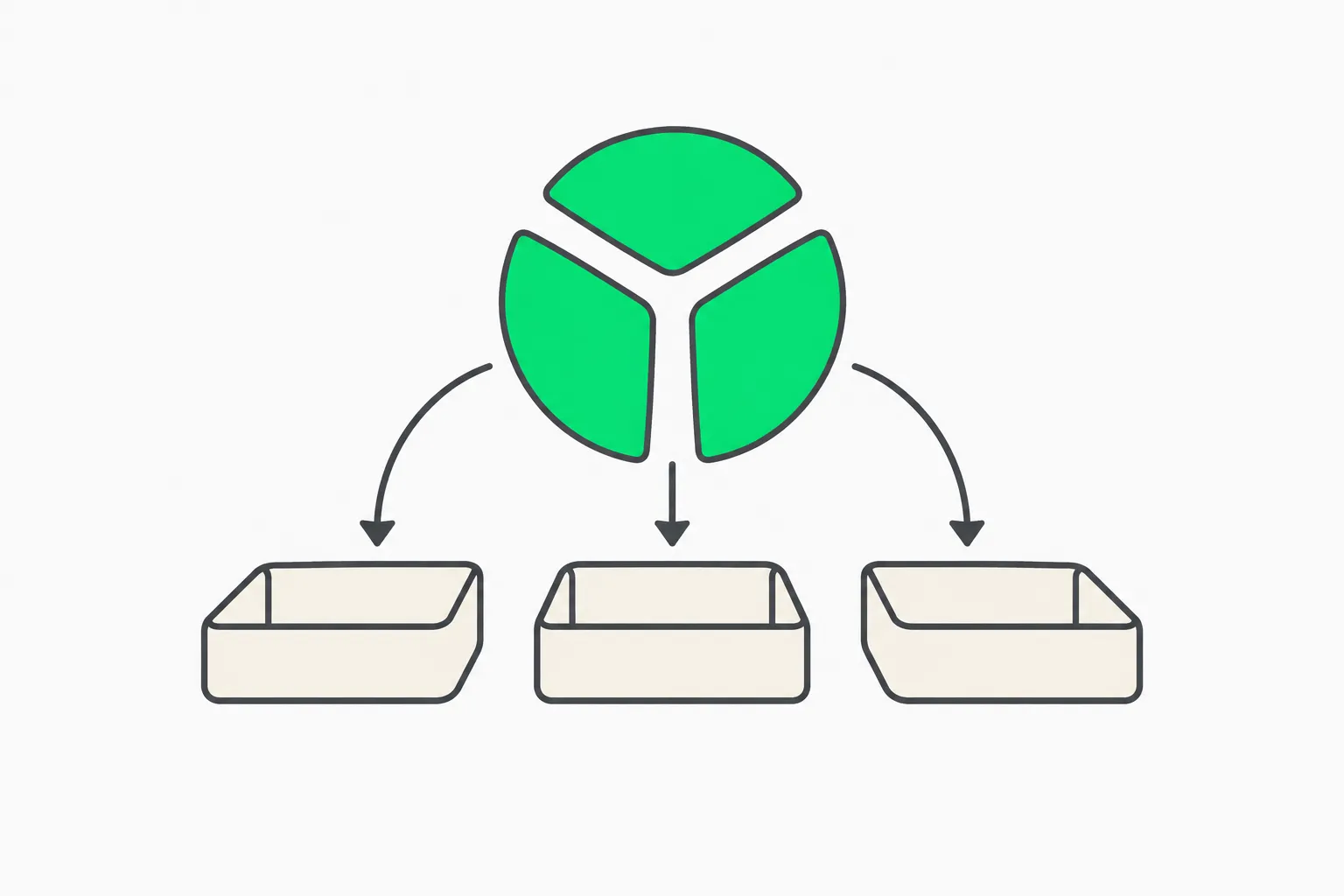 InferSSD streams large MoE expert weights from fast NVMe while keeping attention layers in system RAM
Pipeline stages WiCi documents
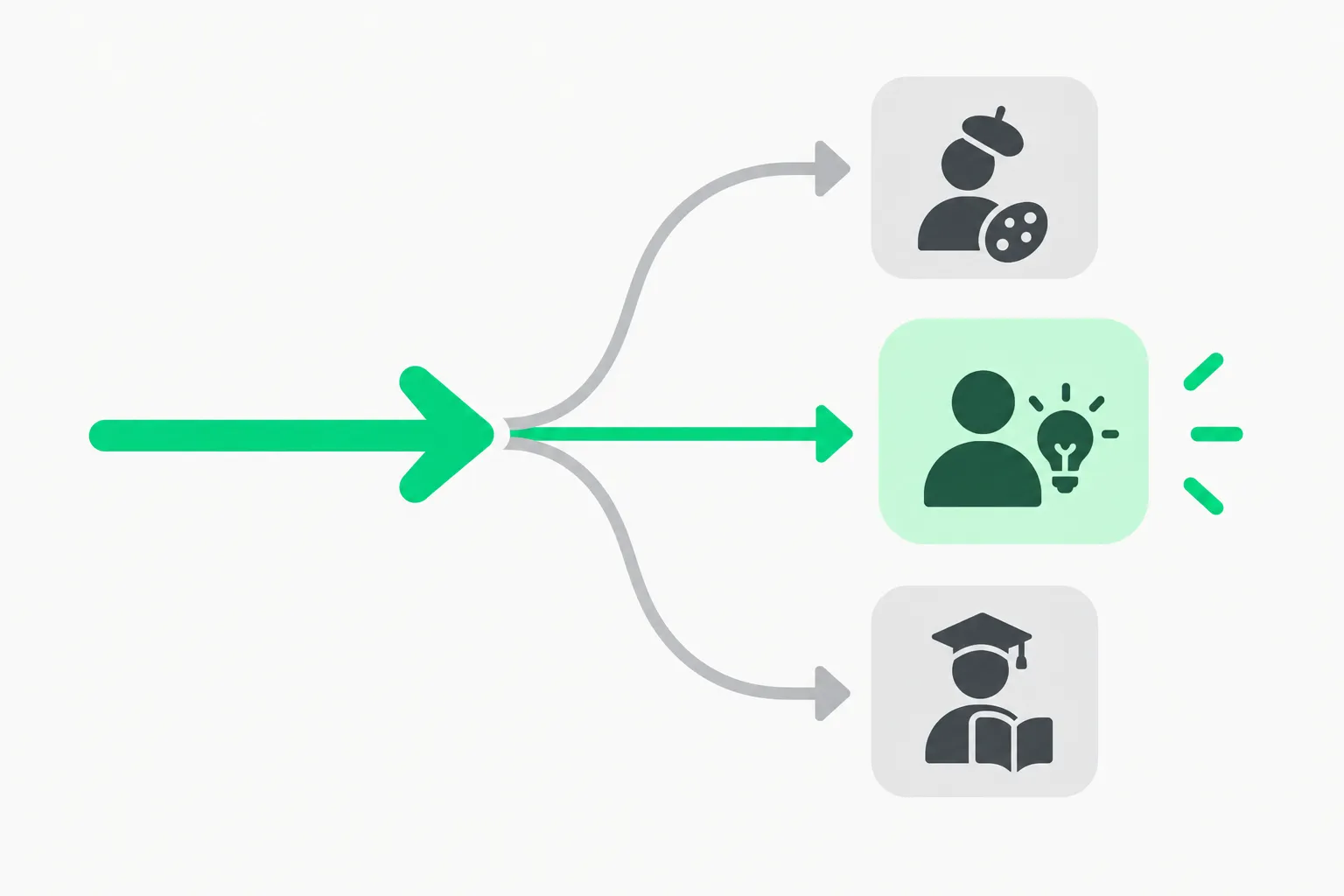 Expert routing sends each token down one of several paths before weights load from NVMe
The article decomposes inference into explicit stages rather than relying on the OS page cache alone:
- Expert indexing so the runtime knows byte ranges per expert matrix.
- Token grouping to batch tokens that hit the same experts, amortizing reads.
- Residency checks against GPU, RAM, and SSD caches before issuing I/O.
- Scheduled execution that overlaps CPU preparation with GPU matmuls.
- Memory budget enforcement so KV growth does not silently evict hot experts.
That is the difference between mmap accidents and a MoE-aware scheduler. If you profile stalls, measure I/O wait separately from kernel launch — the article argues many "slow MoE" stories blame quantization when read scheduling was the bottleneck.
When InferSSD beats renting GPUs
Rough decision math for indie teams:
| Workload | InferSSD local | Cloud frontier API |
|---|---|---|
| Overnight batch eval on fixed prompts | Attractive if you own 5090 + 2TB NVMe | Bill explodes at 800B context lengths |
| Interactive coding assistant | Weak at sub-3 tok/s decode on Muse | Latency wins |
| Privacy-sensitive legal/medical RAG | Attractive if data cannot leave site | Compliance wins |
| One-off demos | Poor — hours of setup | Faster |
Pair this with AWS Bedrock four inference choices when hybrid routing makes sense: local draft, cloud verify, or tiered model routing.
SSD endurance and what not to offload
WiCi's read disturb section is the adult supervision part of the hype:
- Expert weights are static during a session — good fit for NVMe reads with caching.
- KV cache on SSD can hammer write endurance — InferSSD focuses expert path separately from Gandalf-style KV offload debates.
If you operate 24/7 agents, model TBW ratings and cache hit rates before betting production on consumer SSDs.
Comparison to other disk-streaming projects
| Project | Model scale | Stack | Notes |
|---|---|---|---|
| InferSSD | 763B–816B | llama.cpp fork | Article benchmarks vs Colibri |
| Janas | Varies | Own engine + MCP | Janas MoE post |
| Edge0-145B | 145B trained for device | edge0-strata | Edge0-145B post |
| Colibrì | GLM-5.2 class | Disk streaming | 25GB RAM GLM guide |
| SGLang SSD Expert Pack | Production serving | Datacenter | Consortium context |
Use InferSSD when you already committed to 800B GGUF artifacts and own fast NVMe. Use Edge0-145B when you want agent decode above 80 tok/s on one GPU at smaller scale.
What builders should measure before trusting tables
- Your exact GGUF — module omissions change parameter counts.
- Template and 4K tier definition — prefill wins may not transfer to your prompt distribution.
- Decode tokens 129–256 — cold start and first-token latency live outside the quoted window.
- Colibri / llama.cpp versions — article notes N/S when Muse unsupported in a Colibri build.
- Thermals during long runs — SSD and GPU throttle together on laptops.
Independent Hacker News discussion was sparse when this run started (~5 points). Treat WiCi tables as vendor-adjacent until community reproduction threads appear.
Policy and supply context (why local 800B matters)
Washington's export fights and Nvidia governance crisis do not change open-weight availability overnight, but they change who can rent frontier capacity. Local 800B-class inference is a sovereignty and cost hedge, not a miracle — the same trade-off IMF financial stability reporting highlights when AI capex chains wobble.
Operator checklist before long runs
- Firmware and TRIM enabled on NVMe — consumer drives throttle when hot.
- Leave headroom on the drive; expert packs plus OS snapshots fill disks fast.
- Log cache hit rates if the repo exposes them; otherwise use
iostatduring decode. - Pin llama.cpp revision in issue reports — WiCi tracks moving baselines.
- Do not confuse prefill wins with user-perceived speed; measure time-to-first-token and tok 200 separately.
If numbers still disagree with WiCi's tables, publish your drive model, PCIe lane count, and GGUF filename when filing upstream issues — without that trio, maintainers cannot reproduce 164 tok/s claims on DeepSeek tiers.
Related reading
- Edge0-145B on one GPU
- Edge0 35B phone/laptop path
- Janas streams experts from disk
- Apple MLX 800B four-Mac demo
- SGLang consortium and SSD expert production
- Colibrì GLM-5.2 with 25GB RAM
- TurboFieldfare Gemma 4 in 2GB RAM
- Chinese checkpoint forensics for open weights
Throughput figures and hardware notes come from WiCi Research's InferSSD article and repository documentation as accessed November 13, 2026. Verify on your drives before production loads.