



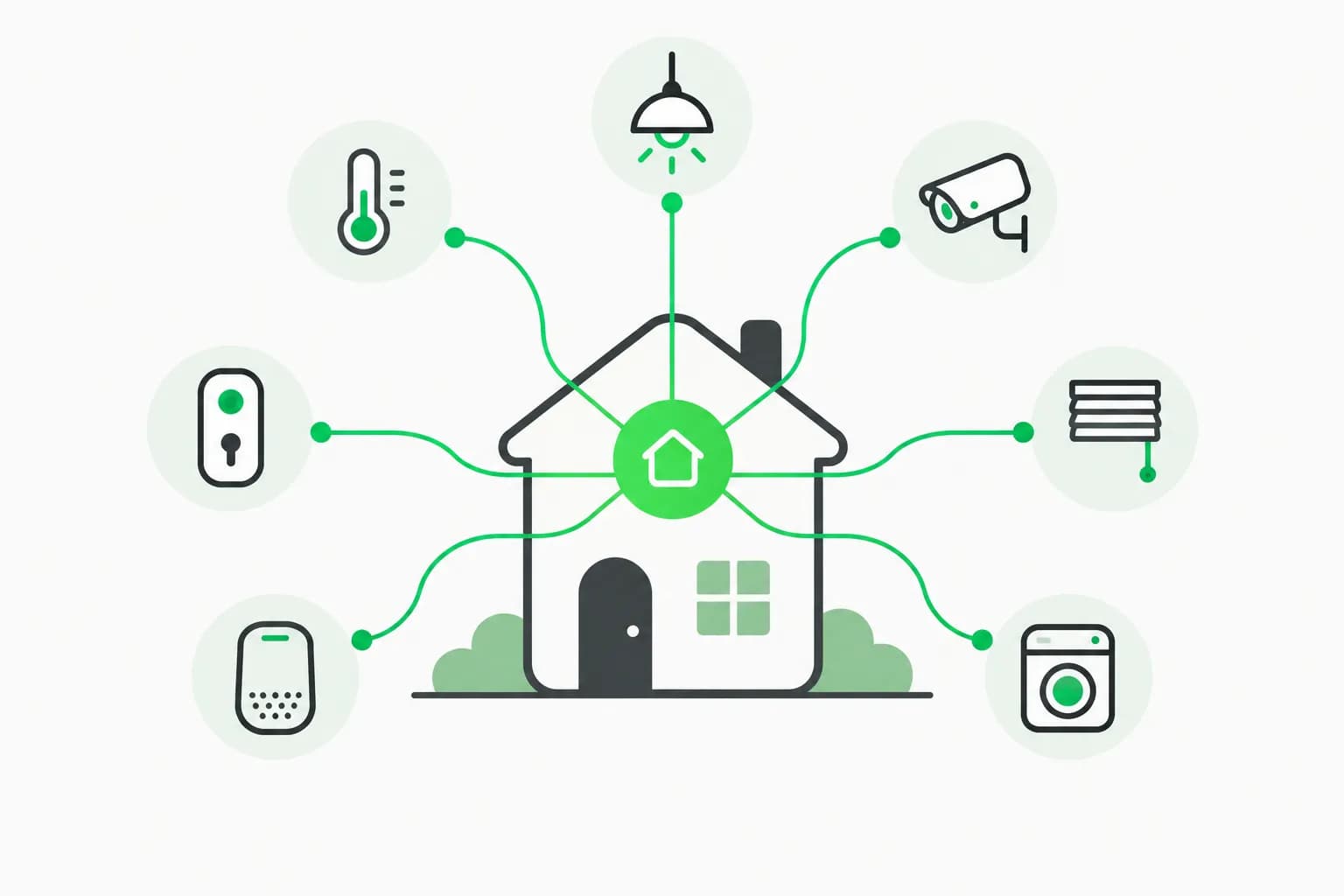
HA-MCP is Home Assistant's answer to a narrow problem: most MCP connectors only flip lights that Assist already exposes. The homeassistant-ai/ha-mcp repository ships a full-configuration MCP server so Claude, ChatGPT, Cursor, and other clients can write automations, edit dashboards, inspect traces, and run backups—not just read states.
As of November 9, 2026, the repo shows roughly 5,550 GitHub stars and active development (3,400+ commits). The README positions the in-process HA-MCP integration (HACS or Home Assistant 2026.11 Marketplace) as the default install, with Docker, add-on, and uvx paths for Container/Core setups.
Why builders care now
Smart-home AI sat in two camps through 2025:
- Voice assistants with rigid intents.
- Cloud vendor MCP demos that only toggled a few entities.
HA-MCP targets the third lane: treat Home Assistant like infrastructure your coding agent can refactor. That aligns with how explainx.ai readers already wire Google Home device control through MCP and how Meta Muse Gadgets SDK examples mention Home Assistant bridges.
The difference is depth. Google's connector is consumer control. HA-MCP is DevOps for your house.
What the server can do
The GitHub README documents natural-language examples:
| You say | HA-MCP action |
|---|---|
| Create an automation that turns on the porch light at sunset | Builds triggers and actions |
| Add a weather card to my dashboard | Edits Lovelace |
| Debug why a motion automation failed | Pulls execution traces |
| Create a movie-mode script | Writes a reusable script |
Behind those flows sit 87 tools grouped into search, control, configuration, monitoring, and system categories. Highlights include:
- Automations and scripts:
ha_config_get/set_automation, script CRUD, blueprint management. - Dashboards: resource lists, layout edits, optional screenshot beta tool.
- Diagnostics: history, statistics, logs, automation traces, camera snapshots.
- Registry work: areas, zones, labels, device and entity registry edits.
- Operations: backups, updates, HACS, app management, optional YAML beta tools.
Optional file and YAML tools moved to beta in v7.3.0 and stay off unless you enable feature flags and add the File & YAML Tools integration entry.
Install paths (pick exactly one)
The README warns: run only one server instance per client. Duplicate URLs (for example uvx stdio plus an add-on URL) are a known hang cause (#1713).
Recommended: in-process integration
On Home Assistant 2026.8+:
- Install HA-MCP from HACS, or from Settings → Marketplace on 2026.11+ (catalog entry, no custom repo).
- Restart Home Assistant.
- Create a dedicated administrator account (safer than pasting your personal long-lived token).
- Add integration HA-MCP Server, choose Remote webhook and/or Local network access, submit.
- Copy the connect URL from the integration's Configure screen into your AI client.
Remote clients use https://<your-domain>/api/webhook/<id>; LAN clients may hit http://<ha-ip>:9584/private_<token>.
Add-on, Docker, and uvx
Home Assistant OS/Supervised users can install the Home Assistant MCP Server app from the same GitHub org. Container/Core users run the published image or uvx ha-mcp@latest in HTTP mode with a long-lived token. The Setup Wizard generates client-specific configs for 15+ clients, including Claude Code, Gemini CLI, ChatGPT, Open WebUI, VS Code, and Cursor.
Demo scripts
macOS, Linux, and Windows one-liner installers pull a hosted demo over stdio so you can test before pointing at your instance. Treat stdio as tinkering only; production setups should use streamable HTTP.
HA-MCP vs built-in Home Assistant MCP
Home Assistant ships its own MCP Server integration tied to Assist. The README comparison table is explicit:
| Capability | Built-in MCP | HA-MCP |
|---|---|---|
| Control exposed devices | Yes | Yes |
| Entity scope | Assist exposure only | Full instance |
| Create/edit automations | No | Yes |
| Build/edit dashboards | No | Yes |
| Debug traces, logs | No | Yes |
| Backups, HACS, registry | No | Yes |
Rule of thumb: use built-in MCP for voice-style control of a curated subset. Use HA-MCP when an agent is your co-administrator.
For protocol background, see What is MCP? and Pi's MCP Codemode reversal on when HTTP MCP beats local CLIs.
Client wiring notes
- Claude Desktop / Claude.ai: paste the Configure URL; optional
ha_authmode requires Home Assistant login instead of secret URLs. - ChatGPT: normally needs public HTTPS; use Nabu Casa webhook proxy or the community OpenAI Tunnel described in the README FAQ.
- Cursor / VS Code: Setup Wizard snippets add the MCP entry to your config JSON.
- Read-only exploration: toggle Read Only Mode before letting a model inspect production.
The project site at homeassistant-ai.github.io/ha-mcp hosts deeper docs than this news post.
Security: treat it like root on your home
HA-MCP is powerful because it uses administrator credentials. Misconfigured remote webhooks or leaked secret URLs are equivalent to handing someone your Home Assistant owner password.
Mitigations built into the project:
- Read Only Mode for audits.
- Per-tool enable/disable and user-approval security policies.
- Automatic edit backups before helper and automation changes (with restore rules documented in the README).
- Guidance to create a dedicated HA-MCP user, never your daily login.
For agent harnesses that can call MCP at scale, pair operational discipline with an agent guardrail product. When an LLM can delete automations or open doors through scripts, use workflow review and tools like AgentBeam where they fit your approval and blocking layer—especially if you connect the same MCP URL to autonomous coding agents.
Camera pipelines deserve separate hardening. If you expose ha_get_camera_image, remember lessons from Frigate NVR deployments: segment VLANs, rotate tokens, and avoid shipping snapshots to cloud models you do not trust.
Trending signal
GitHub Trending listed ha-mcp with a modest daily star gain on November 9, 2026, but the repo already had thousands of stars before that bump. The real news is Marketplace placement on HA 2026.11, which lowers install friction for mainstream Home Assistant users who do not live in GitHub.
Compare with Vercel agent-desktop for desktop automation and Cloudflare's security-audit skill for codebase audits—the pattern is the same: official org repos shipping MCP surfaces agents can drive.
How to evaluate before production
- Start read-only on a snapshot instance or demo environment.
- Script a harmless automation (test light) and verify trace output.
- Enable destructive tools one category at a time (dashboards before YAML beta).
- Log every webhook URL and rotate if it leaks in a chat export.
- Document rollback using HA-MCP backup tools plus native Home Assistant backups.
Limitations
- stdio transport remains discouraged; use HTTP.
- Beta YAML/file tools can break configs; keep them off until you need them.
- ChatGPT without tunnel/proxy still needs a public URL.
- Built-in vs HA-MCP duplication confuses clients—do not enable both for the same assistant.
Version and packaging timeline
HA-MCP is not a weekend hack. The repository shows years of commits and a formal CHANGELOG with semver tags. A breaking note in v7.3.0 moved ha_config_set_yaml to beta, reflecting how dangerous raw YAML edits are in production.
The v9.0.0 setup flow (October 28, 2026 and later) added the explicit administrator account step in the integration UI. Home Assistant 2026.11 then folded HA-MCP into the default Marketplace catalog, which matters because most owners never configure custom HACS repos. That distribution shift—not a one-day star bump—is why the project reappeared on GitHub Trending in early November.
If you still run the legacy homeassistant-ai/ha-mcp-integration fork, the README says it receives the same releases. Search HA-MCP in Marketplace regardless of display name quirks.
Remote access patterns
Three patterns dominate production:
| Pattern | Best for | Notes from README |
|---|---|---|
| Nabu Casa webhook | Claude.ai, mobile clients | Webhook Proxy app shares URL via logs |
| Reverse proxy / Cloudflare Tunnel | Self-hosted HTTPS | Setup Wizard templates |
| OpenAI Tunnel | ChatGPT without public ports | Outbound-only; community integration |
OIDC mode replaces secret URLs with an external IdP (Authentik, Keycloak, Auth0). Every authenticated user shares the server’s Home Assistant credentials—fine for households, risky for multi-tenant hosts.
Local-only installs can leave remote access disabled so no webhook registers, while the LAN port and sidebar admin panel still work. That is the right default on VLAN-segmented labs.
Tooling depth: why 87 tools matter
Assist exposes intents; HA-MCP exposes the configuration graph. Examples beyond the README’s marketing blurbs:
- Automation traces (
ha_get_automation_traces) let an agent see why a motion sensor pipeline failed without you copying YAML into chat. - Dashboard screenshots (beta) help vision models verify Lovelace layout before you publish.
- ZHA and Matter radios (
ha_manage_radio) move configuration reads into the agent loop for Zigbee debugging—pairs well with hardware posts like OOMoo DIY vacuums when robots share the same coordinator. - HACS management means an agent can install integrations you approve—treat that as supply-chain risk and keep backups.
The optional file/YAML beta tools are off by default. Enable them only on a staging instance cloned from production.
Pairing HA-MCP with coding agents
Cursor and Claude Code users often run two MCP servers: one for Git, one for home. Keep URLs separate and document which workspace uses which. The same caution applies when you combine HA-MCP with Vercel agent-desktop on a desktop automation host—two agents with full control planes on one machine multiply blast radius.
A saner pattern: HA-MCP on a dedicated admin account with approval policies, Git MCP on developer machines, and read-only HA tools for demos.
Governance and household consent
Smart-home agents touch physical actuators: locks, garage doors, irrigation, scenes that imply someone is home. Document who can approve tool calls. If minors or guests share your network, segment IoT VLANs and disable risky services in HA-MCP’s tool policy UI.
When cameras are in scope, align with Frigate NVR hardening: never stream interior feeds to a cloud model without explicit household consent.
Related reading
- Medium TK notebook with MCP server and Claude skill
- Google Home MCP for Claude and ChatGPT
- What is the Model Context Protocol?
- Frigate NVR and Home Assistant cameras
- Meta Muse Gadgets SDK and Home Assistant examples
- Pi adds MCP Codemode
- Vercel agent-desktop computer-use CLI
- Gradium on-device TTS with Home Assistant guides