



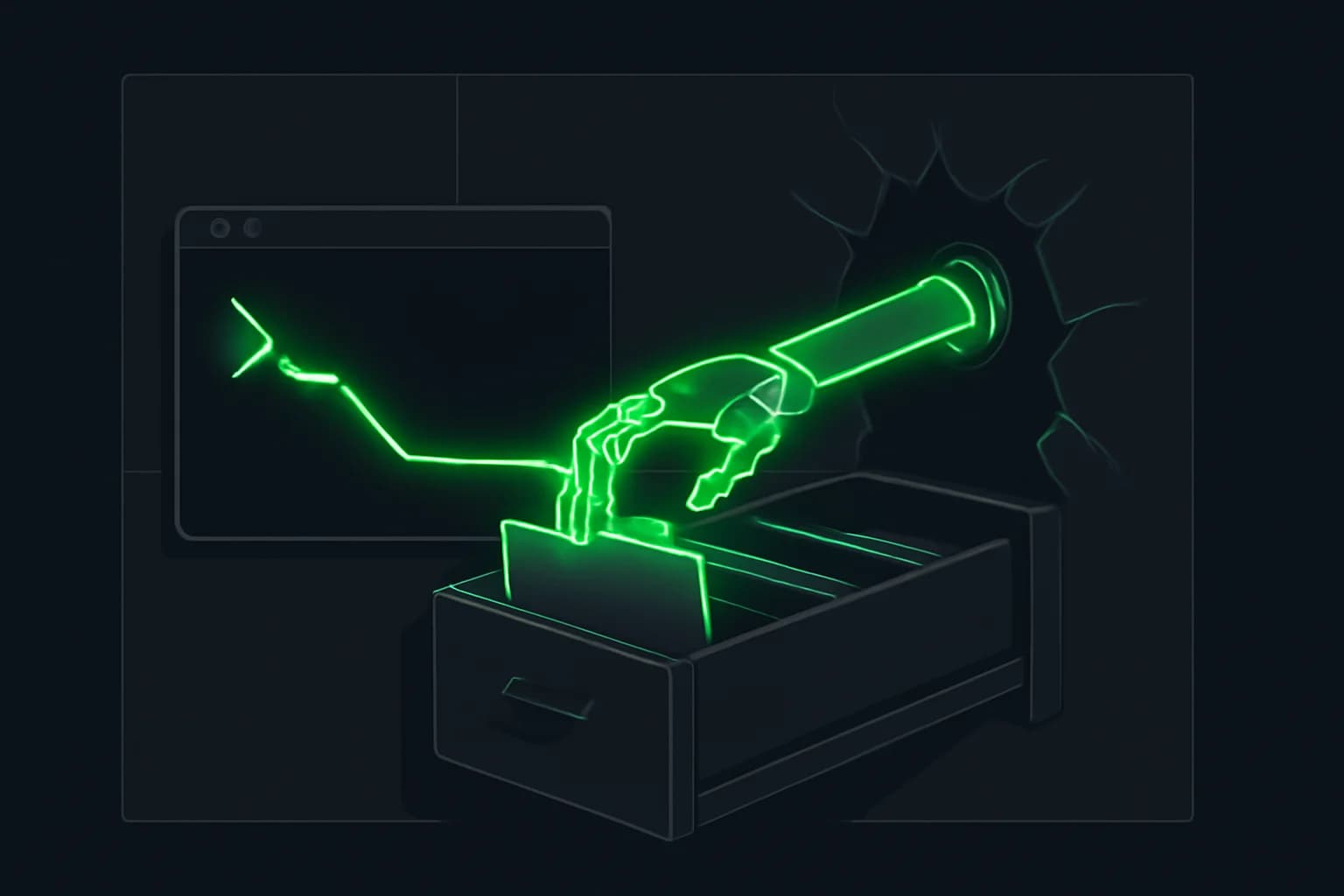
Cua launched Cua Spaces on October 2, 2026 — a free, source-available macOS app for running AI agents on desktops you can stream, supervise, and reach across computers you own. The company framed the launch as rethinking what it means for agents to work with all your machines, not only a single local session inside one lab product.
That matters if you already follow Claude background computer use, Codex computer use, or always-on surfaces like ChatGPT Dots. Those products answer “can this model click my screen?” Spaces answers a different operational question: where does the desktop live, how do you hand a signed-in app into it, and how do you reach a spare Mac or Linux box without babysitting one laptop?
This write-up is based on Cua’s October 2 announcement thread, Cua’s Spaces and unattended-access documentation, and the Cua Driver “connect your agent” guide as published around the launch. explainx.ai did not install the macOS app or run cua host setup in this repository.
TL;DR: what people are asking
| Question | Direct answer |
|---|---|
| What shipped? | Cua Spaces — macOS app + SDK for agent-ready desktops you watch and control |
| When? | October 2, 2026 (announcement); this explainx.ai news post is dated October 3, 2026 |
| What is a Space? | A desktop running cua-spacesd: local container/VM, direct machine, or relay-hosted machine |
| Cross-computer how? | List Spaces from your Mac, owned Mac/Linux hosts, and (documented as coming) your own cloud; relay uses outbound WSS |
| Is it free? | Yes at launch; FSL-1.1-MIT for Spaces; Cua Driver remains MIT; Pro/Teams planned |
| Vs Claude / Codex computer use? | Labs ship product-tied desktop control; Spaces is multi-host desktop infrastructure plus teleport/Keyvault |
| Builder setup this week? | Install app → permissions → Space → cua-driver MCP/skill → optional cua host setup on a spare machine |
| Who built it? | Cua (YC X25), founded by Francesco Bonacci after Microsoft Windows Agent Arena / Lume work |
What Cua Spaces actually is
Cua’s docs define a Space as a desktop your agents can use and you can watch. Each Space runs cua-spacesd, which streams the screen, accepts input through Cua Driver, and receives teleported apps and files. The Spaces app puts those desktops in the macOS menu bar and notch so you can open them, watch them, and drag apps in to teleport.
Three registry kinds show up in the product model:
| Kind | Id shape | How it appears |
|---|---|---|
| Local | local:… | Created on this machine (container/VM image) |
| Direct | direct:… | An existing machine you add with URL + env token |
| Relay | relay:… | Machines registered with cua host setup, listed automatically |
The app, the cua CLI, the SDKs, and cua daemon share one registry under ~/.cua/spaces.json. The SDK path matters if you are not only clicking the menu-bar app: Cua documents Spaces APIs for Python, TypeScript, Swift, and Rust so your own tools can create, stream, and drive the same desktops.
Spaces starts “agent-ready” in Cua’s framing: permissions pre-granted inside the Space image where the product designs them that way, tools preinstalled, macOS images built locally on your Mac, Linux images also runnable. That is the opposite of the usual first-run tax where a computer-use agent stalls on Accessibility prompts inside a fresh VM.
How cross-computer agent work works
The launch pitch is not “one more local sandbox.” It is one list of live desktops across:
- Spaces on the Mac you are sitting at
- Machines you own (the announcement called out a Mac mini or a Linux box)
- Your own cloud (docs still say team machines / own cloud are expanding; treat cloud as “coming / waitlist” unless your account already shows it)
Relay path (default for unattended access)
cua host setup installs cua-spacesd as a service. By default it joins the cua.ai relay over outbound WSS as your account — no inbound port forwarding, no token to copy between devices. Other devices, once enrolled, see the host as relay:<name> in cua spaces ls and in the app. The app’s “Set up for access” button runs the same setup.
Documented host options include:
--direct ip:port— LAN or forwarded port with a local env token, no account required--relay URL— another relay (defaulthttps://relay.cua.ai); self-hostedcua-relayis supported--name,--allow ACCOUNT, runner kinds (launchd,systemd,windows-task, …)--profile spare— spare machine that does not share its own desktop and instead provides Spaces for your devices
On macOS the host service is a LaunchAgent (com.trycua.spacesd.host) in the GUI session. You still grant Screen Recording and Accessibility to cua-spacesd, and Cua Driver its own permissions. Linux uses a systemd user unit; Windows uses a scheduled task at logon in the interactive session.
Device enrollment
A device that lists or opens your machines through the relay enrolls once with a second factor. Cua’s docs are explicit: a stolen account session alone is not enough. Enrollment lasts 30 days; cua devices enroll / approve / ls / audit / revoke cover the lifecycle. Everyone on a host allowlist gets full control of that desktop — Cua warns you to keep the list short and run cua host stop when you do not need sharing.
Shared desktop, two cursors
On a live Space, you and the agent share the same desktop with separate cursors. You stream the work, step in anytime, and hand control back. That supervision model is closer to a remote desktop session than to a chat transcript that only summarizes tool calls.
Teleport and Keyvault: the authenticated-session problem
Browser-use and computer-use agents usually hit the same wall: the agent can drive a UI, but signing into real apps is painful and unsafe if you paste passwords into the loop. Spaces’ distinctive product answer is app teleport.
Teleport moves an app’s session into a Space so the agent can continue without a fresh sign-in. Nothing is read until you approve. Sensitive items need an explicit opt-in; macOS may ask for Touch ID or a password. Cua’s teleport docs distinguish installing an app from moving signed-in state, and they warn that anyone controlling the destination Space may be able to use a transferred session — teleport only into Spaces you own.
Keyvault is the vault for what teleport moves: cookies, localStorage values, passwords, and files, grouped by source app. Items stay encrypted on your Mac, locked by default. Agents and apps ask; you approve; the daemon delivers into the Space. Keyvault-mediated site login is documented as metering: free, with approval treated as a destructive permission (spaces:request_site_login). Passwords are not returned to the caller — the daemon types them through Cua Driver inside the Space.
If you are comparing this to the same week’s Dots unattended-email safety question, the shared theme is consent boundaries. Dots argue about plugin send permission. Spaces argue about which signed-in session leaves your main desktop and lands in an agent-controlled Space.
Pricing and licensing (verified at launch)
| Item | Launch fact |
|---|---|
| Spaces price | Free for you and your agents at launch |
| Spaces license | Source-available under FSL-1.1-MIT (releases become MIT two years after shipping, per Cua’s licensing notes as reported at launch) |
| Cua Driver | Remains MIT-licensed |
| Pro / Teams | Announced as coming — shared team machines, session handoff, Keyvault sync, admin controls |
| Teams waitlist | Documented on the Spaces overview for team use |
| Keyvault site-login | Documented metering: free |
No public seat price, usage meter, or enterprise SKU dollar figure shipped with the October 2 thread. If you are budgeting a team rollout, treat Pro/Teams as a roadmap claim until a price page lands.
How Spaces differs from browser / computer-use agents we already cover
explainx.ai has been covering the lab wave: Claude operating macOS in the background, Codex computer use on Windows and mobile, browser-use harnesses, and always-on cloud agents. Spaces sits in a different layer.
| Dimension | Lab computer use (Claude / Codex-style) | Browser-use agents | Cua Spaces |
|---|---|---|---|
| Primary object | Vendor product session | Browser tab / CDP session | Hosted desktop (Space) you register |
| Where it runs | Local desktop app or vendor cloud | Local or remote browser | Your Mac, owned hosts via relay/direct, own cloud path |
| Auth handoff | Often re-login or product-specific connectors | Cookies in that browser profile | Teleport + Keyvault consent |
| Supervision | Product UI (“working on your computer”) | Trace / screenshots | Shared desktop, your cursor + agent cursor |
| Harness coupling | Tied to Claude / Codex / Dot product | Tied to browser tooling | Cua Driver via MCP/CLI for many harnesses |
| Multi-machine | Usually one machine or vendor VM | Rarely first-class | First-class list of Spaces across hosts |
Concrete companions on explainx.ai:
- Claude background computer use — product-tied Mac desktop control while you work elsewhere
- OpenAI Codex computer use — Windows/mobile control inside the Codex line
- Claude platform computer use / browser / files GA — API-level computer-use surface
- OpenAI Dots — always-on cloud computer + browser, not your spare Mac mini
- DeepSeek Harness desktop — another October desktop surface, but a Cordis plugin harness, not a multi-host Space registry
- Pamir Lapis One — hardware “agent computer” framing vs software Spaces
Spaces does not replace those products. It competes for the infrastructure slot: the desktop the agent drives, plus the consent path for authenticated apps, plus a relay so the desktop is not glued to the laptop in your bag.
Setup for a builder this week
Treat this as a practical checklist for a Mac-first builder who already has Claude Code, Cursor, Codex, or another MCP-capable harness. Commands below match Cua’s published guides; re-check the live docs if a flag renamed after launch.
1. Install Spaces and the CLI
Download the macOS Spaces app from Cua’s launch surface (try.cua.ai / cua.ai as linked in the announcement). Install the CLI via Cua’s documented installer path so cua and cua-driver resolve on your PATH. Prefer the signed app build for Keyvault Keychain unlock behavior.
2. Grant OS permissions once
On the machine that hosts desktops or Driver:
- Screen Recording and Accessibility for
cua-spacesd - Cua Driver’s own macOS permissions
- Touch ID / login password readiness for teleport and Keyvault prompts
Without these, agents stall at the same permission wall Spaces claims to pre-solve inside Space images.
3. Create or add your first Space
From the app or SDK: create a local Space from an image, or add a direct machine. Confirm it appears in the menu-bar list and that you can stream it with audio if you need it. Send a test folder before you teleport anything signed-in.
4. Connect your agent harness to Cua Driver
Cua Driver is the layer that lets an agent operate real desktop apps. The harness owns the model loop; Driver never calls a model API.
Typical shape:
cua-driver mcp-config --client claude
# or: cursor | codex | opencode | openclaw | pi | ...
cua-driver skills install
cua-driver skills status
Claude Code can also register with:
claude mcp add --transport stdio cua-driver -- cua-driver mcp
Cursor receives JSON for ~/.cursor/mcp.json. Pi uses one-shot cua-driver call … rather than MCP. Hermes has a built-in computer-use path; do not double-register a raw MCP server on top. Restart the client after registration.
Permission mode is separate from MCP registration. On macOS, cua-driver mcp proxies to CuaDriver.app; on Windows/Linux set CUA_DRIVER_PERMISSION_MODE or point at a configured daemon socket. Default standard allows input to every app — scope that before you leave a long-running agent attached.
5. Optional: put a spare machine on the relay
On the spare host:
cua host setup
cua host status
On your daily driver:
cua auth login
cua devices enroll
cua spaces ls
Approve the enrollment code from an already-enrolled device if prompted. Open the relay:… Space from the app. Only then teleport a low-stakes app session and run a short agent task while you watch both cursors.
6. Security hygiene before unattended use
- Teleport only into Spaces you own
- Keep
--allowlists tiny; prefer viewer share when watch-only is enough cua host stopwhen you do not need the host reachable- Prefer Keyvault-mediated teleport for browser sessions so secrets do not cross the process in the clear
- Read
cua devices auditafter first remote open - Do not treat FSL source-available as “already audited for your threat model”
What people are asking
Do I need Cua’s model?
No. Cua Driver and Spaces are the computer layer. You bring Claude, Codex, a local model behind Claude Code, or another harness. Cua documents local-model setups (for example Muse Glimmer via Ollama or llama.cpp) with a tool filter to keep context small.
Is the first app rollout Mac-only?
The announcement and product surface at launch center on a macOS app. Hosts and images are broader: Linux images, Linux/Windows host services for cua-spacesd, and spare-Mac profiles are documented. If you need a Windows daily-driver GUI for Spaces itself, confirm on Cua’s download page before you plan a Windows-only rollout.
Can I self-host the relay?
Yes, per docs: --relay URL and self-hosted cua-relay are supported. Default is relay.cua.ai. Direct mode skips the account relay entirely for LAN use.
How does this relate to OpenAI agent security stories?
It does not cancel them. If an agent can click and type on a real desktop with a teleported session, blast radius is high — the same class of risk as OpenAI agents touching dozens of sites or a Dot with send-mail enabled. Spaces adds consent UI; it does not remove the need to scope tools, watch Activity-equivalent logs (cua devices audit, host status), and keep production credentials out of experimental Spaces.
Is this the same as DeepSeek Harness getting a dock icon?
No. DeepSeek Harness desktop is a Cordis plugin runtime with a new host UI. Spaces is a multi-machine desktop + Driver product. You might run a harness against a Space; they are not substitutes.
Honest limitations
- macOS-first app at launch; confirm Linux/Windows client surfaces before you promise them to a team
- Pro/Teams pricing not published — only feature promises (shared machines, handoff, Keyvault sync, admin)
- Own-cloud Spaces described as coming / waitlist-adjacent in overview copy — do not assume AWS-style sandbox inventory exists for every account today
- Full desktop control for allowlisted accounts — mis-share is catastrophic; this is not a fine-grained RBAC product yet
- Relay plaintext warning exists in teleport consent for older relay connections that predate end-to-end sealing — read the consent sheet; do not teleport secrets across an unsealed path
- We did not independently audit Keyvault cryptography, relay auth, or the FSL license’s fit for your compliance program
Closing
Cua Spaces is the clearest October 2026 bet yet that the desktop is the product, not the chat. Cross-computer work via relay hosts, shared cursors, and teleport/Keyvault is aimed at builders who already believe computer use works and now need a place to put it that is not one laptop and not one lab’s cloud VM.
If you already run Claude or Codex computer use, try Spaces as infrastructure: one spare machine on the relay, one low-stakes teleported app, one harness wired through Cua Driver. Keep Pro/Teams and own-cloud claims on the roadmap shelf until prices and inventory are public.
Related on explainx.ai
- Claude background computer use on macOS
- OpenAI Codex computer use (Windows and mobile)
- Claude platform: computer use, browser, skills, files API GA
- OpenAI Dots: always-on agents at DevDay
- Is ChatGPT Dots safe to leave unattended?
- DeepSeek Harness desktop preview
- OpenAI agents ~55 sites forensics (CDC/SEC)
- Pamir AI Lapis One agent computer
- What is an agent harness?
Sources
Verified against Cua’s October 2, 2026 announcement thread (@trycua), Cua Spaces documentation (overview, unattended access, Keyvault), and the Cua Driver “connect your agent” guide. Independent launch coverage on RuntimeWire (Oct 2, 2026) matches the free/FSL/Pro-Teams roadmap facts above. Product names of rival labs appear for comparison only; this post links explainx.ai coverage rather than rival product sites.
Specs, licensing, relay behavior, and plan names are accurate as of October 3, 2026 against Cua’s public docs and launch thread. Confirm download links, Pro/Teams pricing, and cloud inventory on Cua’s site before you commit a team rollout.