



Update — July 16, 2026: Artifacts can now call MCP connectors on every page load — viewer-scoped OAuth, live dashboards, no public links for connector-backed pages. Full breakdown: Claude artifacts + MCP connectors.
Anthropic just shipped the first Claude Code feature that puts it in direct competition with Lovable, Bolt, v0 by Vercel, and OpenAI Codex Sites: Artifacts, a way to turn any Claude Code session into a shareable, live-updating HTML page.
The launch was announced by Claude's own team—Boris Cherny (Claude Code at Anthropic) called it "a game changer for how I work with Claude"—and it signals something more significant than just a file-sharing convenience. It's Anthropic stepping into the AI-native web builder market with a distinct angle: context.
What Claude Code Artifacts Actually Does
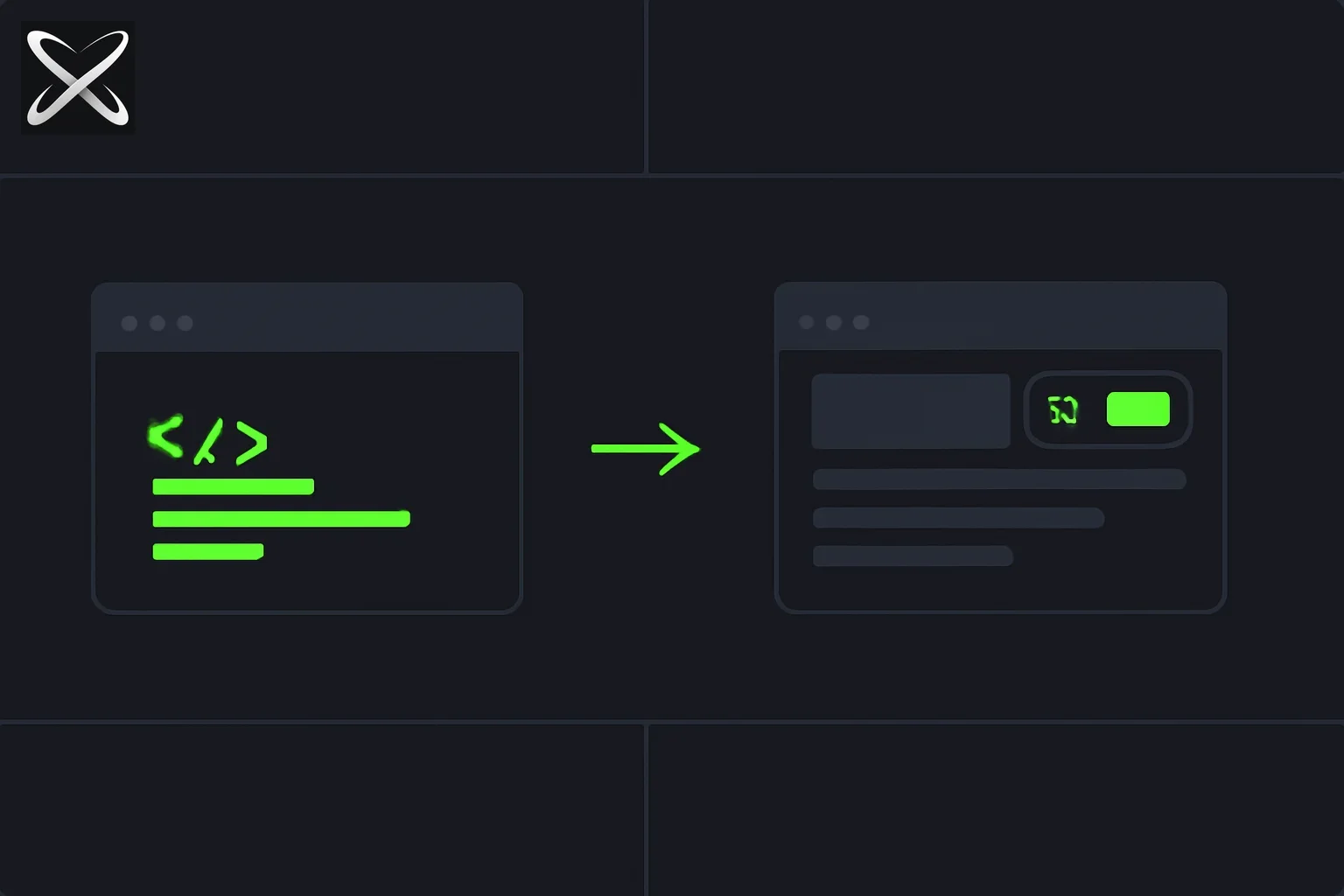
The pitch is simple. Inside a Claude Code session—one that already has access to your codebase, plugins, skills, and connected tools—you can now generate and deploy an HTML artifact that:
- Lives at a private link until you share it
- Stays scoped to your organization when shared—it doesn't go public
- Draws on your full session context: not just a prompt, but your actual codebase, chat history, and the tools you've connected
Thariq Shihipar (who works on Claude Code at Anthropic) described it this way: "Claude Code can now upload and edit HTML artifacts that you can share with your team or other Claudes!"
Boris Cherny listed the use cases he's already using it for:
- Visual explanations of tricky code
- System diagrams for architecture changes
- Quick previews of animation options before committing
- Data analyses and dashboards shared with the team
- Prototypes replacing static documentation
Cat Wu (also at Anthropic) made the enterprise angle explicit: "Enterprise users can now deploy HTML sites and share these with their teammates. This has changed how we work internally."
This is not a feature for publishing to the internet. It's a feature for internal sharing inside a team.
The Competitive Landscape: Where Claude Code Fits
The AI web builder space has fragmented into several distinct products, all of which overlap with what Artifacts offers. Here's how they compare.
Lovable
What it is: A dedicated AI web app builder that generates, hosts, and iterates on full-stack web applications from natural language prompts. Targets non-developers and indie hackers who want production-ready apps without writing code.
Overlap with Artifacts: Both produce deployable web interfaces from AI sessions. Both iterate via natural language.
Key difference: Lovable starts from a blank canvas and is optimized for greenfield app generation, including backend logic, authentication, and deployment. Claude Code Artifacts start from your existing session context—they know about your codebase, your decisions, your tools. They're better for sharing work-in-progress inside a team than for launching a new product.
When to use Lovable instead: You want a standalone app, not a session artifact. You don't have a codebase as context. You need backend logic, databases, or auth flows—not just a shareable HTML page.
Bolt (by StackBlitz)
What it is: A browser-native AI dev environment that generates full-stack apps in-browser, with live preview and one-click deployment to Netlify or Vercel.
Overlap with Artifacts: Both offer live preview of AI-generated interfaces. Both can be iterated on through conversation.
Key difference: Bolt is a full environment—it spins up a Node.js runtime in the browser, runs package installs, and deploys to external hosting. Claude Code Artifacts are HTML pages that live inside Claude Code's infrastructure, scoped to your org. Bolt is for building apps to ship externally; Artifacts are for sharing context internally.
When to use Bolt instead: You need a fully runnable Node.js app, not a static artifact. You want to deploy outside your org to Netlify or Vercel directly.
v0 by Vercel
What it is: A React component generator that produces production-ready UI code using shadcn/ui, Tailwind, and Vercel's design system. Targets frontend developers who want high-quality component code fast.
Overlap with Artifacts: Both produce shareable web artifacts from AI. Both are embedded in a developer workflow.
Key difference: v0 is specifically for generating component code to copy into your repo—the output is meant to be exported and used, not lived in. Claude Code Artifacts are session-native: they don't require you to copy anything, and they stay in sync with your session as it evolves.
When to use v0 instead: You want production-grade React component code with proper shadcn/ui patterns. You're targeting a specific component, not a full-session artifact.
OpenAI Codex Sites
What it is: OpenAI's product for generating and hosting web pages from prompts, tied to the Codex ecosystem. Targets developers and non-developers who want AI-generated pages they can publish publicly.
Overlap with Artifacts: The closest comparison. Both are AI-generated HTML pages accessed via links.
Key difference: Codex Sites is designed for publishing—pages are meant to be shared externally, possibly publicly. Claude Code Artifacts are designed for organizational sharing—private until shared, sharing stays inside your org. Claude Code Artifacts also have the session context advantage: they know your codebase, your chat history, your tools.
When to use Codex Sites instead: You want a publicly shareable link, not an org-scoped one. You're not working in Claude Code and don't have session context to leverage.
The Context Advantage
Every competing product above starts from a prompt. Claude Code Artifacts start from a session.
That distinction matters more than it sounds. A Claude Code session can contain:
- Your entire codebase (via indexed context)
- All the decisions made in the chat—what was tried, what failed, what the tradeoffs were
- Connected tools (databases, APIs, monitoring dashboards)
- Skills and plugins specific to your stack
When you generate an Artifact from that session, it draws on all of it. A dashboard artifact knows what the actual metrics in your database look like. A system diagram artifact knows what the actual architecture of your repo is. An animation prototype knows what the design constraints from earlier in the session were.
Boris Cherny put it plainly: "They are a game changer for how I work with Claude."
The session context is what separates Artifacts from every existing product in this space. It's not a web builder. It's a session exporter—a way to surface the output of a working session in a form that other people can interact with, without requiring them to have access to the session itself.
Current Limitations
Team and Enterprise only right now. Pro and Max plan support is coming, but not yet live. Individuals on lower tiers can't use Artifacts today.
Org-scoped sharing only. You can share inside your organization, but there's no public link option yet. This is intentional—Artifacts are designed for internal collaboration, not external publishing. If you need a public link, Codex Sites, Netlify, or Vercel remain the better options.
HTML output. Artifacts are HTML pages, not full-stack applications. You won't be running server-side code or connecting to external databases from an Artifact link. For full-stack app generation, Lovable and Bolt are still the right tools.
No standalone hosting. Artifacts live in Claude Code's infrastructure. If you stop your Claude Code session, the artifact still exists at its link—but it's not a self-hosted app you can configure, scale, or migrate.
How Teams Are Already Using It
Early internal use at Anthropic gives a clear picture of the primary use cases:
Architecture documentation: Rather than writing a static document describing a system change, engineers generate a live diagram artifact directly from the session where the change was planned. Reviewers can interact with the diagram, and the engineer can update it from the same session.
Data analyses: Instead of sharing a spreadsheet or a PDF, analysts generate a dashboard artifact with live-rendered charts from the actual data. The session context means the charts reflect the actual queries and decisions made during the analysis.
Prototypes replacing docs: New prototypes are demonstrated via Artifact link rather than static screenshots or lengthy written descriptions. The prototype is interactive and reflects the actual code from the session.
Comparison previews: Multiple design or animation options are rendered as separate Artifact sections, allowing the team to see them side-by-side before code is committed.
What This Means for the AI Web Builder Market
Claude Code Artifacts don't replace Lovable, Bolt, v0, or Codex Sites. They occupy a different position: not "generate an app from scratch" but "share this session's output with my team."
The market has room for all of them. What Anthropic is doing with Artifacts is closing the gap between code generation (what Claude Code has always done) and shareable output (what the dedicated builders do), without trying to compete on the dedicated builders' home turf.
The interesting question is what happens when Artifacts comes to Pro and Max plans—when individual developers, not just enterprise teams, can generate and share artifacts from their Claude Code sessions. At that point, the use cases expand from internal team tools to community sharing, tutorial building, and live demonstrations.
That would make it considerably more competitive with Codex Sites and public-facing web builders. For now, it's an enterprise collaboration tool with context-awareness that nothing else in the category has.
Getting Started
If you're on a Team or Enterprise plan:
- Start a Claude Code session with your codebase loaded
- Build whatever you're building—a dashboard, a diagram, an animation prototype
- Generate an HTML artifact from the session output
- Share the artifact link with teammates in your org
The artifact stays in sync with your session and reflects the full context of your work. Your teammates see the output; they don't need access to the session itself.
For Pro and Max users: watch @ClaudeDevs and @AnthropicAI on X for the rollout announcement. The team has confirmed it's coming.
Update — July 27, 2026: Before sharing any Artifact publicly, see Claude Shared Chats and Artifacts Indexed by Google — a July 2026 incident where "anyone with the link" shares ended up searchable on Google and Bing.
Update — August 18, 2026: Anthropic built a UI-prototyping command directly on top of Artifacts — /design in Claude Code generates editable UI artboards using this same runtime, before you write implementation code.
Related Reading
- Claude Code /design command: UI artboards research preview
- Claude Shared Chats and Artifacts Indexed by Google — Privacy Fix
- Claude Code HTML vs Markdown: Thariq's unreasonable effectiveness guide — why the team generates HTML specs and PR explainers before Artifacts sharing
- Claude Fable 5 and Mythos 5: SOTA Autonomy and Safeguards
- Is Fable 5 Available on Claude Code?
- OpenRouter Fusion API: Fable-Level AI at Half the Price