



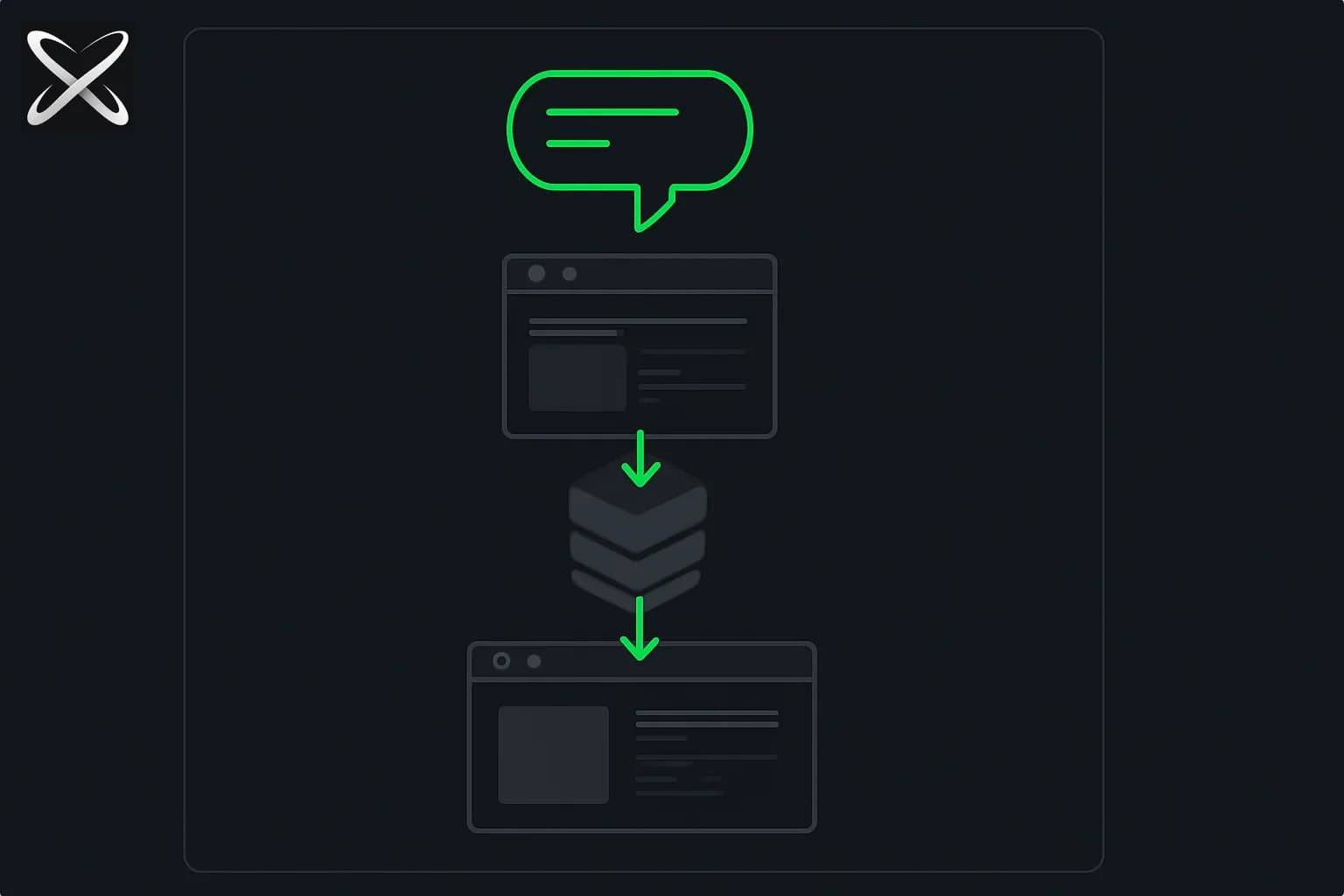
OpenAI Developers framed the August 20, 2026 drop as a team workflow upgrade: add teammates as editors to ChatGPT Sites — build and publish together. The Codex and ChatGPT changelog lists two Site features shipping the same day — Site co-editing and editable Site URLs — alongside other desktop-app updates. For teams already prototyping internal tools with Codex or ChatGPT Work, the practical shift is simple: one hosted Site can move from single-owner bottleneck to a small editorial crew without standing up a separate deployment pipeline.
explainx.ai covered the original Codex Sites launch in June 2026 — dashboards, launch hubs, and lightweight apps from natural language. This post is the August follow-on: who can edit, what Git-backed versioning actually means, URL rename rules, and the permissions gap owners should plan for before inviting a teammate.
Update — August 22, 2026: A concrete solo use case, not a team workflow — an OpenAI engineer vibe-coded a whole music-player Site to share his album instead of dealing with X's audio upload limits, with the plan-tier access details from Codex lead Tibo Sottiaux.
Update — October 3, 2026: Hacker News debated Sites as prototype host vs production bet — ChatGPT Sites on HN: what builders should know.
TL;DR — co-editing, Git versions, and URL changes
| Question | Answer |
|---|---|
| What's new? | Workspace editors on Sites plus renameable ChatGPT-hosted URLs (August 20, 2026). |
| Who can collaborate? | Site owners in a ChatGPT workspace inviting active same-workspace members — when the feature is available on your account. |
| How do invites work? | Site → Share → add member → switch Can view to Can edit. |
| What can editors do? | Update the Site, save versions, publish after the owner's first publish, read live D1 database data. |
| What stays owner-only? | Audience, first publish, analytics, settings, version restore, inviting others, ownership transfer. |
| Git / CI? | Local projects: save version ties to a Git commit; deploy publishes a saved version. No separate CI config in docs. |
| URL rules? | ≥5 chars, lowercase letter start, a-z, 0-9, single hyphens; old URL redirects. |
| Plans? | Sites beta on Plus, Pro, Business, Enterprise, Edu; collaboration needs a workspace. |
| Docs | learn.chatgpt.com/docs/sites |
What OpenAI shipped — and what it means for teams
The announcement thread from OpenAI Developers emphasizes a workflow teams already wanted from no-code and internal-tool builders: multiple people pushing changes to the same hosted project while the platform handles build and publish mechanics. Official docs stop short of calling it "CI," but the operational model matches what a small team would otherwise wire with Git branches plus a deploy hook — except here the save → deploy stages live inside Sites.
For local-source Sites, OpenAI's Sites developer guide describes:
- Save a version — ChatGPT builds a deployable artifact. For a local source project, it associates the version with the Git commit used for the build. Use this when you want a reviewable candidate before anything goes live.
- Deploy a version — ChatGPT publishes a saved version to the production URL. Every Sites deployment URL is production; there is no separate staging hostname in the docs.
Project linkage and optional storage bindings (D1 relational DB, R2 object storage) live in .openai/hosting.json at the repo root — for example a provisioned site might contain "project_id", "d1": "DB", and "r2": null. That file is how Sites reconnects a Codex-managed local project to its hosted twin.
If your team already treats Codex as a platform harness — app-server threads, review panes, local repos — co-editing is the sharing layer on top of the same hosted output, not a different product surface.
How editor invites actually work
Site collaboration requires a workspace. The documented flow:
- Open the Site and select Share.
- Under Add people or groups, find and select a workspace member — they are added as a visitor first.
- Open Can view next to that person and choose Can edit. Access saves automatically.
- The Site appears under Shared with you in the editor's Sites view.
OpenAI is explicit about the trust boundary: editors can read the Site's live database data. Invite only people who should see production D1 records, not just the public HTML.
Editor permissions vs owner permissions
| Capability | Owner | Editor | Visitor |
|---|---|---|---|
| Update Site content via ChatGPT | Yes | Yes | No |
| Save deployable versions | Yes | Yes | No |
| Publish updates | Yes (including first publish) | Yes after owner's first publish | No |
| Read live D1 data | Yes | Yes | Depends on Site access |
| Change audience / sharing | Yes | No | No |
| Invite or remove people | Yes | No | No |
| Analytics & settings | Yes | No | No |
| Restore earlier version | Yes | No | No |
| Rename hosted URL | Yes | No | No |
Co-editing does not add a separate workspace permission toggle — the owner manages editor access per Site and can demote an editor back to Can view or remove access entirely.
Editable URLs — share what you built, faster
The second August 20 item is editable Site URLs: owners can change the ChatGPT-hosted address without creating another deployment. The previous address redirects to the new one, including routes and query parameters.
Documented slug rules:
- At least five characters
- Must start with a lowercase letter
- Only lowercase letters, numbers, and single hyphens
- Cannot end with a hyphen or contain consecutive hyphens
Example rename flow: Sites → open Site settings → Change URL → enter an available name → confirm and wait for the redirect to propagate.
Custom domains remain a separate feature — changing the *.sites slug does not add, remove, or alter a domain you connect through DNS. Enterprise workspaces: custom domains were not available at launch per OpenAI's Sites docs; check current workspace settings before planning a branded URL.
What people are asking
"Do I need Codex, or does ChatGPT Work work too?"
Sites is available from the ChatGPT desktop app — start from a prompt, mention @Sites, or open the Sites view to manage hosted projects. OpenAI's help center also lists ChatGPT Work on the web and Work or Codex in the desktop app as creation surfaces. For teams, the collaboration story is the same hosted Site object regardless of whether the editor opened it from Work or Codex — see explainx.ai's ChatGPT Work vs Codex guide for when each surface fits.
"Is this real Git, or just versioning inside OpenAI?"
For local source projects, saved versions are tied to the Git commit ChatGPT used for the build — you can ask ChatGPT to list or inspect saved versions when you need a prior deployment candidate. That is not a replacement for your own code review culture; OpenAI's docs still recommend reviewing source changes and database migrations in the Codex review pane before sharing widely. It is a concrete link between repo state and what gets deployed, which matters when two editors iterate in parallel.
"Can my Plus account invite collaborators?"
Site collaboration requires a workspace. Individual Plus or Pro accounts without a team workspace likely cannot use the documented invite flow — the feature targets Business, Enterprise, and Edu (and workspace-configured team setups). Sites itself is in public beta across Plus, Pro, Business, Enterprise, and Edu with plan-specific usage limits; hitting a limit can block creating Sites or keeping high-usage Sites public, though you can still edit existing ones.
"What about plugins and the rest of the Codex stack?"
Sites sits beside — not instead of — Codex's broader tooling surface. If your team standardizes on portable agent tooling, explainx.ai's Agent Plugins guide covers the open manifest format OpenAI co-shipped with AWS, Cursor, and GitHub. Sites answers "host and share the app"; plugins answer "package skills and MCP configs the agent loads while building it."
"How is this different from just sharing a Codex thread?"
A shared thread is a conversation. A shared Site is a persistent hosted app with its own audience controls, optional D1/R2 storage, analytics (non-Enterprise-owned Sites), and a production URL. Editors push saved versions to that URL — closer to a tiny internal SaaS than a read-only chat export.
A practical team workflow to try this week
If you already have a workspace Site (ops dashboard, launch calendar, request tracker):
- Owner publishes v1 — first deploy stays owner-only per docs.
- Promote one teammate to editor — start with someone who owns the data model, not everyone at once.
- Split roles — owner keeps audience and analytics; editor iterates copy, layout, and filters.
- Save before deploy — ask ChatGPT to save a version without deploying when you want a review checkpoint; deploy only after both sides agree.
- Rename the URL once the internal name stabilizes — five-character minimum, lowercase slug — so shared links match what the tool actually does.
For greenfield builds, a prompt shape from OpenAI's docs still works:
Build a project request dashboard for my operations team. Let team members
submit requests, see who owns each one, update the status, and filter the list.
Require people to sign in with their workspace account, and keep the request
data saved between visits.
Then invite the ops lead as Can edit once the owner has shipped the first version.
Limits worth knowing before you invite editors
OpenAI's Sites docs flag constraints that collaboration doesn't remove:
- D1 storage cap: 10 GB per Site
- Enterprise: public publishing off by default; admins enable it in workspace settings
- Analytics: currently for Sites not owned by an Enterprise workspace
- No data residency for Site code, D1/R2 data, or logs at launch
- Unsupported uses: PHI, payment-card data, financial transactions, malware, phishing — same policy bucket as before
Editors inherit read access to live app data — treat editor invites like production database credentials, not like sharing a Figma view link.
The bottom line
August 20, 2026 turns ChatGPT Sites from a solo "prompt → hosted app" demo into something closer to a two-person internal product team: one owner for audience and governance, one or more editors for iteration and publish-after-v1. Git commit association on saved versions gives engineering-minded teams an audit anchor; editable slugs fix the "what is this link?" problem when a prototype graduates to a named internal tool.
It is not a full replacement for your existing CI/CD stack on arbitrary frameworks — Sites still runs in OpenAI's supported runtime with documented unsupported patterns. For workspace teams already living in Codex and Work, though, it removes the "only Alex can deploy the dashboard" bottleneck without asking IT to provision another hosting account.
Related reading
- Update — October 1, 2026: Sites can now host an MCP server and wrap it as a plugin. Same save/deploy and sharing model; new backend.
- OpenAI Codex Sites and role-specific plugins (June 2026 launch)
- Codex as a platform — open agent harness (Aug 2026)
- ChatGPT Work vs Codex — complete guide
- Agent Plugins — OpenAI's open tooling standard
- ChatGPT Work thread orchestration from mobile
- Loop engineering for coding agents
- Official docs: ChatGPT Sites developer guide · Codex changelog — August 20, 2026
Sites collaboration rules, URL constraints, and plan availability reflect OpenAI documentation as of August 21, 2026. Feature rollout may vary by workspace; confirm editor access and publishing settings in your ChatGPT workspace before inviting production data owners.