



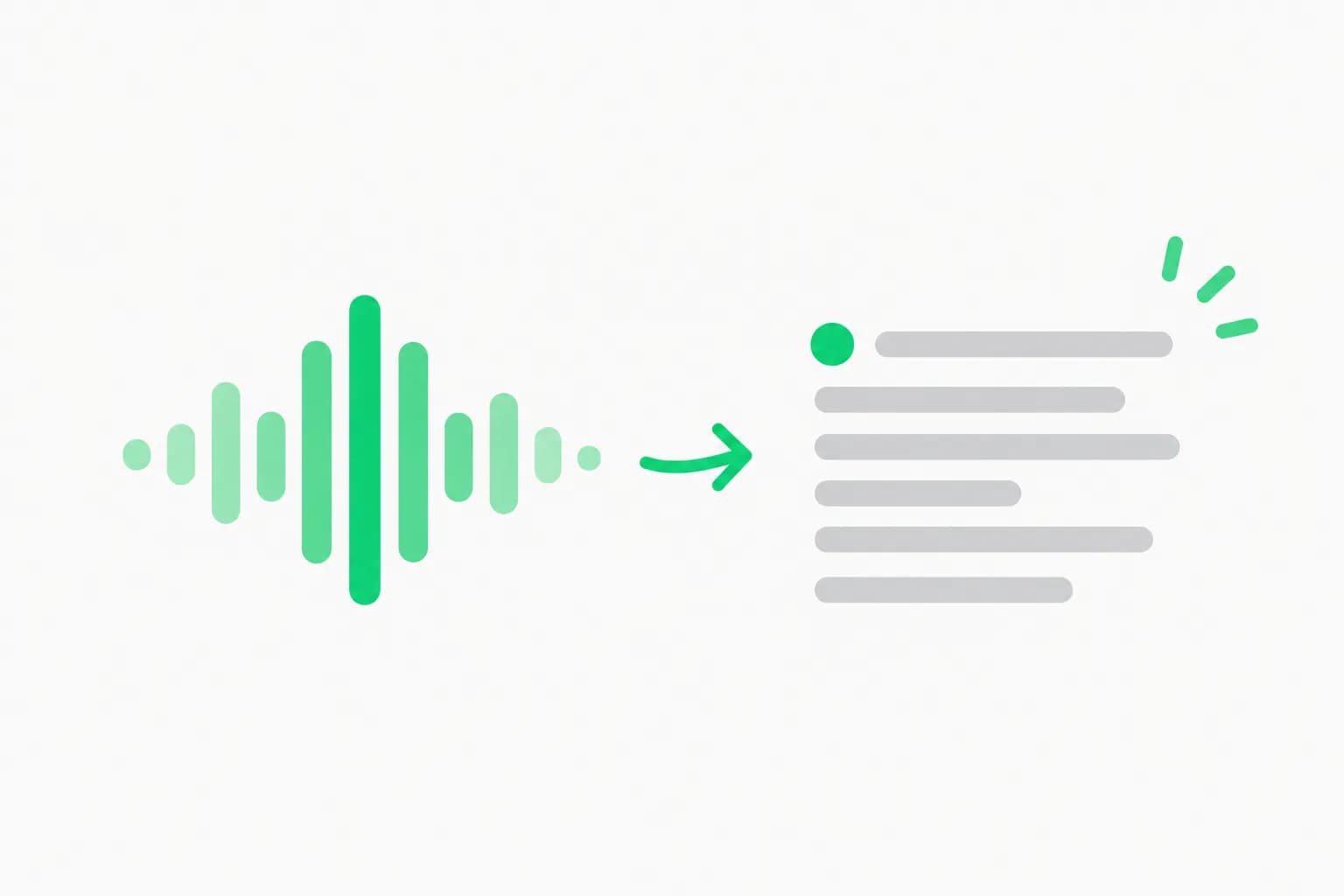
OpenAI shipped ChatGPT Live Dictation on November 18, 2026. Your speech now turns into text while you talk, rather than after you stop recording. The 10-minute recording limit on dictation is gone. The feature is rolling out globally to all ChatGPT plans on web, the desktop app, iOS and Android, according to the OpenAI release notes and The Verge's report.
It is a small feature with a large effect on one habit: speaking long prompts instead of typing them. If you already brief Codex or ChatGPT Work by voice, the wait after you press stop was the annoying part. That wait is what Live Dictation targets.
TL;DR: what changed and what did not
| Question | Answer |
|---|---|
| What is new? | Text appears as you speak. Tap or click the waveform to show or hide it. |
| What limit went away? | The 10-minute recording cap on dictation. |
| Who gets it? | All ChatGPT plans, rolling out globally. |
| Where? | Web, desktop app, iOS and Android. |
| Can I edit before sending? | Yes. The transcript lands in the prompt box as editable text. |
| Is it the same as Voice mode? | No. Voice is a spoken conversation. Dictation turns speech into a text prompt. |
| What is unconfirmed? | The model behind it, accuracy, latency numbers, and any new maximum length. |
What exactly is Live Dictation?
OpenAI's note on its release-notes page is short: "Dictation in ChatGPT is getting faster and more reliable." With Live Dictation, "your speech turns into text as you talk, so you spend less time waiting for your message to finish transcribing." You can tap or click the waveform to show or hide the text as you go, and the 10-minute recording limit is removed.
Before this change, dictation worked in a record-then-transcribe pattern. You spoke, pressed stop, and waited for the text. The wait grew with the length of the recording. Live Dictation moves the transcription into the speaking step. When you finish, most of the text is already on screen.
The Verge adds one useful detail: after you finish, you can edit the transcript in the prompt box. That matters because dictation is a way to write a prompt, not a way to talk to the model. You get to fix a misheard product name before the model sees it.
Dictation, Voice mode and record mode: which one to use
OpenAI now has three audio paths in ChatGPT, and they solve different problems. The Help Center's voice FAQ draws the line clearly. Use Voice "for a live, back-and-forth conversation or to talk through ideas". Use Dictation when you want to "record a prompt, review and edit its transcription, and then send it as text".
| Feature | Output | Best for | Limits and notes |
|---|---|---|---|
| Live Dictation | Editable text in the prompt box | Long prompts, specs, briefs | 10-minute cap removed. All plans. |
| Voice mode | Spoken answer plus a chat transcript | Talking through ideas, hands-free Q and A | Transcript may not match what was said exactly, per OpenAI. |
| Record mode | Notes and meeting transcripts | Voice notes, meetings | Still in beta. Limited to Plus, Enterprise, Edu, Business and Pro workspaces, per The Verge. |
If you want to see how the voice side evolved, our July write-up of ChatGPT Voice on desktop with GPT Live covers the two-way conversation path. This post is about the one-way path: speech in, text out.
Why the 10-minute limit mattered
A 10-minute cap sounds generous until you use dictation for real work. People dictate meeting recaps, product specs, interview notes and long code-review comments. Ten minutes is about 1,300 to 1,500 spoken words at a normal pace. That is enough for a long email and not enough for a full spec read aloud with pauses.
When a cap hit mid-thought, you either lost the tail or split the recording and stitched the text together. Removing the cap removes the stitching. OpenAI has not said what the new ceiling is, or whether there is one. The release notes only say the 10-minute limit is removed. Until the Help Center page for voice dictation lists a number, assume there may still be a technical limit and test with your longest realistic recording first.
How to use Live Dictation well
These steps follow OpenAI's description. They are not a tested benchmark.
- Update the ChatGPT app or reload the web page. The rollout is gradual.
- Tap the microphone in the prompt box and start speaking.
- Tap or click the waveform to show the live text. Hide it if you want to keep your eyes on your notes.
- When you finish, read the text once. Fix names, numbers and code identifiers.
- Send it as a normal prompt.
A practical pattern for builders: speak the problem, the constraints and the output format in one pass, then edit. A spoken brief tends to carry more context than a typed one because speaking is cheaper than typing. The model gets more of what you know.
Here is a prompt skeleton that works well when dictated:
Context: I am reviewing a pull request that changes the retry logic in our payment worker.
Goal: Tell me which edge cases the new retry logic misses.
Constraints: Do not suggest rewriting the whole module. Keep suggestions under ten bullets.
Output: A table with edge case, why it fails, and a one-line fix.
Say the four labels aloud. The model usually follows the structure, and the transcript lets you check it before sending.
How it compares with other dictation tools
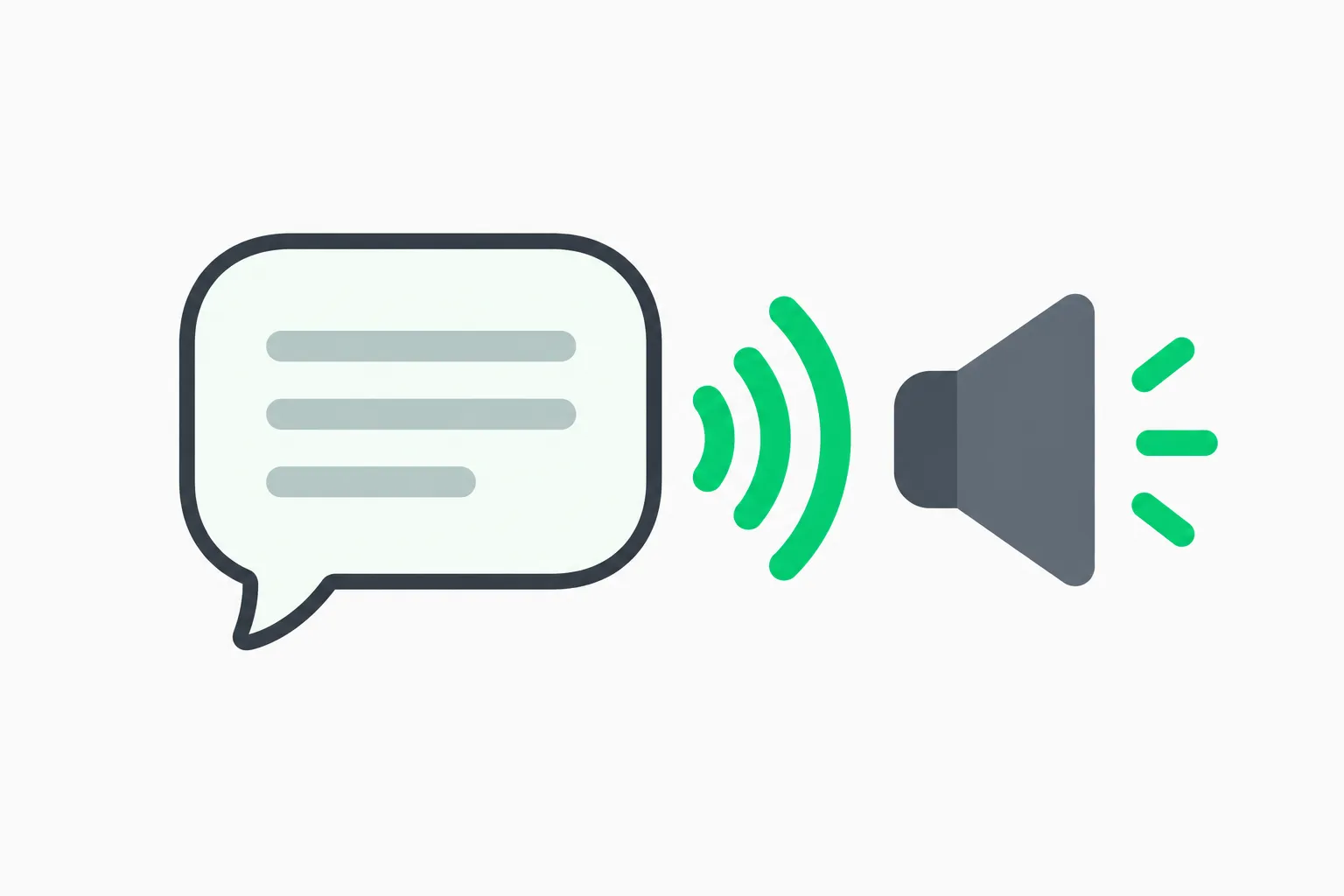 A speech bubble sending sound arcs to a speaker, showing how ChatGPT Live Dictation differs from spoken replies in Voice mode
ChatGPT is not the only place speech turns into text. System-wide tools and open models already cover parts of this ground.
- Meta AI's Mac app added systemwide dictation in August. It works across apps, while ChatGPT dictation works inside ChatGPT.
- FluidVoice is an open-source macOS dictation app that runs on-device, which matters if you cannot send audio to a cloud service.
- NVIDIA's Nemotron 3.5 Transcribe is an open 30B speech model for 40 languages, aimed at developers building their own transcription.
- For developers building voice agents, OpenAI's GPT-Realtime-2 voice models are the API side of OpenAI's voice work. Live Dictation is a consumer feature and OpenAI has not said it uses these models.
The trade-off is simple. ChatGPT Live Dictation is convenient because it is where you already write prompts. It is not a replacement for a local tool if your audio is sensitive, and it only types into ChatGPT.
Privacy and data: what to check
OpenAI's note does not describe retention for dictation audio. Before you dictate anything confidential, check your plan's data controls and the Help Center page on voice dictation. Business, Enterprise and Edu workspaces have admin settings that may differ from personal plans. If your company restricts voice features, the new button may not appear, or an admin may have to enable it. The release notes do not say either way, so ask your admin rather than assume.
Where this fits in OpenAI's recent product push
Live Dictation landed one day after OpenAI introduced GPT-6.2 Astra and Sol in ChatGPT Work and Codex, and the same release-notes entry also lists an Accounting plugin for the desktop app. Read together, the week is about making ChatGPT the place where you start work: bigger models for hard jobs, plugins for specific workflows, and cheaper ways to get your intent in.
If you are tracking how those models perform for real users, see our write-up of GPT-6.2 Astra and Sol power-user reviews against the benchmarks. For the plugin side, ChatGPT for Sales shows the same direction, and ChatGPT Work vs Codex explains where the two surfaces differ.
Voice input matters more as agents get longer jobs. A long task needs a long brief. Typing a 600-word brief is a chore. Speaking it takes under five minutes. A product that removes the time cap and the wait makes the spoken brief a normal habit.
What readers are likely to ask
Does it work offline? OpenAI does not say. Assume it needs a connection.
Which languages are supported? The release notes do not list languages. Test your language and accent with a short sample before relying on it.
Is the text sent to the model while I speak? The notes say the transcript appears as you talk. They do not say the model starts answering before you send. You still press send.
What if the transcript is wrong? Edit it in the prompt box. OpenAI also warns elsewhere that ChatGPT voice transcripts "may not exactly match what was said", especially with overlapping speech or background noise. That warning is about Voice mode, but the same physics applies to any microphone input.
Will it replace typing? For short prompts, no. For long ones, probably for people who already think out loud.
What is claimed and what is verified
| Claim | Source | Status |
|---|---|---|
| Speech turns into text as you talk | OpenAI release notes, Nov 18, 2026 | Confirmed by OpenAI and reported by The Verge |
| 10-minute recording limit removed | OpenAI release notes | Confirmed |
| Rolling out to all plans, web, desktop, iOS, Android | OpenAI release notes, The Verge | Confirmed, rollout ongoing |
| Faster and more reliable | OpenAI | Vendor claim, no numbers published |
| Underlying speech model | None | Not published |
| New maximum recording length | None | Not published |
That last pair is the gap worth watching. If OpenAI publishes a model name or accuracy table, the picture of how good Live Dictation is will change. Until then, the honest test is your own voice, your own vocabulary and your longest realistic recording.
Bottom line
Live Dictation is a quality-of-life upgrade that removes two real frictions: the wait after you stop and the 10-minute ceiling. It is free of plan gating, works across the main surfaces, and keeps you in control by landing text you can edit. It does not change what ChatGPT can do. It changes how fast your intent gets into it. Try it with a real work brief this week, and keep sensitive audio out of it until you have checked your data settings.
Details reflect OpenAI's release notes and The Verge's report as of November 19, 2026. Rollout is gradual, and features may differ by plan and workspace.
Related reading
- ChatGPT Voice on desktop with GPT Live
- Meta AI Mac app: systemwide dictation
- FluidVoice: open-source macOS dictation
- Nemotron 3.5 Transcribe: open speech model
- OpenAI GPT-Realtime-2 voice models
- GPT-6.2 Astra and Sol: power-user reviews vs benchmarks
- ChatGPT Work vs Codex
- OpenAI release notes and ChatGPT voice FAQ